


 本文介绍了如何在Android应用中实现在点击按钮时切换背景图片,并同时更新图片说明。教程中提到,需要在raw目录下存放音频文件,并通过activity_main.xml布局文件和ActivityMain.java实现交互逻辑。
要求:有背景音乐,按钮切换图片并带图片说明
效果:
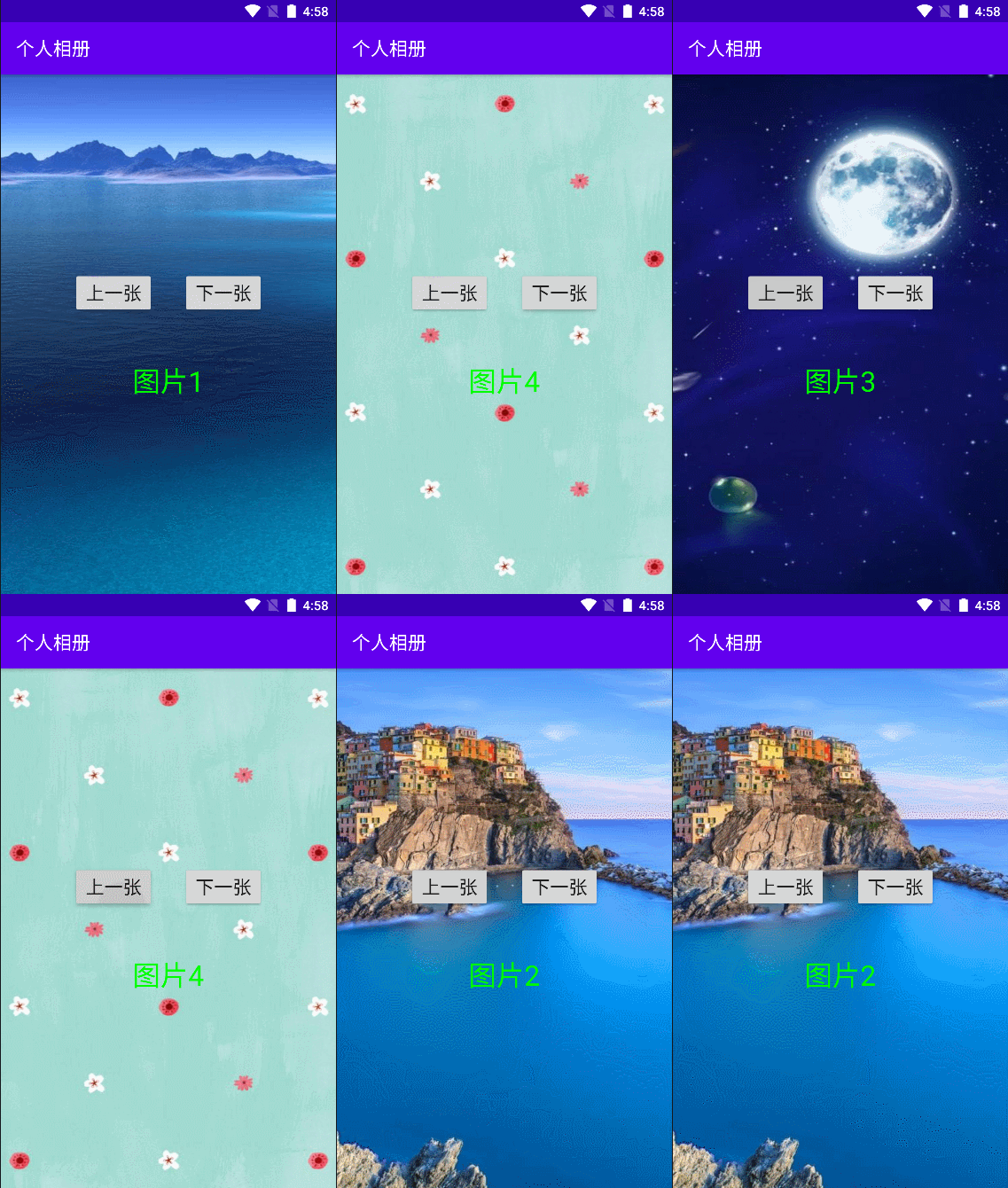
实现:
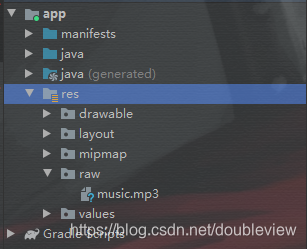
创建raw目录,将音频文件放入raw目录
activity_main.xml
<?xml version="1.0" encoding="utf-8"?>
<LinearLayout xmlns:android="http://schemas.android.com/apk/res/android"
    xmlns:tools="http://schemas.android.com/tools"
    android:id="@+id/root"
    android:layout_width="match_parent"
    android:layout_height="match_parent"
    android:background="@drawable/img1"
    android:gravity="center"
    android:orientation="vertical"
    tools:context=".MainActivity">

    <LinearLayout
        android:layout_width="wrap_content"
        android:layout_height="wrap_content">
        <Button
            android:id="@+id/btnLast"
            android:layout_width="wrap_content"
            android:layout_height="wrap_content"
            android:text="上一张"
            android:textSize="20sp" />

        <Button
 最低0.47元/天 解锁文章






 扫一扫
扫一扫


 1366
1366


 到【灌水乐园】发言



