



 本文分享了使用Selenium和LXML解析拉勾网Python爬虫岗位信息的完整代码,探讨了网站反爬机制,包括登录验证和动态加载内容,为后续破解复杂反爬策略提供思路。
不得不说,拉勾网的反爬太鸡贼了。
from selenium import webdriver
from lxml import etree
import re
import time
class LagouSpider(object):
    driver_path=r"C:\folders\alwaysuse\chromedriver\chromedriver.exe"
    def __init__(self):
        self.driver=webdriver.Chrome(executable_path=LagouSpider.driver_path)
        self.url="https://www.lagou.com/jobs/list_python%E7%88%AC%E8%99%AB?labelWords=sug&fromSearch=true&suginput=python"
        self.positons=[]
    def run(self):
        self.driver.get(self.url)
        while True:
            inputTag = self.driver.find_element_by_class_name('body-btn')
            inputTag.click()  # 不得不说拉钩的反爬太鸡贼了,弹出个二维码,这里作处理。
            sourse = self.driver.page_source
            self.parse_list_page(sourse)
            next_bin = self.driver.find_element_by_xpath('//div[@class="item_con_pager"]/span[last()]')
            if "pager_next pager_next_disabled" in next_bin.get_attribute('class'):
                break
            else:
                next_bin.click()
            time.sleep(1)
    def parse_list_page(self,sourse):
        html=etree.HTML(sourse)
        links=html.xpath('//a[@class="position_link"]/@href')
        for link in links:
            self.request_detail_page(link)
            time.sleep(1)
    def request_detail_page(self,url):
        #self.driver.get(url)
        self.driver.execute_script("window.open('url')")
        self.driver.switch_to_window(self.driver.window_handles(1))
        source=self.driver.page_source
        self.parse_detail_page(source)
        #关闭当前职位详情页面
        self.driver.close()
        #检索列表页面
        self.driver.switch_to_window(self.driver.window_handles(0))
    def parse_detail_page(self,source):
        html=etree.HTML(source)
        position_name=html.xpath('//h1[@class="name"]/text()')[0]
        job_request_spans=html.xpath('//dd[@class="job_request"]//span')
        salary=job_request_spans[0].xpath('.//text()')[0].strip()
        city=job_request_spans[1].xpath('.//text()')[0].strip()
        city=re.sub(r"[\s/]","",city)
        work_years=job_request_spans[2].xpath('.//text()')[0].strip()
        work_years=re.sub(r"[\s/]","",work_years)
        education=job_request_spans[3].xpath('.//text()')[0].strip()
        education=re.sub(r"[\s/]","",education)
        company_name=html.xpath('//h3[@class="fl-cn"]/text()').strip()
        desc="".join(html.xpath('//dd[@class="job_bt"]//text()')).strip()
        position={
            'name':position_name,
            'salary':salary,
            'company_name':company_name,
            "city":city,
            'education':education,
            'desc':desc
        }
        print(position)
        self.positons.append(position)
        print('='*50)
if __name__ == '__main__':
    Spider=LagouSpider()
    Spider.run()
代码是之前的,但是现在拉钩反爬比较牛,打开网页后是让登录的页面,特意sleep了10秒,发现还是扫码登录后还是不可以进行
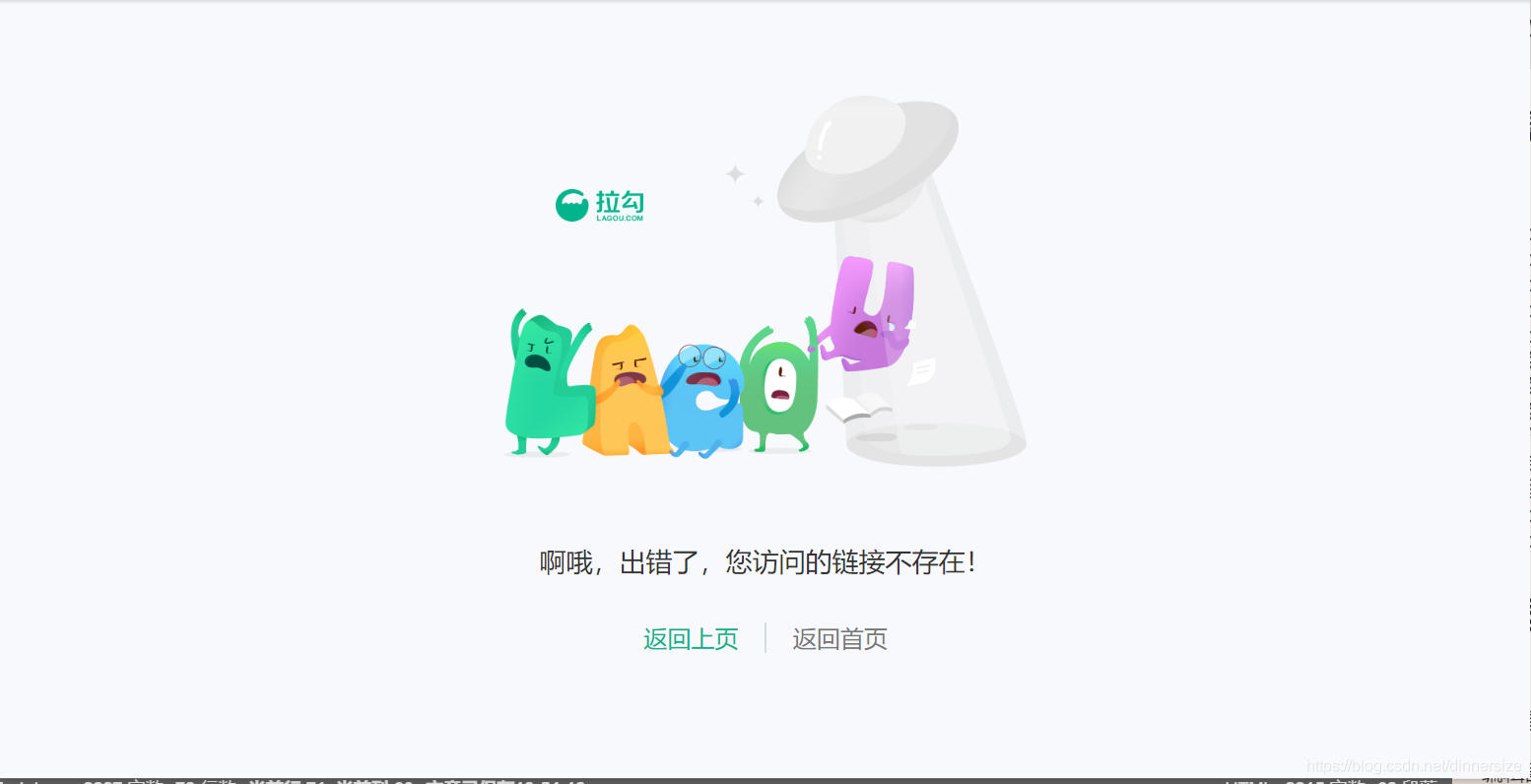
现在终于知道每次登录要写验证码的原因了。。。
待日后技术长进,再来解决这个问题,或者有知道的大佬也可以帮帮忙…





 扫一扫
扫一扫


 1407
1407


 到【灌水乐园】发言



