


 本文详细描述了如何在Kubernetes环境中部署Istio,包括设置服务网格、安装示例应用、配置虚拟服务、流量管理和故障注入,以及熔断机制的实战操作,最后展示了如何清理和卸载Istio。
官网:https://istio.io/latest/zh/about/service-mesh/
部署
[root@k8s2 ~]# tar zxf istio-1.19.3-linux-amd64.tar.gz[root@k8s2 ~]# cd istio-1.19.3/
[root@k8s2 istio-1.19.3]# export PATH=$PWD/bin:$PATHdemo专为测试准备的功能集合
[root@k8s2 istio-1.19.3]# istioctl install --set profile=demo -y
[root@k8s2 istio-1.19.3]# kubectl get pod -A
给命名空间添加标签,指示 Istio 在部署应用的时候,自动注入 Envoy 边车代理
[root@k8s2 istio-1.19.3]# kubectl label namespace default istio-injection=enabled部署示例应用
[root@k8s2 istio-1.19.3]# kubectl apply -f samples/bookinfo/platform/kube/bookinfo.yaml
[root@k8s2 istio-1.19.3]# kubectl get pod

创建 Istio 入站网关
[root@k8s2 istio-1.19.3]# kubectl apply -f samples/bookinfo/networking/bookinfo-gateway.yaml
[root@k8s2 istio-1.19.3]# kubectl -n istio-system get svc
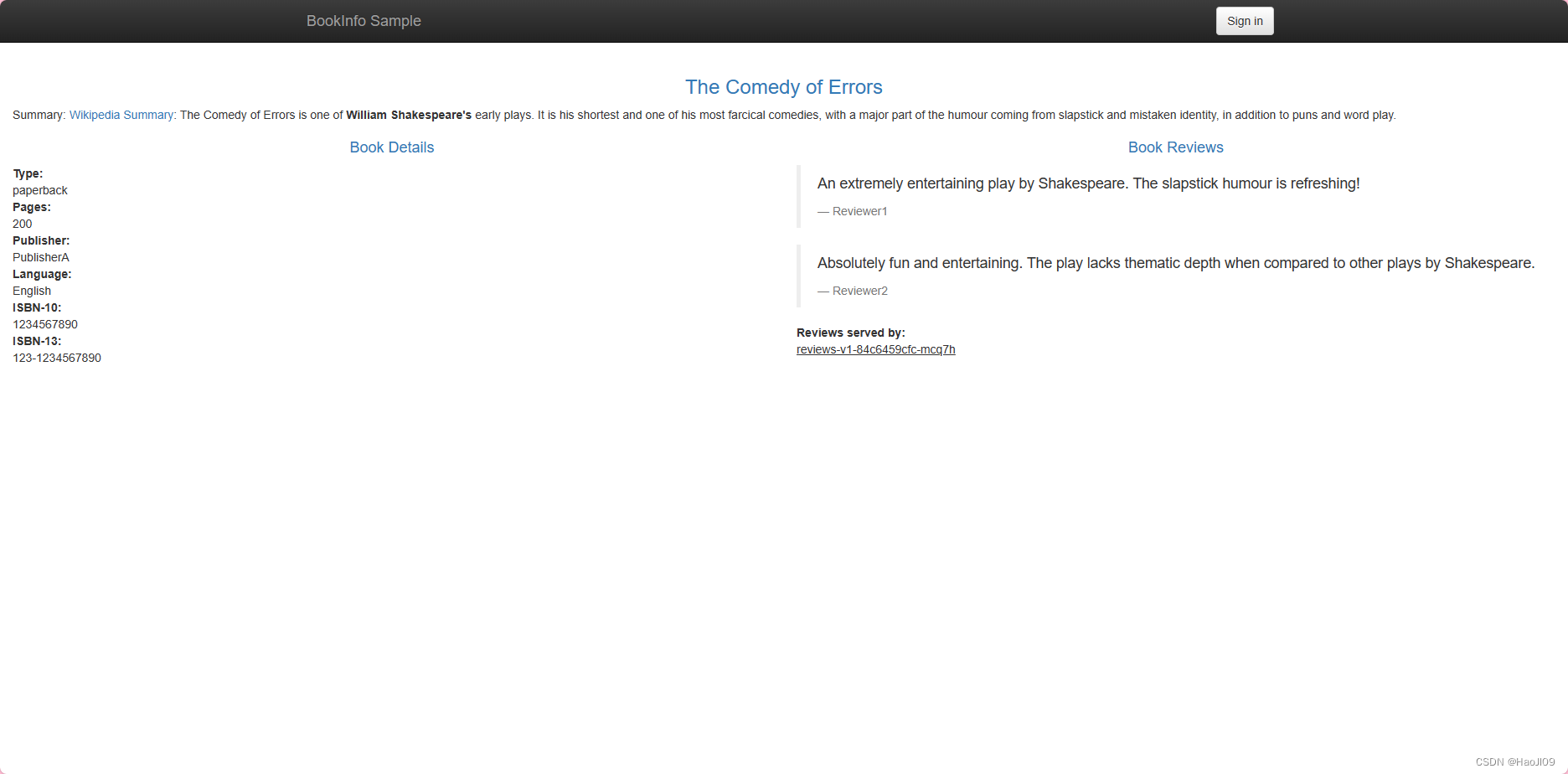
访问应用:http://192.168.92.102/productpage
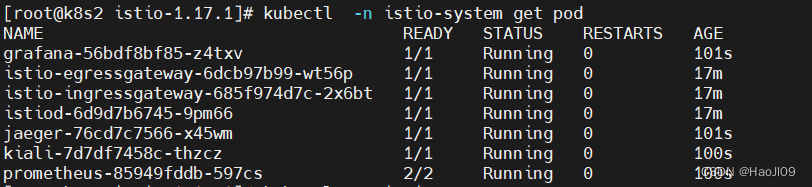
部署遥测组件
[root@k8s2 istio-1.17.1]# kubectl apply -f samples/addons
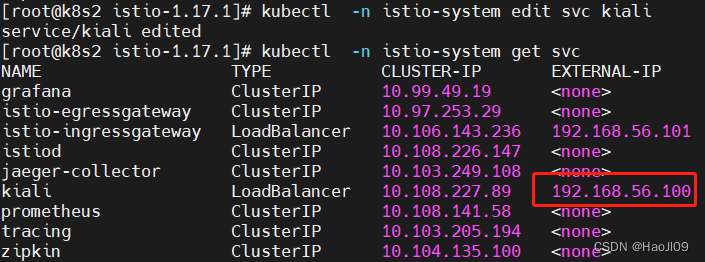
待插件部署完毕后,修改kiali服务的访问方式为Loadbalancer
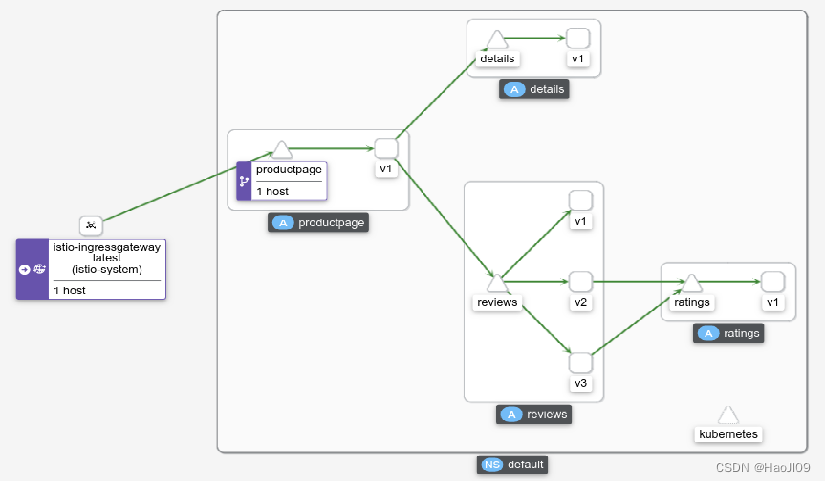
访问kiali:http://192.168.56.100:20001/
流量管理
将所有流量路由到每个微服务的 v1 版本
[root@k8s2 istio-1.19.3]# kubectl apply -f samples/bookinfo/networking/destination-rule-all.yaml

[root@k8s2 istio-1.19.3]# kubectl apply -f samples/bookinfo/networking/virtual-service-all-v1.yaml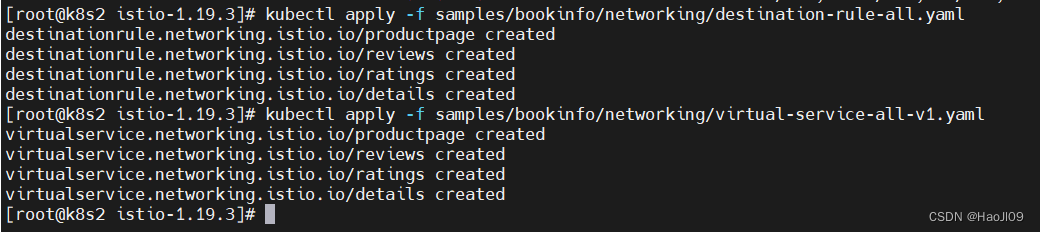

来自名为 Jason 的用户的所有流量将被路由到服务 reviews:v2
[root@k8s2 istio-1.19.3]# kubectl apply -f samples/bookinfo/networking/virtual-service-reviews-test-v2.yaml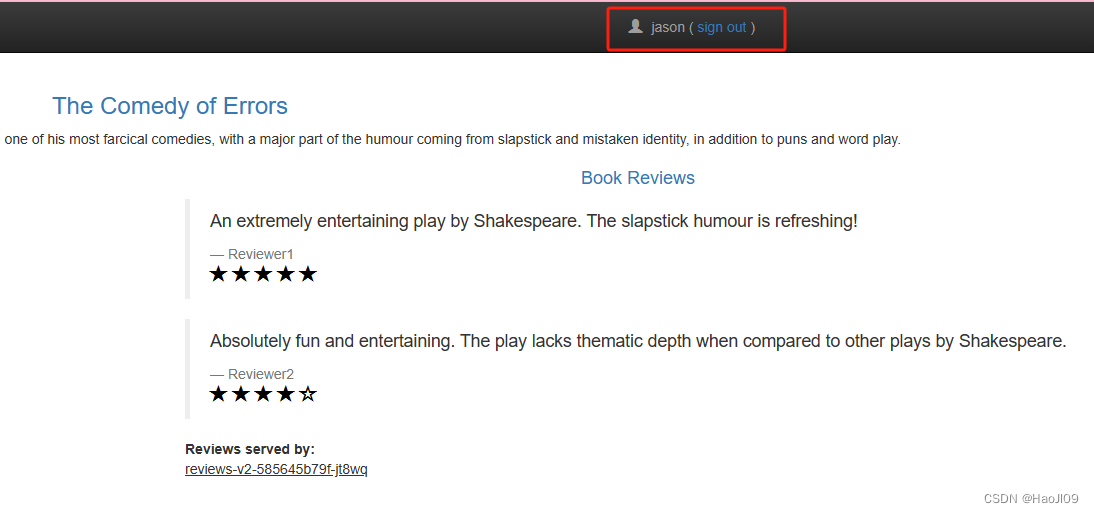
创建故障注入规则以延迟来自测试用户 jason 的流量
[root@k8s2 istio-1.19.3]# kubectl apply -f samples/bookinfo/networking/virtual-service-ratings-test-delay.yaml用户 jason 登陆到 /productpage 页面,出现了一个问题:Reviews 部分显示了错误消息
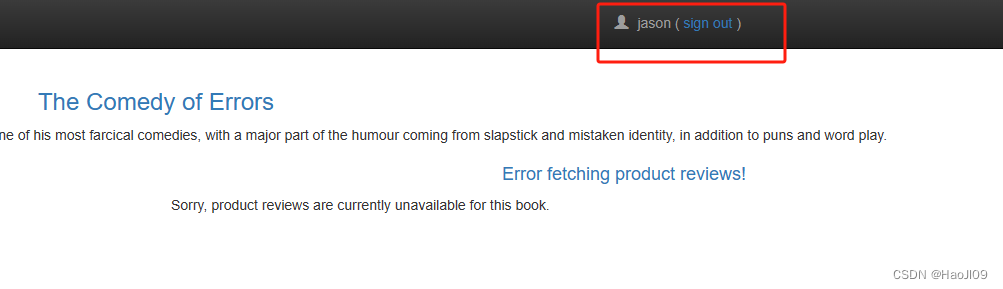
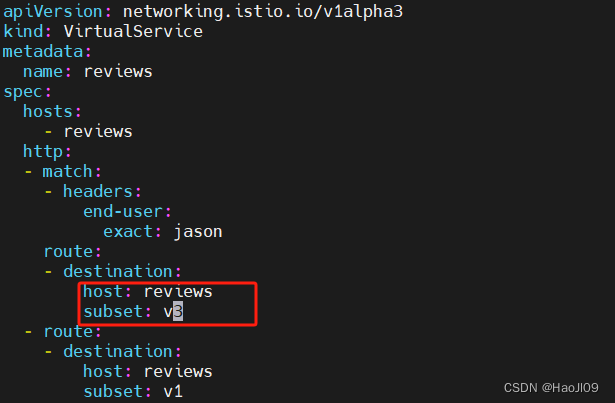
设置流量转移,将所有流量转移到 reviews:v3
[root@k8s2 istio-1.19.3]# vim samples/bookinfo/networking/virtual-service-reviews-test-v2.yamlapiVersion: networking.istio.io/v1alpha3
kind: VirtualService
metadata:
name: reviews
spec:
hosts:
- reviews
http:
- match:
- headers:
end-user:
exact: jason
route:
- destination:
host: reviews
subset: v3
- route:
- destination:
host: reviews
subset: v1
[root@k8s2 istio-1.19.3]# kubectl apply -f samples/bookinfo/networking/virtual-service-reviews-test-v2.yaml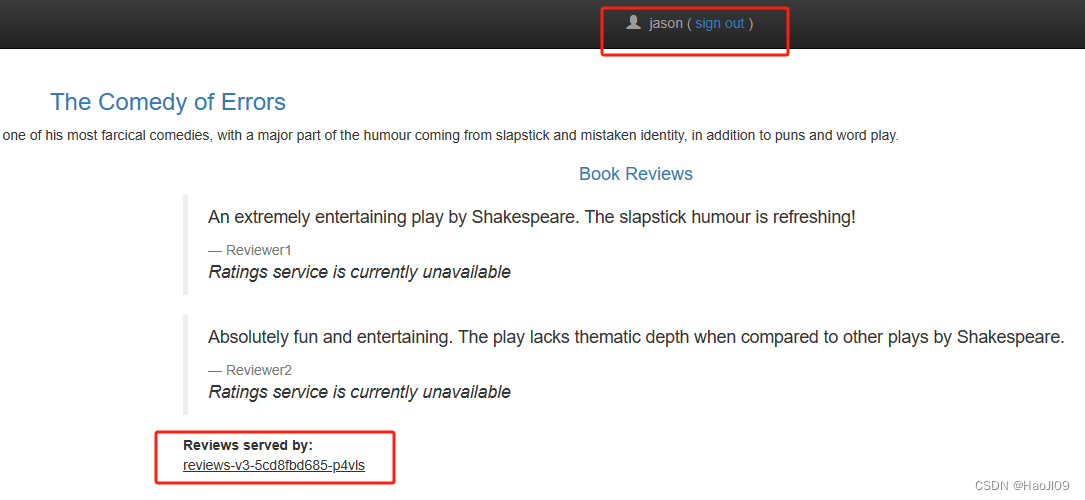
修改延迟规则为任何低于 2.5 秒的数值,例如 2 秒
[root@k8s2 istio-1.19.3]# vim samples/bookinfo/networking/virtual-service-ratings-test-delay.yamlapiVersion: networking.istio.io/v1alpha3
kind: VirtualService
metadata:
name: ratings
spec:
hosts:
- ratings
http:
- match:
- headers:
end-user:
exact: jason
fault:
delay:
percentage:
value: 100.0
fixedDelay: 2s
route:
- destination:
host: ratings
subset: v1
- route:
- destination:
host: ratings
subset: v1

[root@k8s2 istio-1.19.3]# kubectl apply -f samples/bookinfo/networking/virtual-service-ratings-test-delay.yaml
把 50% 的流量从 reviews:v1 转移到 reviews:v3
[root@k8s2 istio-1.19.3]# kubectl apply -f samples/bookinfo/networking/virtual-service-reviews-50-v3.yaml

当reviews:v3 微服务已经稳定,可以通过应用 Virtual Service 规则将 100% 的流量路由 reviews:v3:
[root@k8s2 istio-1.19.3]# kubectl apply -f samples/bookinfo/networking/virtual-service-reviews-v3.yaml
清理
[root@k8s2 istio-1.19.3]# samples/bookinfo/platform/kube/cleanup.sh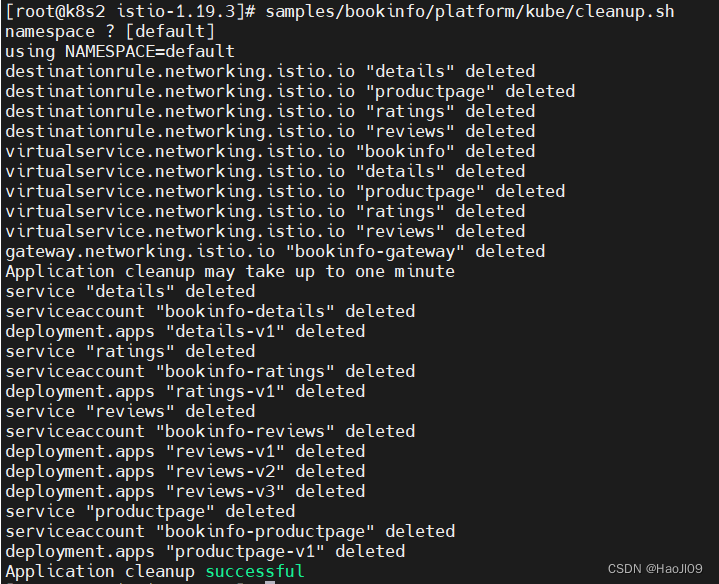
熔断
部署 httpbin 服务
[root@k8s2 istio-1.19.3]# kubectl apply -f samples/httpbin/httpbin.yaml
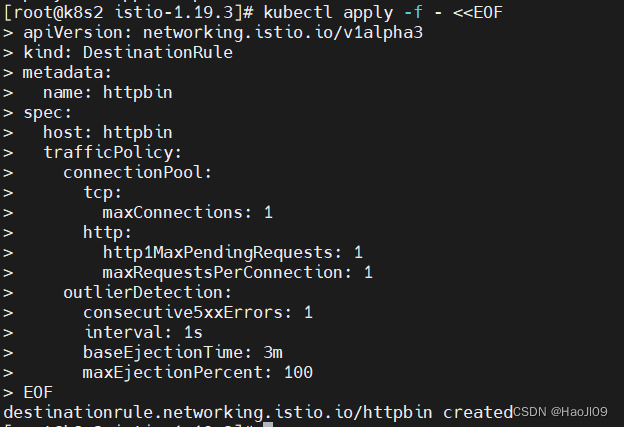
配置熔断规则
[root@k8s2 istio-1.19.3]# kubectl apply -f - <<EOF
> apiVersion: networking.istio.io/v1alpha3
> kind: DestinationRule
> metadata:
>   name: httpbin
> spec:
>   host: httpbin
>   trafficPolicy:
>     connectionPool:
>       tcp:
>         maxConnections: 1
>       http:
>         http1MaxPendingRequests: 1
>         maxRequestsPerConnection: 1
>     outlierDetection:
>       consecutive5xxErrors: 1
>       interval: 1s
>       baseEjectionTime: 3m
>       maxEjectionPercent: 100
> EOF
增加一个客户端
[root@k8s2 istio-1.19.3]# kubectl apply -f samples/httpbin/sample-client/fortio-deploy.yaml
[root@k8s2 istio-1.19.3]# kubectl get pod

[root@k8s2 istio-1.19.3]# kubectl get svc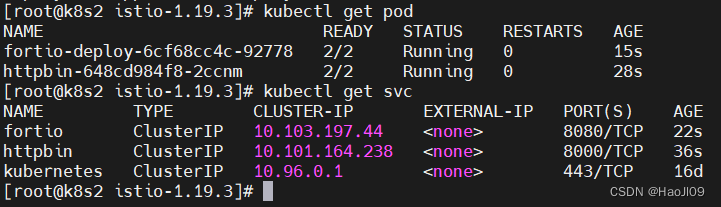
登入客户端 Pod 并使用 Fortio 工具调用 httpbin 服务
[root@k8s2 istio-1.19.3]# export FORTIO_POD=$(kubectl get pods -l app=fortio -o 'jsonpath={.items[0].metadata.name}')


[root@k8s2 istio-1.19.3]# kubectl exec "$FORTIO_POD" -c fortio -- /usr/bin/fortio curl -quiet http://httpbin:8000/get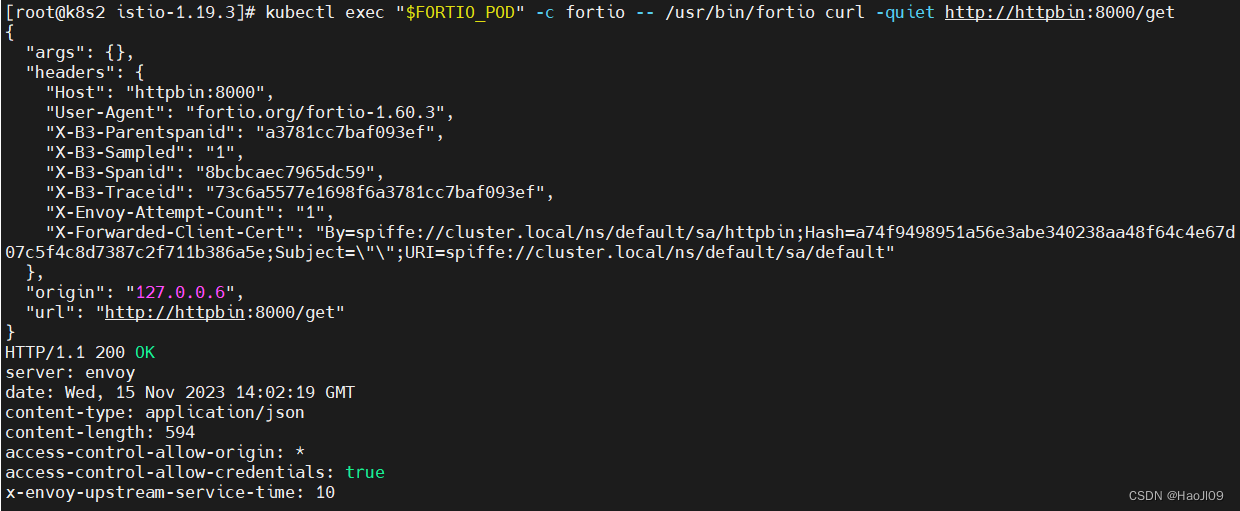
触发熔断器
发送并发数为 2 的连接(-c 2),请求 20 次(-n 20)
[root@k8s2 istio-1.19.3]# kubectl exec "$FORTIO_POD" -c fortio -- /usr/bin/fortio load -c 2 -qps 0 -n 20 -loglevel Warning http://httpbin:8000/get
istio-proxy 确实允许存在一些误差
将并发连接数提高到 3 个
[root@k8s2 istio-1.19.3]# kubectl exec "$FORTIO_POD" -c fortio -- /usr/bin/fortio load -c 3 -qps 0 -n 30 -loglevel Warning http://httpbin:8000/get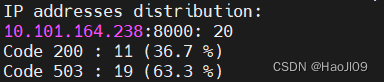
将并发连接数提高到 5 个
[root@k8s2 istio-1.19.3]# kubectl exec "$FORTIO_POD" -c fortio -- /usr/bin/fortio load -c 5 -qps 0 -n 30 -loglevel Warning http://httpbin:8000/get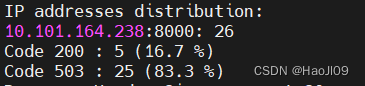
均被熔断器拦截
清理
[root@k8s2 istio-1.19.3]# kubectl delete destinationrule httpbin

[root@k8s2 istio-1.19.3]# kubectl delete -f samples/httpbin/sample-client/fortio-deploy.yaml

[root@k8s2 istio-1.19.3]# kubectl delete -f samples/httpbin/httpbin.yaml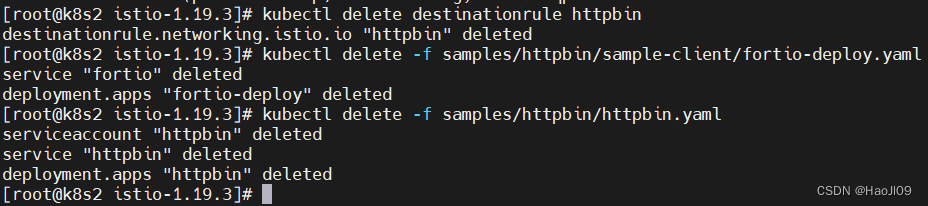
卸载istio
[root@k8s2 istio-1.19.3]# istioctl uninstall -y --purge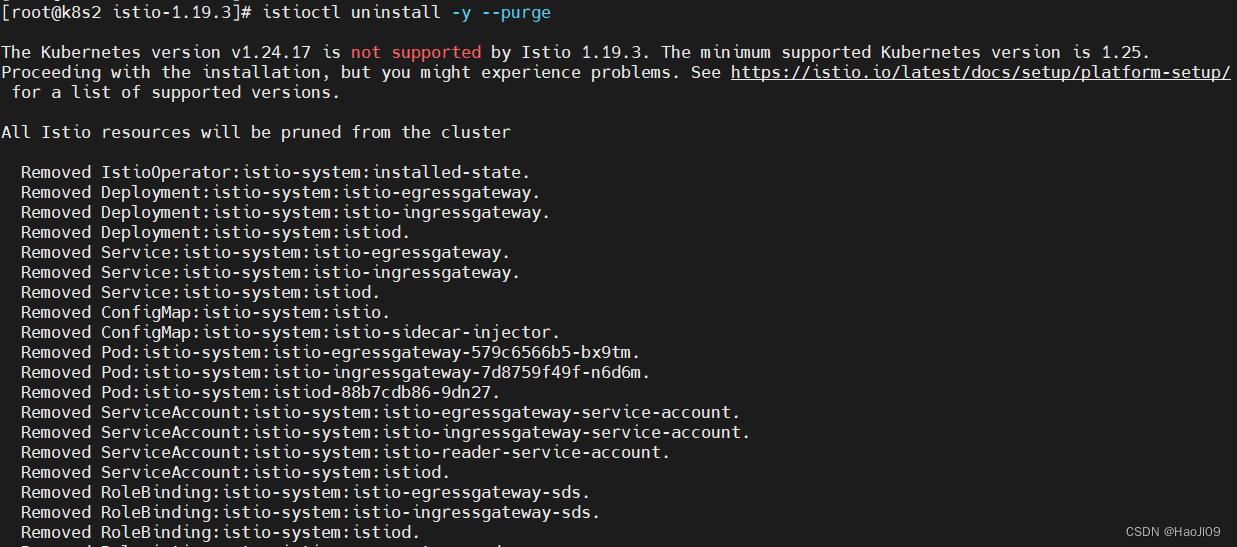
[root@k8s2 istio-1.19.3]# kubectl label namespace default istio-injection-





 扫一扫
扫一扫


 1909
1909

 被折叠的 条评论
为什么被折叠?
被折叠的 条评论
为什么被折叠?
 到【灌水乐园】发言





