



学习视频地址:https://www.bilibili.com/video/BV1S4411E7LY?p=35&vd_source=cee744cae4ead27f8193fc7904647073
学习笔记:
本篇内容基于上篇Flutter学习笔记15:https://blog.youkuaiyun.com/convex1009848621/article/details/127808039?spm=1001.2014.3001.5501
1.来试试Drawer和endDrawer
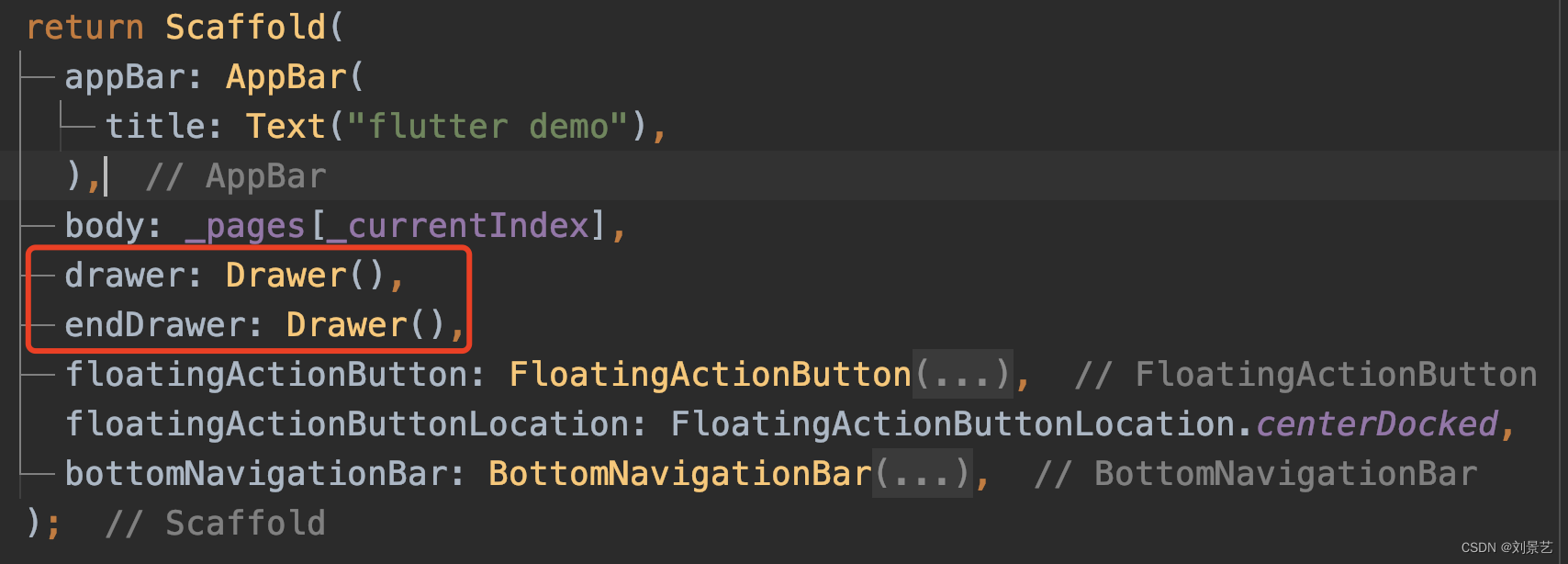
展示

左右增加了两个抽屉按钮,点击可以弹出子界面
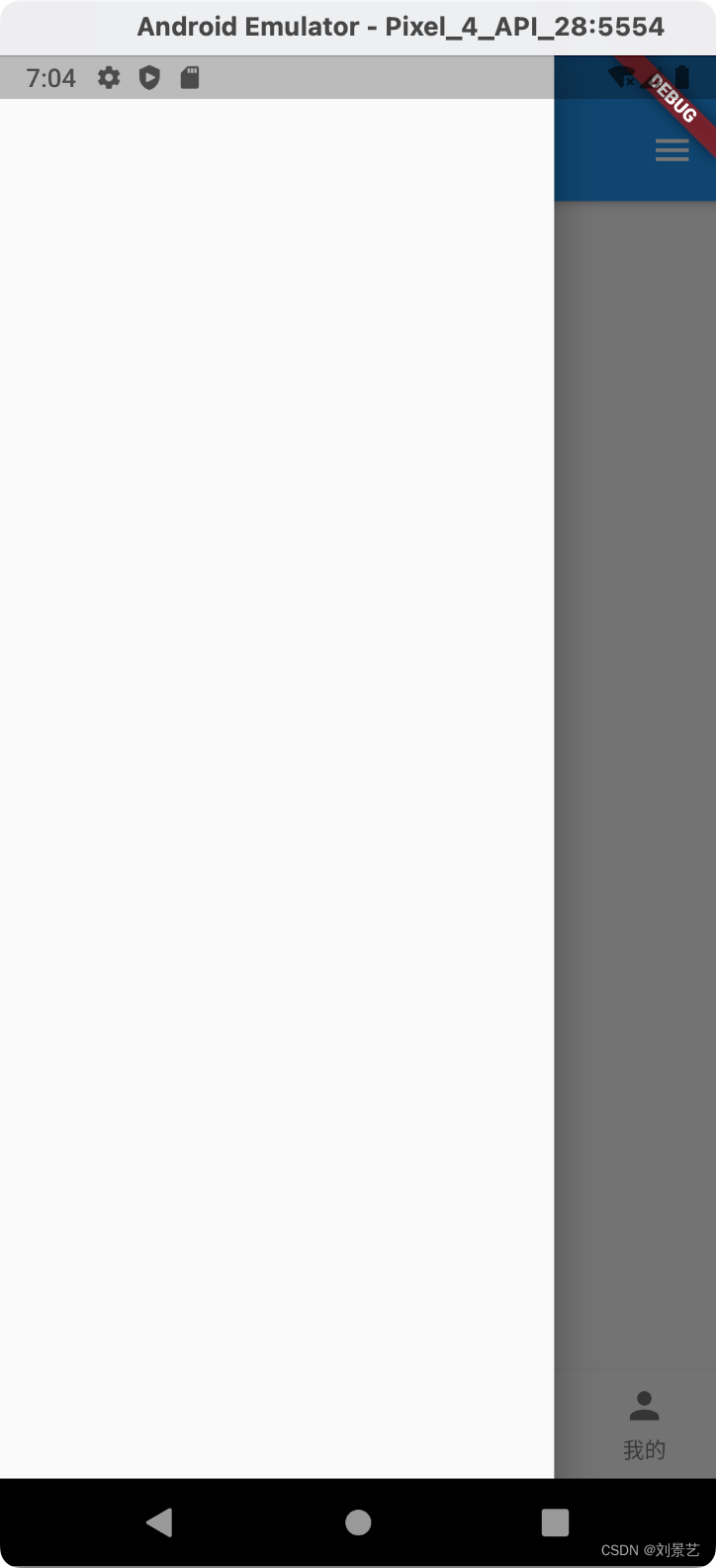
2.空空如也,来加点内容修饰一下
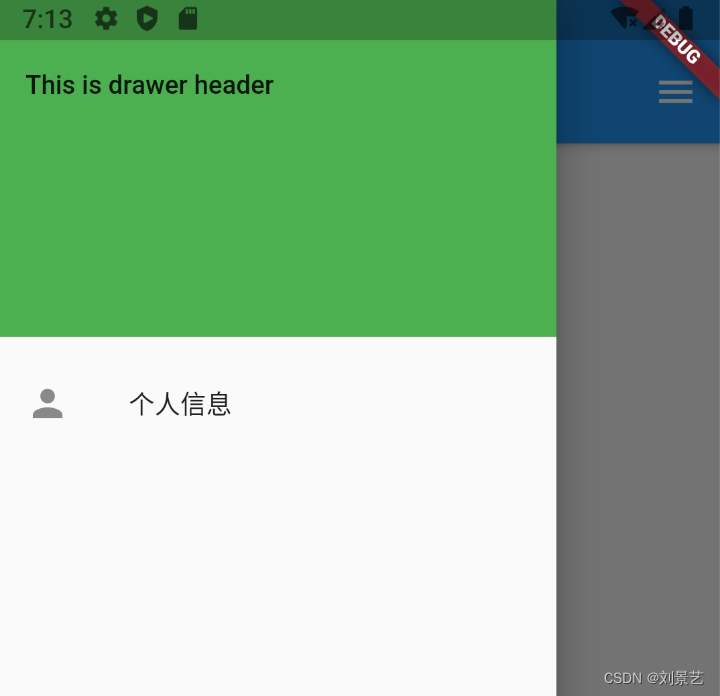
drawer: Drawer(
        child: Column(
          children: [
            Row(
              children: [
                Expanded(
                    flex: 1,
                    child: DrawerHeader(
                      child: Text("This is drawer header"),
                      decoration: BoxDecoration(color: Colors.green),
                    )),
              ],
            ),
            ListTile(
              title: Text("个人信息"),
              leading: Icon(Icons.person),
            )
          ],
        ),
      )
效果展示





 扫一扫
扫一扫


 1514
1514

 被折叠的 条评论
为什么被折叠?
被折叠的 条评论
为什么被折叠?
 到【灌水乐园】发言





