



 本文介绍了解决IntelliJ IDEA启动项目时出现Commandlineistoolong问题的方法。通过修改.workspace.xml文件中的PropertiesComponent节点,加入dynamic.classpath属性设置为true,可以有效避免因命令行过长导致的启动失败。
解决IDEA启动项目 Commandline is too long 问题
下载新项目并IDEA运行时,爆出如下错误Command line is too long

解决办法如下:
找到.idea 下 workspace.xml文件
PropertiesComponent 节点下加入
<property name="dynamic.classpath" value="true" />
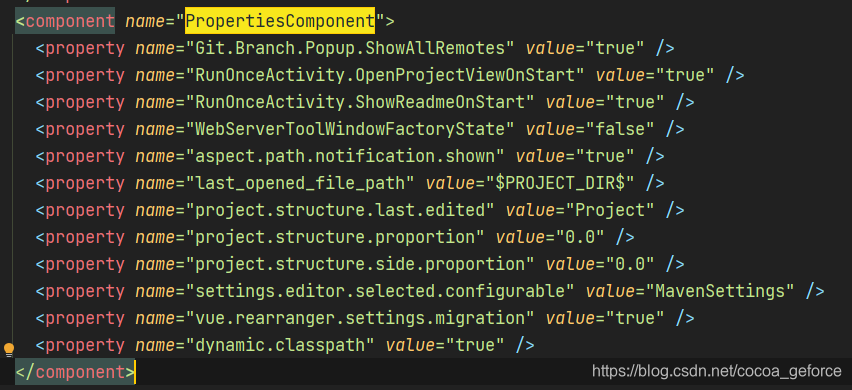
<component name="PropertiesComponent">
    <property name="Git.Branch.Popup.ShowAllRemotes" value="true" />
    <property name="RunOnceActivity.OpenProjectViewOnStart" value="true" />
    <property name="RunOnceActivity.ShowReadmeOnStart" value="true" />
    <property name="WebServerToolWindowFactoryState" value="false" />
    <property name="aspect.path.notification.shown" value="true" />
    <property name="last_opened_file_path" value="$PROJECT_DIR$" />
    <property name="project.structure.last.edited" value="Project" />
    <property name="project.structure.proportion" value="0.0" />
    <property name="project.structure.side.proportion" value="0.0" />
    <property name="settings.editor.selected.configurable" value="MavenSettings" />
    <property name="vue.rearranger.settings.migration" value="true" />
    <property name="dynamic.classpath" value="true" />
  </component>





 扫一扫
扫一扫


 3475
3475


 到【灌水乐园】发言



