





 本文介绍如何在SpringBoot项目中同时实现热部署和Debug功能,通过在pom.xml中添加特定配置,并在IDEA中进行相应设置,确保项目在开发过程中既能够实时更新代码,又可以进行有效的调试。
初次使用Springboot时,发现项目运行后,idea没有自动热部署,后来在网上查找,在pom设置某个参数后再次运行,发现debug失效,后来经过学习,总结热部署及debug同时存在的方法如下:
1、在pom.xml中加入以下代码:
<plugin>
                <groupId>org.springframework.boot</groupId>
                <artifactId>spring-boot-maven-plugin</artifactId>
                <version>${spring-boot.version}</version>
                <executions>
                    <execution>
                        <goals>
                            <goal>repackage</goal>
                        </goals>
                    </execution>
                </executions>
                <configuration>
                    <!--该配置必须,热部署-->
                    <fork>true</fork>
                    <!--debug-->
                    <jvmArguments>
                        -Xdebug -Xrunjdwp:transport=dt_socket,
                        server=y,suspend=y,address=5005
                    </jvmArguments>
                </configuration>
            </plugin>
其中<fork>true</fork>设置为true,使热部署生效,但是此参数设置为true后,debug会失效,所以需要加入
(要注意,加入这段代码之后,只能用debug的方式进行执行):
<jvmArguments>
    -Xdebug -Xrunjdwp:transport=dt_socket,server=y,suspend=y,address=5005
</jvmArguments>
2、在idea做相关的配置:
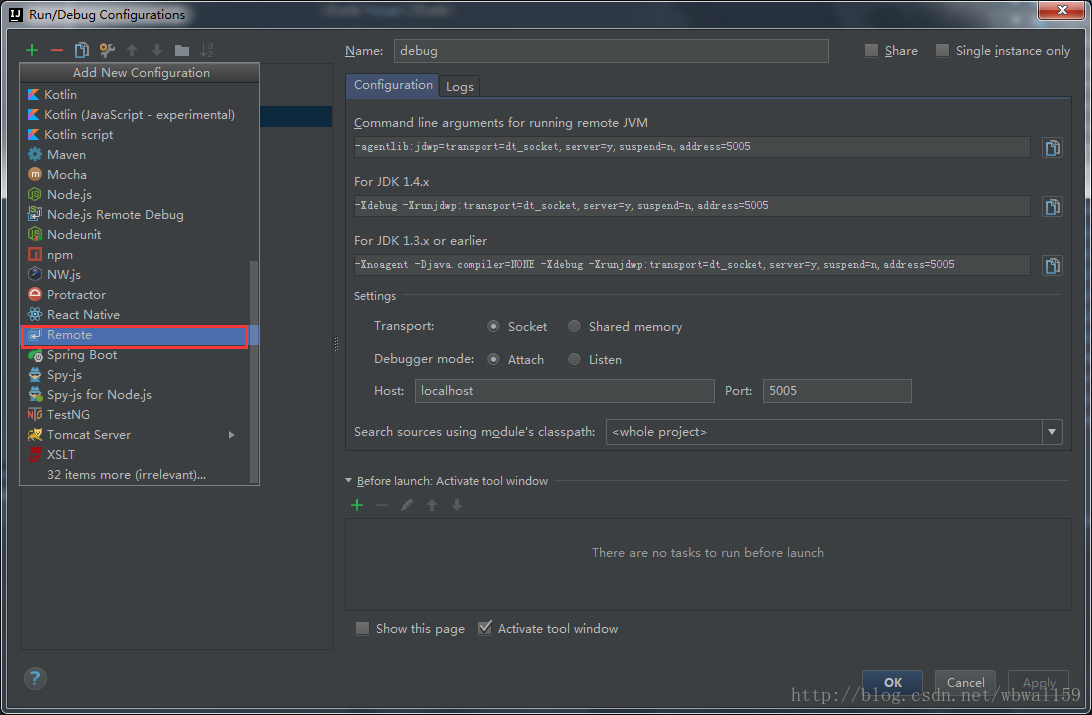
在工具栏中的Run -> Edit Configurations... -> Remote
新建一个启动项,什么都不用改,但为了方便将名字改为debug,如下图:
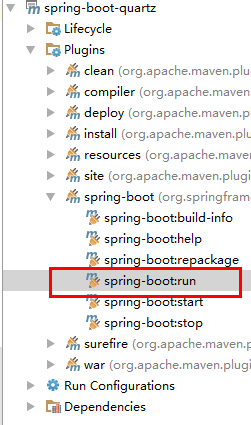
3、在maven的工具栏里找到插件(plugins),打开spring-boot执行相关命令:
3、当启动一会后控制台会卡在:
Listening for transport dt_socket at address: 5005。
这个时候在启动项中找到刚刚加入的那个remote,点击debug方式启动

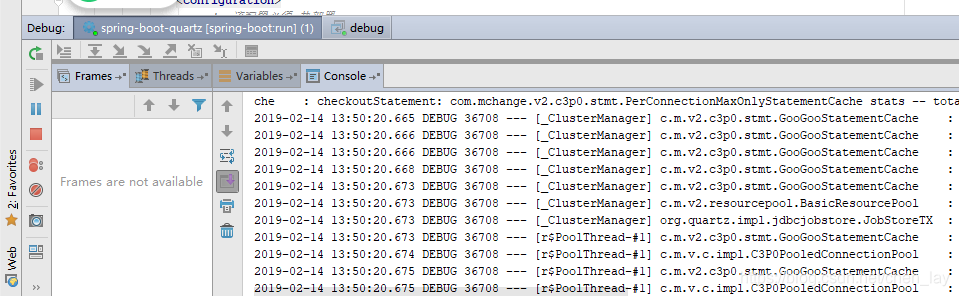
此时再切换到项目启动控制台tab,会发现项目完美运行:





 扫一扫
扫一扫


 291
291


 到【灌水乐园】发言



