



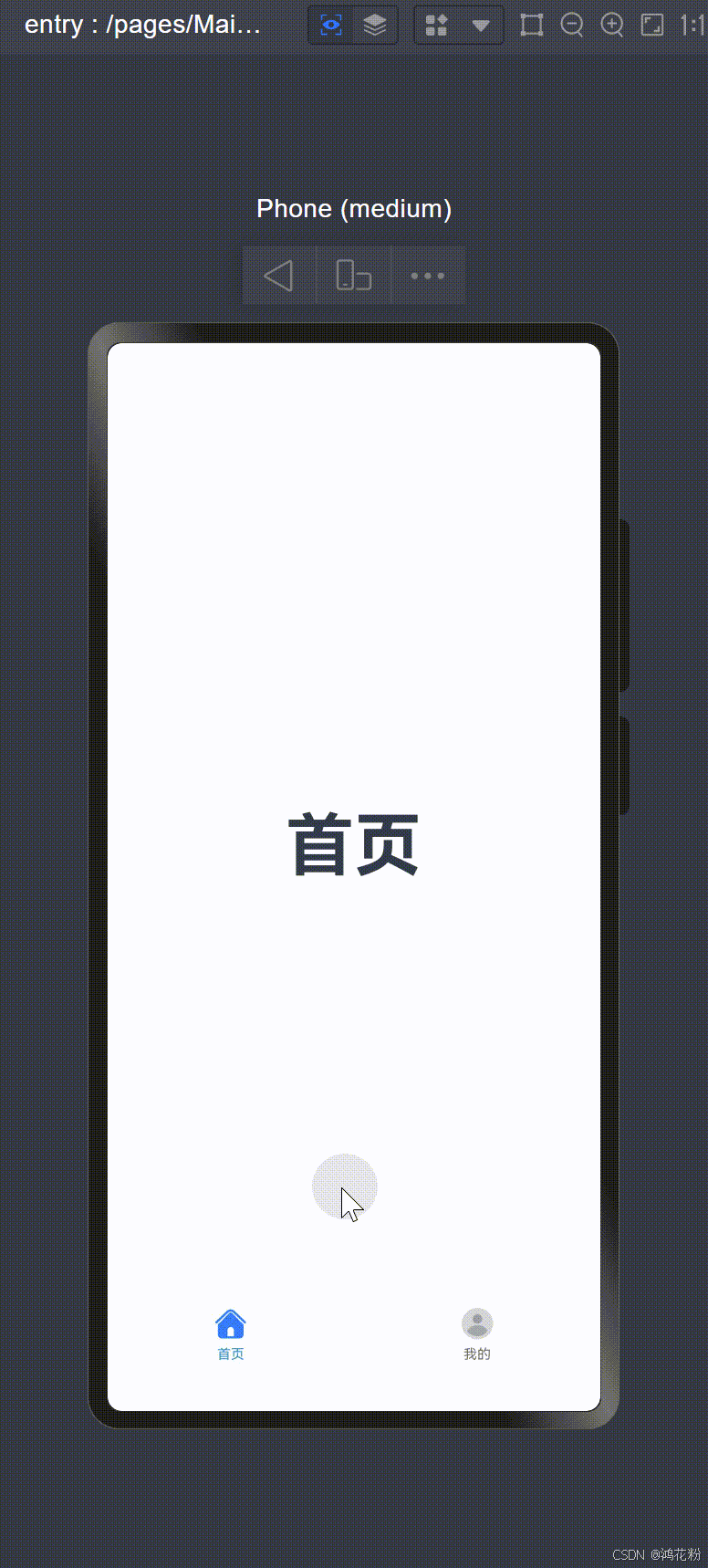
使用Tabs容器组件实现底部导航栏,切换内容页签。如下所示:
 |
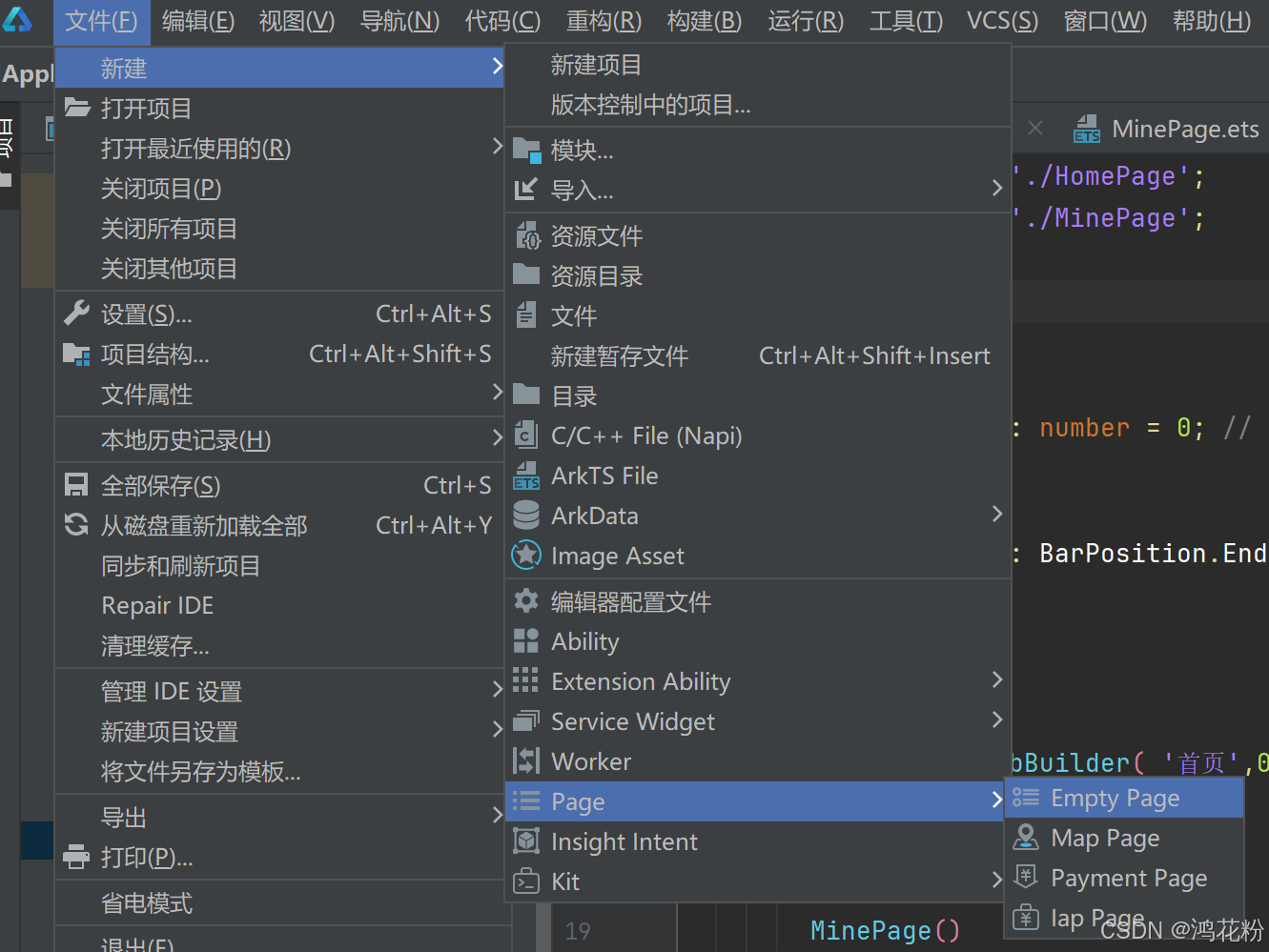
一、创建一个容器页面MainPage.ets
二、自定义tabBar组件
组件输入参数包括:导航按钮标题、选项索引、默认未选择图标、被选择图标。
@Builder
  TabBuilder(title:string,index:number,selectedImg:Resource,normalImg:Resource){
    Column(){
      Image(this.currentIndex===index?selectedImg:normalImg)
        .width(25)
        .height(25)
      Text(title)
        .margin({top:4})
        .fontSize(10)
        .fontColor(this.currentIndex=== index?'#1698CE':'#6B6B6B')
    }
    .justifyContent( FlexAlign.Center)
    .height('100%')
    .width('100%')
  }
三、TabContent的tabBar属性使用我们自定义的TabBuilder
TabContent() {
        // TODO:添加内容页
      }
      .tabBar(
        this.TabBuilder('首页', 0,
          $r('app.media.icon_home_selected'),
          $r('app.media.icon_home_normal')))
四、新建2个页面,“首页”HomePage和“我的”MinePage,作为内容页添加到TabContent(){}。
MainPage.ets文件的完整代码如下:
import HomePage from './HomePage';
import MinePage from './MinePage';

@Entry
@Component
struct MainPage {
  @State currentIndex: number = 0; // 当前选中的tab索引,默认首页

  build() {
    Tabs({ barPosition: BarPosition.End, index: 0 }) {
      TabContent() {
        // TODO:添加内容页
      }
      .tabBar(
        this.TabBuilder('首页', 0,
          $r('app.media.icon_home_selected'),
          $r('app.media.icon_home_normal')))

      TabContent() {
        // 我的
        MinePage()
      }
      .tabBar(this.TabBuilder('我的', 1, $r('app.media.icon_mine_selected'), $r('app.media.icon_mine_normal')))
    }
    .vertical(false)
    .backgroundColor(Color.White)
    .barMode(BarMode.Fixed)
    .scrollable(false)
    .onChange((index: number) => {
      this.currentIndex = index;
    })
  }

  @Builder
  TabBuilder(title: string, index: number, selectedImg: Resource, normalImg: Resource) {
    Column() {
      Image(this.currentIndex === index ? selectedImg : normalImg)
        .width(25)
        .height(25)
      Text(title)
        .margin({ top: 4 })
        .fontSize(10)
        .fontColor(this.currentIndex === index ? '#1698CE' : '#6B6B6B')
    }
    .justifyContent(FlexAlign.Center)
    .height('100%')
    .width('100%')
  }
}
更多关于Tabs容器组件的使用,请参见官方文档:





 扫一扫
扫一扫


 2383
2383

 被折叠的 条评论
为什么被折叠?
被折叠的 条评论
为什么被折叠?
 到【灌水乐园】发言





