


 本文详细介绍了如何在Qt中利用QGraphicsDropShadowEffect类为按钮添加阴影效果。默认情况下,阴影是半透明的深灰色,模糊半径为1,偏移8像素到右下角。实现包括在头文件和实现文件中设置,使得按钮带有阴影,并且保持较低的耦合度,可以应用于其他类型的控件。
Qt编写阴影按钮
本文主要介绍如何利用QGraphicsDropShadowEffect类实现带阴影的按钮
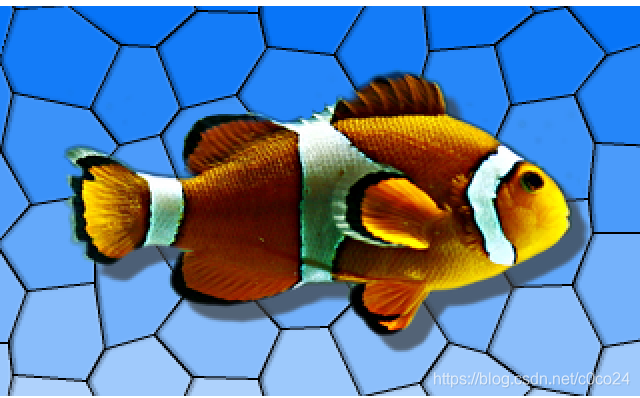
阴影效果:
阴影按钮的阴影效果由QGraphicsDropShadowEffect类提供,下面是该类的介绍:
The QGraphicsDropShadowEffect class provides a drop shadow effect.
A drop shadow effect renders the source with a drop shadow. The color of the drop shadow can be modified using the setColor() function. The drop shadow offset can be modified using the setOffset() function and the blur radius of the drop shadow can be changed with the setBlurRadius() function.
By default, the drop shadow is a semi-transparent dark gray (QColor(63, 63, 63, 180)) shadow, blurred with a radius of 1 at an offset of 8 pixels towards the lower right. The drop shadow offset is specified in device coordinates.
 最低0.47元/天 解锁文章






 扫一扫
扫一扫


 8008
8008

 被折叠的 条评论
为什么被折叠?
被折叠的 条评论
为什么被折叠?
 到【灌水乐园】发言





