 使用QSS文件定制QPushButton样式,


先创建一个qss文件
然后将该文件添加
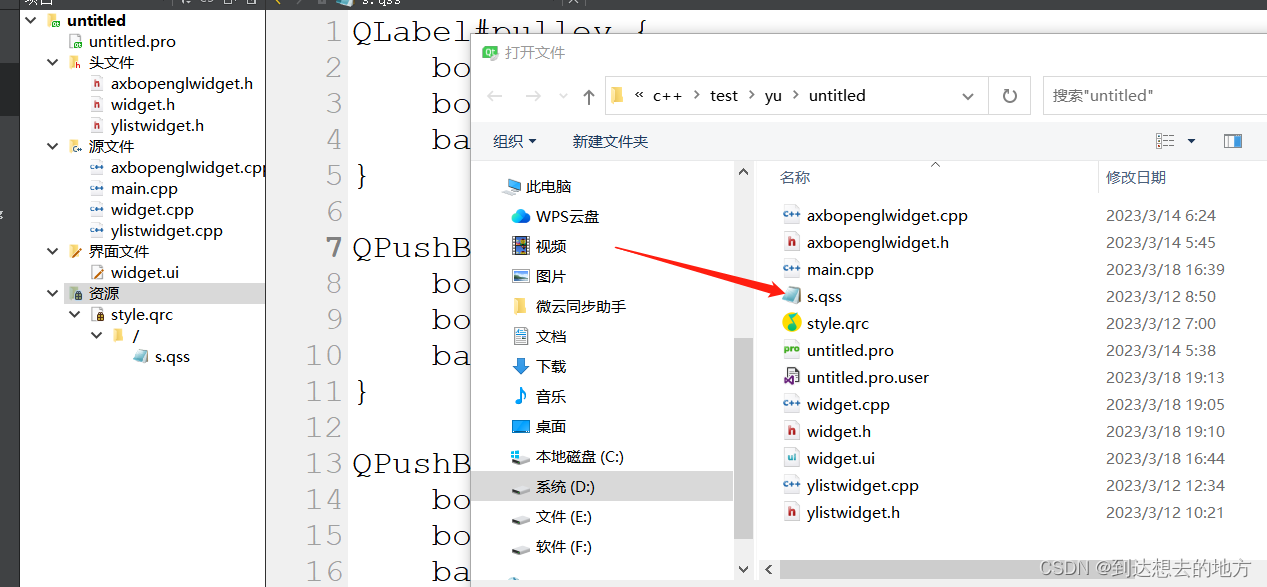
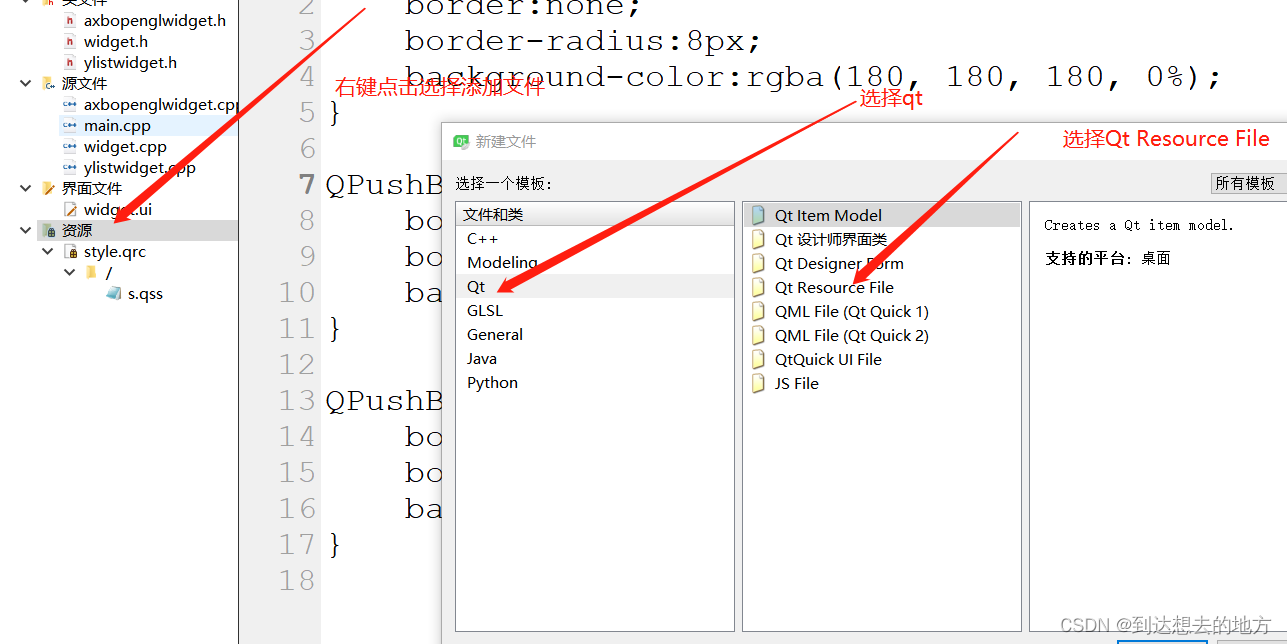
下面是文件中内容,可以复制

QPushButton#btn {
    border:none;
    border-radius:8px;
    background-color:rgba(180, 180, 180, 100%);
}

QPushButton#btn:hover {
    border:none;
    border-radius:8px;
    background-color:rgba(180, 180, 180, 180);
}

QPushButton#btn:pressed {
    border:none;
    border-radius:8px;
    background-color:rgba(180, 180, 180, 230);
}
可以在qss文件里写一些代码,设计控件样式
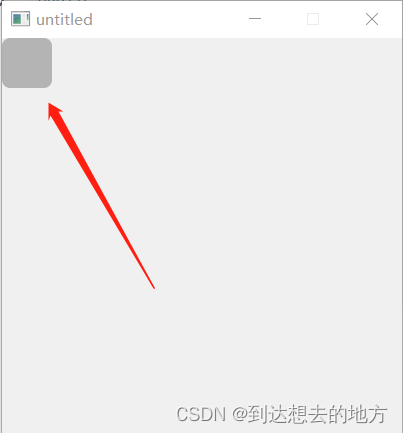
记住要在代码中指定控件的名字,并且要读取该文件调用函数去设置下面给出代码
#include "widget.h"
#include "ui_widget.h"

#include <QFile>

Widget::Widget(QWidget *parent) :
    QWidget(parent)//, ui(new Ui::Widget)
{
    //ui->setupUi(this);
    setFixedSize(400, 400);//指定固定大小
    btn = new QPushButton(this);
    btn->move(0, 0);//移动到0,0位置
    btn->setFixedSize(50, 50);//指定固定大小
    btn->setObjectName("btn");   //指定控件名称

    QFile *styleFile;
    styleFile  = new QFile(":/s.qss", this);
    styleFile->open(QFile::ReadOnly);
    QString styleSheet = QString(styleFile->readAll());
    this->setStyleSheet(styleSheet);//设置样式
    styleFile->close();
}

Widget::~Widget()
{
    //delete ui;
}
#ifndef WIDGET_H
#define WIDGET_H

#include <QWidget>
#include <QPushButton>

namespace Ui {
class Widget;
}

class Widget : public QWidget
{
    Q_OBJECT

public:
    explicit Widget(QWidget *parent = 0);
    ~Widget();

private:
    Ui::Widget *ui;

    QPushButton *btn;
};

#endif // WIDGET_H





 扫一扫
扫一扫


 938
938

 被折叠的 条评论
为什么被折叠?
被折叠的 条评论
为什么被折叠?
 到【灌水乐园】发言





