



 本文讲述了如何在C#中创建自定义TextBox控件时,确保OnPaint方法正确执行,以及如何在修改属性时触发界面更新。关键在于设置ControlStyles.UserPaint并重写OnPaint和Invalidate方法。
问题1:
OnPaint()没有执行
解决方法
需要注意的地方是从TextBox继承的自定义控件不能直接override它的OnPaint函数,必须在它的SetStyle函数设置它的外观由用户绘制,定义代码如下:
this.SetStyle(ControlStyles.UserPaint,true);
this.SetStyle(ControlStyles.UserPaint,true);其他网友碰到的问题截图
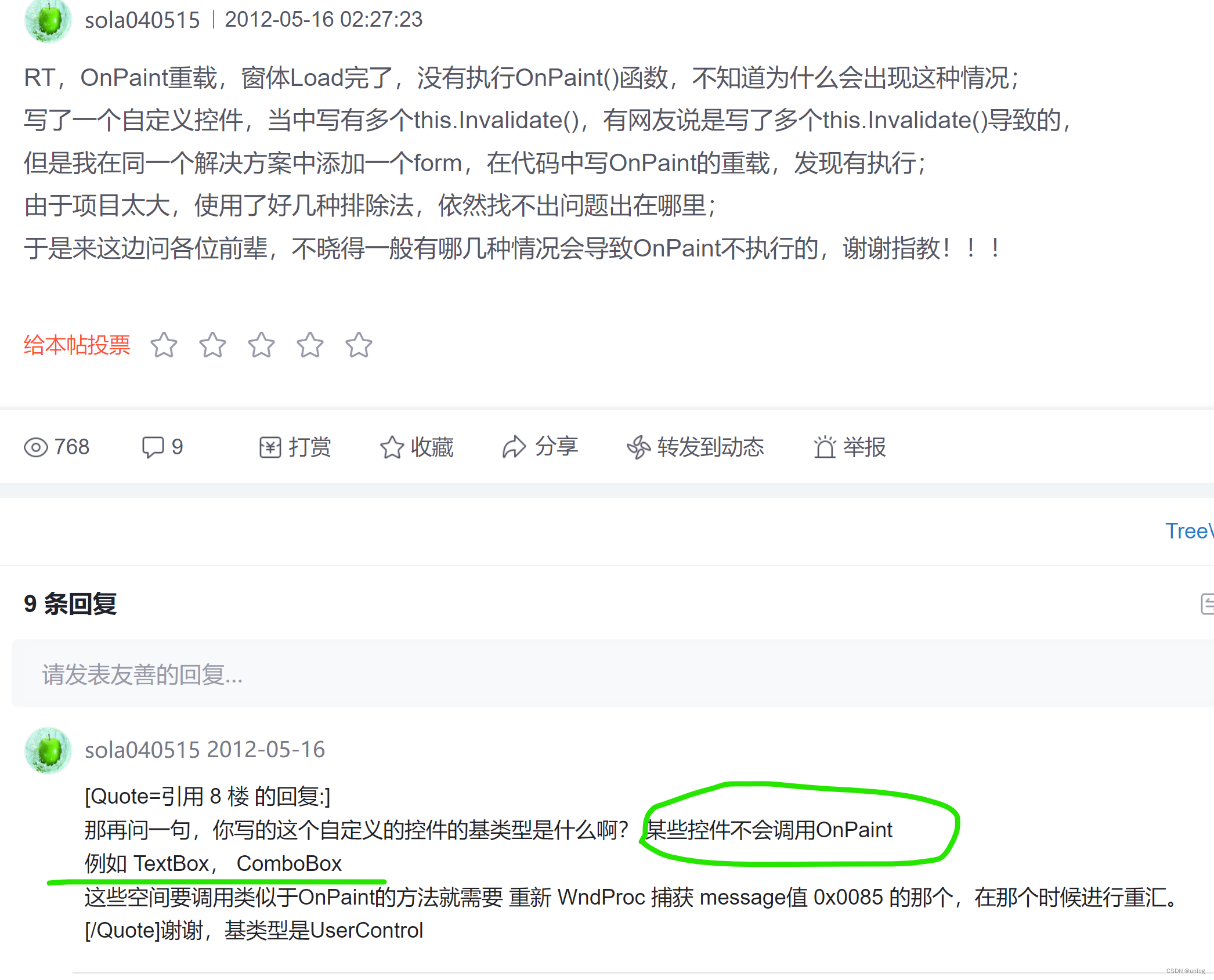
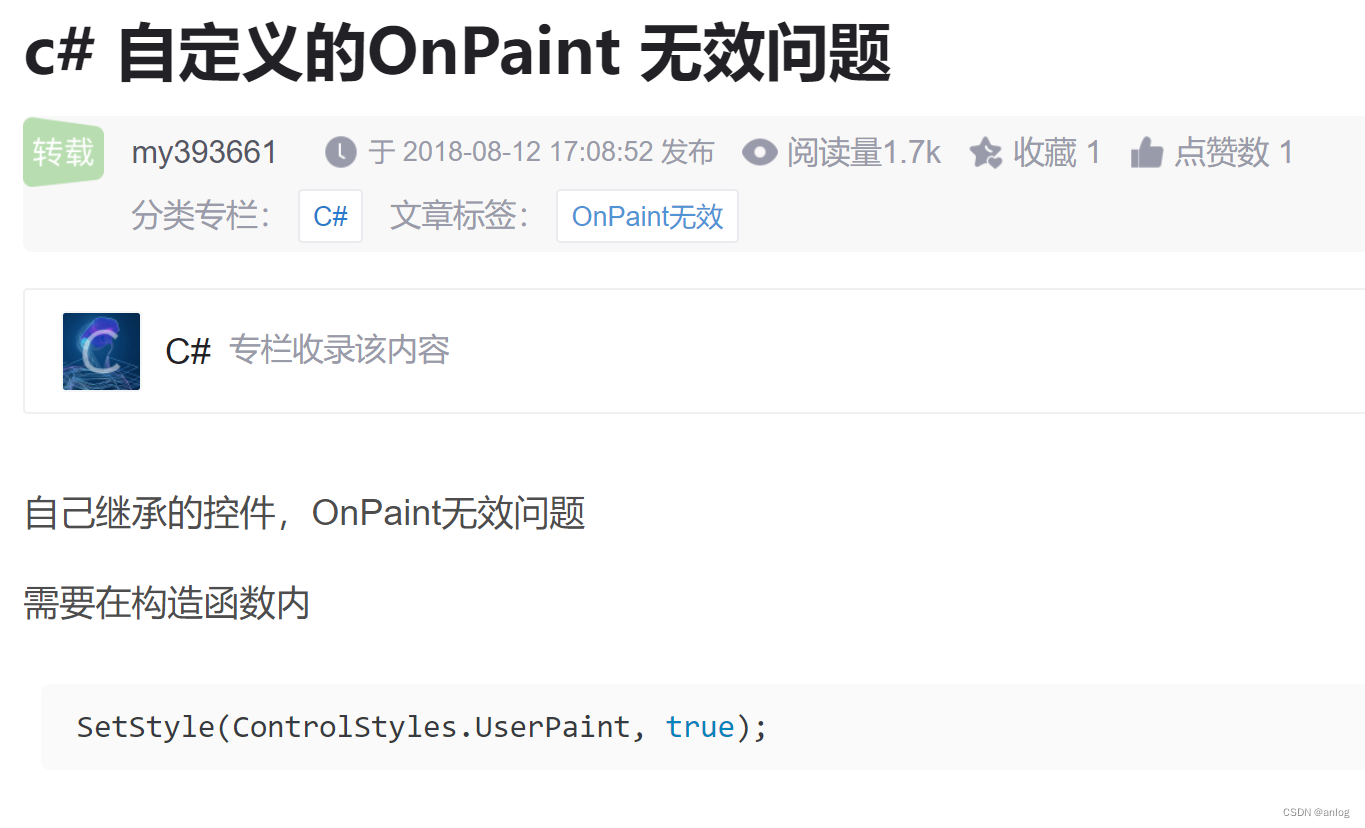
完整的设置样式设置代码如下
this.SetStyle(
                ControlStyles.UserPaint//使用自定义的绘制方式
                |ControlStyles.ResizeRedraw//当控件大小发生变化时就重新绘制
                |ControlStyles.SupportsTransparentBackColor//则控件接受 alpha 组件数小于 255 个的 BackColor 来模拟透明度
                | ControlStyles.AllPaintingInWmPaint//则控件忽略窗口消息 WM_ERASEBKGND 以减少闪烁
                | ControlStyles.OptimizedDoubleBuffer//则控件将首先绘制到缓冲区而不是直接绘制到屏幕,这可以减少闪烁
                , true);
问题2:
调用修改属性界面更新界面
解决方法
代码如下:
  private string _text= "abc123";
    public override string Text
    {
        get
        {
            return _text;
        }
        set
        {
            _text = value;
            //引发重绘
            this.Invalidate();
        }
    }
完整代码
internal class TextBoxGDI:System.Windows.Forms.TextBox
{
    public TextBoxGDI()
    {
        //没有此具OnPaint 不执行(即使重写也不执行)
        this.SetStyle(ControlStyles.UserPaint, true);
    }
    protected override void OnPaint(PaintEventArgs e)
    {
        //绘制text
        this.DrawStringFloat(e);
        base.OnPaint(e);
    }

    public void DrawStringFloat(PaintEventArgs e)
    {

        // Create string to draw.
        //String drawString = "SampleABC123#";
        //drawString = _text;
        // Create font and brush.
        //Font drawFont = new Font("Arial", 16);
        //SolidBrush drawBrush = new SolidBrush(Color.Black);
        SolidBrush drawBrush = new SolidBrush(this.ForeColor);

        // Create point for upper-left corner of drawing.
        float x = 0.0F;
        float y = 0.0F;

        // Draw string to screen.
        e.Graphics.DrawString(_text, this.Font, drawBrush, x, y);

    }

    private string _text= "abc123";
    public override string Text
    {
        get
        {
            return _text;
        }
        set
        {
            _text = value;
            //引发重绘
            this.Invalidate();
        }
    }

}
运行结果
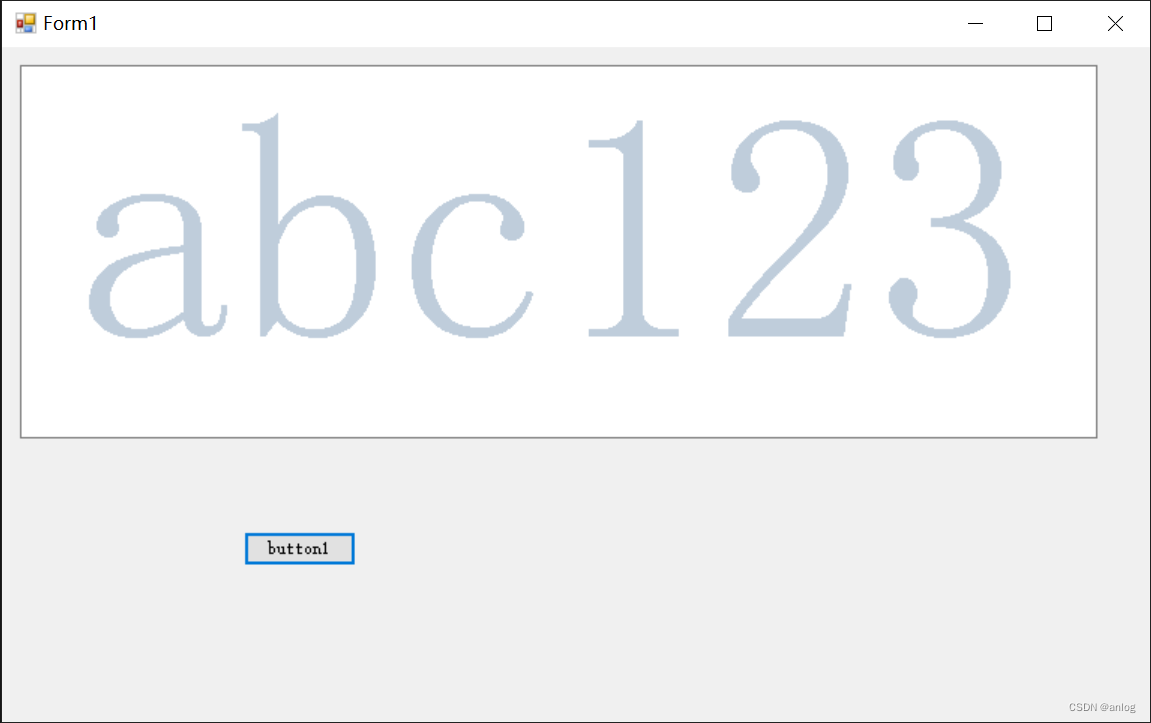

主界面代码
public partial class Form1 : Form
{
    public Form1()
    {
        InitializeComponent();
    }

    private void button1_Click(object sender, EventArgs e)
    {
        textBoxGDI1.Text = DateTime.Now.ToString("ss:fff");

    }

}
参考链接
Control.SetStyle(ControlStyles, Boolean) 方法 (System.Windows.Forms) | Microsoft Learn https://learn.microsoft.com/zh-cn/dotnet/api/system.windows.forms.control.setstyle?view=windowsdesktop-7.0重写TextBox的OnPaint方法,为什么不行?-优快云社区https://bbs.youkuaiyun.com/topics/60273727
c# 自定义的OnPaint 无效问题_c#onpaint不执行-优快云博客https://blog.youkuaiyun.com/my393661/article/details/81608133
特此记录
anlog
2024年4月9日





 扫一扫
扫一扫


 1340
1340

 被折叠的 条评论
为什么被折叠?
被折叠的 条评论
为什么被折叠?
 到【灌水乐园】发言





