





 本文深入探讨了Linux系统中信号处理的基础知识,包括signal()和sigaction()函数的使用,以及如何通过pause()函数等待信号。文章提供了代码示例,展示了如何为SIGINT和SIGQUIT信号设置相同的处理程序。
关于linux_unix编程手册的代码见
https://github.com/zzu-andrew/linux_unix.git
上面由编译过得代码可以直接使用或者自己clone之后再使用
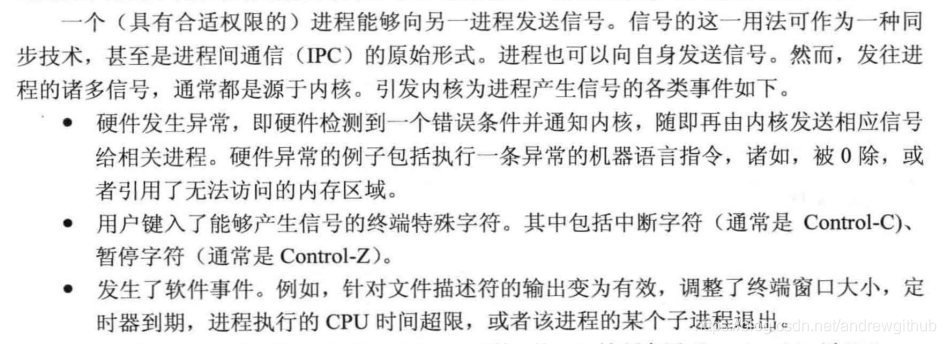
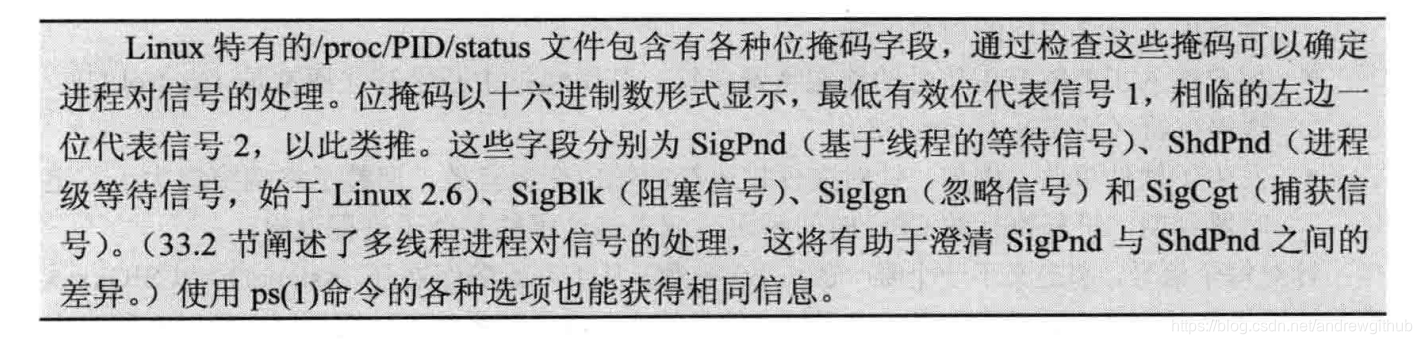
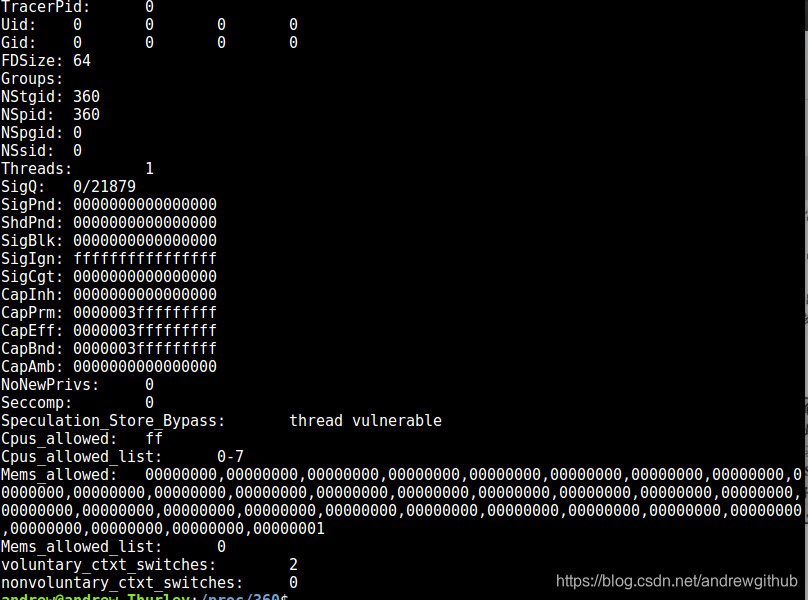
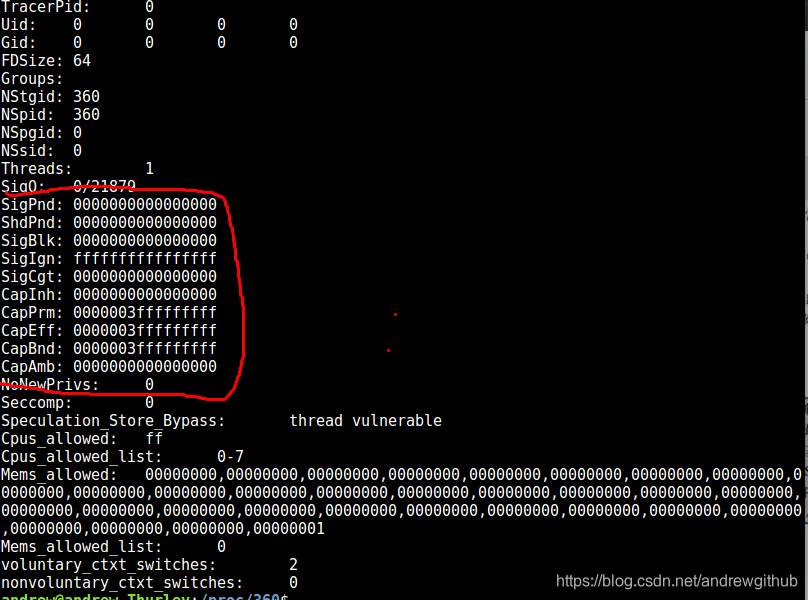
改变信号量的处置
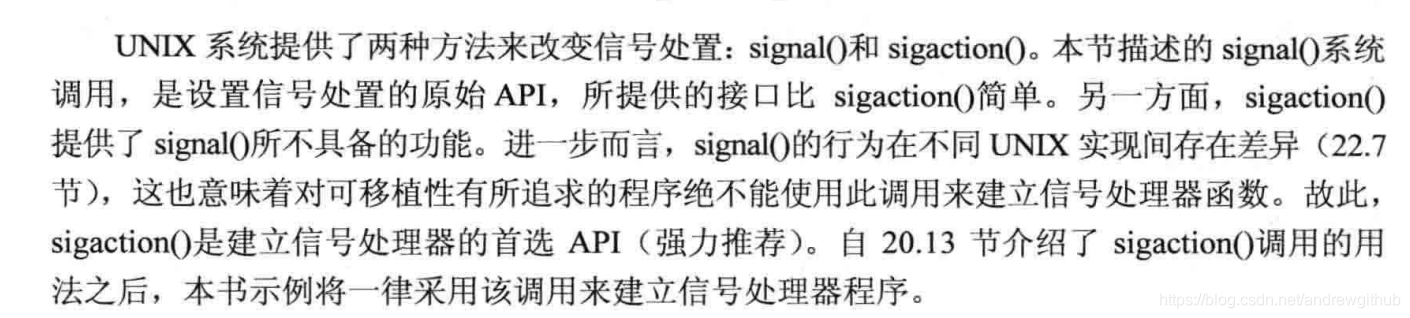
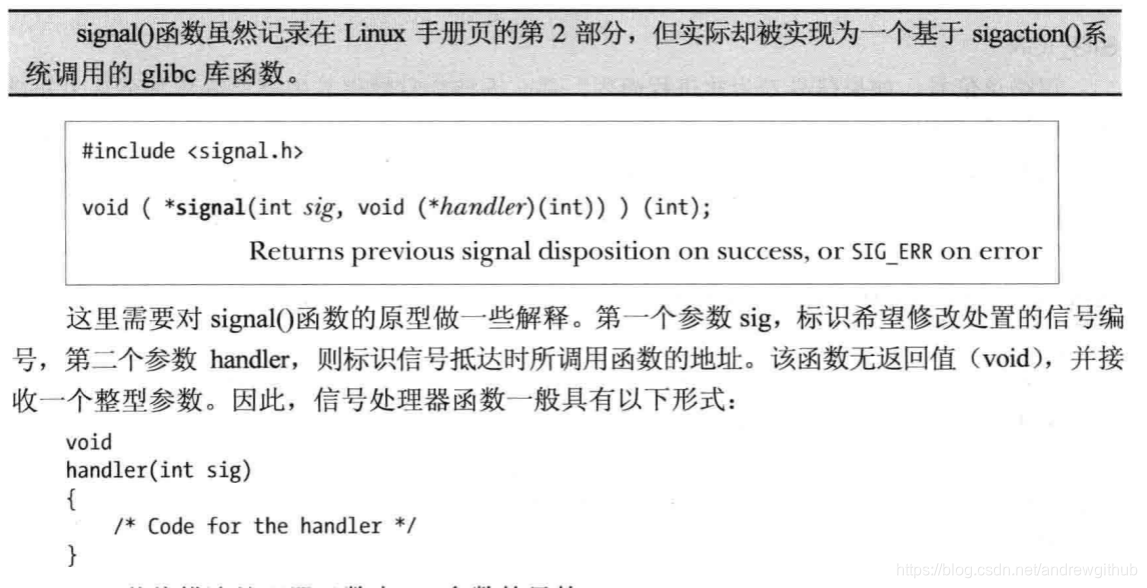
在linux手册中对函数signal的解释是:
 #include <signal.h>

 typedef void (*sighandler_t)(int);

sighandler_t signal(int signum, sighandler_t handler);
可以看出man手册对signal的书写更加的形象,signal返回的是一个 void (*sighandler_t)(int)类型的函数
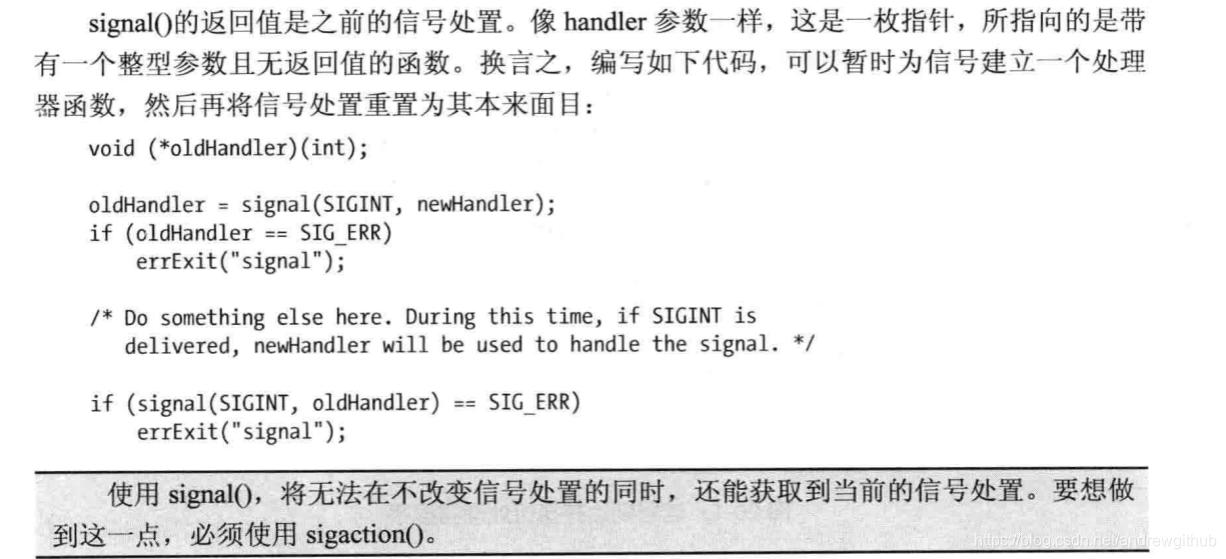
返回的函数就是之前的信号处理函数,一般使用signal的过程如下:
/*************************************************************************\
*                  Copyright (C) Michael Kerrisk, 2018.                   *
*                                                                         *
* This program is free software. You may use, modify, and redistribute it *
* under the terms of the GNU General Public License as published by the   *
* Free Software Foundation, either version 3 or (at your option) any      *
* later version. This program is distributed without any warranty.  See   *
* the file COPYING.gpl-v3 for details.                                    *
\*************************************************************************/

/* Listing 20-1 */

/* ouch.c

   Catch the SIGINT signal, generated by typing control-C (^C).

   Note that although we use signal() to establish the signal handler in this
   program, the use of sigaction() is always preferable for this task.
*/
#include <signal.h>
#include "tlpi_hdr.h"

static void
sigHandler(int sig)
{
    printf("Ouch!\n");                  /* UNSAFE (see Section 21.1.2) */
}

int
main(int argc, char *argv[])
{
    int j;

    /* Establish handler for SIGINT. Here we use the simpler signal()
       API to establish a signal handler, but for the reasons described in
       Section 22.7 of TLPI, sigaction() is the (strongly) preferred API
       for this task. */

    if (signal(SIGINT, sigHandler) == SIG_ERR)
        errExit("signal");

    /* Loop continuously waiting for signals to be delivered */

    for (j = 0; ; j++) {
        printf("%d\n", j);
          //加上,不然程序不会自己退出,并且使用  ^C  ^D他也不能使程序退出
        if(j  == 20)
        {
            exit(0);
        }
        sleep(3);                       /* Loop slowly... */
    }
}
程序测试过程:
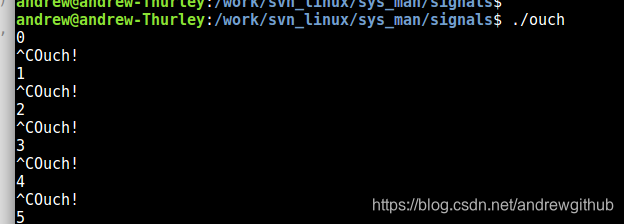
说明,程序中信号处理函数使用printf()函数显示具体信息,但是在现实的编程环境中是绝对不允许在信号处理函数中使用stdio函数,这里只是将其作为调试的一种手段
为两个不同的信号建立同样的信号处理程序:
/*************************************************************************\
*                  Copyright (C) Michael Kerrisk, 2018.                   *
*                                                                         *
* This program is free software. You may use, modify, and redistribute it *
* under the terms of the GNU General Public License as published by the   *
* Free Software Foundation, either version 3 or (at your option) any      *
* later version. This program is distributed without any warranty.  See   *
* the file COPYING.gpl-v3 for details.                                    *
\*************************************************************************/

/* Listing 20-2 */

/* intquit.c

   Catch the SIGINT and SIGQUIT signals, which are normally generated
   by the control-C (^C) and control-\ (^\) keys respectively.

   Note that although we use signal() to establish signal handlers in this
   program, the use of sigaction() is always preferable for this task.
*/
#include <signal.h>
#include "tlpi_hdr.h"

static void
sigHandler(int sig)
{
    static int count = 0;

    /* UNSAFE: This handler uses non-async-signal-safe functions
       (printf(), exit(); see Section 21.1.2) */

    if (sig == SIGINT) {
        count++;
        printf("Caught SIGINT (%d)\n", count);
        return;                 /* Resume execution at point of interruption */
    }

    /* Must be SIGQUIT - print a message and terminate the process */

    printf("Caught SIGQUIT - that's all folks!\n");
    exit(EXIT_SUCCESS);
}

int
main(int argc, char *argv[])
{
    /* Establish same handler for SIGINT and SIGQUIT. Here we use the
       simpler signal() API to establish a signal handler, but for the
       reasons described in Section 22.7 of TLPI, sigaction() is the
       (strongly) preferred API for this task. */

    if (signal(SIGINT, sigHandler) == SIG_ERR)
        errExit("signal");
    if (signal(SIGQUIT, sigHandler) == SIG_ERR)
        errExit("signal");

    for (;;)                    /* Loop forever, waiting for signals */
        pause();                /* Block until a signal is caught */
}
发送信号,使用kill一个进程可以向另一个进程发送信号(之所以使用kill作为术语,是因为早期的UNIX实现中大多数信号的默认行为是终止进程)
#include <signal.h>

int kill(pid_t pid, int sig);
pid参数用于标示一个或者多个目标进程,而sig则指向要发送的信号
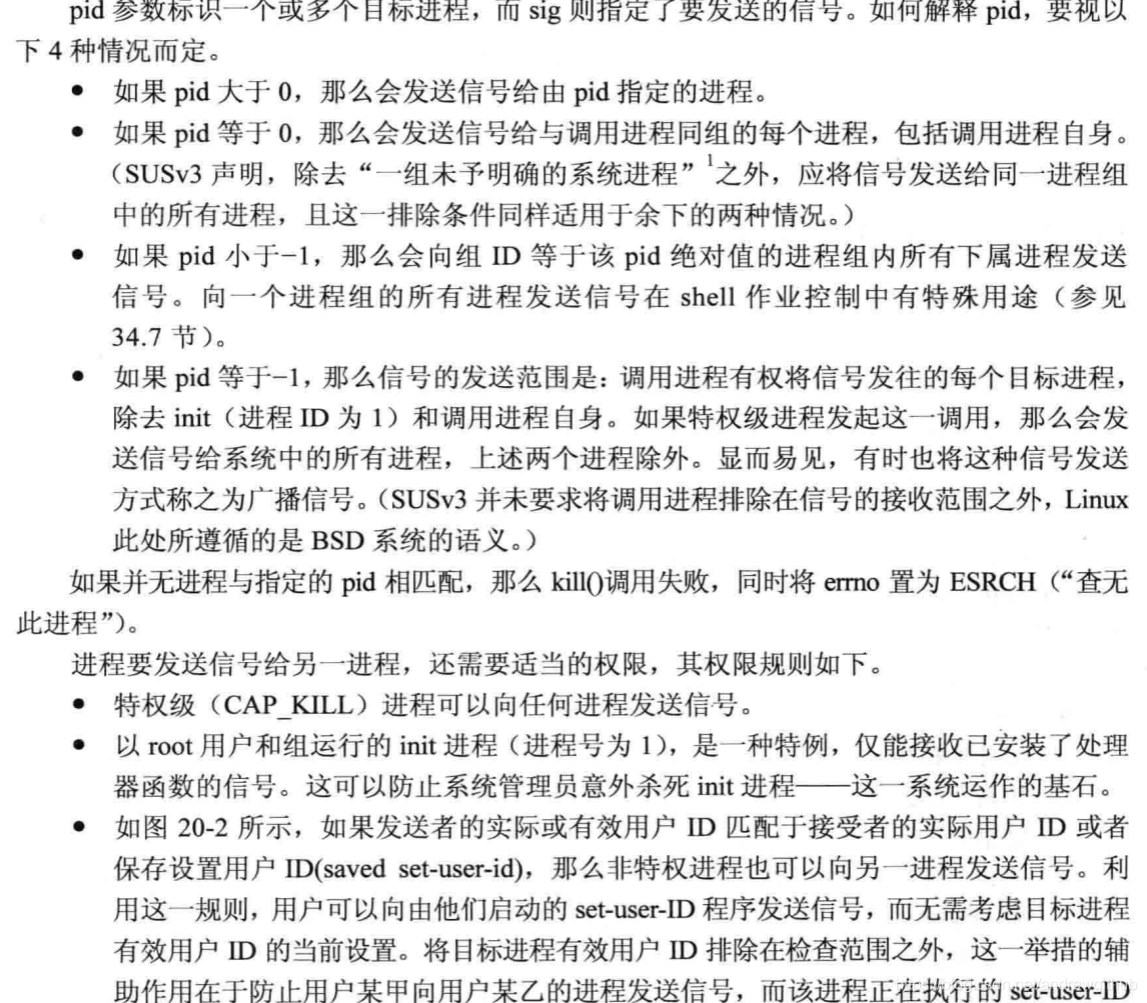
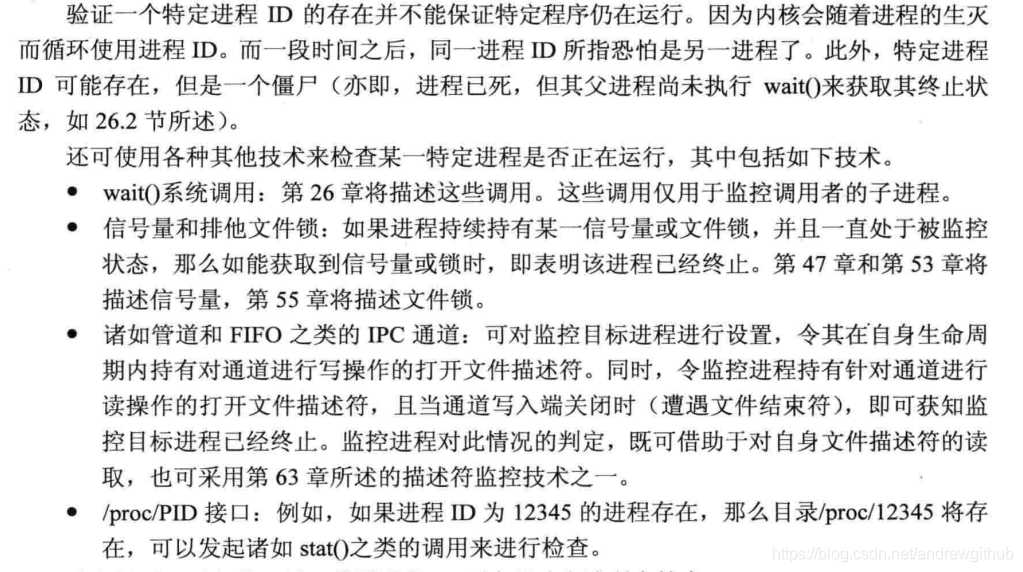
kill()系统调用还有另一重功用,将参数sig指定为0(即所谓的空信号),则无信号发送,相反kill()仅会检查错误检验,查看是否可以向目标进程发送信号,从另一个角度这意味着,可以使用控信号检测具有特定进程ID的进程是否存在。若是发送信号失败,且errno为ESRCH,则表明目标进程不存在,若果调用失败且errno为EPERM(表示进程存在但是无权向目标进程发送信号)或者调用成功(有权向目标进程发送信号),那么就表示进程存在。

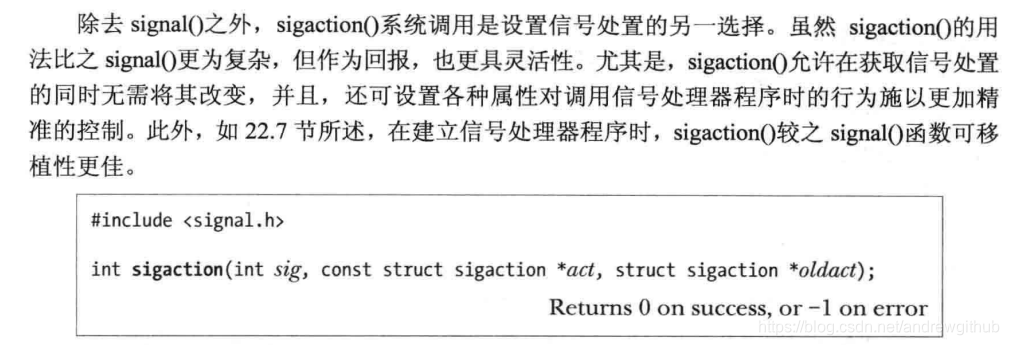
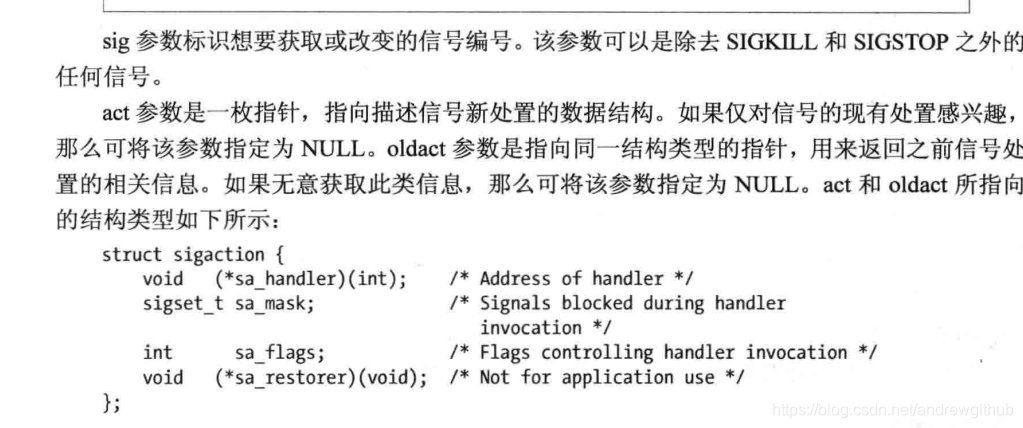
改变信号处置:sigaction()函数
除去signal()之外,sigaction()系统调用是设置信号好处置的另一个选择;
等待信号:pause()
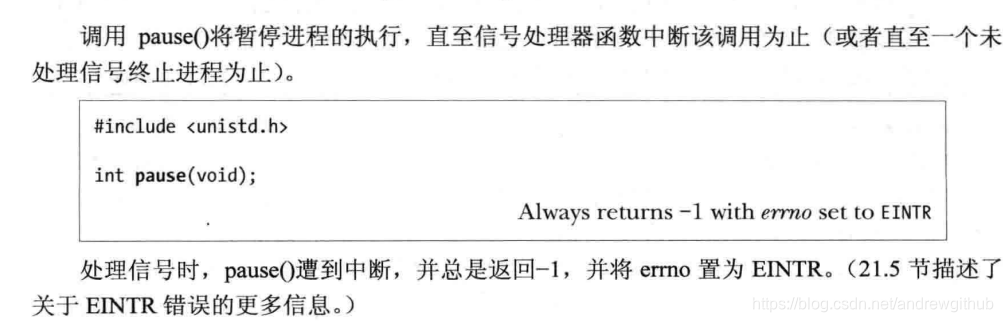
调用pause()将暂停进程的执行,直至信号处理器函数中断该调用为止(或者直至一个为处理的信号终止进程为止)。





 扫一扫
扫一扫


 1087
1087

 被折叠的 条评论
为什么被折叠?
被折叠的 条评论
为什么被折叠?
 到【灌水乐园】发言





