


The Master Boot Record (MBR) is an essential part of your disk that contains information necessary to boot your operating system. It stores the bootloader, like GRUB, which allows your system to start up. If the MBR becomes corrupted or is overwritten, your system might fail to boot. Knowing how to restore the MBR from a backup is critical to ensuring the system can function again.
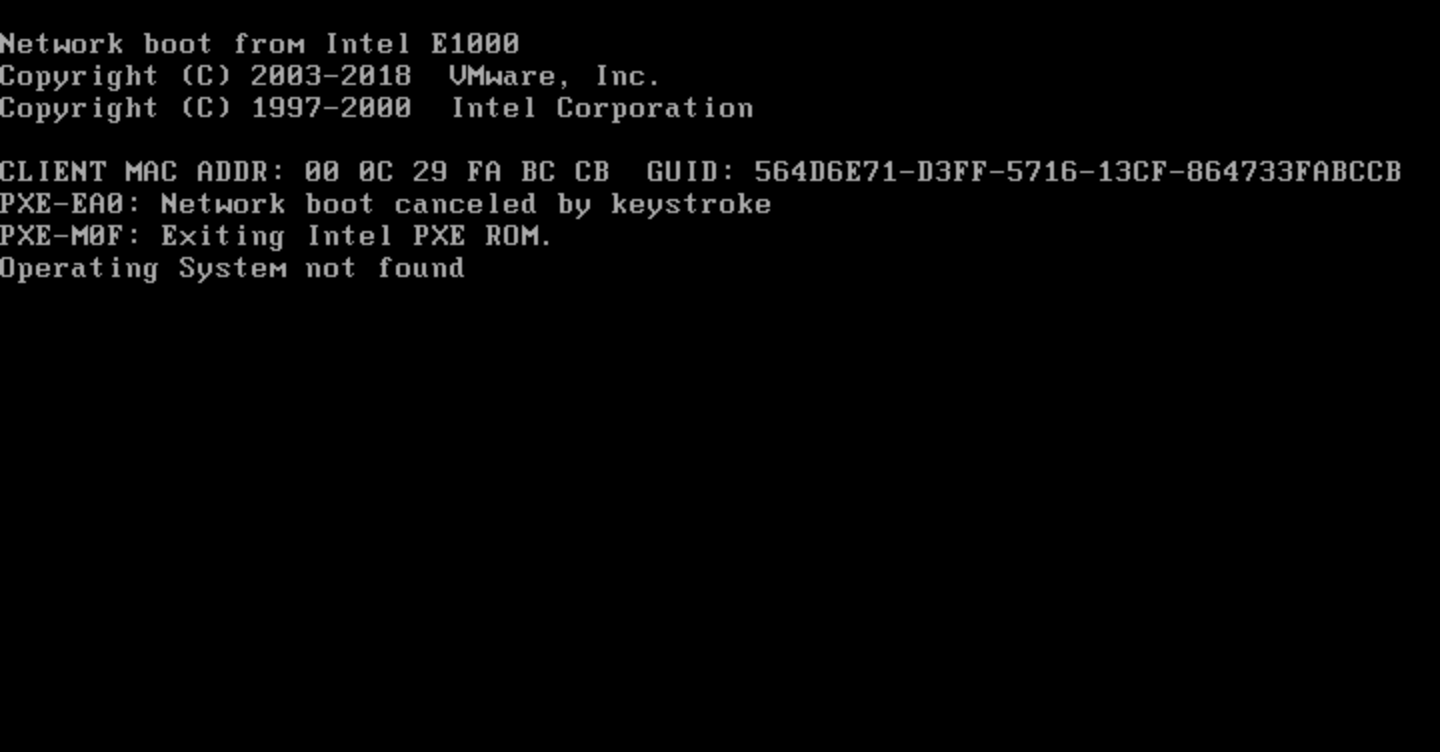
Tools like dd in Linux can help restore the MBR, provided you have a valid backup. Restoring the MBR requires using a Live USB or installation media, such as an Ubuntu disk, to access the unbootable system. Identifying the correct disk and verifying the backup are important steps to avoid further damage.
Once the MBR is successfully restored, the bootloader will resume its function, allowing the system to boot normally. Using the correct procedure minimizes the risk of data loss and ensures the system returns to a bootable state.
Related: How to back up Master Boot Record (MBR) in Linux
Related: How to recover GRUB bootloader in Linux
Steps to restore MBR from a backup in Linux:
-
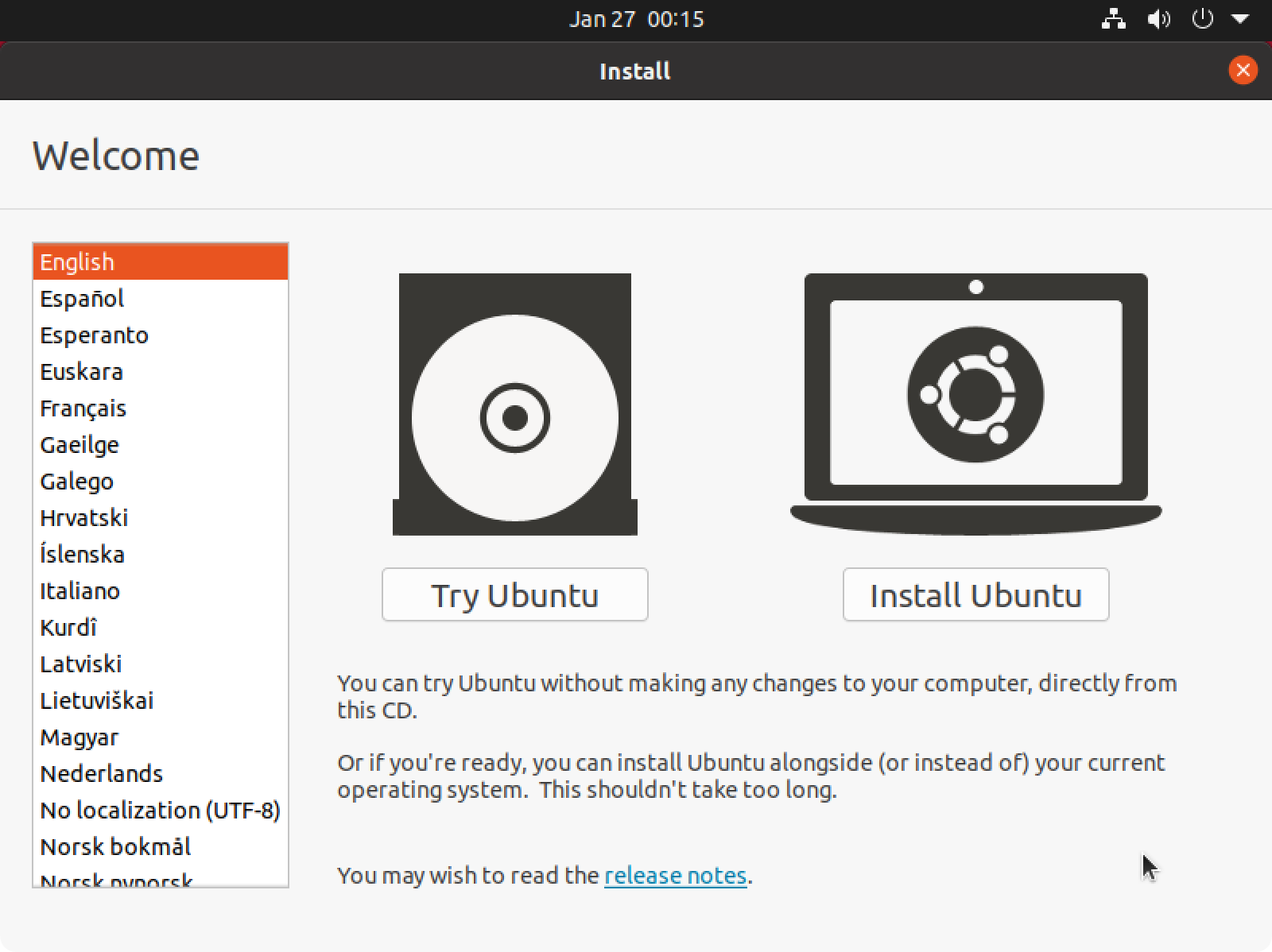
Boot from a Live CD or USB to access your unbootable Linux system.
-
Open the terminal.
- Verify the correctness of your MBR backup file.
$ file mbr.bak
mbr.bak: DOS executable (COM)
$ cat mbr.bak
�c������t��pt���y|1��؎м ��d|<�t��R��t��}��|�A��U�ZRr=��U�u7��t21��D@�D��D�f�\|f�f�`|f�\
Z������}�f�ƈd�@f�D�������@�����f�f�`|f	�uNf�\|f1�f�4��1�f�t;}7����0�����Z�ƻp��1۸�r��`���1�������a�&Z|��}���}�4��}�.���GRUB GeomHard DiskRead Error
����<u��
- Identify the disk with the damaged MBR from disk listing.
$ lsblk
NAME   MAJ:MIN RM   SIZE RO TYPE MOUNTPOINT
loop0    7:0    0  55.4M  1 loop /snap/core18/1932
loop1    7:1    0  55.4M  1 loop /snap/core18/1944
loop2    7:2    0 217.9M  1 loop /snap/gnome-3-34-1804/60
loop3    7:3    0   219M  1 loop /snap/gnome-3-34-1804/66
loop4    7:4    0    51M  1 loop /snap/snap-store/498
loop5    7:5    0  62.1M  1 loop /snap/gtk-common-themes/1506
loop6    7:6    0    51M  1 loop /snap/snap-store/518
loop7    7:7    0  64.8M  1 loop /snap/gtk-common-themes/1514
loop8    7:8    0  31.1M  1 loop /snap/snapd/10492
loop9    7:9    0  31.1M  1 loop /snap/snapd/10707
sda      8:0    0    20G  0 disk
├─sda1   8:1    0     1M  0 part
├─sda2   8:2    0   513M  0 part /boot/efi
└─sda3   8:3    0  19.5G  0 part /
sr0     11:0    1  1024M  0 rom
- Restore the MBR using dd to write from the backup file.
$ sudo dd if=mbr.bak of=/dev/sda
[sudo] password for user:
0+1 records in
0+1 records out
446 bytes copied, 0.00284831 s, 157 kB/s
- Verify that the MBR was restored successfully.
$ sudo head -c 446 /dev/sda
�c������t��pt���y|1��؎м ��d|<�t��R��t��}��|�A��U�ZRr=��U�u7��t21��D@�D��D�f�\|f�f�`|f�\
Z������}�f�ƈd�@f�D�������@�����f�f�`|f	�uNf�\|f1�f�4��1�f�t;}7����0�����Z�ƻp��1۸�r��`���1�������a�&Z|��}���}�4��}�.���GRUB GeomHard DiskRead Error
����<u��
-
Restart the system to check if it boots correctly.
Keep regular backups of your MBR to avoid boot failures in the future.





 扫一扫
扫一扫


 5289
5289

 被折叠的 条评论
为什么被折叠?
被折叠的 条评论
为什么被折叠?
 到【灌水乐园】发言





