



1、下载VMware Workstation 14 中文版
地址:https://dl.pconline.com.cn/download/1106650-1.html
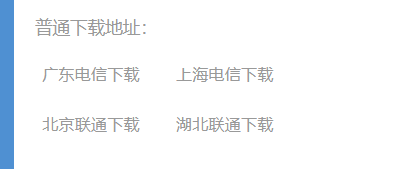
选择以下的方式下载:
2、安装
参考地址:http://xinzhi.wenda.so.com/a/1541161743207318
3、下载iso

4、VMware 中安装Ubuntu
 本文提供VMware Workstation 14中文版的下载链接及安装指南,指导如何下载ISO镜像并在VMware中安装Ubuntu系统,适合初学者及需要虚拟环境的用户。
1、下载VMware Workstation 14 中文版
地址:https://dl.pconline.com.cn/download/1106650-1.html
选择以下的方式下载:
2、安装
参考地址:http://xinzhi.wenda.so.com/a/1541161743207318
3、下载iso
4、VMware 中安装Ubuntu

 被折叠的 条评论
为什么被折叠?
被折叠的 条评论
为什么被折叠?
 到【灌水乐园】发言








 扫一扫
扫一扫


 717
717


