


获取必要的网页信息
首先访问网易有道
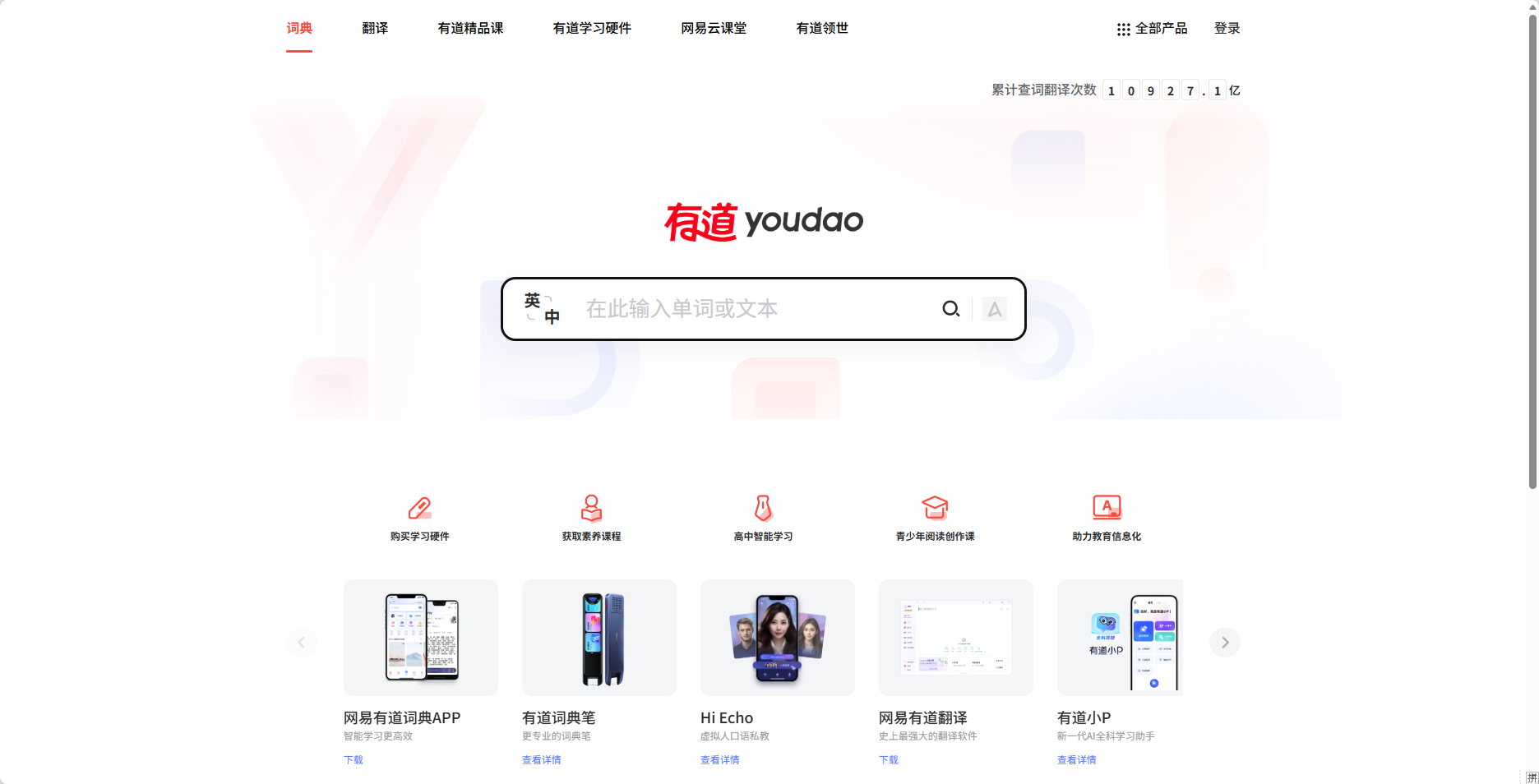
在输入栏里面测试一下,这里就以"test"和"测试"为例子,查看英译中,中译英的结果
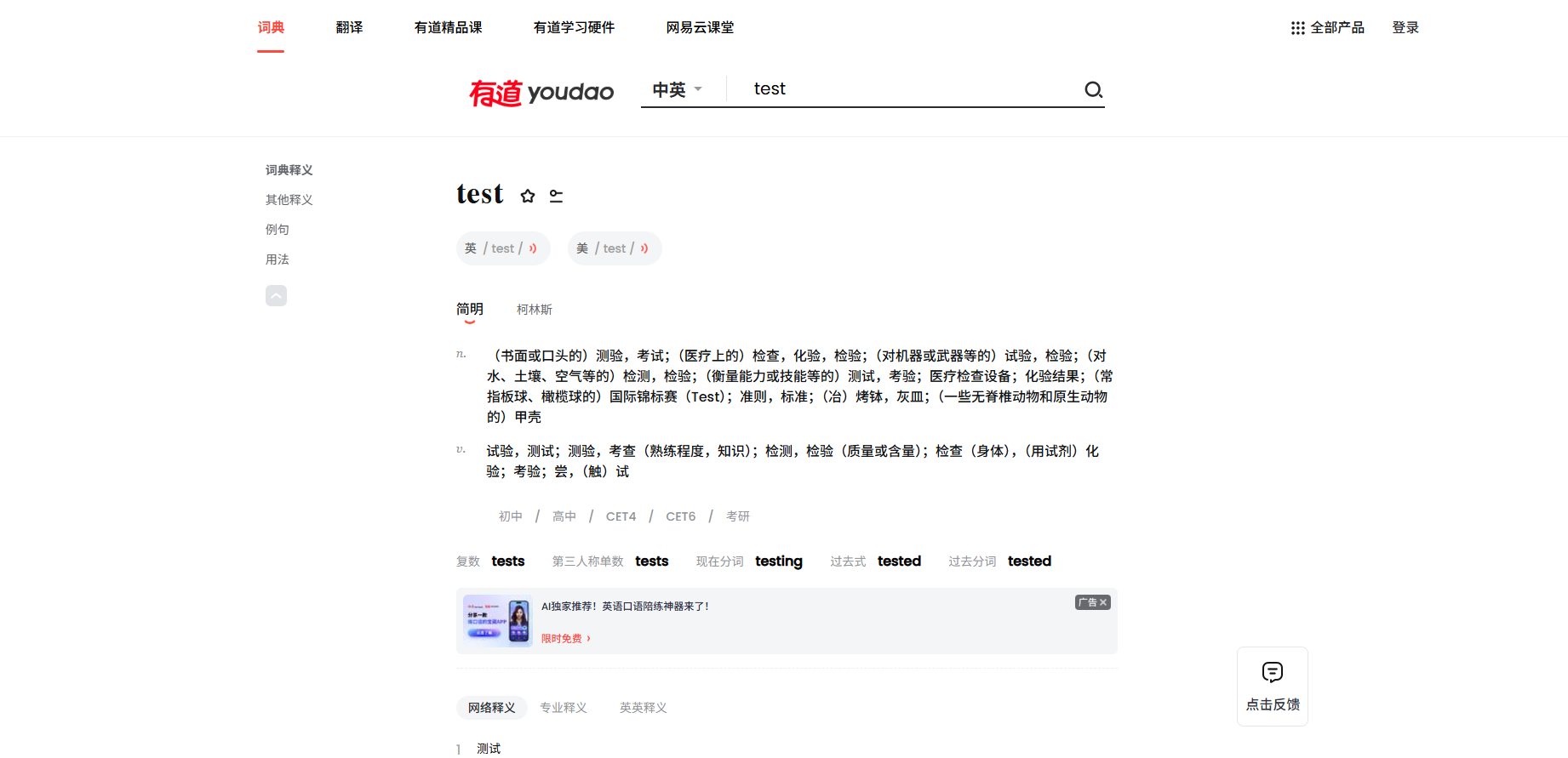
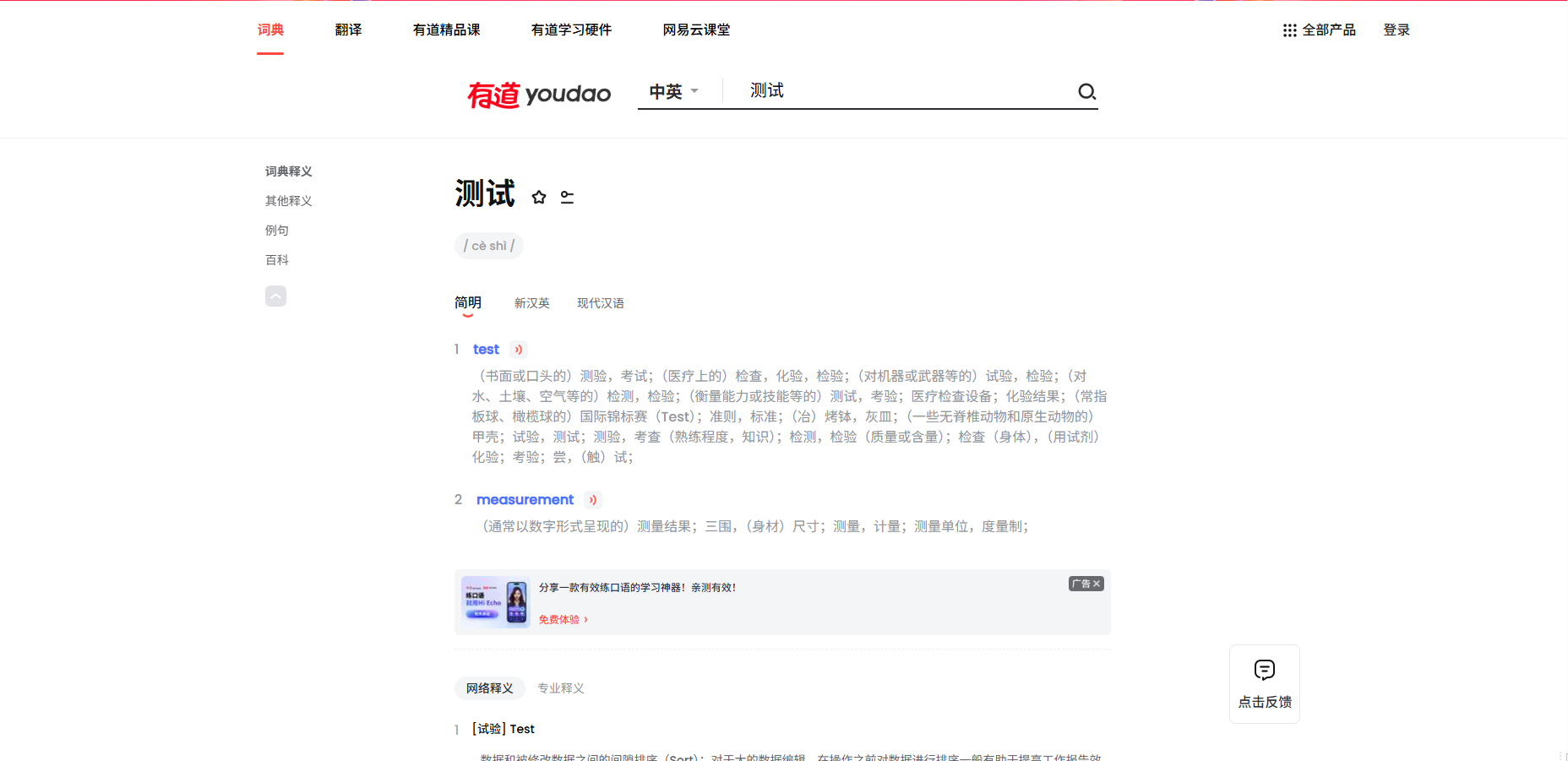
按F12,选择“网络”,再按CTRL+R出现以下界面
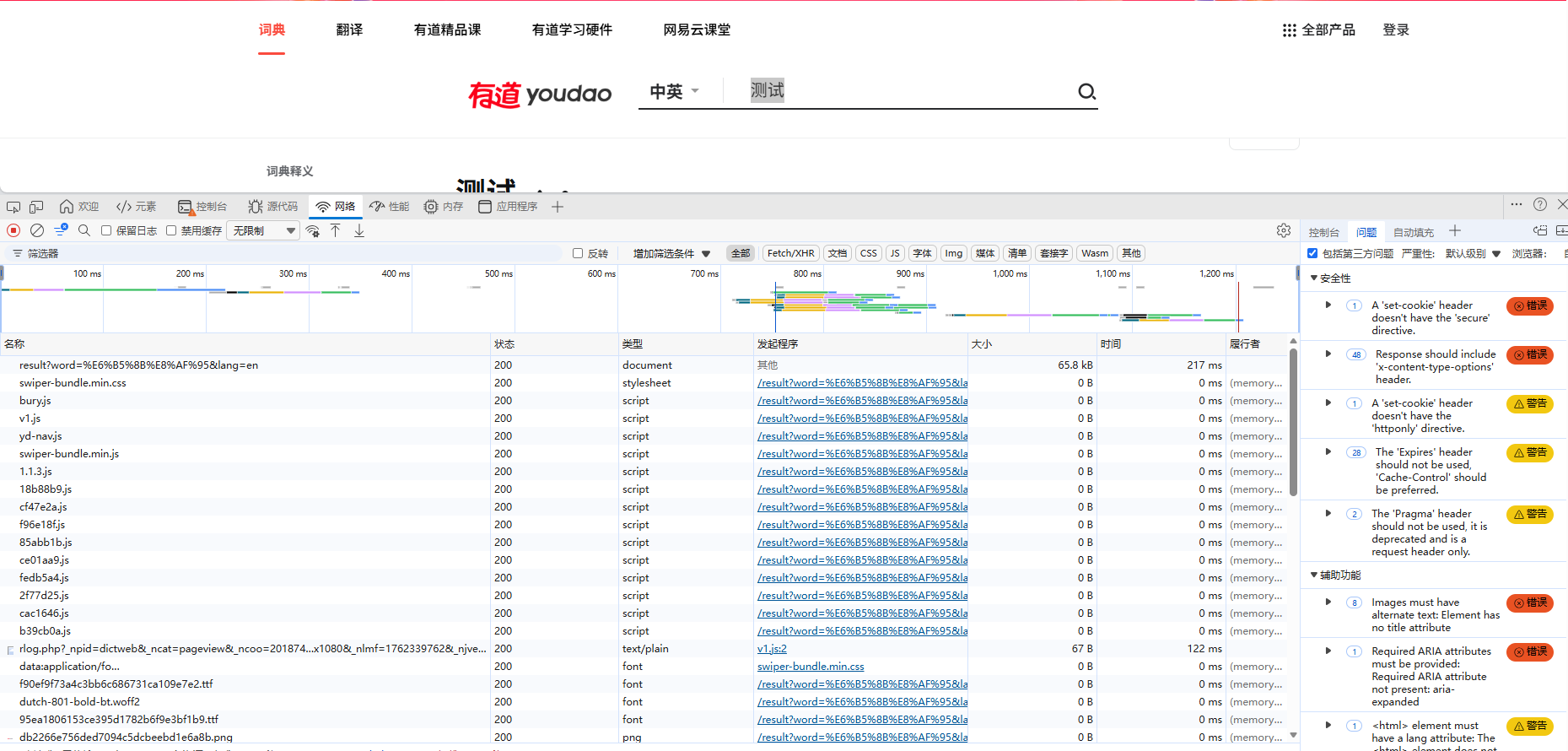
再点击搜索框,输入我们刚刚翻译的字,以“测试”为例,找到存放翻译内容的请求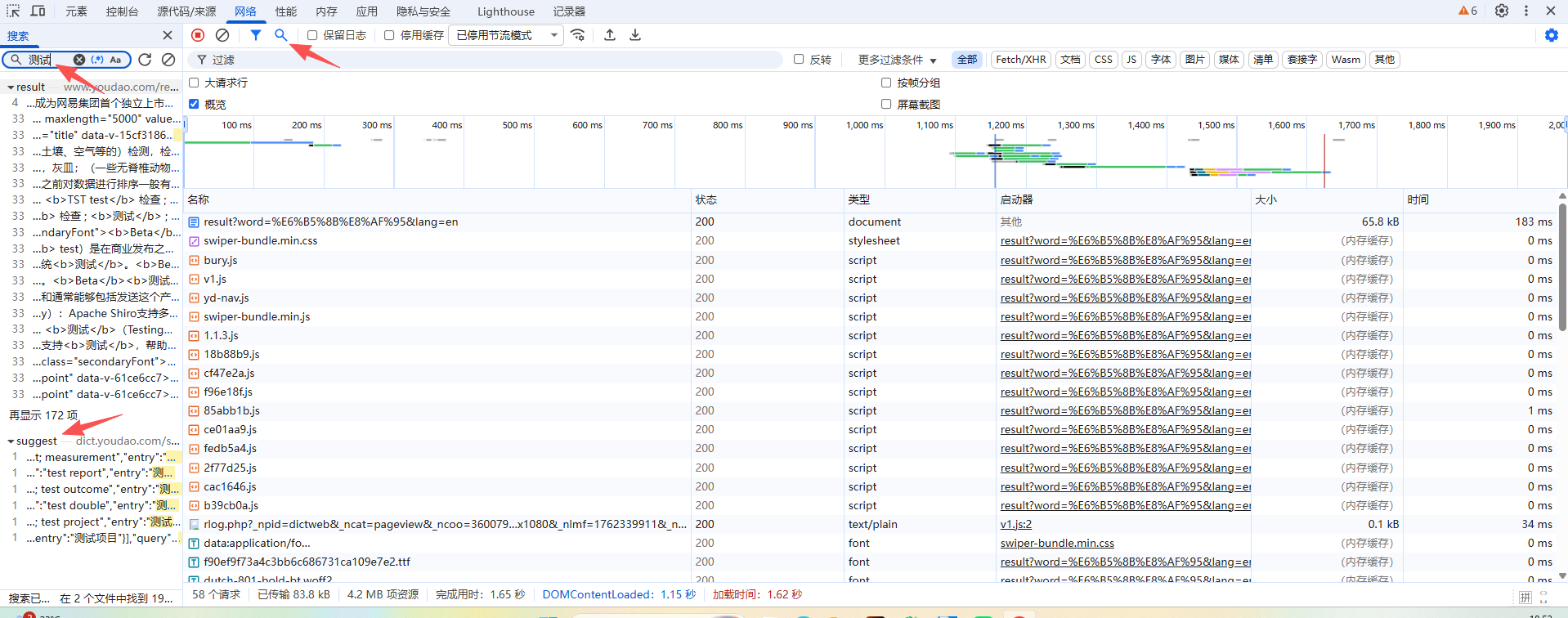
点击该请求,查看标头和载荷
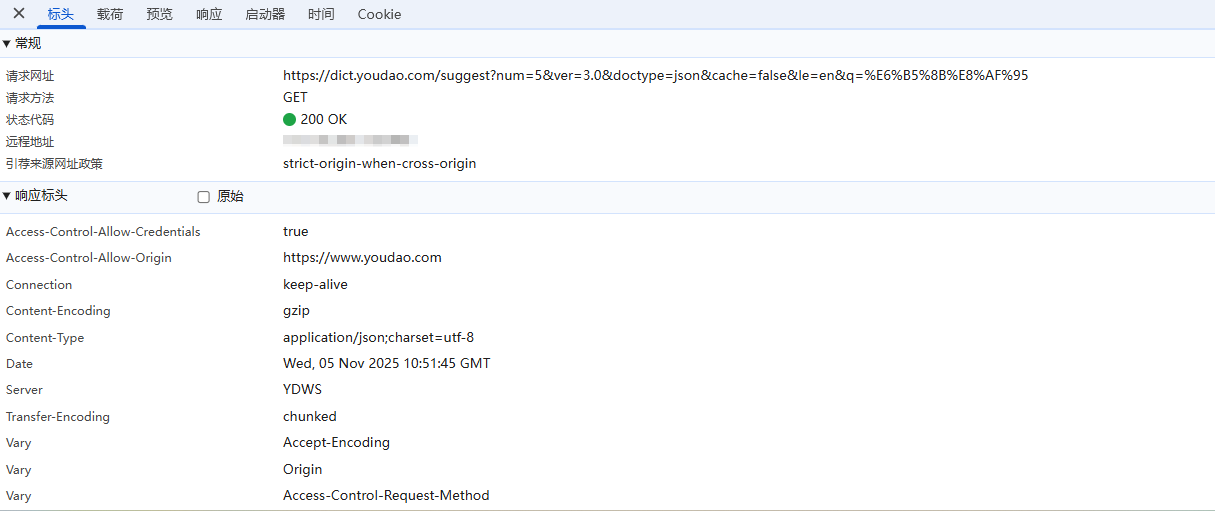

中译英的时候,它的url是这样的

而如果是英译中的话,url变化是这样的

通过url对比,可以知道载荷的num,ver,doctype,cache,le的值都是固定的,唯一不同的就是q
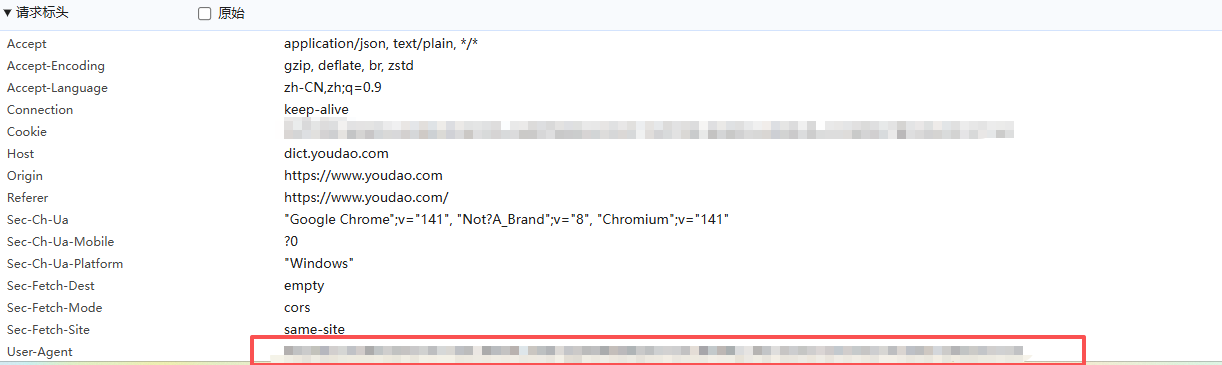
再获取user-agent,接下来就是简单的写一下代码就可以轻松运行翻译
编写python代码
简易代码
import requests  #导入requests模块

word=input("Please input your word:") #输入要翻译的字

url=f"https://dict.youdao.com/suggest?num=5&ver=3.0&doctype=json&cache=false&le=en&q={word}" #自定义url

header={"user-agent":<your user-agent>} #请求标头

response=requests.get(url,headers=header)
print(response.text)输入“apple”测试结果,返回结果为json格式
Please input your word:apple

#结果如下
{"result":{"msg":"success","code":200},"data":{"entries":[{"explain":"n. 苹果","entry":"apple"},{"explain":"n. 支程序,小应用程序;小型程式;程序类型","entry":"applet"},{"explain":"n. [园艺] 苹果(复数);井架小零件","entry":"apples"},{"explain":"n. 苹果酱,苹果沙司;胡说","entry":"applesauce"},{"explain":"n. 程序;小程序;小应用程序(applet 的复数)","entry":"applets"}],"query":"apple","language":"en","type":"dict"}}
为了更加直观,用for循环遍历
import requests  #导入requests模块

word=input("Please input your word:") #输入要翻译的字

url=f"https://dict.youdao.com/suggest?num=5&ver=3.0&doctype=json&cache=false&le=en&q={word}" #自定义url

header={"user-agent":<your user-agent>} #请求标头

response=requests.get(url,headers=header)
translations=response.json() #转为字典格式

for translation in translations['data']['entries']:
print(f"{translation['entry']}:{translation['explain']}")再次运行输入“apple”测试结果
Please input your word:apple
apple:n. 苹果
applet:n. 支程序,小应用程序;小型程式;程序类型
apples:n. [园艺] 苹果(复数);井架小零件
applesauce:n. 苹果酱,苹果沙司;胡说
applets:n. 程序;小程序;小应用程序(applet 的复数)也可以测试中译英,输入“苹果”,结果如下:
Please input your word:苹果
苹果:apple
苹果手机:IPHONE
苹果公司:Apple Inc
苹果派:apple pie
苹果汁:apple juice
至此简易的python爬虫翻译就完成了,如果觉得还需要完善的,欢迎在评论区指教!!






 扫一扫
扫一扫


 6425
6425

 被折叠的 条评论
为什么被折叠?
被折叠的 条评论
为什么被折叠?
 到【灌水乐园】发言





