



 本文介绍了如何使用ALTER TABLE语句在MySQL中修改字段类型、设置默认值以及添加注释,提供了具体的操作示例,强调了表名和字段名不应包含单引号的注意事项。

修改字段类型、设置默认值,以及添加注释:
ALTER TABLE m_cultureact_gzl MODIFY COLUMN SIGN INT(1) DEFAULT 1 COMMENT '为了给前台区分是列表订票还是票务中
心订票';

-------------------------------------------------------------------------------------------------------------------------------------------------------------------------

添加字段,设置类型、默认值以及添加注释:
ALTER TABLE m_cultureact_kyc ADD COLUMN sign int(1) DEFAULT 1 COMMENT '为了给前台区分是列表订票还是票务中心订
票';

# 添加新字段 并设置默认值
alter table `test_tb` add column `col3` varchar(20) not null DEFAULT 'abc';

# 修改原有默认值
alter table `test_tb` alter column `col3` set default '3a';
alter table `test_tb` change column `col3` `col3` varchar(20) not null DEFAULT '3b';
alter table `test_tb` MODIFY column `col3` varchar(20) not null DEFAULT '3c';

# 删除原有默认值
alter table `test_tb` alter column `col3` drop default;

# 增加默认值(和修改类似)
alter table `test_tb` alter column `col3` set default '3aa';
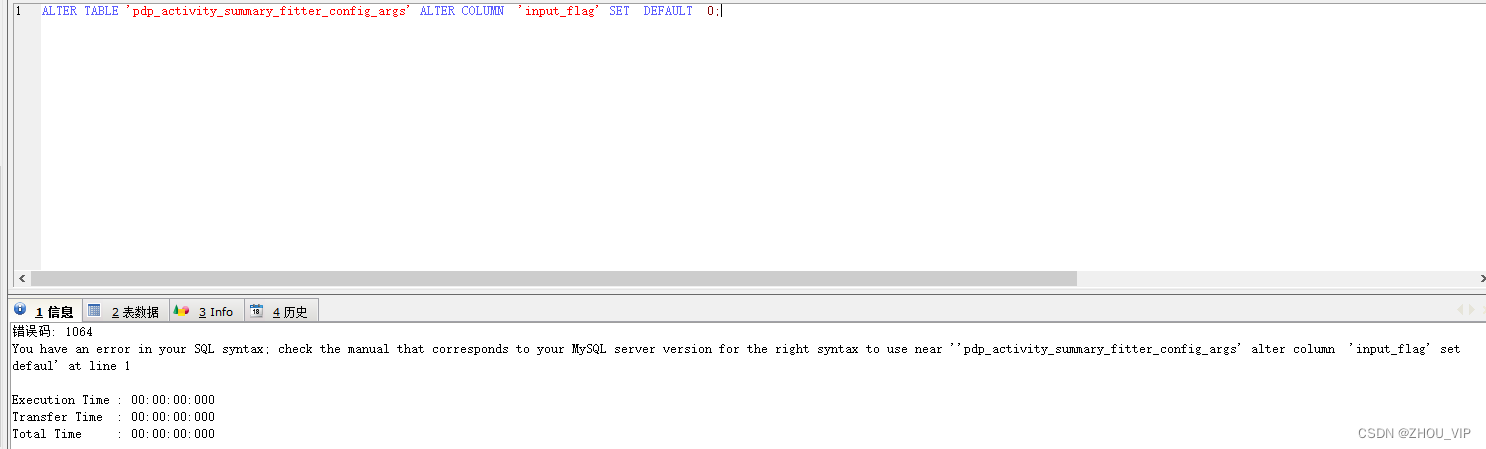
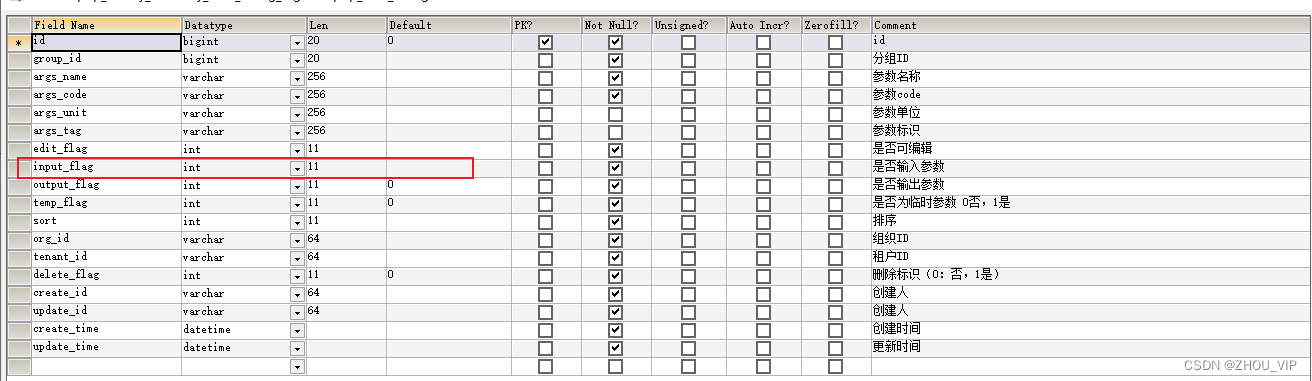
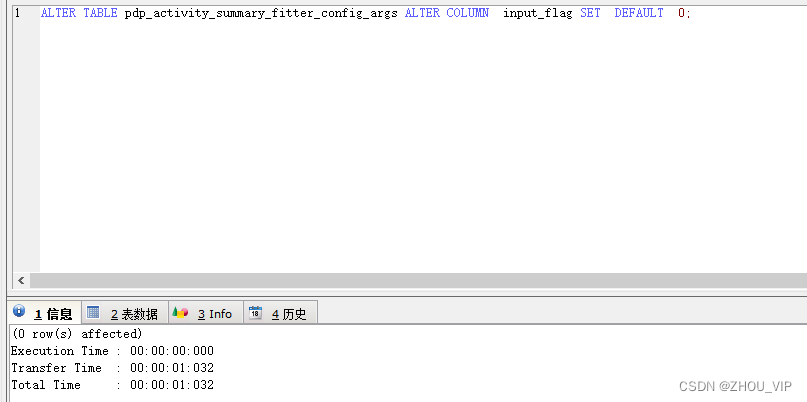
注意:上面语句表名和字段名都不能带单引号,不然会报错!
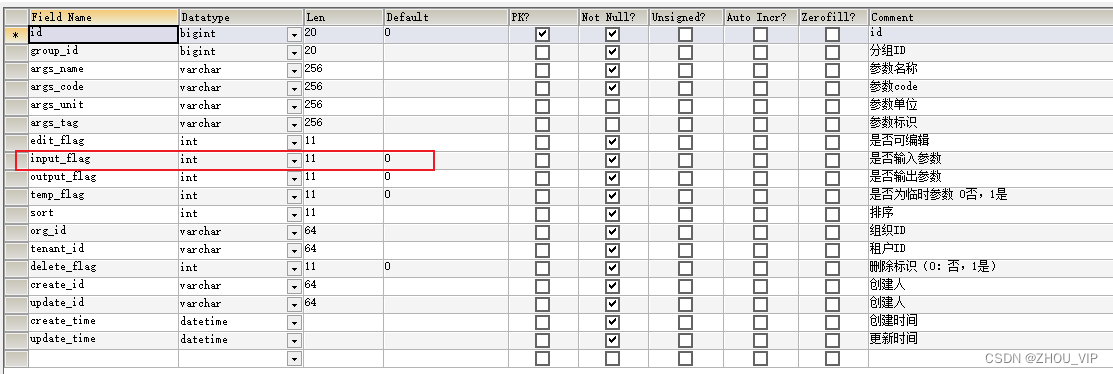
不带单引号,成功





 扫一扫
扫一扫


 被折叠的 条评论
为什么被折叠?
被折叠的 条评论
为什么被折叠?
 到【灌水乐园】发言





