





 本文介绍如何使用腾讯云短信服务发送短信,包括配置参数、获取签名字符串及使用PHP SDK实现短信发送的过程。特别关注国内必填参数的要求。
1、腾讯云短信服务 - 快速入门 ,流程走完。
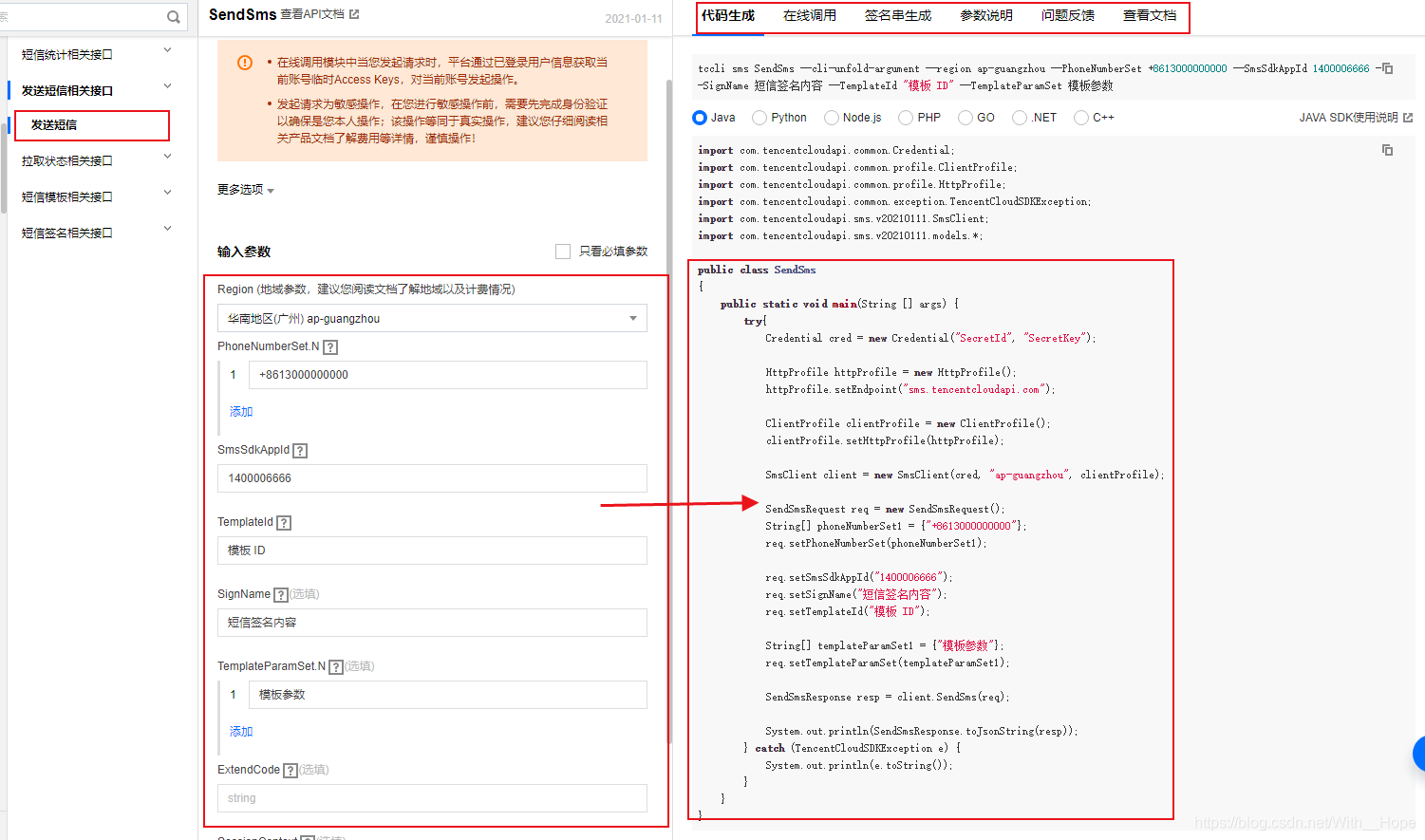
2、使用 API Explorer 云-API-控制台 - 发送短信 调试控制台获取示例代码
PS:完善必填参数,
注意某些非必填参数:SignName【短信签名内容】在国内是必填,
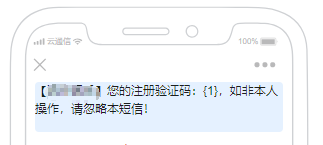
TemplateParamSet 【模板参数】短信模板有设置变量的为必填参数。
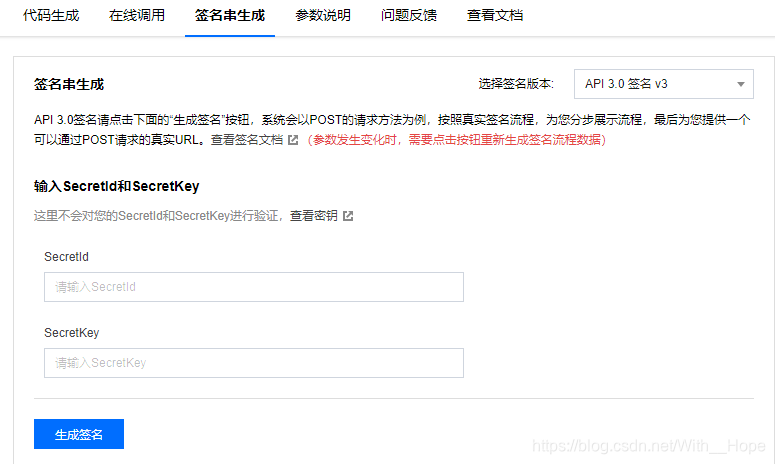
完善参数后 获取签名字符串,真实请求中需要(此处扫码验证后,腾讯云会模拟临时Access Key)
3、下载 提供的SDK PHP 版本 链接详情有说明
4、
php单文件则可以 复制 补全参数 直接运行,
think PHP 6 创建模块集中管理不变参数(也可以直接写控制器)
<?php
namespace app\controller;

use app\traits\ControllerTrait;
use TencentCloud\Common\Credential;
use TencentCloud\Common\Exception\TencentCloudSDKException;
use TencentCloud\Common\Profile\ClientProfile;
use TencentCloud\Common\Profile\HttpProfile;
use TencentCloud\Sms\V20210111\Models\SendSmsRequest;
use TencentCloud\Sms\V20210111\SmsClient;

class TenXunCloudSms extends ControllerTrait {

    public function SendShortMessage(){
        $secretId = 'secretId';
        $secretKey = 'secretKey';
        $smsSdkAppId = '1400000000';
        $signName = '短信签名内容(国内必填)';
        $templateId = '模板 ID';
        $TemplateParamSet = json_encode(rand(100000,999999)); //随机六位数验证码方法,仅供参考

        $param = $this->request->param();
        $rule = [
            "phoneNumberSet|电话号码" => "require",
        ];
        $this->validate($param, $rule);
        try {

            $cred = new Credential($secretId,$secretKey);
            $httpProfile = new HttpProfile();
            $httpProfile->setEndpoint("sms.tencentcloudapi.com");

            $clientProfile = new ClientProfile();
            $clientProfile->setHttpProfile($httpProfile);
            $client = new SmsClient($cred, "ap-guangzhou", $clientProfile);

            $req = new SendSmsRequest();

            $params = array(
                "PhoneNumberSet" => array("+86{$param['phoneNumberSet']}"),  //+86 为中国大陆地区码,可拼接变量
                "SmsSdkAppId" => $smsSdkAppId,
                "SignName" => $signName,
                "TemplateId" => $templateId,
                "TemplateParamSet" => array($TemplateParamSet)
            );
            $req->fromJsonString(json_encode($params));

            $resp = $client->SendSms($req);

            print_r(json($resp->toJsonString()));
        } catch (TencentCloudSDKException $e) {
            echo $e;
        }
    }
}
访问地址,传入参数,短信发送成功。





 扫一扫
扫一扫


 2700
2700

 被折叠的 条评论
为什么被折叠?
被折叠的 条评论
为什么被折叠?
 到【灌水乐园】发言





