


 本文介绍了三种在Spring Boot项目中将本地磁盘资源映射为URL路径的方法,包括自定义WebMvcConfigurer实现类、继承WebMvcConfigurerAdapter(已过时)以及在application.yml配置文件中进行配置。通过这些方式,可以使用http://localhost:8080/image/s.jpg访问到D:/upload/s.jpg文件。
如何实现在项目中通过url路径访问本地磁盘的资源,将本地磁盘路径映射成虚拟路径
- 方式一:自定义类实现WebMvcConfigurer接口,重写它的addResourceHandlers(ResourceHandlerRegistry registry)方法。
import org.springframework.context.annotation.Configuration;
import org.springframework.web.servlet.config.annotation.ResourceHandlerRegistry;
import org.springframework.web.servlet.config.annotation.WebMvcConfigurer;

@Configuration
public class FilePath implements WebMvcConfigurer {
    @Override
    public void addResourceHandlers(ResourceHandlerRegistry registry) {
//   registry.addResourceHandler("虚拟路径").addResourceLocations("file:本地资源路径");
        registry.addResourceHandler("/image/**").addResourceLocations("file:D:/upload/");
    }
}
- 方式二:跟方式一差不多,自定义类继承WebMvcConfigurerAdapter类,重写它的addResourceHandlers(ResourceHandlerRegistry registry)方法。但已经过时不推荐使用。
import org.springframework.context.annotation.Configuration;
import org.springframework.web.servlet.config.annotation.ResourceHandlerRegistry;
import org.springframework.web.servlet.config.annotation.WebMvcConfigurerAdapter;
@Configuration
public class FilePath2 extends WebMvcConfigurerAdapter {
    @Override
    public void addResourceHandlers(ResourceHandlerRegistry registry) {
        //   registry.addResourceHandler("虚拟路径").addResourceLocations("file:本地资源路径");
        registry.addResourceHandler("/image/**").addResourceLocations("file:D:/upload/");
    }
}
- 方式三:在application.yml的配置文件进行配置
spring:
  mvc:
    static-path-pattern: '/image/**'
  resources:
    static-locations: 'file:D:/upload/'
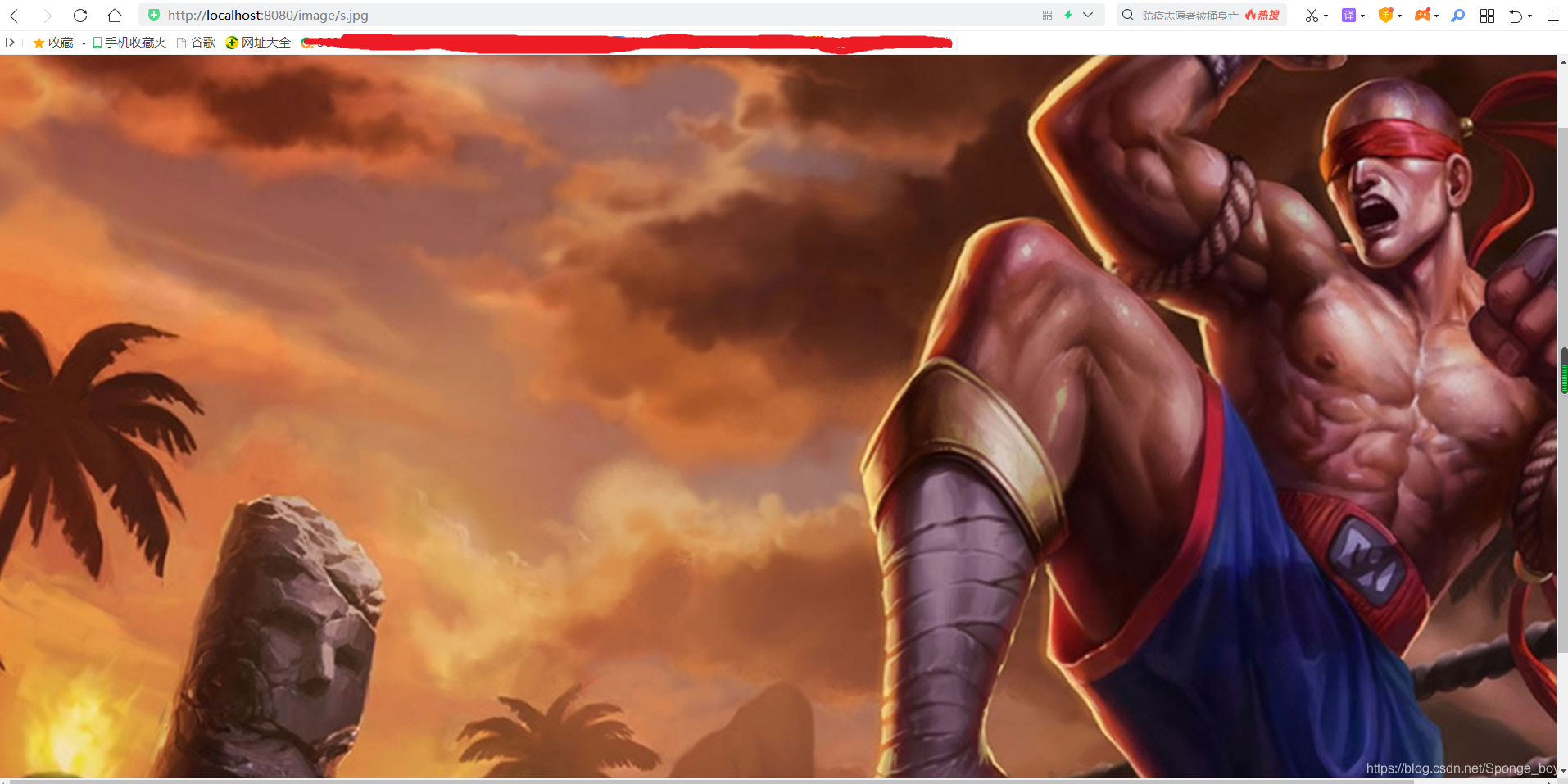
总结:然后启动项目,可以通过http://localhost:8080/image/s.jpg,访问到本地磁盘的D:/upload/s.jpg文件。
如图:





 扫一扫
扫一扫


 1224
1224


 到【灌水乐园】发言



