


Parsing the packets caught by wireshark (Computer Network Final project)
In this report, I will introduce how I established my server on public net. How I established the file transportation. And using the wireshark to parse the packets caught by it.
According to the homework requirements, here is the table corresponding to it.
| Tasks | Corresponding directory |
|---|---|
| 1.Build a server and client | 1 and 2 |
| 2.Transmit video | 4.3.3 |
| 3.Capture TCP/IP packets | 3 |
| 3.Analyze TCP/IP packets | 4 |
1. Server build
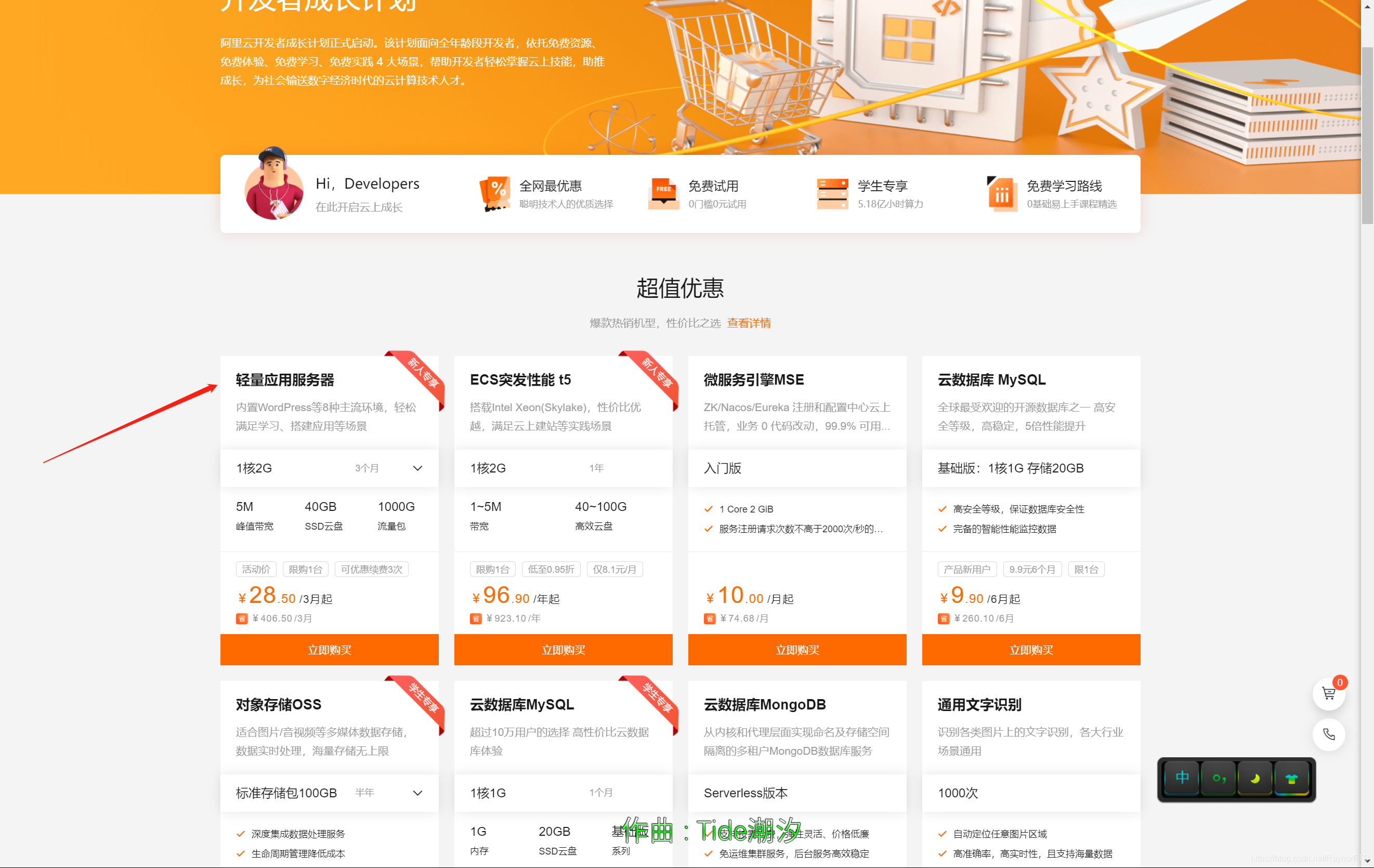
My server is on the public net. And it is from aliyun. Just buy a server first.

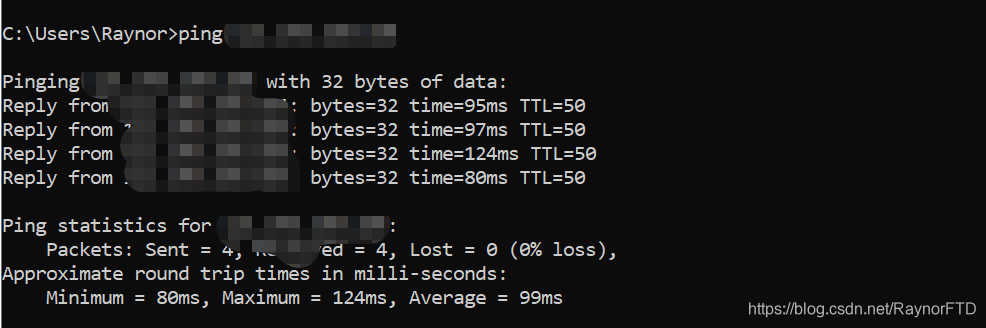
After perchasing it, we could use ping command to check if we could connect successfully:
we could use cmd command “Ping + IP” to check it.
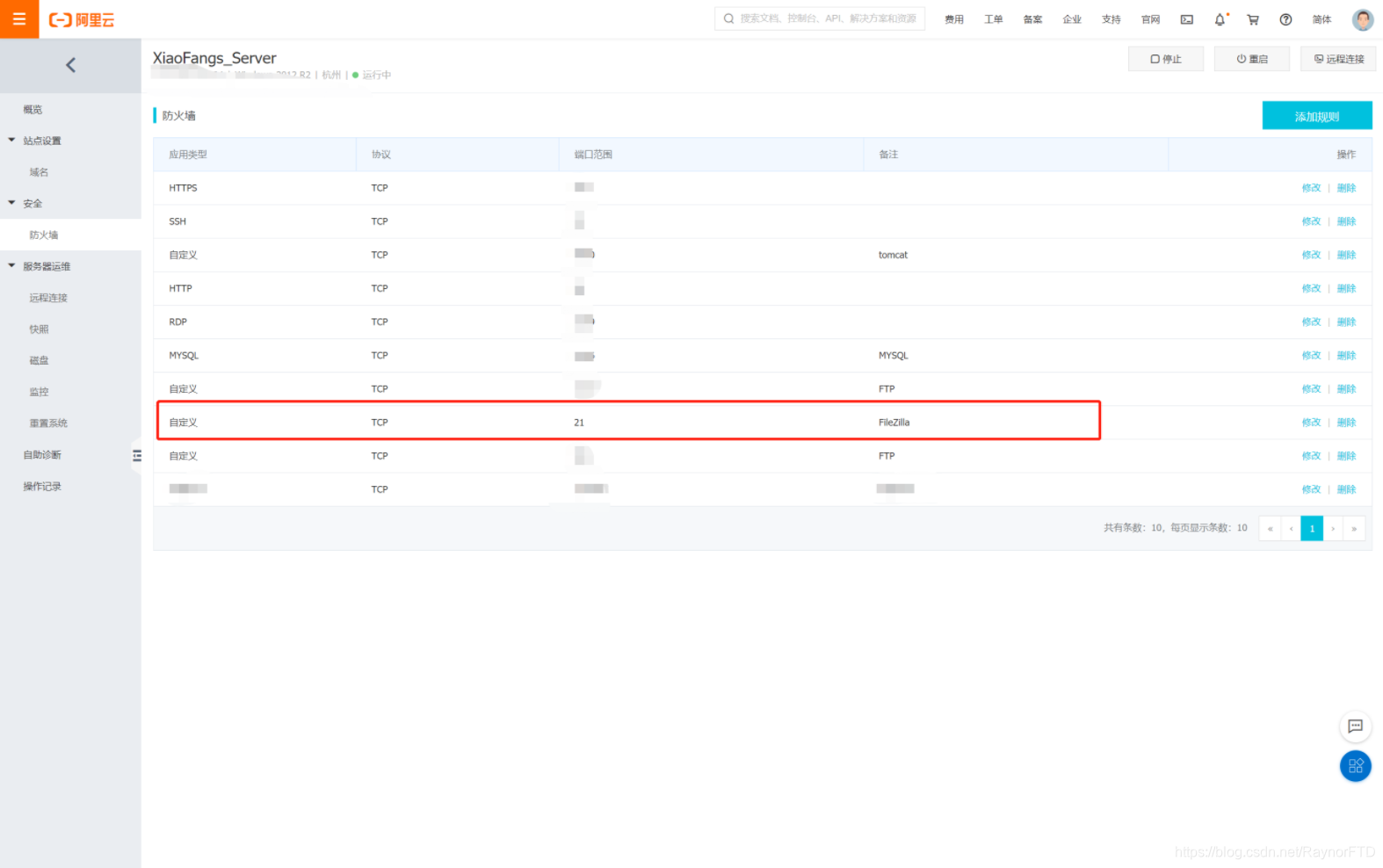
And because we are going to use port 21 to transfer, we should configure the firewall.
2. Establish the file transportation
Here we used the FileZilla application to handle the file transportation. First we put it on the server and configure it.
2.1 Server Configuration
First we download the server edition of FileZilla. And Enter the information like the picture below:

After entered it without error, you are supposed to click the 1st button, and click “General” and “add”, then it is your work to input a new user.

And set the shared folder.

Also here you could configure which of the authorities you are going to give to the user. For example, I gave the user all of the autorities.

Then just click OK, you could finish the configuration of server.
2.2 Client Configuration
First we downloaded the FileZilla client editon and open it.
Click the connect configuration button and add a new site. Input the host address and User and password in the corresponding blanket.

Here you may meet thousands of kinds of errors, which I meet here is 425 error. I failed to retrieve directory listing.

To hanlde this problem, go to server and edit : User->General->Force SSL for user login.

And then, we could establish the connection.
3. Start the file transportation and sniffing the packets
Open the wireshark application and start to sniff the packets:
In order to help us analysis the packets we have caught, we should add a filter otherwise the number of packets is to large to analysis.
The filter is to filt out the packets which source IP address or destination IP address is my server’s IP address. We could use command below to do this.
ip.addr == xxxx.xxxx.xxxx.xxxx
(ip.src == xxxx.xxxx.xxxx.xxxx) or (ip.dst == xxxx.xxxx.xxxx.xxxx)
[外链图片转存失败,源站可能有防盗链机制,建议将图片保存下来直接上传(img-CCuHc13V-1607931929278)(https://pad.degrowth.net/uploads/upload_9d5c884c0546b417c1cf2e0ebcd5896f.png =300x)]
Then open the FileZilla to download the file from the server.

Then you could find the wireshark has been working to sniff the packets.
[外链图片转存失败,源站可能有防盗链机制,建议将图片保存下来直接上传(img-k5uClQRZ-1607931929282)(https://pad.degrowth.net/uploads/upload_8adfa68091587ec10b69a4cf89a39ddf.png =600x)]
Finally it is the analysis part.
4. Paring the packets
The procedure of the network is like this:
 最低0.47元/天 解锁文章






 扫一扫
扫一扫


 5万+
5万+

 被折叠的 条评论
为什么被折叠?
被折叠的 条评论
为什么被折叠?
 到【灌水乐园】发言





