



 本文详细介绍了Python编程的基础,包括程序的基本结构(如if、for、while语句),代码注释方法,以及输入函数input和输出函数print的使用。重点讲解了如何处理数据类型转换和控制流,以及基本的输出格式控制。
目录
1、Python 程序基本结构
Python 使用缩进来表示代码块,通常语句末尾的冒号表示代码块的开始。
下面以 if、for、while 语句为例:
为什么写这么简单的代码呢,我只是希望记住哪些常用语句后要加冒号
(1)if 语句
# if 语句

my = 123
if my > 111:
    print("more")
else:
    print("less")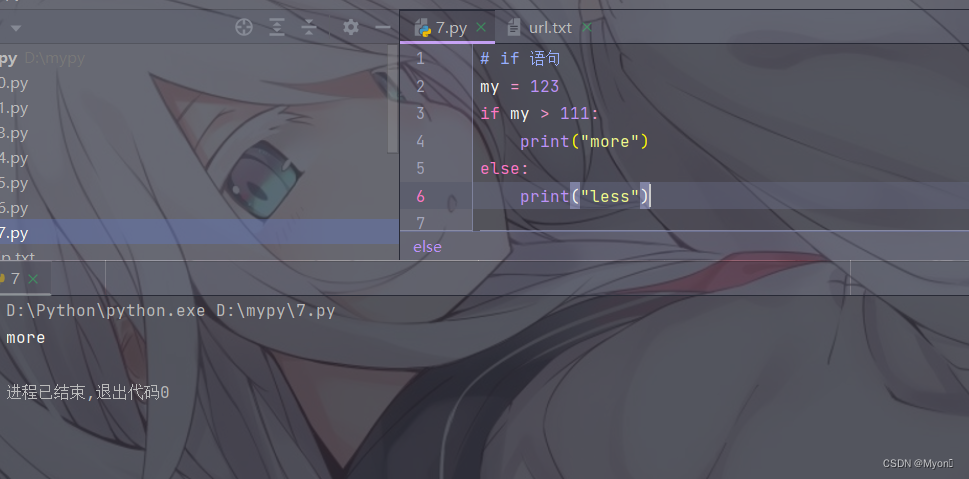
都能看懂的一个简单 if 判断对吧,我就不解释了,记住大致用法就行了
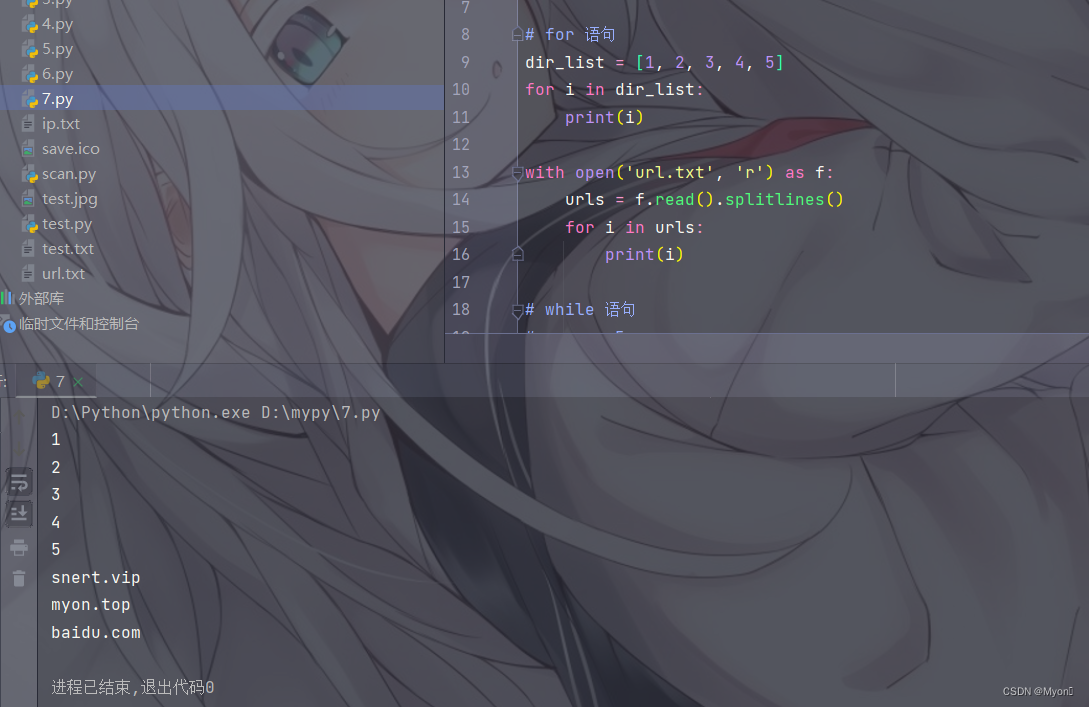
(2)for 语句
# for 语句

dir_list = [1, 2, 3, 4, 5]
for i in dir_list:
    print(i)

with open('url.txt', 'r') as f:
    urls = f.read().splitlines()
    for i in urls:
        print(i)
能看懂第一段就行了,with 我们后面再讲
(3)while 语句
# while 语句

myon = 5
while myon > 0:
    print(myon)
    myon -= 1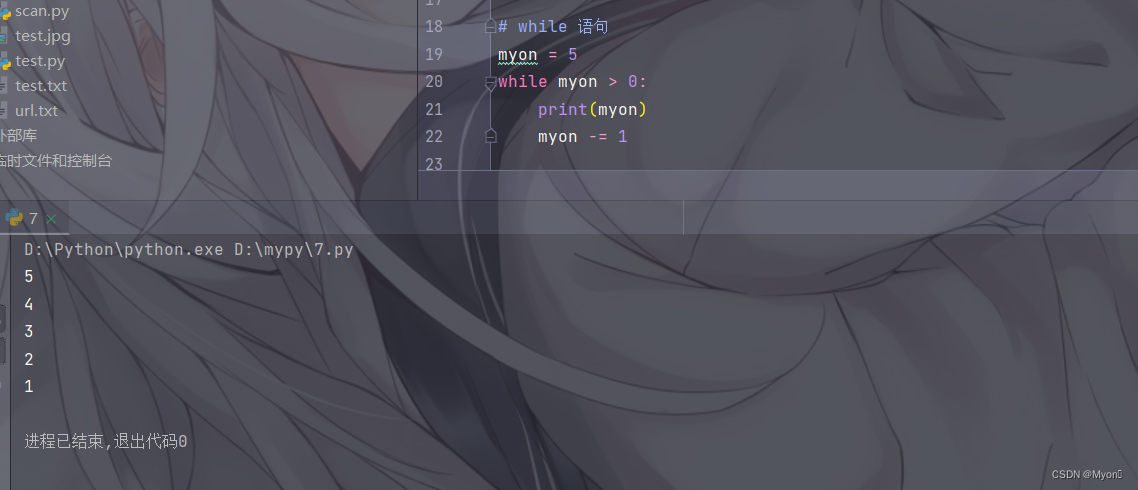
各位熟悉一个基本语句结构就行了, 即 if、for、while 后需要加冒号
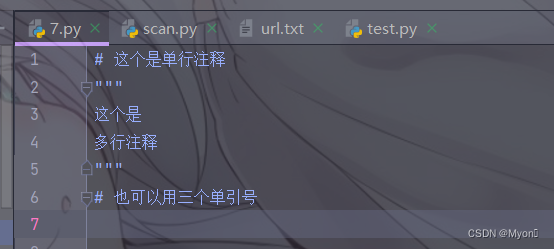
(4)代码注释
单行注释:使用 #
多行注释:使用三个单引号或者三个双引号对注释内容进行包裹
(5)语句分割与续行
分割:使用分号分割语句,实现将多条语句写在一行
续行:使用反斜杠,实现将一条语句写在多行中(注意 \ 后不能有东西包括空格和注释)
# 语句分割
print("hello"); print("myon")

# 语句连续
print("Perhaps I am old-fashioned, but I always think of the sum\
mer months as a season of infinite possibility.")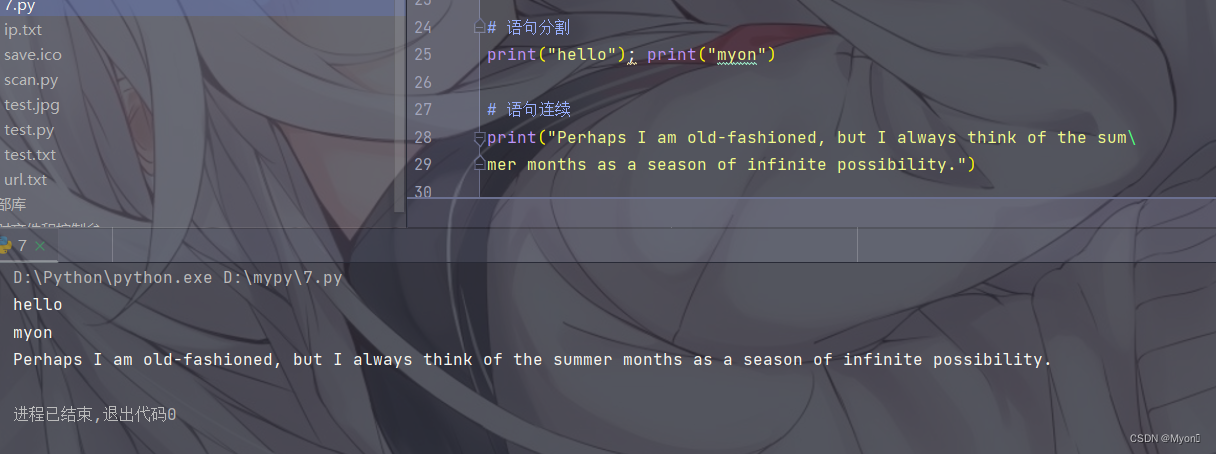
补充:Python 对大小写敏感
2、基本输入和输出
(1)input 函数
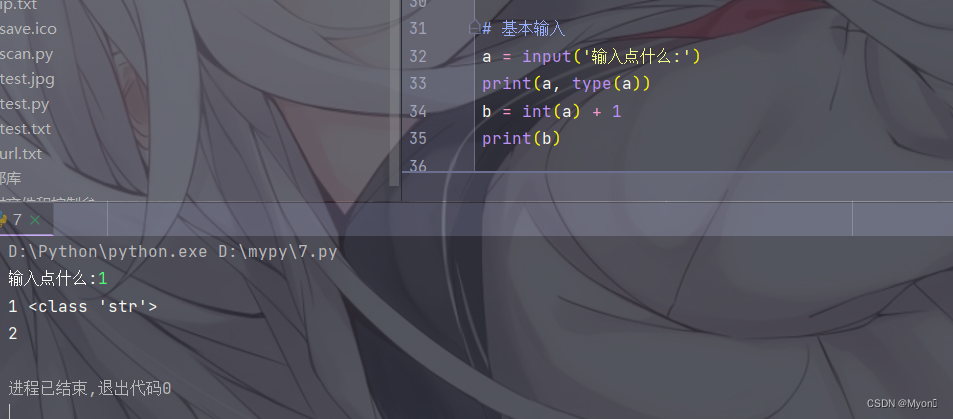
input 函数用于获取用户输入的数据,并将输入以字符串返回
# 基本输入
a = input('输入点什么:')
print(a, type(a))
b = int(a) + 1
print(b)
使用 type 函数我们可以看到返回的类型是 str
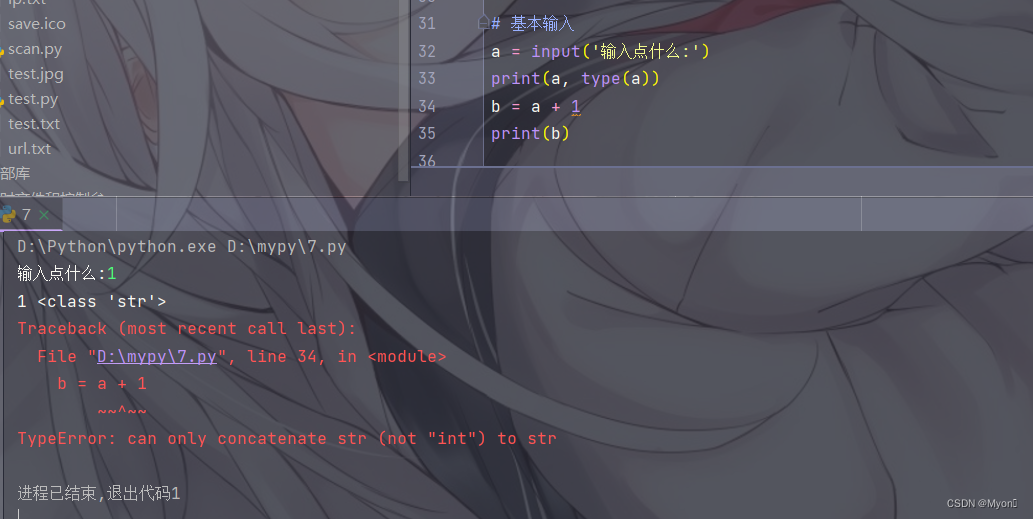
因此当我们需要输入整数或小数时,需要使用 int 或 float 函数进行转换
直接使用则会报错
(2)print 函数
无参数时,print 函数会输出一个空行;
print 函数可以同时输出多个对象;
print 函数默认分隔符为空格,可以使用参数 sep 指定分隔符;
print 函数默认以换行符作为输出结尾,可以使用参数 end 指定输出结尾符合。
# 基本输出
print()
print("test")
print(1, 2, 'hello', [1, 2, 3])
print(1, 2, 3,sep='#')
print('myon'); print('hacking')
print('myon', end=' like '); print('hacking')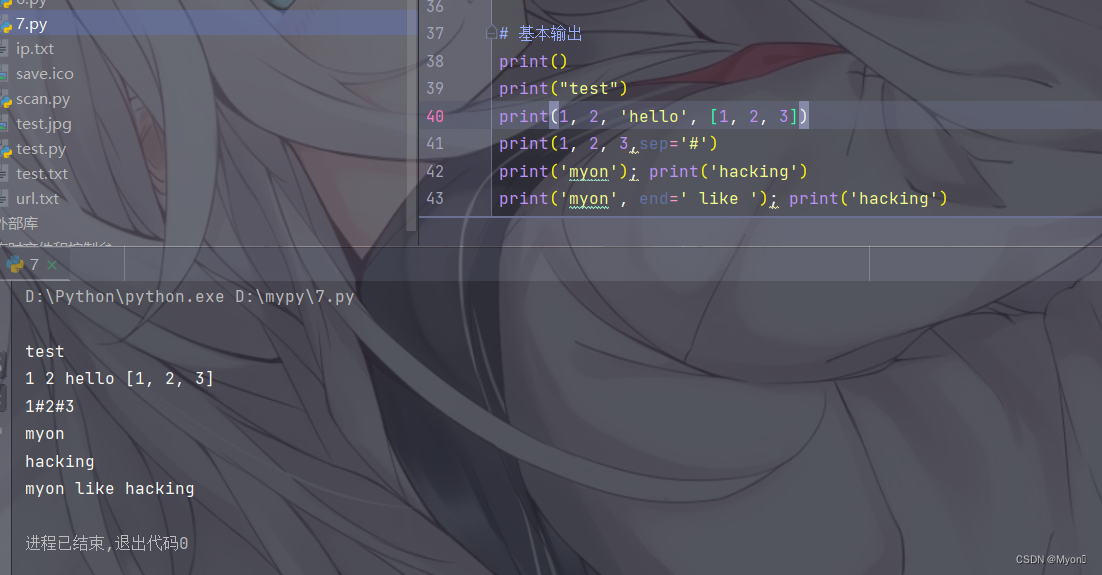
print 函数默认输出到标准输出流(命令行窗口)
可以使用参数 file 指定输出到特定文件
# 输出到文件
test_file = open('test.txt', 'w')
print('hello!', file=test_file)
test_file.close()
# with open('test.txt', 'r') as f:
#     print(f.readlines())
print(open('test.txt').read())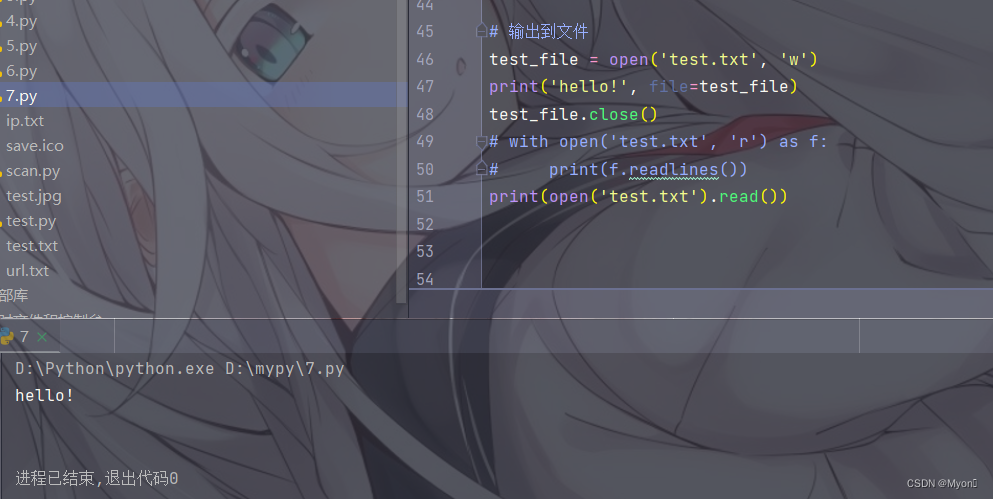





 扫一扫
扫一扫


 被折叠的 条评论
为什么被折叠?
被折叠的 条评论
为什么被折叠?
 到【灌水乐园】发言





