



 本文介绍SpringBoot中静态资源如CSS、JS、图片等的管理方法,包括文件存放位置、加载顺序及如何通过Thymeleaf展示HTML文件等内容。
第二章:SpringBoot接口Http协议开发实战
02-6 SpringBoot2.x目录文件结构讲解
 简介:讲解SpringBoot目录文件结构和官方推荐的目录规范

 1、目录讲解
	 src/main/java:存放代码
	 src/main/resources
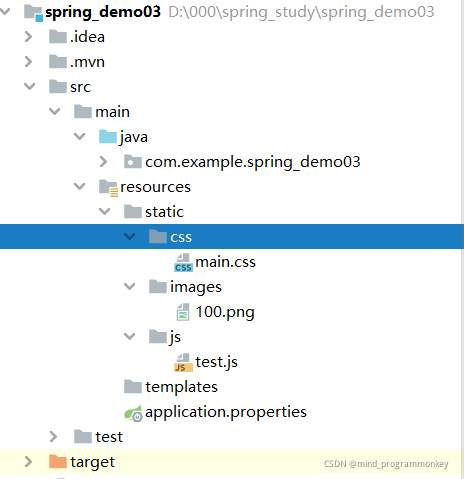
	 	static: 存放静态文件,比如 css、js、image, (访问方式 http://localhost:8080/js/main.js)
	 	templates:存放静态页面jsp,html,tpl
	 	config:存放配置文件,application.properties
	 	resources:

 2、引入依赖 Thymeleaf
 	<dependency>
	   <groupId>org.springframework.boot</groupId>
	   <artifactId>spring-boot-starter-thymeleaf</artifactId>
	</dependency>
	注意:如果不引人这个依赖包,html文件应该放在默认加载文件夹里面,
	比如resources、static、public这个几个文件夹,才可以访问

 3、同个文件的加载顺序,静态资源文件
 Spring Boot 默认会挨个从
 META/resources > resources > static > public  里面找是否存在相应的资源,如果有则直接返回。

 4、默认配置
 	1)官网地址:https://docs.spring.io/spring-boot/docs/current/reference/html/boot-features-developing-web-applications.html#boot-features-spring-mvc-static-content

 	2)spring.resources.static-locations = classpath:/META-INF/resources/,classpath:/resources/,classpath:/static/,classpath:/public/

 5、静态资源文件存储在CDN
1.Spring Boot目录结构以及加载顺序
目录讲解
src/main/java:存放代码
src/main/resources
static: 存放静态文件,比如 css、js、image, (访问方式 http://localhost:8080/js/main.js)
templates:存放静态页面jsp,html,tpl
config:存放配置文件,application.properties
resources:
默认情况下,Spring Boot 提供来自类路径中名为/static(或/public或/resources或/META-INF/resources)的目录或从ServletContext. 它使用ResourceHttpRequestHandler来自 Spring MVC 的,以便您可以通过添加自己WebMvcConfigurer的addResourceHandlers方法并覆盖该方法来修改该行为。
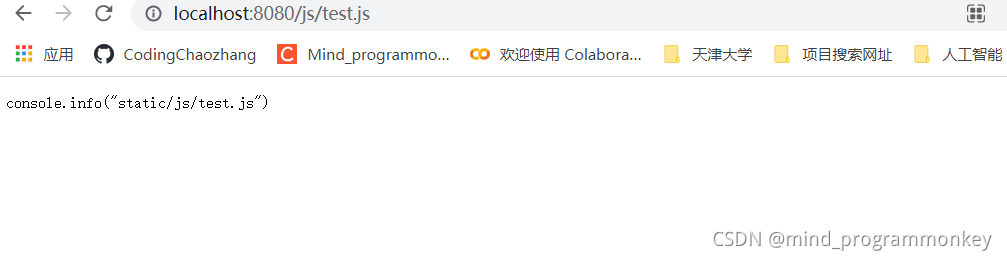
同个文件的加载顺序,静态资源文件 Spring Boot 默认会挨个从 META/resources > resources > static > public 里面找是否存在相应的资源,如果有则直接返回。
例子:
访问
http://localhost:8080/css/main.css
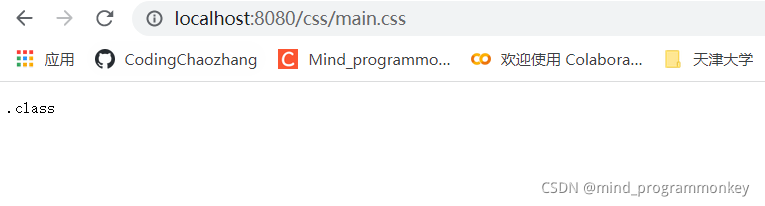
http://localhost:8080/images/100.png
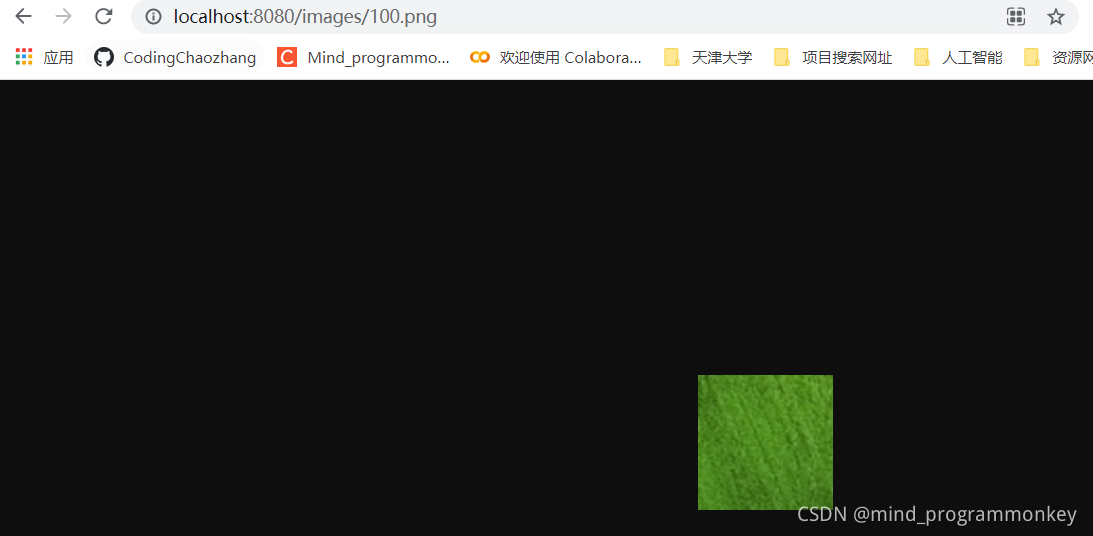
http://localhost:8080/js/test.js
2.通过Thymeleaf显示加载的HTML文件
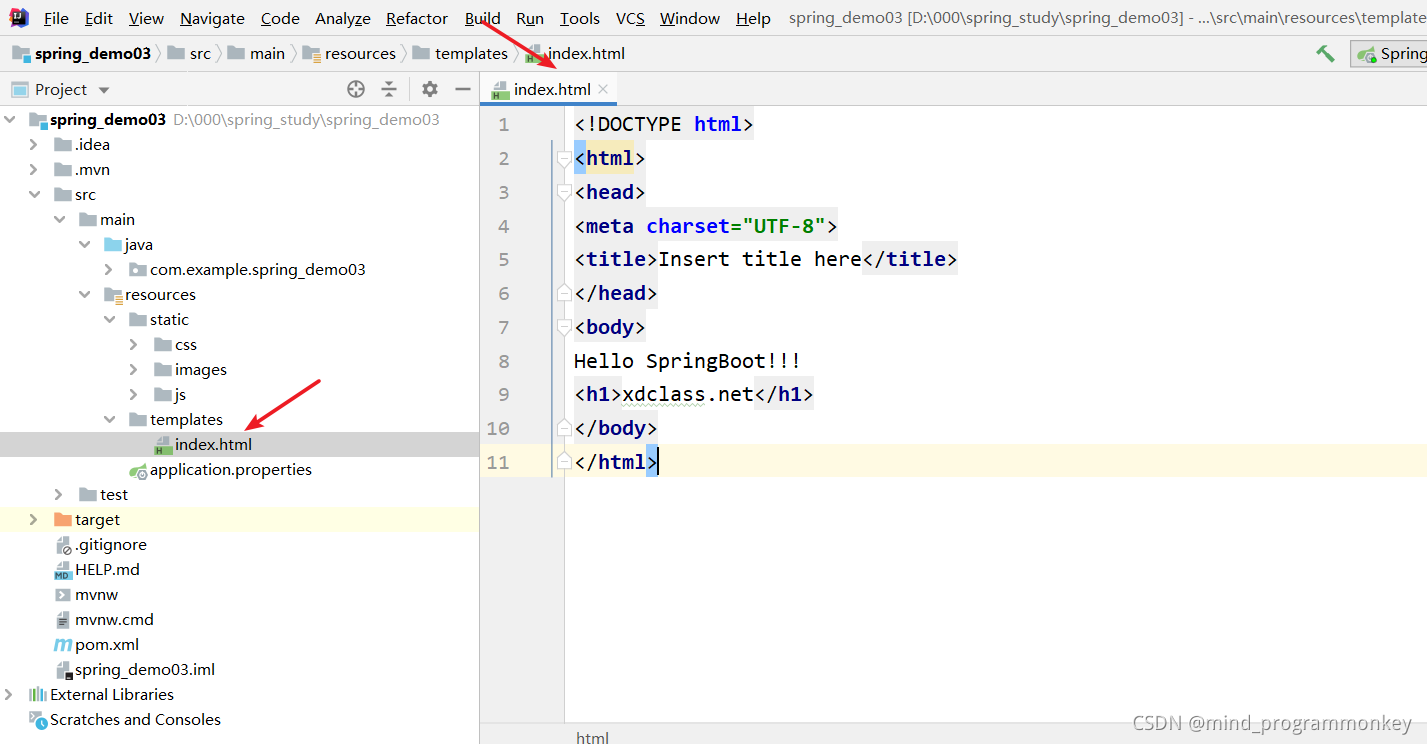
在templates下创建index.html文件。具体如下图所示。
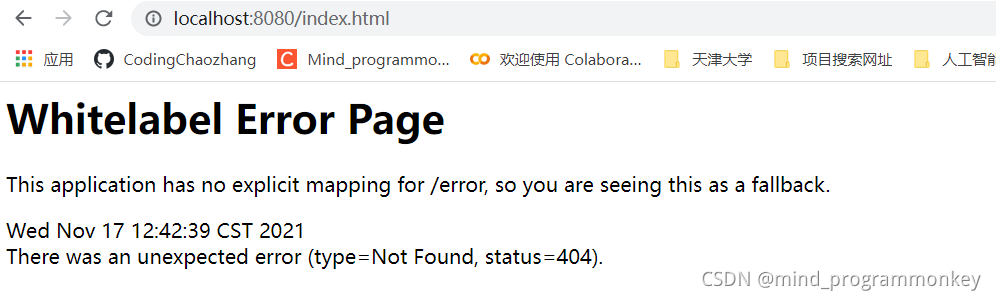
但如果直接访问的话,会报错。
首先需要在pom.xml中加入Thymeleaf依赖包信息。
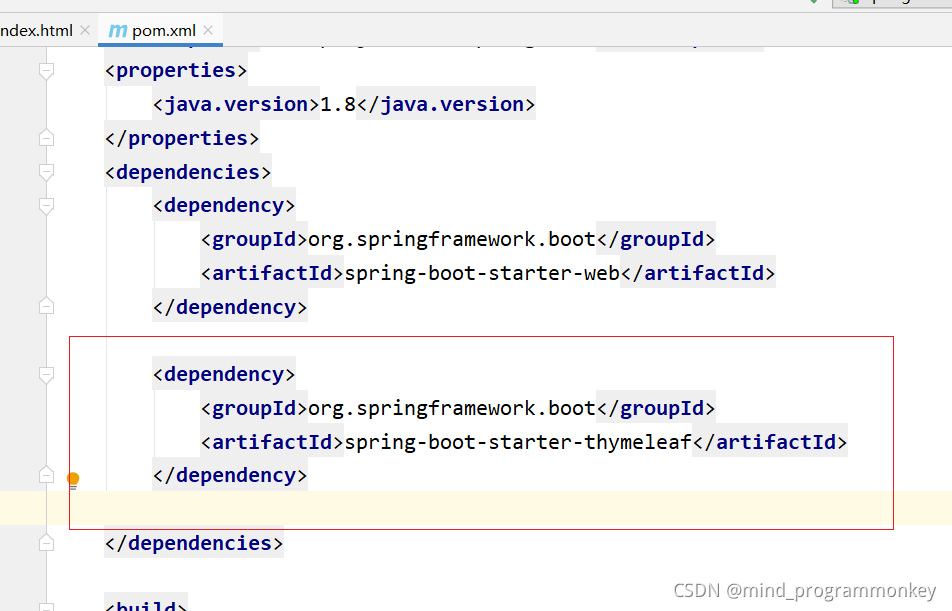
注意:如果不引人这个依赖包,html文件应该放在默认加载文件夹里面,
比如resources、static、public这个几个文件夹,才可以访问
之后在controller下新建一个HtmlController的文件。
package com.example.spring_demo03.controller;

import org.springframework.stereotype.Controller;
import org.springframework.web.bind.annotation.RequestMapping;

/**
 * @author : codingchao
 * @date : 2021-11-17 12:45
 * @Description:
 **/
@Controller
public class HtmlController {
    @RequestMapping(value = "/api/html")
    public Object index() {
        return "index";
    }
}
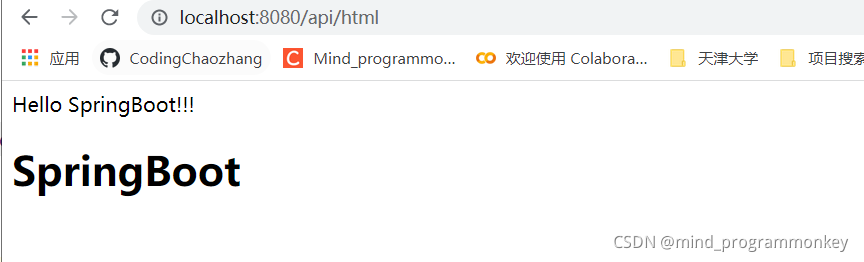
3.自定义加载配置文件
默认配置:官网地址:https://docs.spring.io/spring-boot/docs/current/reference/html/boot-features-developing-web-applications.html#boot-features-spring-mvc-static-content
自定义配置:
spring.web.resources.static-locations = classpath:/META-INF/resources/,classpath:/resources/,classpath:/static/,classpath:/public/

还有后续工作,大家点赞评论收藏关注走起来!!!学起来!!!





 扫一扫
扫一扫


 2699
2699

 被折叠的 条评论
为什么被折叠?
被折叠的 条评论
为什么被折叠?
 到【灌水乐园】发言





