



 这篇博客详细介绍了如何使用Python通过Slack Bot发送文本消息和图片等附件。首先,你需要安装相关库,然后在Slack上创建APP并赋予Bot权限。获取Token后,将Bot加入到指定channel。代码部分展示了发送文本消息和附件的实现,如果Bot被移除,可以通过重新安装和更新密钥来重新加入channel。
用到的库
安装: pip install slack_sdk
在slack创建APP
- 进入
https://api.slack.com/apps,create a new app - 在
OAuth & Permissions菜单, 给bot加入权限: - Click the “Allow” button.
- 在
https://api.slack.com/apps/xxx/app-home设置app的名字 - 然后可以在
OAuth Tokens for Your Team看到 Token
加入channel
创建完app后, 在slack里, Add xxx to a channel
代码
发送文本消息代码
import os
from slack_sdk import WebClient
from slack_sdk.errors import SlackApiError

client = WebClient(token='xxxx')

try:
    response = client.chat_postMessage(channel='xxx', text="Hello world22!")
    assert response["message"]["text"] == "Hello world!"
except SlackApiError as e:
    # You will get a SlackApiError if "ok" is False
    assert e.response["ok"] is False
    assert e.response["error"]  # str like 'invalid_auth', 'channel_not_found'
    print(f"Got an error: {e.response['error']}")
发送图片或者其他文本附件
import os
from slack_sdk import WebClient
from slack_sdk.errors import SlackApiError

client = WebClient(token='xxx')

try:
    filepath="./tmp.txt"
    response = client.files_upload(channels='#random', file=filepath)
    assert response["file"]  # the uploaded file
except SlackApiError as e:
    # You will get a SlackApiError if "ok" is False
    assert e.response["ok"] is False
    assert e.response["error"]  # str like 'invalid_auth', 'channel_not_found'
    print(f"Got an error: {e.response['error']}")
被从channel移除后,重新加入:
-
重新reinstall
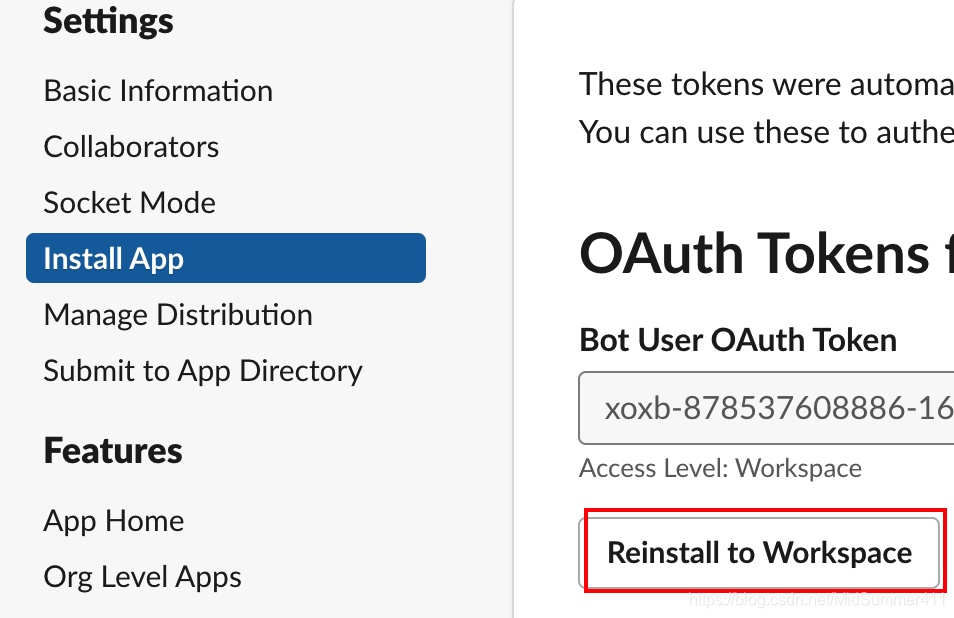
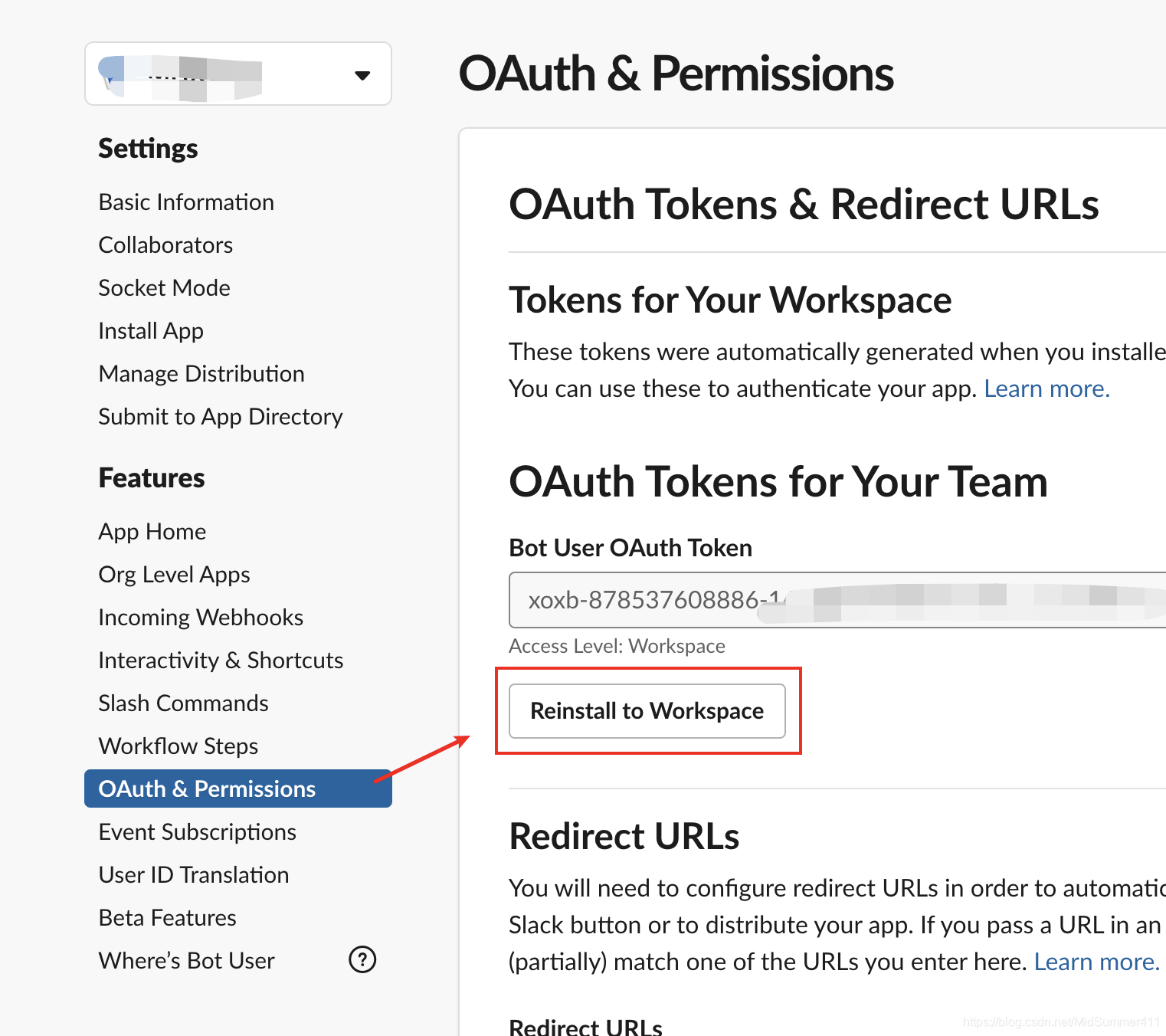
-
在slack客户端add apps
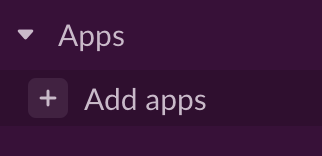
-
进入app,加入channel
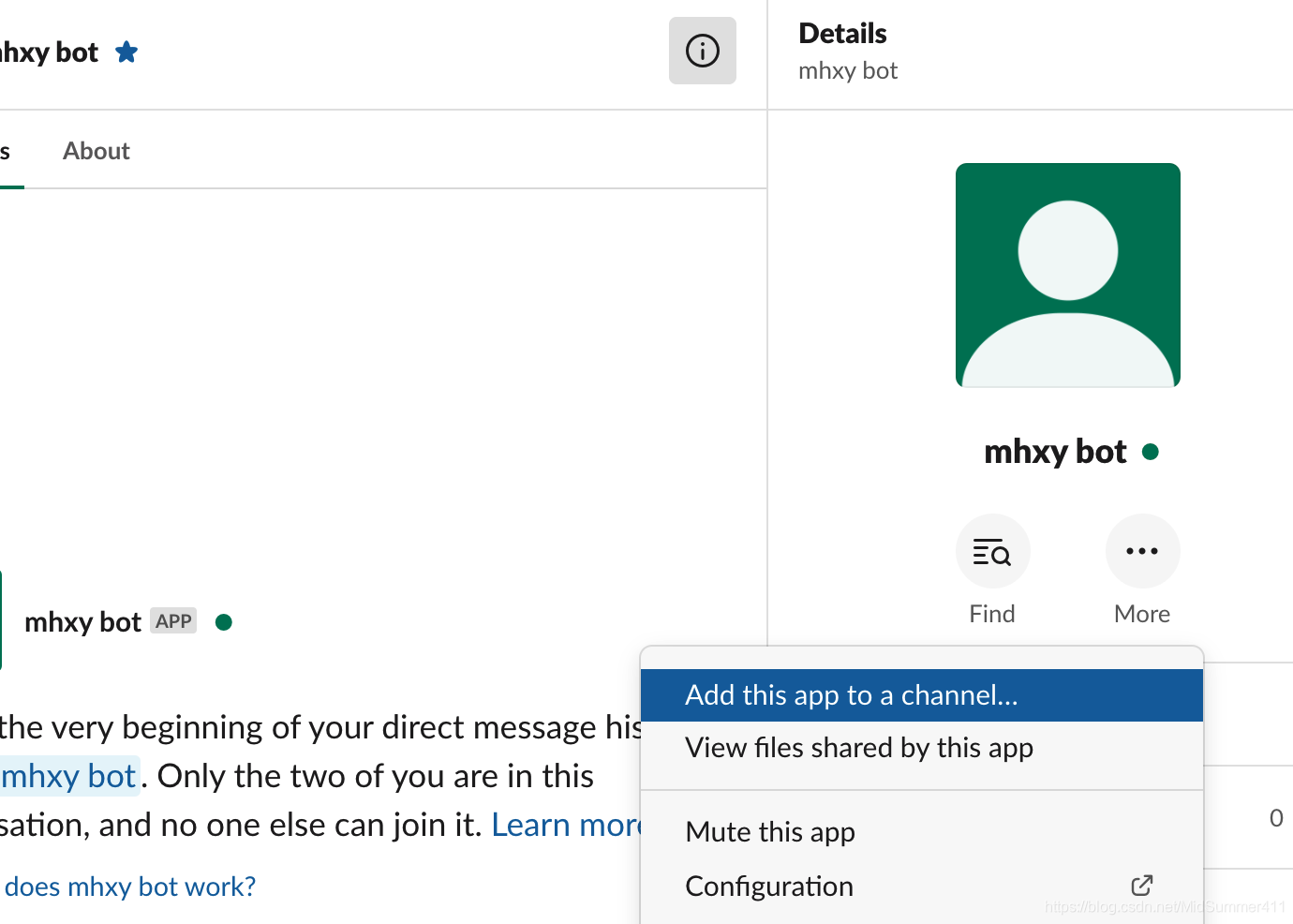
-
更新代码内的密钥
client = WebClient(token='xoxb-878537608886-16834xxxxxx')






 扫一扫
扫一扫


 504
504


 到【灌水乐园】发言



