


 文章介绍了如何使用HTML和CSS创建一个基于众包的打分网站布局,其中电影海报作为固定背景,左侧媒体信息固定,右侧信息可滚动。通过设置元素的position、width、height以及overflow属性,实现了所需效果,并应用蒙版和z-index解决内容模糊问题。
目前在开发一个基于众包的打分网站,前端遇到的一个需求是:
- 背景是电影的海报,且不能随着scroll-bar滚动,需要一个蒙版
- 分为两栏,左侧是影视的媒体信息,不随页面滚动
- 右侧是影视的基本信息和评分信息,要可以随着页面滚动
首先规划一个简单的页面框架
<div class="container">
  <div class="left-column">
    I'm the left column
  </div>
  <div class="right-column">
    <p>I'm the right column</p>
    <p>Lorem ipsum </p>
  </div>
</div>
增加css
html, body {
  margin: 0;
  padding: 0;
  height: 100%;
}

.container {
  display: flex;
  height: 100%;
}

.left-column {
  width: 50%;
  position: fixed;
  top: 0;
  bottom: 0;
  background-color: #ccc;
}

.right-column {
  width: 50%;
  height: 100%;
  overflow-y: scroll;
  background-color: #eee;
  margin-left: 50%; /* add this to push it to the right */

	/* add some padding */
  box-sizing: border-box;
  padding: 4rem;
}
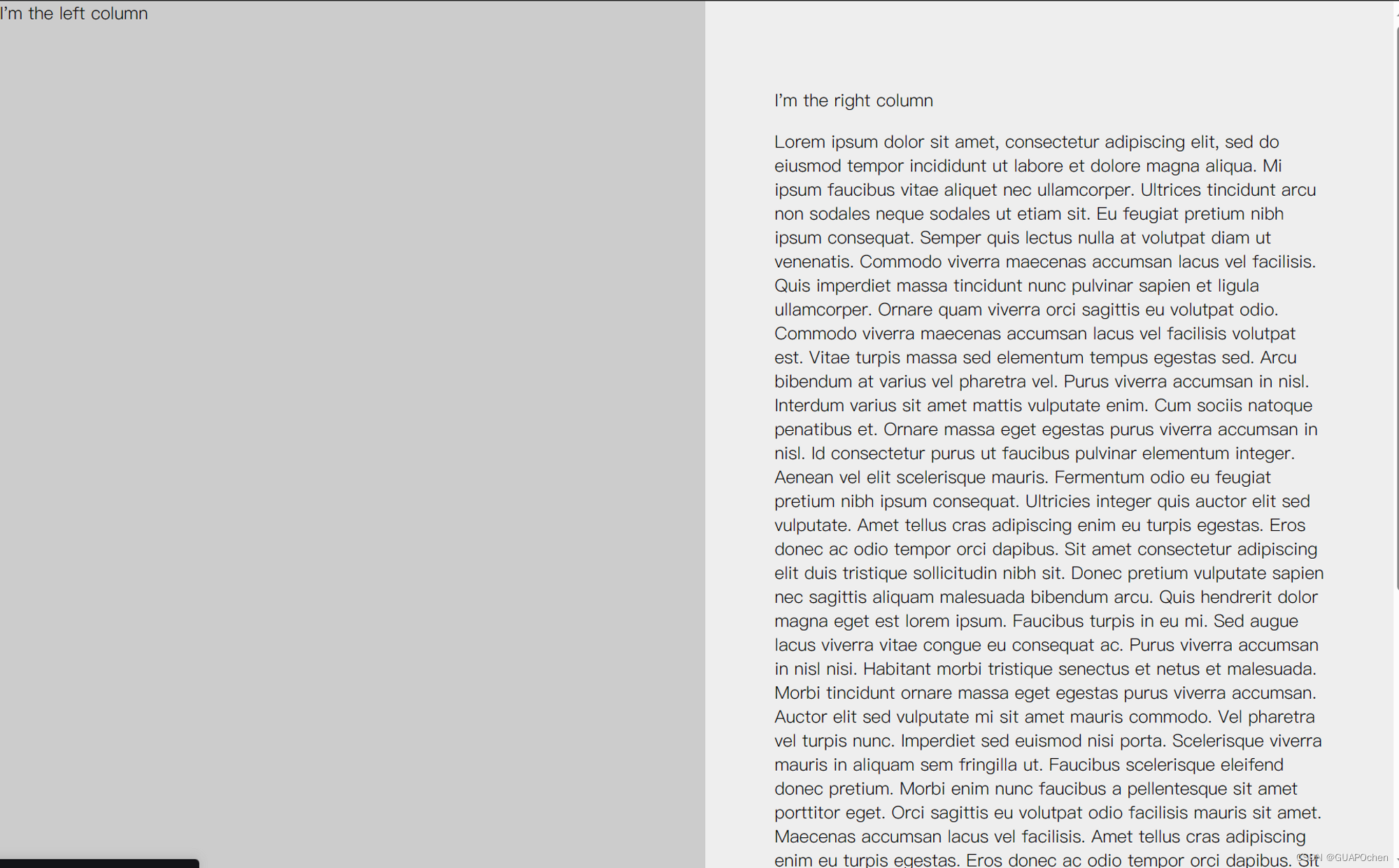
代码定义了一个包含左右两个列的布局,其中左侧固定宽度为50%,右侧占据剩余宽度。下面是各个属性的解释:
html, body {
  margin: 0;
  padding: 0;
  height: 100%;
}
这部分代码将html和body元素的外边距和内边距设置为0,并将它们的高度设置为100%,以确保整个页面占据整个浏览器窗口。
.container {
  display: flex;
  height: 100%;
}
.container类被定义为一个flex容器,它将包含左右两个列。它的高度也被设置为100%,以确保它占据整个父元素(body)的高度。
.left-column {
  width: 50%;
  position: fixed;
  top: 0;
  bottom: 0;
  background-color: #ccc;
}
.left-column类定义了左侧固定宽度为50%的列。position属性被设置为fixed,意味着它将固定在浏览器窗口中,并且它的顶部和底部都被设置为0,以使它占据整个可见高度。
 .right-column {
  width: 50%;
  height: 100%;
  overflow-y: scroll;
  background-color: #eee;
  margin-left: 50%; /* add this to push it to the right */

  /* add some padding */
  box-sizing: border-box;
  padding: 4rem;
}
.right-column类定义了右侧占据剩余宽度的列。它的高度被设置为100%,以确保它占据整个父元素的高度。overflow-y属性设置为scroll,以在内容超出列高度时提供纵向滚动条。
margin-left属性设置为50%,以将右侧列推到左侧列的右侧。box-sizing属性设置为border-box,以确保padding不会增加元素的宽度。padding属性设置为4rem,为列内容添加内边距。
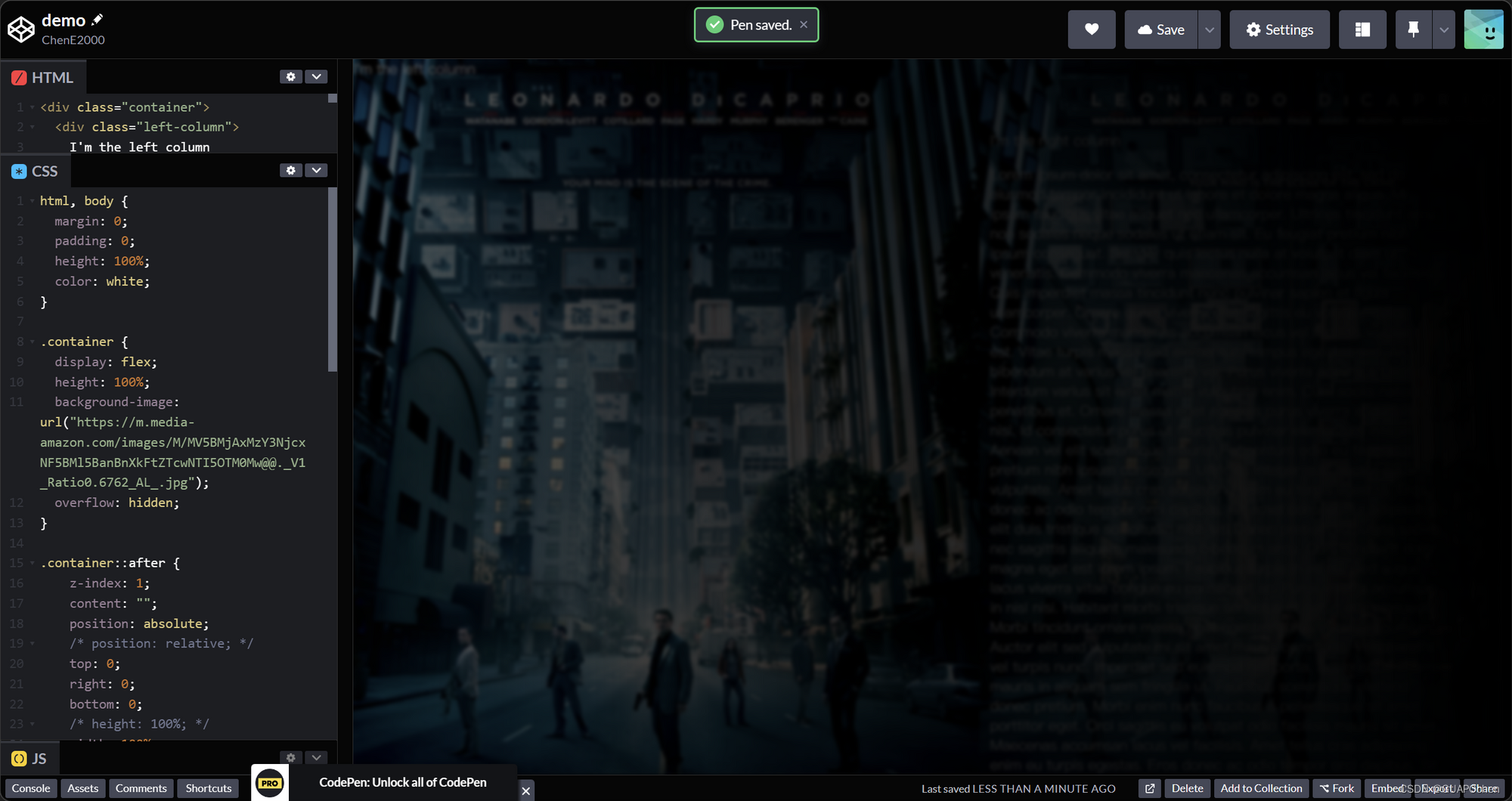
下一步去掉两个column的背景颜色,为container增加一个背景
.container {
  display: flex;
  height: 100%;
  background-image: url("https://m.media-amazon.com/images/M/MV5BMjAxMzY3NjcxNF5BMl5BanBnXkFtZTcwNTI5OTM0Mw@@._V1_Ratio0.6762_AL_.jpg");
  overflow: hidden;
}
用伪选择器增加一个蒙版
.container::after {
    z-index: 1;
    content: "";
    position: absolute;
    /* position: relative; */
    top: 0;
    right: 0;
    bottom: 0;
    /* height: 100%; */
    width: 100%;
    /* 设置伪元素宽度为div宽度的一半 */
    background: linear-gradient(269.83deg, #000000 0.42%, rgba(0, 0, 0, 0.767545) 70%, rgba(0, 0, 0, 0.418) 130%);
    background-attachment: fixed;
    backdrop-filter: blur(2px);
}
发现column的内容也模糊了,这是因为我们的蒙版目前高于column的内容。
设置一个z-index
.left-column {
  z-index: 2;
  width: 50%;
  position: fixed;
  top: 0;
  bottom: 0;
/*   background-color: #ccc; */
}

.right-column {
  z-index: 2;
  width: 50%;
  height: 100%;
  overflow-y: scroll;
/*   background-color: #eee; */
  margin-left: 50%; /* add this to push it to the right */
  box-sizing: border-box;
  padding: 4rem;
}
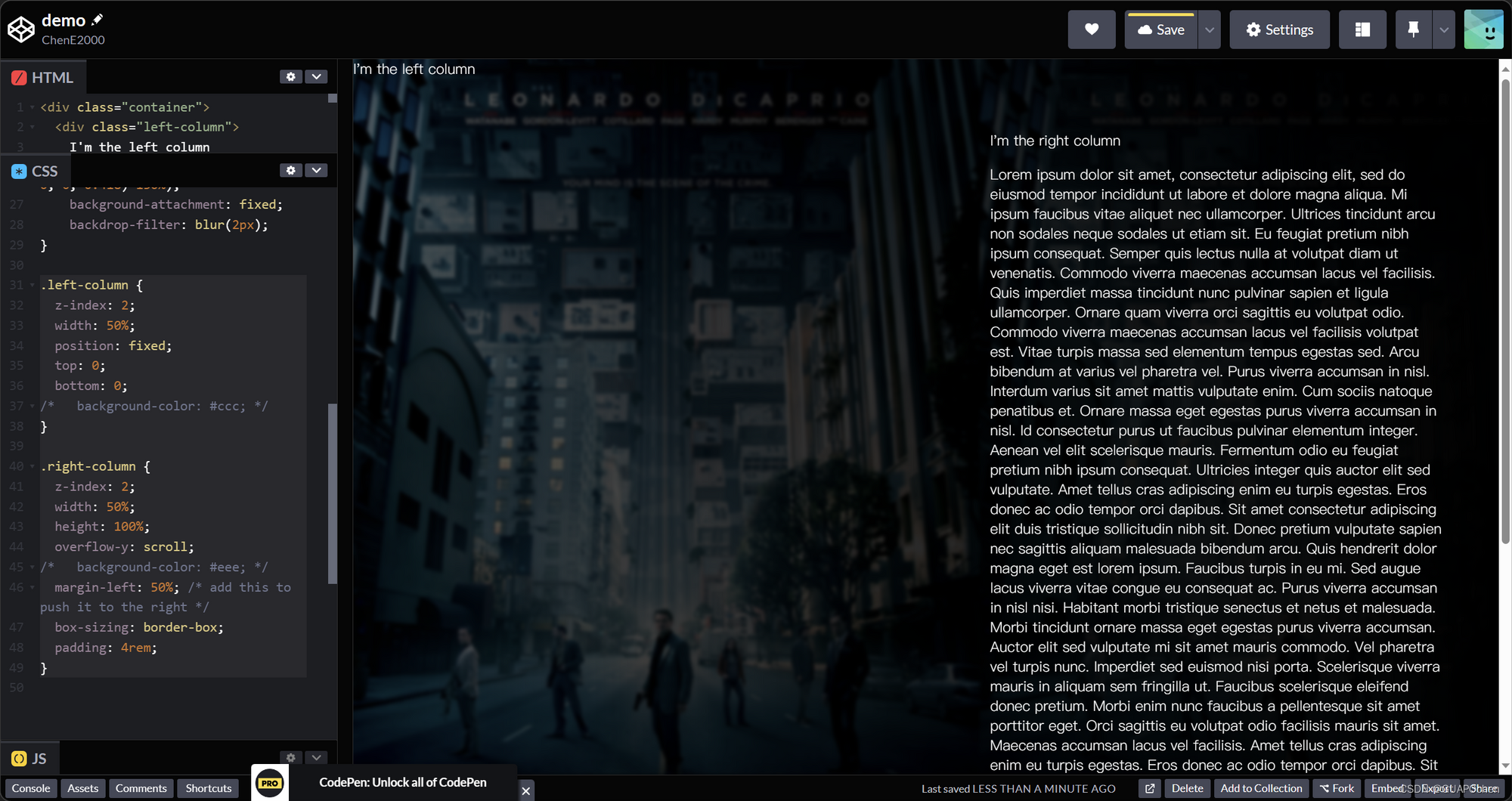
✅ 完成了预期的效果,后续可以根据内容进行开发
完整代码见





 扫一扫
扫一扫


 1337
1337


 被折叠的 条评论
为什么被折叠?
被折叠的 条评论
为什么被折叠?
 到【灌水乐园】发言




