





 本文介绍如何在JupyterLab环境中配置并显示Plotly制作的交互式图表。主要内容包括安装必要的Node.js环境及扩展插件步骤,确保Plotly图表能够正常呈现。
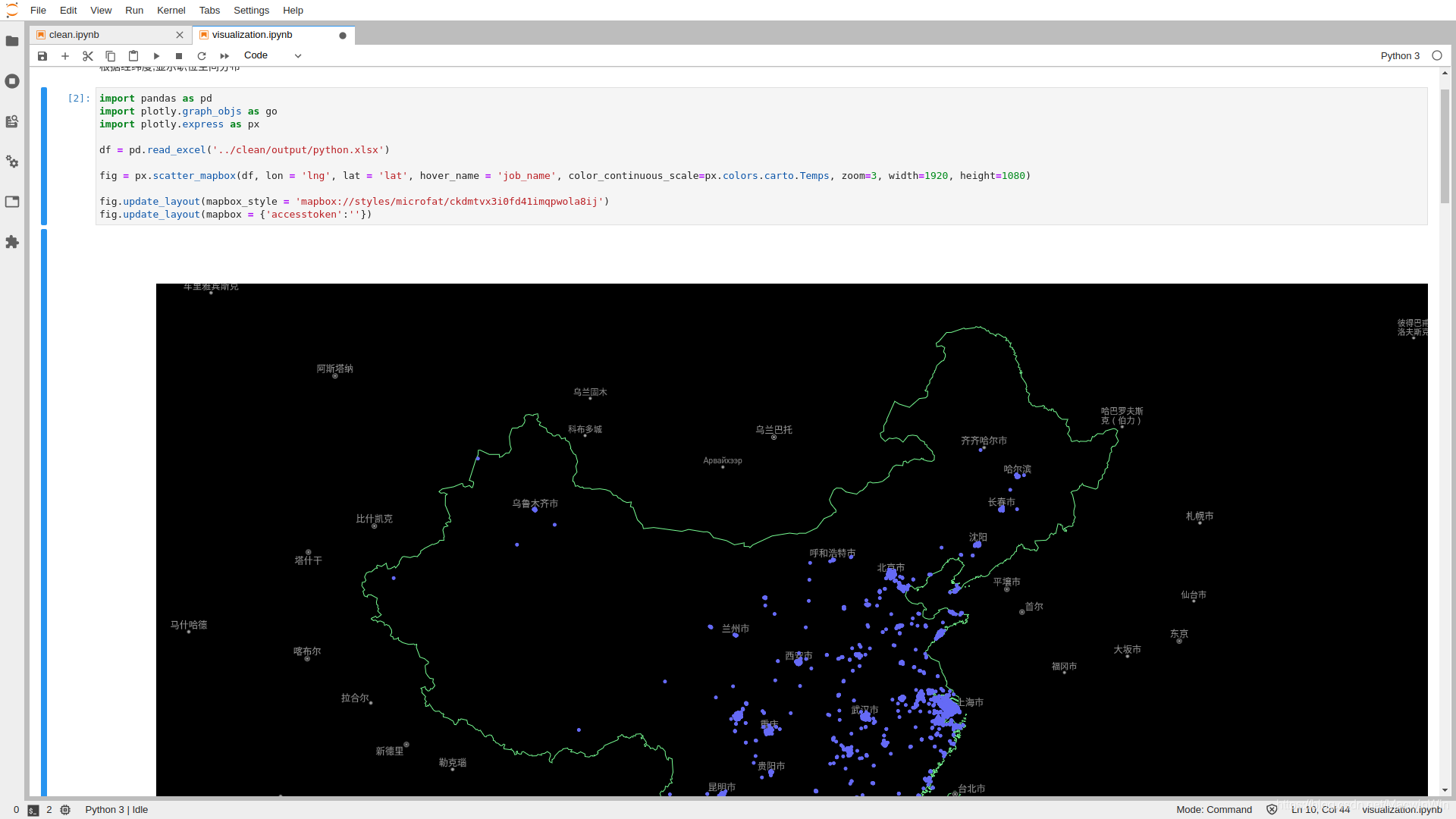
如果希望在jupyterlab中显示plotly图像,如下图所示:
# 安装node
>>> curl -sL https://deb.nodesource.com/setup_12.x | sudo -E bash -
# 安装插件
>>> jupyter labextension install jupyterlab-plotly@4.10.0
>>> jupyter labextension install @jupyter-widgets/jupyterlab-manager plotlywidget@4.10.0
如果安装插件过程中报错,则可能是网络原因
参考:https://plotly.com/python/getting-started/#jupyterlab-support-python-35





 扫一扫
扫一扫


 3596
3596

 被折叠的 条评论
为什么被折叠?
被折叠的 条评论
为什么被折叠?
 到【灌水乐园】发言





