


 这篇博客介绍了一个新手如何使用Vue和ElementUI轻松实现登录页面中点击切换账号登录和短信登录的功能,包括HTML、JavaScript和CSS的实现代码,并展示了最终效果。
1.前言
使用Vue + elementui实现切换登录方式,新手党!!!
2.需求
点击按钮切换账号登录或短信登录方式
3.实现效果
如图所示:
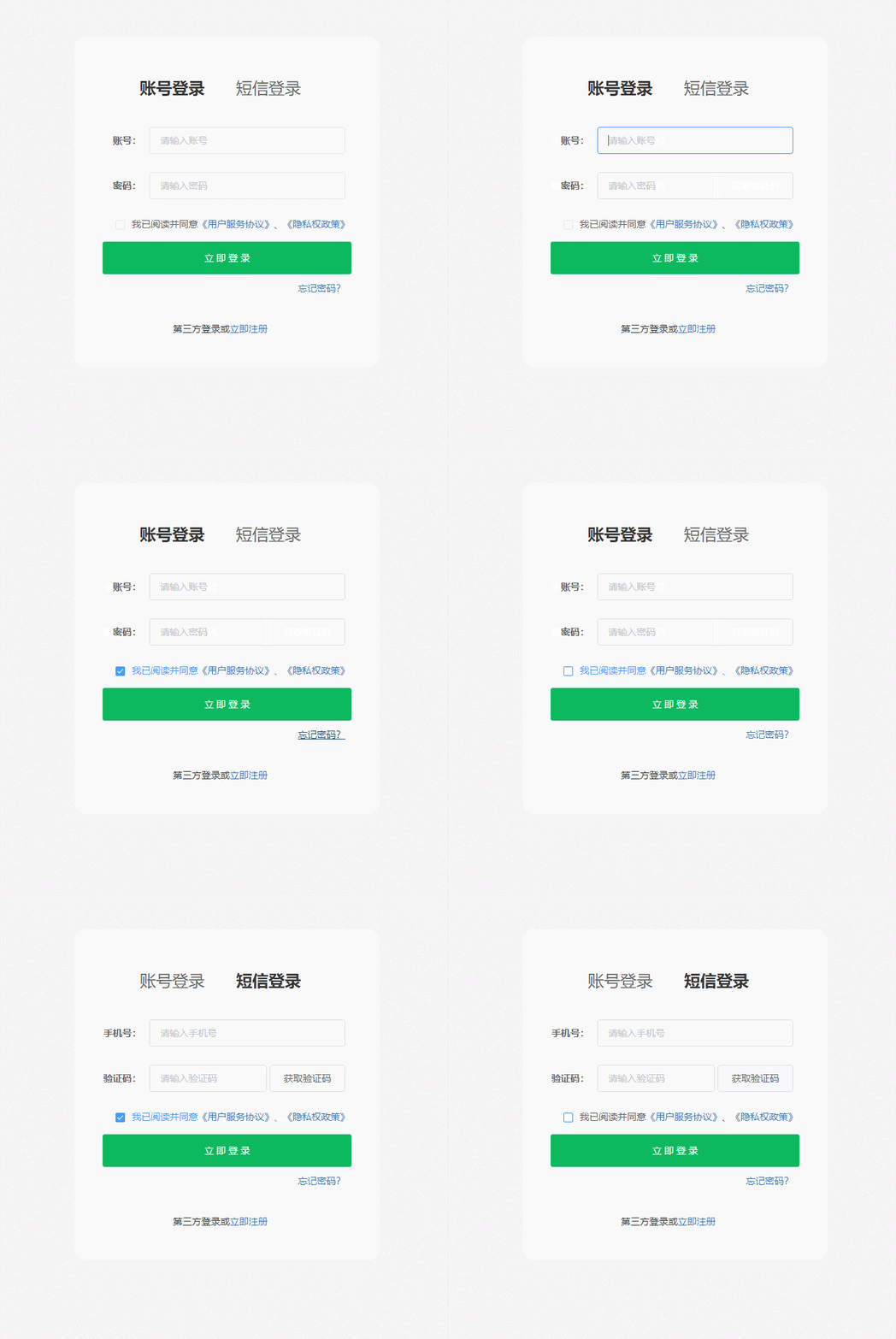
HTML代码:
<template>
<div style="min-height:800px;padding: 100px 0 0 640px;background-color:#f4f4f4">
<div class="login_box">
<p class="login_title">
<span :class="isActiveIndex === 0 ? 'isActiveTitle' : ''" @click="accountLogin">账号登录</span><!-- 利用三元运算符判定点击了哪个登录,从而绑定样式 -->
<span :class="isActiveIndex === 1 ? 'isActiveTitle' : ''" @click="smsLogin">短信登录</span>
</p>
<el-form v-if="isActive" ref="loginForm" :model="loginForm" label-width="80px">
<el-form-item label="账号:">
<el-input v-model= 最低0.47元/天 解锁文章






 扫一扫
扫一扫


 5128
5128


 到【灌水乐园】发言



