


MFC 鼠标悬停提示框
运行效果
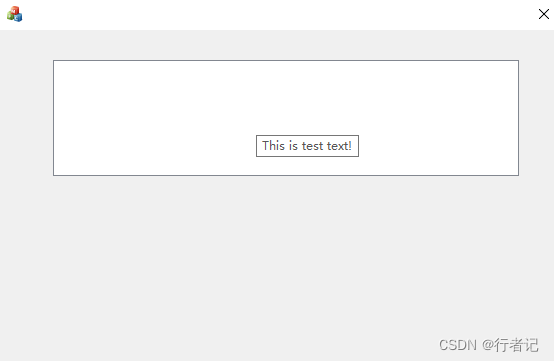
在MFC窗口中添加一个控件
- 工具栏中拖拽
List Box到MFC窗口 - 给
List Box添加变量CListBox m_listbox
增加成员变量
CWnd* m_tip_parent_wnd;
CToolTipCtrl m_tip;
给m_listbox创建提示框
void create_tip_window(CWnd* tip_wnd, CToolTipCtrl* tip)
{
	tip->Create(tip_wnd);
	tip->AddTool(tip_wnd, TTS_ALWAYSTIP);
	tip->SetTipTextColor(RGB(200, 0, 0);
	tip->SetDelayTime(500)
}
// 在 OnInitDialog 函数中调用如下代码:
m_tip_parent_wnd = &m_listbox;
create_tip_window(m_tip_parent_wnd, &m_tip);
 最低0.47元/天 解锁文章






 扫一扫
扫一扫


 3637
3637

 被折叠的 条评论
为什么被折叠?
被折叠的 条评论
为什么被折叠?
 到【灌水乐园】发言





