



 本文介绍了如何在PowerPoint中使用非内置字体时,确保导出为PDF文件并保留字体,包括设置保存选项以嵌入所有字符以及正确处理可能无法嵌入字体的情况。
在 slides 中用到非自带的字体,如 [1],想导出成 pdf 文件(因为导出成图,如 png,放大会蒙),并在别人电脑里也保留字体。除了让别人也装上相应字体,可以:
- 参考 [2],在 File -> Options -> Save Preserve fidelity when sharing this presentation -> 勾选 Embed fonts in the file -> 选第二个 Embed all characters (best for editing by other peple);
- 也可以在导出时设置一些选项,如下:
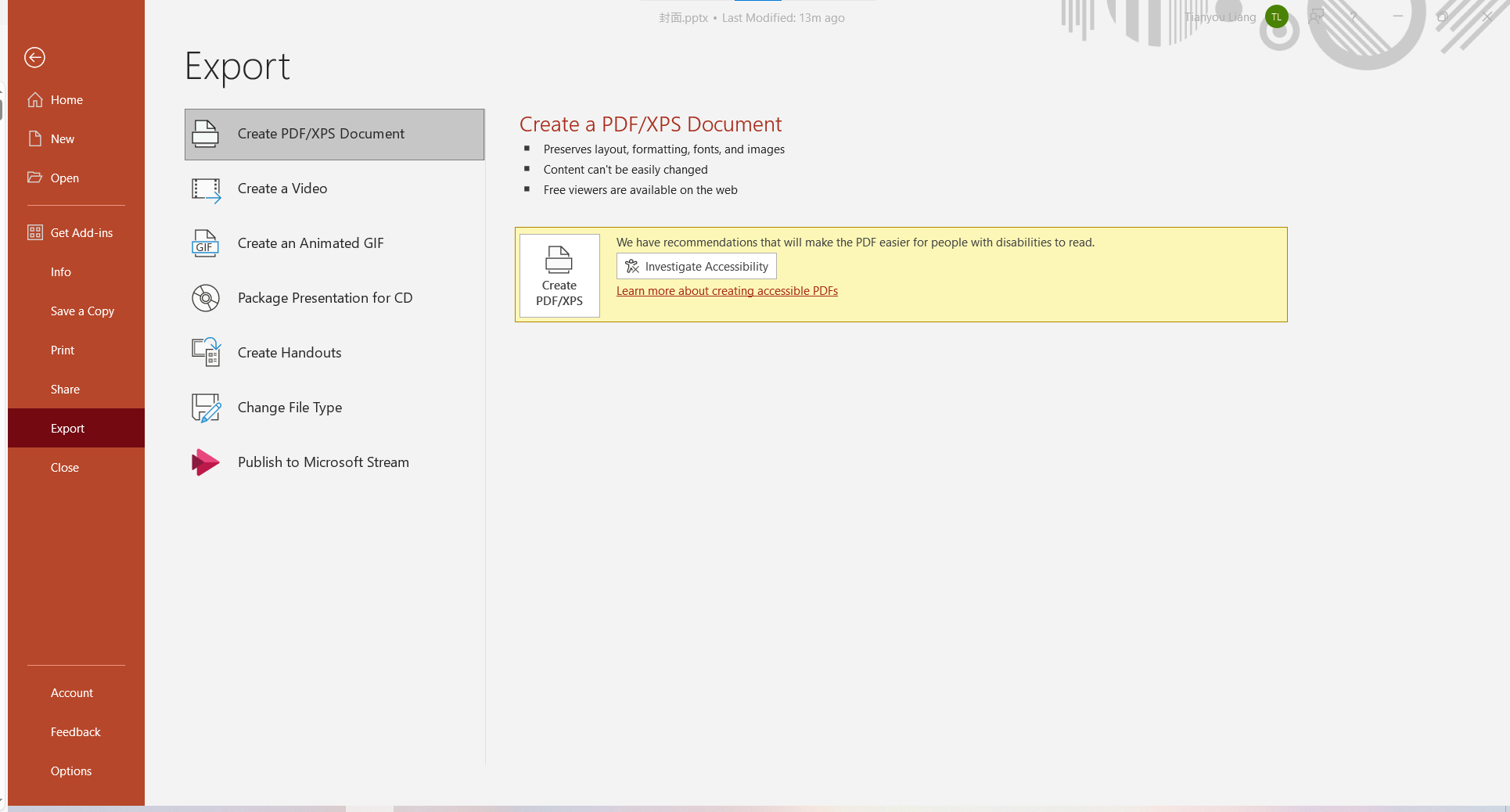
File -> Export -> Create PDF/XPS Document -> Create PDF/XPS
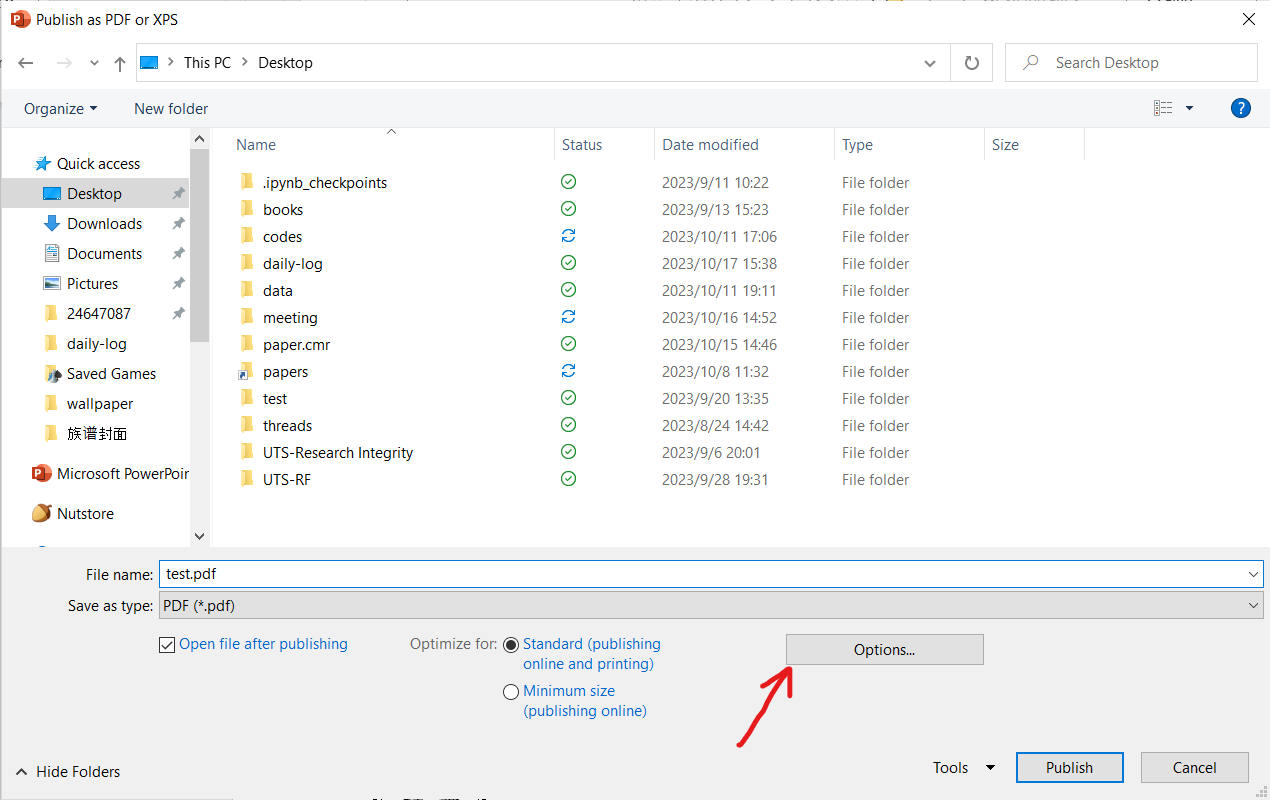
先点 Options…
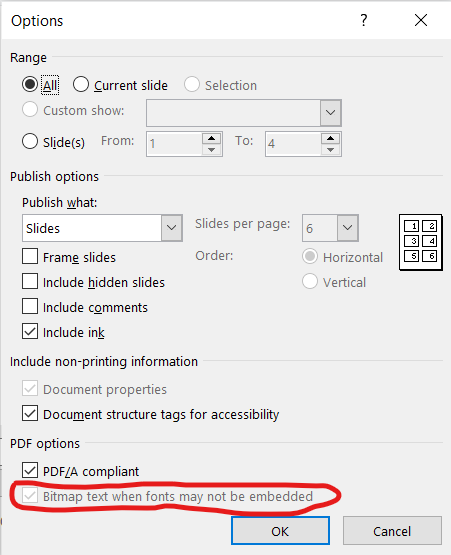
保证勾选上 Bitmap text when fonts may not be embedded,然后 OK,Publish。





 扫一扫
扫一扫


 4715
4715

 被折叠的 条评论
为什么被折叠?
被折叠的 条评论
为什么被折叠?
 到【灌水乐园】发言





