



 本文介绍了如何使用Open3D库进行几何形状的布尔运算,包括并集、交集、减集,以及利用clip_plane和compute_convex_hull功能对点云进行操作,提供了代码实例.
open3d 的布尔运算还是挺好用的,这边我把可用代码直接贴出来
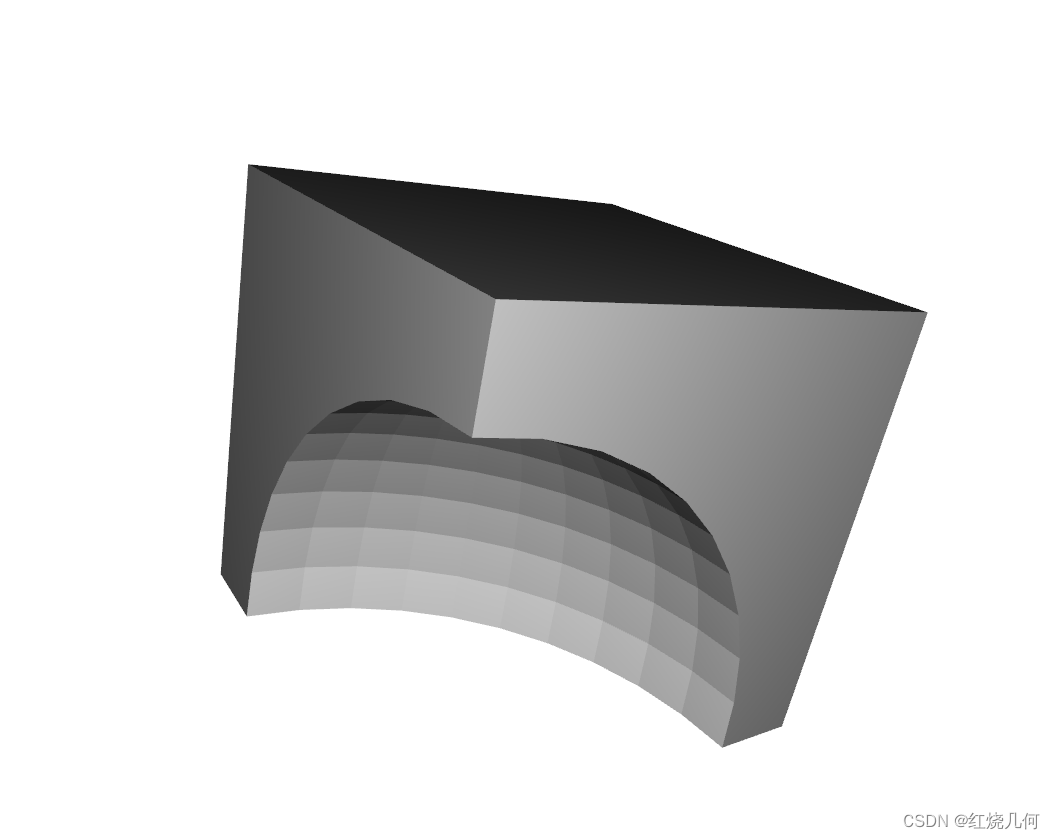
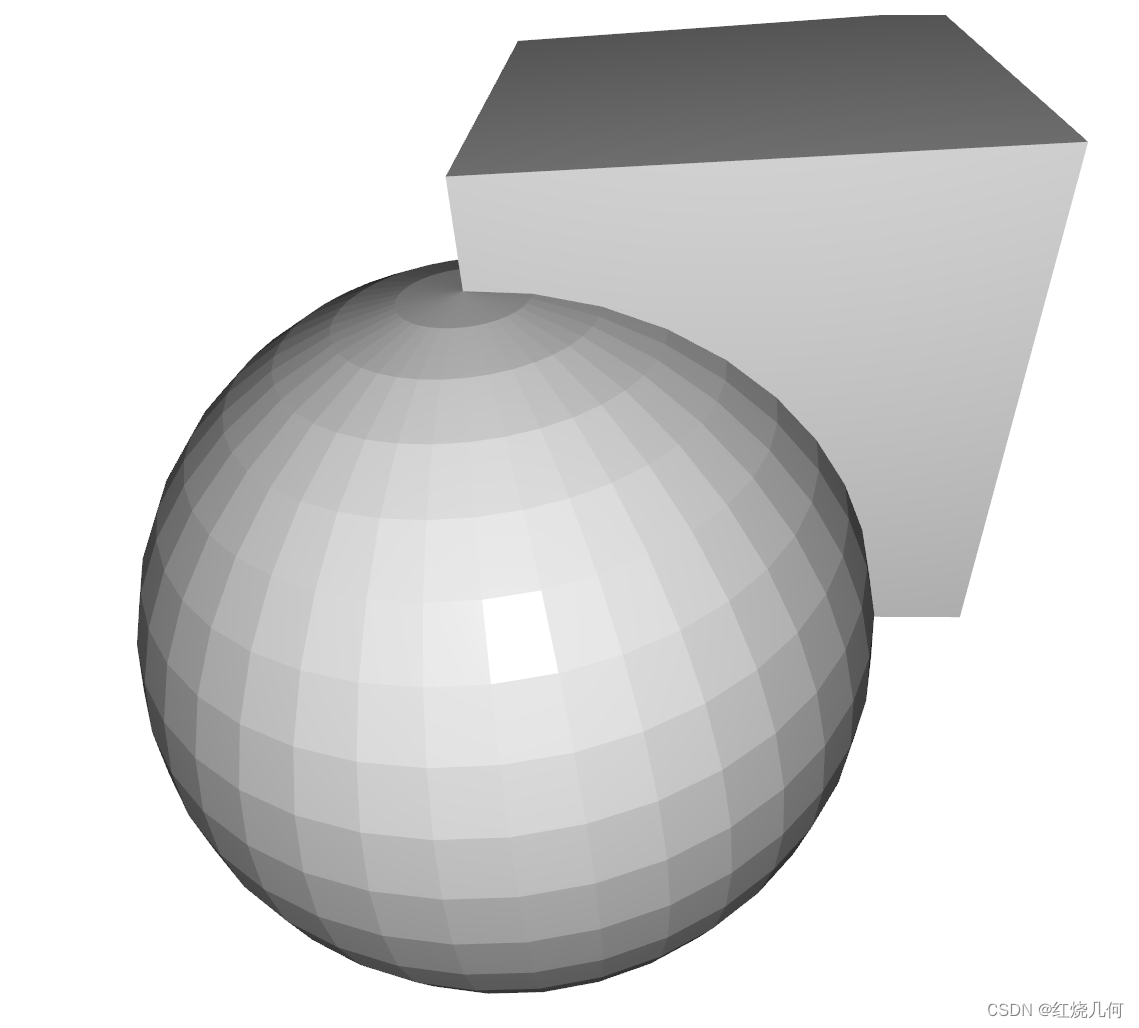
首先解释一下布尔运算的原理
1.布尔运算的基本原理和算法
常见的三种布尔运算:并集,交集,减集。其实这三种布尔运算的前面运算逻辑是一样的,最后一步不同。
1.并集就是把两个物体合并成一个物体
2.交集是求两个物体公共的部分
3.减集是从一个物体中减去两个物体公共的部分
下列代码可以直接运行:
import open3d as o3d


if __name__ == "__main__":
    # 【加载点云】
    box = o3d.geometry.TriangleMesh.create_box()
    box = o3d.t.geometry.TriangleMesh.from_legacy(box)
    sphere = o3d.geometry.TriangleMesh.create_sphere(0.8)
    sphere = o3d.t.geometry.TriangleMesh.from_legacy(sphere)
    # 相交
    intersection = box.boolean_intersection(sphere)
    intersection.compute_triangle_normals()
    intersection.compute_vertex_normals()
    o3d.visualization.draw_geometries([intersection.to_legacy()])
    # 求差
    difference = box.boolean_difference(sphere)
    difference.compute_triangle_normals()
    difference.compute_vertex_normals()
    o3d.visualization.draw_geometries([difference.to_legacy()])
    # 合并
    union = box.boolean_union(sphere)
    union.compute_triangle_normals()
    union.compute_vertex_normals()
    o3d.visualization.draw_geometries([union.to_legacy()])
    # 剪切平面
    sphere = o3d.t.geometry.TriangleMesh.from_legacy(o3d.geometry.TriangleMesh.create_sphere())
    hemisphere = sphere.clip_plane(point=[0, 0, 0], normal=[1, 0, 0])
    hemisphere.compute_triangle_normals()
    hemisphere.compute_vertex_normals()
    o3d.visualization.draw_geometries([hemisphere.to_legacy()])
    # 凸包
    mesh = o3d.t.geometry.TriangleMesh.from_legacy(union.to_legacy())
    hull = mesh.compute_convex_hull()
    mesh.compute_triangle_normals()
    mesh.compute_vertex_normals()
    o3d.visualization.draw_geometries([hull.to_legacy()])





 扫一扫
扫一扫


 3891
3891


 到【灌水乐园】发言



