


问题描述
Ubuntu系统中使用VMware workstation中提供的VMtools安装之后系统依旧无法全屏且无法进行文件的复制操作
解决方法
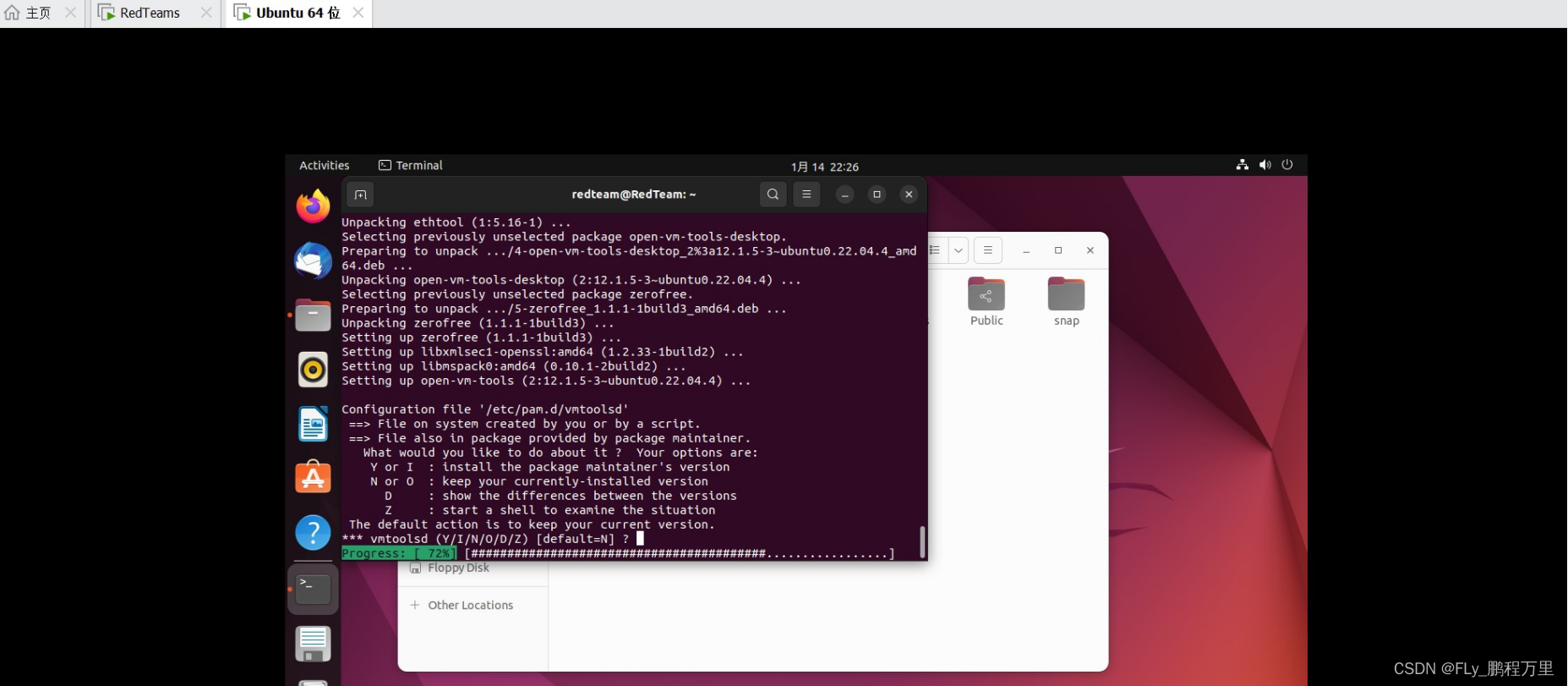
从命令行手动安装VMware Tools,对于Linux 的较高发行版,需要使用集成的open-vm-tools版本
sudo apt update
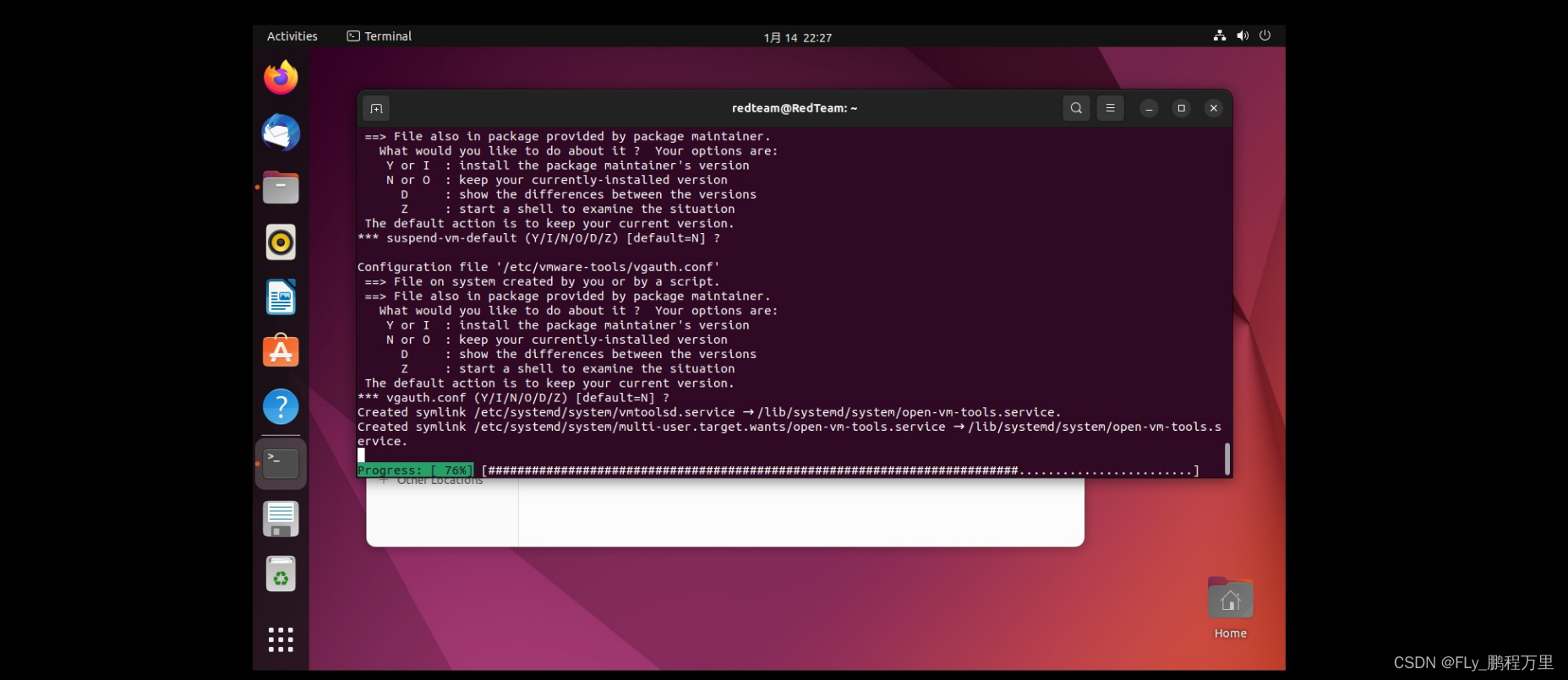
sudo apt install open-vm-tools-desktop -y
sudo reboot

Ubuntu系统中使用VMware workstation中提供的VMtools安装之后系统依旧无法全屏且无法进行文件的复制操作
从命令行手动安装VMware Tools,对于Linux 的较高发行版,需要使用集成的open-vm-tools版本
sudo apt update
sudo apt install open-vm-tools-desktop -y
sudo reboot
 4784
4784

 被折叠的 条评论
为什么被折叠?
被折叠的 条评论
为什么被折叠?
 到【灌水乐园】发言








 扫一扫
扫一扫


