



…
// 实现了 ViewModelStoreOwner 接口
ViewModelStoreOwner,
…{
private ViewModelStore mViewModelStore;
// 重写了 ViewModelStoreOwner 接口的唯一的方法 getViewModelStore()
@NonNull
@Override
public ViewModelStore getViewModelStore() {
if (getApplication() == null) {
throw new IllegalStateException("Your activity is not yet attached to the "
- “Application instance. You can’t request ViewModel before onCreate call.”);
}
ensureViewModelStore();
return mViewModelStore;
}
ComponentActivity 类实现了 ViewModelStoreOwner 接口。
奥 ~~ 刚刚的问题解决了。
再看看刚刚的 ViewModelProvider 构造方法里调用了 this(ViewModelStore, Factory),将 ComponentActivity#getViewModelStore 返回的 ViewModelStore 实例传了进去,并缓存到 ViewModelProvider 中
public ViewModelProvider(@NonNull ViewModelStore store, @NonNull Factory factory) {
mFactory = factory;
// 缓存 ViewModelStore 对象
mViewModelStore = store;
}
接着看 ViewModelProvider#get 方法做了什么
@MainThread
public T get(@NonNull Class modelClass) {
String canonicalName = modelClass.getCanonicalName();
if (canonicalName == null) {
throw new IllegalArgumentException(“Local and anonymous classes can not be ViewModels”);
}
return get(DEFAULT_KEY + “:” + canonicalName, modelClass);
}
获取 ViewModel 的 CanonicalName , 调用了另一个 get 方法
@MainThread
public T get(@NonNull String key, @NonNull Class modelClass) {
// 从 mViewModelStore 缓存中尝试获取
ViewModel viewModel = mViewModelStore.get(key);
// 命中缓存
if (modelClass.isInstance(viewModel)) {
if (mFactory instanceof OnRequeryFactory) {
((OnRequeryFactory) mFactory).onRequery(viewModel);
}
// 返回缓存的 ViewModel 对象
return (T) viewModel;
} else {
//noinspection StatementWithEmptyBody
if (viewModel != null) {
// TODO: log a warning.
}
}
// 使用工厂模式创建 ViewModel 实例
if (mFactory instanceof KeyedFactory) {
viewModel = ((KeyedFactory) mFactory).create(key, modelClass);
} else {
viewModel = mFactory.create(modelClass);
}
// 将创建的 ViewModel 实例放进 mViewModelStore 缓存中
mViewModelStore.put(key, viewModel);
// 返回新创建的 ViewModel 实例
return (T) viewModel;
}
mViewModelStore 是啥?通过 ViewModelProvider 的构造方法知道 mViewModelStore 其实是我们 Activity 里的 mViewModelStore 对象,它在 ComponentActivity 中被声明。
看到了 put 方法,不难猜它内部用了 Map 结构。
public class ViewModelStore {
// 果不其然,内部有一个 HashMap
private final HashMap<String, ViewModel> mMap = new HashMap<>();
final void put(String key, ViewModel viewModel) {
ViewModel oldViewModel = mMap.put(key, viewModel);
if (oldViewModel != null) {
oldViewModel.onCleared();
}
}
// 通过 key 获取 ViewModel 对象
final ViewModel get(String key) {
return mMap.get(key);
}
Set keys() {
return new HashSet<>(mMap.keySet());
}
/**
- Clears internal storage and notifies ViewModels that they are no longer used.
*/
public final void clear() {
for (ViewModel vm : mMap.values()) {
vm.clear();
}
mMap.clear();
}
}
到这儿正常情况下 ViewModel 的创建流程看完了,似乎没有解决任何问题~
简单总结:ViewModel 对象存在了 ComponentActivity 的 mViewModelStore 对象中。
第二个问题解决了:ViewModel 的实例缓存到哪儿了
转换思路 mViewModelStore 出现频率这么高,何不看看它是什么时候被创建的呢?
记不记得刚才看 ViewModelProvider 的构造方法时 ,获取 ViewModelStore 对象时,实际调用了 MainActivity#getViewModelStore() ,而 getViewModelStore() 实现在 MainActivity 的父类 ComponentActivity 中。
// ComponentActivity#getViewModelStore()
@Override
public ViewModelStore getViewModelStore() {
if (getApplication() == null) {
throw new IllegalStateException("Your activity is not yet attached to the "
- “Application instance. You can’t request ViewModel before onCreate call.”);
}
ensureViewModelStore();
return mViewModelStore;
}
在返回 mViewModelStore 对象之前调用了 ensureViewModelStore()
void ensureViewModelStore() {
if (mViewModelStore == null) {
NonConfigurationInstances nc =
(NonConfigurationInstances) getLastNonConfigurationInstance();
if (nc != null) {
// Restore the ViewModelStore from NonConfigurationInstances
mViewModelStore = nc.viewModelStore;
}
if (mViewModelStore == null) {
mViewModelStore = new ViewModelStore();
}
}
}
当 mViewModelStore == null 调用了 getLastNonConfigurationInstance() 获取 NonConfigurationInstances 对象 nc,当 nc != null 时将 mViewModelStore 赋值为 nc.viewModelStore,最终 viewModelStore == null 时,才会创建 ViewModelStore 实例。
不难发现,之前创建的 viewModelStore 对象被缓存在 NonConfigurationInstances 中
// 它是 ComponentActivity 的静态内部类
static final class NonConfigurationInstances {
Object custom;
// 果然在这儿
ViewModelStore viewModelStore;
}
NonConfigurationInstances 对象通过 getLastNonConfigurationInstance() 来获取的
// Activity#getLastNonConfigurationInstance
/**
-
Retrieve the non-configuration instance data that was previously
-
returned by {@link #onRetainNonConfigurationInstance()}. This will
-
be available from the initial {@link #onCreate} and
-
{@link #onStart} calls to the new instance, allowing you to extract
-
any useful dynamic state from the previous instance.
-
Note that the data you retrieve here should only be used
-
as an optimization for handling configuration changes. You should always
-
be able to handle getting a null pointer back, and an activity must
-
still be able to restore itself to its previous state (through the
-
normal {@link #onSaveInstanceState(Bundle)} mechanism) even if this
-
function returns null.
-
Note: For most cases you should use the {@link Fragment} API
-
{@link Fragment#setRetainInstance(boolean)} instead; this is also
-
available on older platforms through the Android support libraries.
-
@return the object previously returned by {@link #onRetainNonConfigurationInstance()}
*/
@Nullable
public Object getLastNonConfigurationInstance() {
return mLastNonConfigurationInstances != null
? mLastNonConfigurationInstances.activity : null;
}
好长一段注释,大概意思有几点:
-
onRetainNonConfigurationInstance 方法和 getLastNonConfigurationInstance 是成对出现的,跟 **onSaveInstanceState(Bundle)**机制类似,只不过它是仅用作处理配置更改的优化。
-
返回的是 onRetainNonConfigurationInstance 返回的对象
onRetainNonConfigurationInstance 和 getLastNonConfigurationInstance 的调用时机在本篇文章不做赘述,后续文章会进行解释。
看看 onRetainNonConfigurationInstance 方法
/**
- 保留所有适当的非配置状态
*/
@Override
@Nullable
@SuppressWarnings(“deprecation”)
public final Object onRetainNonConfigurationInstance() {
// Maintain backward compatibility.
Object custom = onRetainCustomNonConfigurationInstance();
ViewModelStore viewModelStore = mViewModelStore;
// 若 viewModelStore 为空,则尝试从 getLastNonConfigurationInstance() 中获取
if (viewModelStore == null) {
// No one called getViewModelStore(), so see if there was an existing
// ViewModelStore from our last NonConfigurationInstance
NonConfigurationInstances nc =
(NonConfigurationInstances) getLastNonConfigurationInstance();
if (nc != null) {
viewModelStore = nc.viewModelStore;
}
}
// 依然为空,说明没有需要缓存的,则返回 null
if (viewModelStore == null && custom == null) {
return null;
}
// 创建 NonConfigurationInstances 对象,并赋值 viewModelStore
NonConfigurationInstances nci = new NonConfigurationInstances();
nci.custom = custom;
nci.viewModelStore = viewModelStore;
return nci;
}
到这儿我们大概明白了,Activity 在因配置更改而销毁重建过程中会先调用 onRetainNonConfigurationInstance 保存 viewModelStore 实例。
在重建后可以通过 getLastNonConfigurationInstance 方法获取之前的 viewModelStore 实例。
现在解决了第一个问题:为什么Activity旋转屏幕后ViewModel可以恢复数据
再看第三个问题:什么时候 ViewModel#onCleared() 会被调用
public abstract class ViewModel {
protected void onCleared() {
}
@MainThread
final void clear() {
mCleared = true;
// Since clear() is final, this method is still called on mock objects
// and in those cases, mBagOfTags is null. It’ll always be empty though
// because setTagIfAbsent and getTag are not final so we can skip
// clearing it
if (mBagOfTags != null) {
synchronized (mBagOfTags) {
for (Object value : mBagOfTags.values()) {
// see comment for the similar call in setTagIfAbsent
closeWithRuntimeException(value);
}
}
}
onCleared();
}
}
onCleared() 方法被 clear() 调用了。
刚才看 ViewModelStore 源码时好像是调用了 clear() ,回顾一下:
public class ViewModelStore {
private final HashMap<String, ViewModel> mMap = new HashMap<>();
final void put(String key, ViewModel viewModel) {
ViewModel oldViewModel = mMap.put(key, viewModel);
if (oldViewModel != null) {
oldViewModel.onCleared();
}
}
final ViewModel get(String key) {
return mMap.get(key);
}
Set keys() {
return new HashSet<>(mMap.keySet());
}
/**
- Clears internal storage and notifies ViewModels that they are no longer used.
*/
public final void clear() {
for (ViewModel vm : mMap.values()) {
vm.clear();
}
mMap.clear();
}
}
在 ViewModelStore 的 clear() 中,遍历 mMap 并调用 ViewModel 对象的 clear() ,
再看 ViewModelStore 的 clear() 什么时候被调用的:
// ComponentActivity 的构造方法
public ComponentActivity() {
…
getLifecycle().addObserver(new LifecycleEventObserver() {
@Override
public void onStateChanged(@NonNull LifecycleOwner source,
@NonNull Lifecycle.Event event) {
if (event == Lifecycle.Event.ON_DESTROY) {
// Clear out the available context
mContextAwareHelper.clearAvailableContext();
// And clear the ViewModelStore
if (!isChangingConfigurations()) {
getViewModelStore().clear();
}
}
}
});
…
自我介绍一下,小编13年上海交大毕业,曾经在小公司待过,也去过华为、OPPO等大厂,18年进入阿里一直到现在。
深知大多数初中级Android工程师,想要提升技能,往往是自己摸索成长或者是报班学习,但对于培训机构动则近万的学费,着实压力不小。自己不成体系的自学效果低效又漫长,而且极易碰到天花板技术停滞不前!
因此收集整理了一份《2024年Android移动开发全套学习资料》,初衷也很简单,就是希望能够帮助到想自学提升又不知道该从何学起的朋友,同时减轻大家的负担。
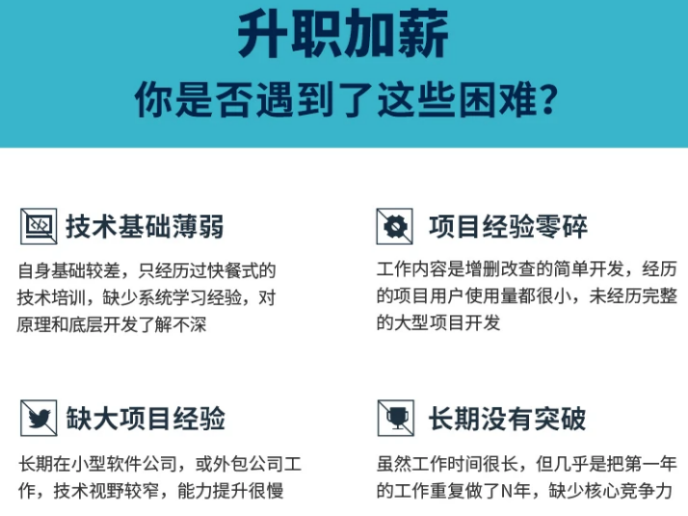
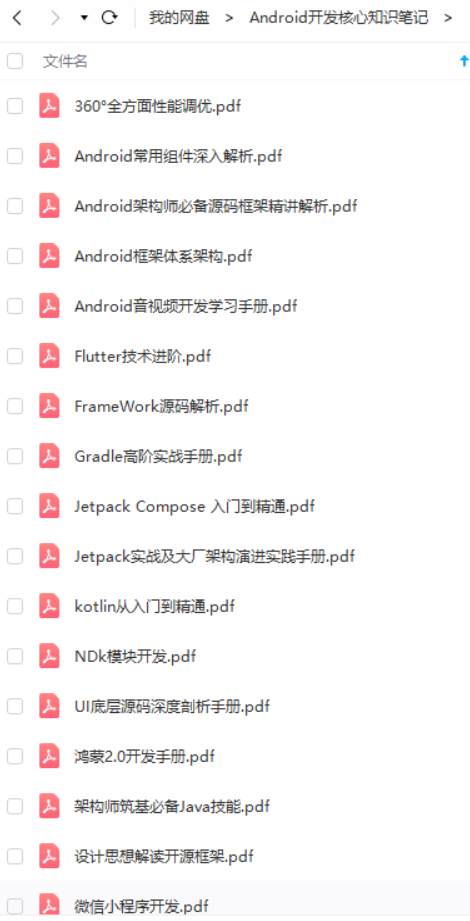
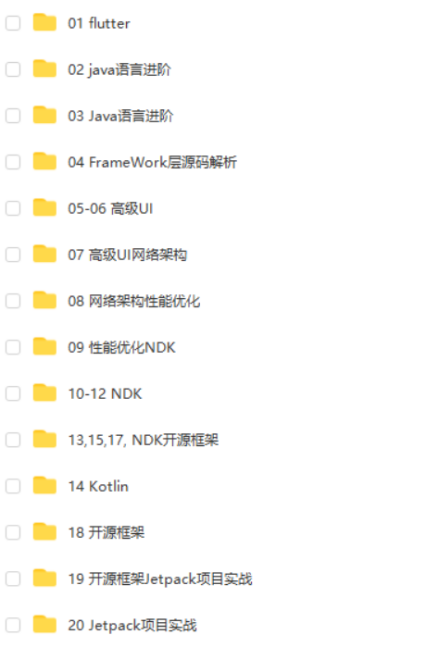
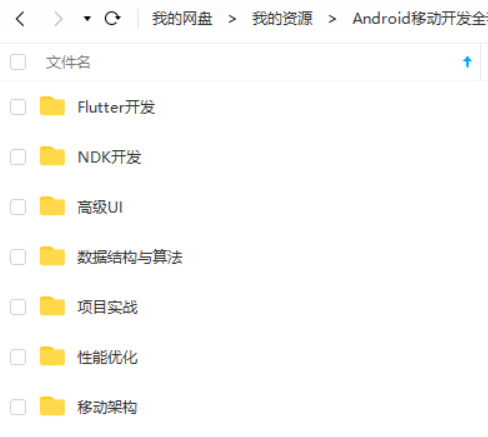
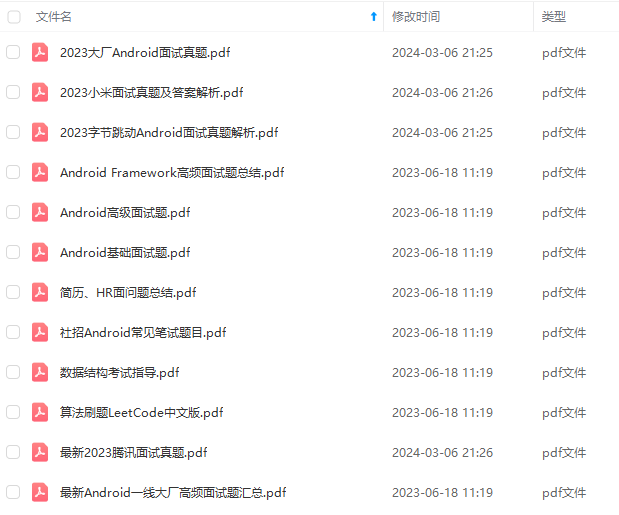
既有适合小白学习的零基础资料,也有适合3年以上经验的小伙伴深入学习提升的进阶课程,基本涵盖了95%以上Android开发知识点,真正体系化!
由于文件比较大,这里只是将部分目录截图出来,每个节点里面都包含大厂面经、学习笔记、源码讲义、实战项目、讲解视频,并且会持续更新!
如果你觉得这些内容对你有帮助,可以扫码获取!!(备注:Android)

结尾
最后,针对上面谈的内容,给大家推荐一个Android资料,应该对大家有用。
首先是一个知识清单:(对于现在的Android及移动互联网来说,我们需要掌握的技术)
泛型原理丶反射原理丶Java虚拟机原理丶线程池原理丶
注解原理丶注解原理丶序列化
Activity知识体系(Activity的生命周期丶Activity的任务栈丶Activity的启动模式丶View源码丶Fragment内核相关丶service原理等)
代码框架结构优化(数据结构丶排序算法丶设计模式)
APP性能优化(用户体验优化丶适配丶代码调优)
热修复丶热升级丶Hook技术丶IOC架构设计
NDK(c编程丶C++丶JNI丶LINUX)
如何提高开发效率?
MVC丶MVP丶MVVM
微信小程序
Hybrid
Flutter
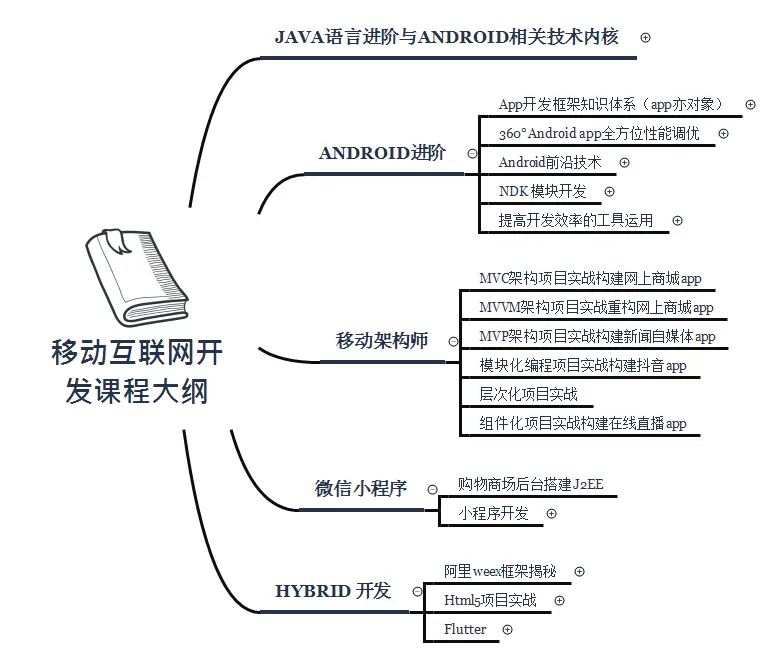
接下来是资料清单:(敲黑板!!!)
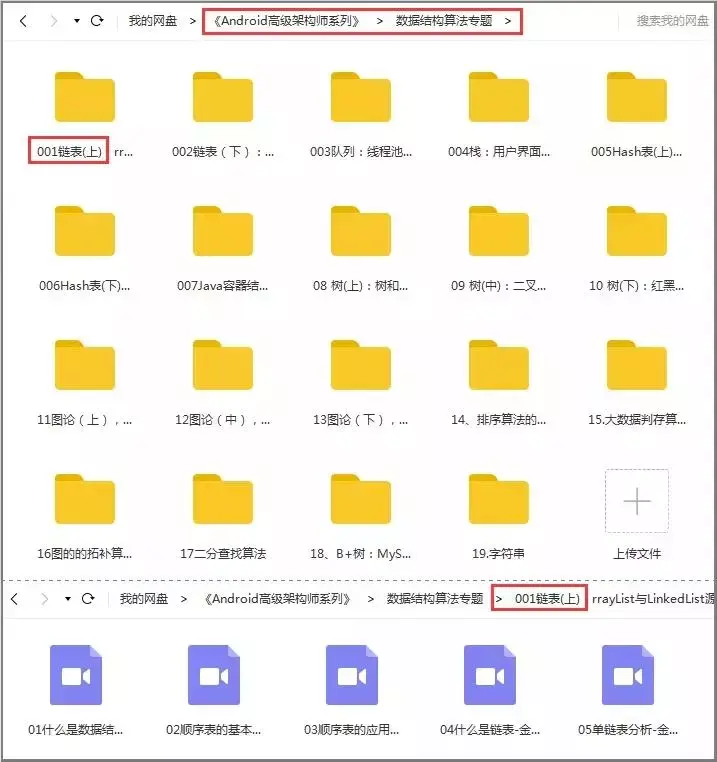
1.数据结构和算法
2.设计模式

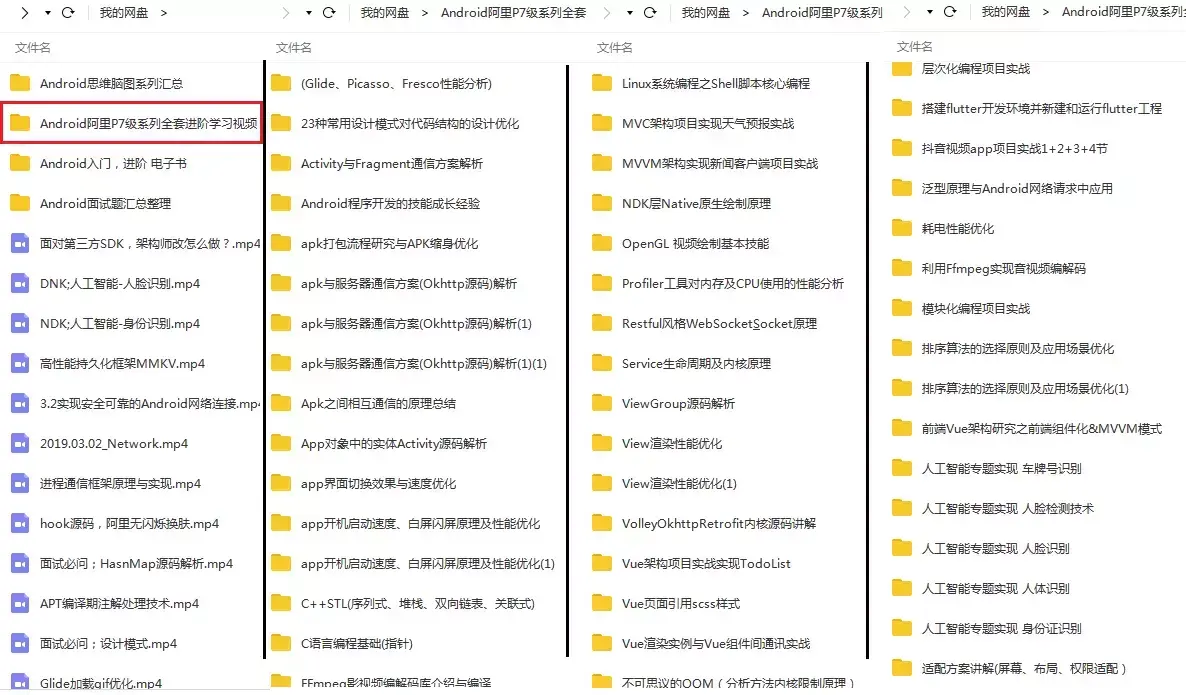
3.全套体系化高级架构视频;七大主流技术模块,视频+源码+笔记
4.面试专题资料包(怎么能少了一份全面的面试题总结呢~)
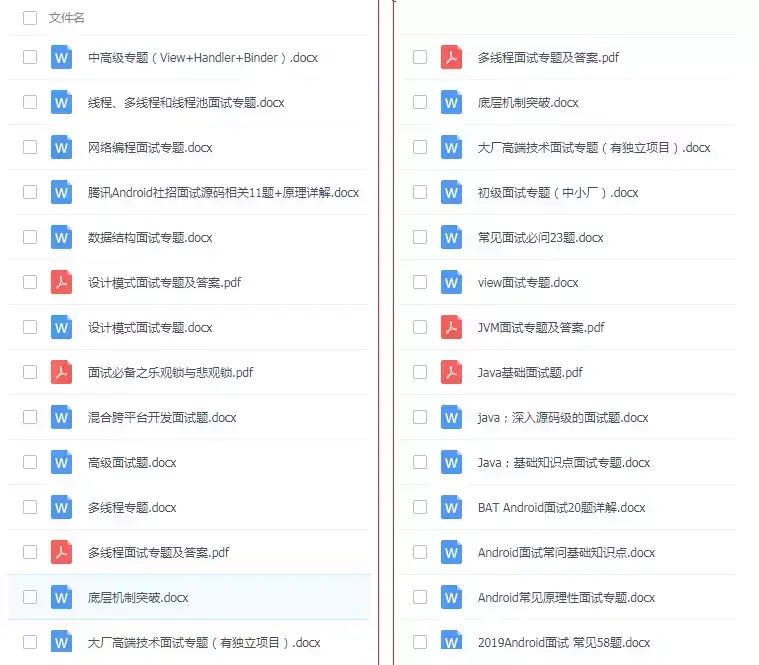
不论遇到什么困难,都不应该成为我们放弃的理由!共勉~
如果你看到了这里,觉得文章写得不错就给个赞呗?如果你觉得那里值得改进的,请给我留言。一定会认真查询,修正不足。谢谢。

《互联网大厂面试真题解析、进阶开发核心学习笔记、全套讲解视频、实战项目源码讲义》点击传送门即可获取!
配丶代码调优)
热修复丶热升级丶Hook技术丶IOC架构设计
NDK(c编程丶C++丶JNI丶LINUX)
如何提高开发效率?
MVC丶MVP丶MVVM
微信小程序
Hybrid
Flutter
[外链图片转存中…(img-W5PhhtLd-1713771212062)]
接下来是资料清单:(敲黑板!!!)
1.数据结构和算法
[外链图片转存中…(img-WwDohFWP-1713771212062)]
2.设计模式
[外链图片转存中…(img-WcGWUE8z-1713771212063)]
3.全套体系化高级架构视频;七大主流技术模块,视频+源码+笔记
[外链图片转存中…(img-tTzJ41O1-1713771212064)]
4.面试专题资料包(怎么能少了一份全面的面试题总结呢~)
[外链图片转存中…(img-znoONbrk-1713771212065)]
不论遇到什么困难,都不应该成为我们放弃的理由!共勉~
如果你看到了这里,觉得文章写得不错就给个赞呗?如果你觉得那里值得改进的,请给我留言。一定会认真查询,修正不足。谢谢。
[外链图片转存中…(img-GQCdGZOR-1713771212065)]
《互联网大厂面试真题解析、进阶开发核心学习笔记、全套讲解视频、实战项目源码讲义》点击传送门即可获取!





 扫一扫
扫一扫


 2039
2039

 被折叠的 条评论
为什么被折叠?
被折叠的 条评论
为什么被折叠?
 到【灌水乐园】发言





