


 在GitHub下载的SpringBoot项目导入Idea后,遇到jar包无法下载的问题。通过配置Maven的profiles解决了这个问题。具体操作包括:右击项目,选择Maven,然后在profiles中创建并编辑配置,添加相关标签,从而成功导入所需依赖。
今日在GitHub上下载了一个springboot项目来学习,但是导入的时候依赖的jar包一直无法下载,试了各种办法依旧不行,最后终于找到解决办法:
配置profiles
如图所示,右击项目点击下方的manven,右侧的profiles,下图是我已经配置好的,没有配置之前是create“profiles”,创建一个profiles

创建完以后在其中添加如下标签:
 <profiles>
        <profile>
            <id>jdk‐1.8</id>
            <activation>
                <activeByDefault>true</activeByDefault>
                <jdk>1.8</jdk>
            </activation>
            <properties>
                <maven.compiler.source>1.8</maven.compiler.source>
                <maven.compiler.target>1.8</maven.compiler.target>
                <maven.compiler.compilerVersion>1.8</maven.compiler.compilerVersion>
            </properties>
        </profile>
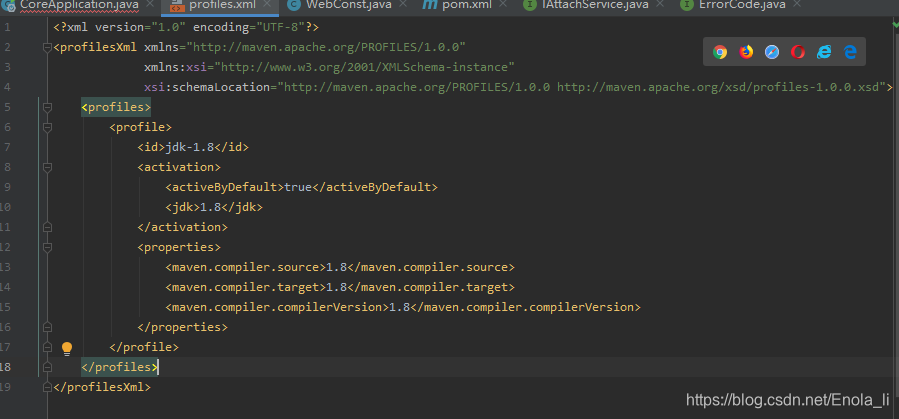
至此问题解决,依赖的各种jar包自动导入。





 扫一扫
扫一扫


 被折叠的 条评论
为什么被折叠?
被折叠的 条评论
为什么被折叠?
 到【灌水乐园】发言





