


 用户想统计指定路径'D:\\deepLearning\\Market\\pytorch\\gallery'下所有文件夹中的子文件数量,每个文件夹下为若干图片。给出的方法是在Windows的PowerShell中输入命令(Get-ChildItem -Path '路径' -Recurse | Where-Object {! $_.PSIsContainer }).Count,可统计文件数量。
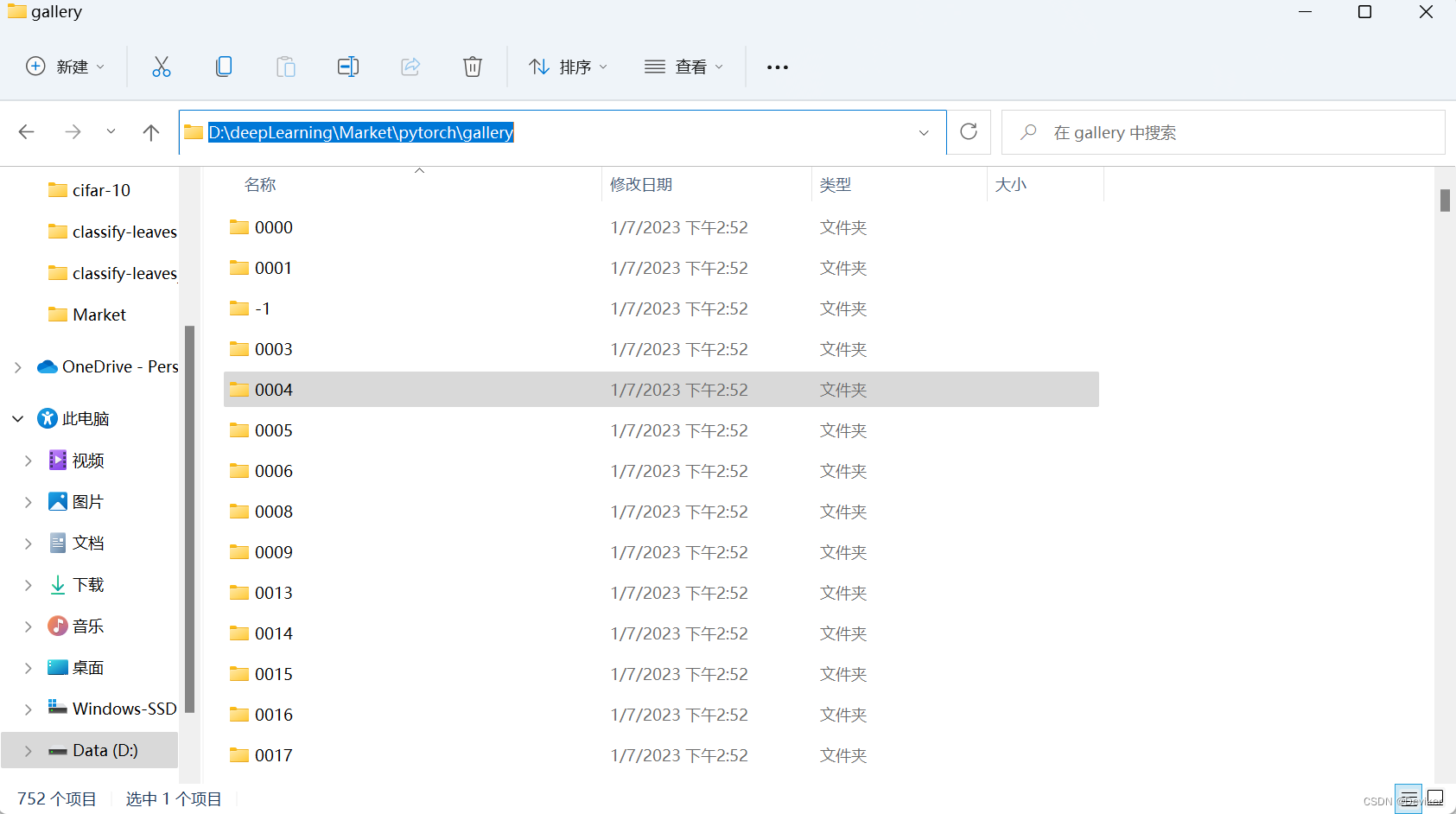
需求:我想知道这个路径下 'D:\deepLearning\Market\pytorch\gallery' 所有的文件夹下所有的子文件,其实,每一个文件夹下都是若干张图片。
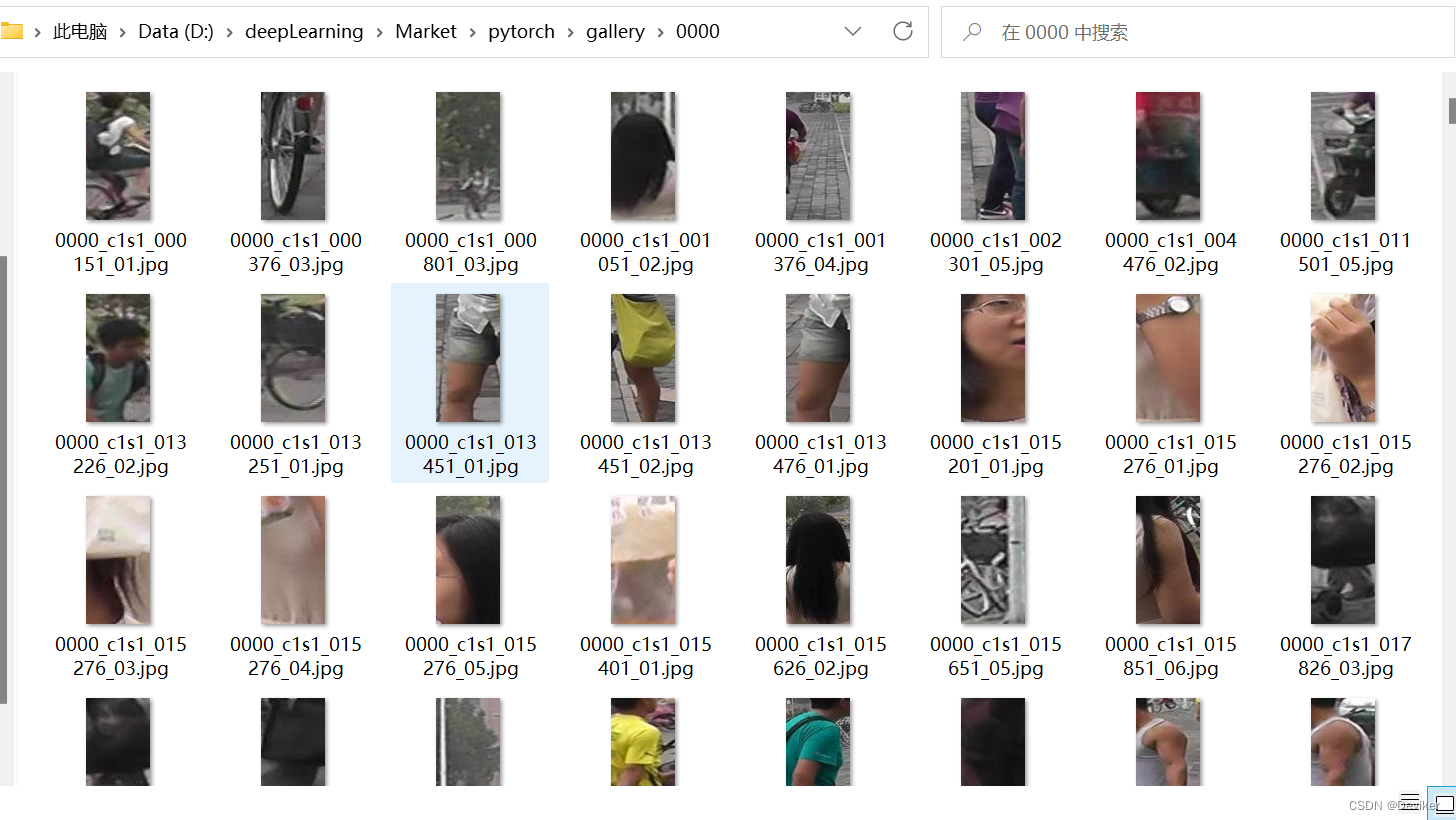
方法:
一:打开windows的power shell ;
(win + r)打开cmd,然后在cmd中输入PowerShell
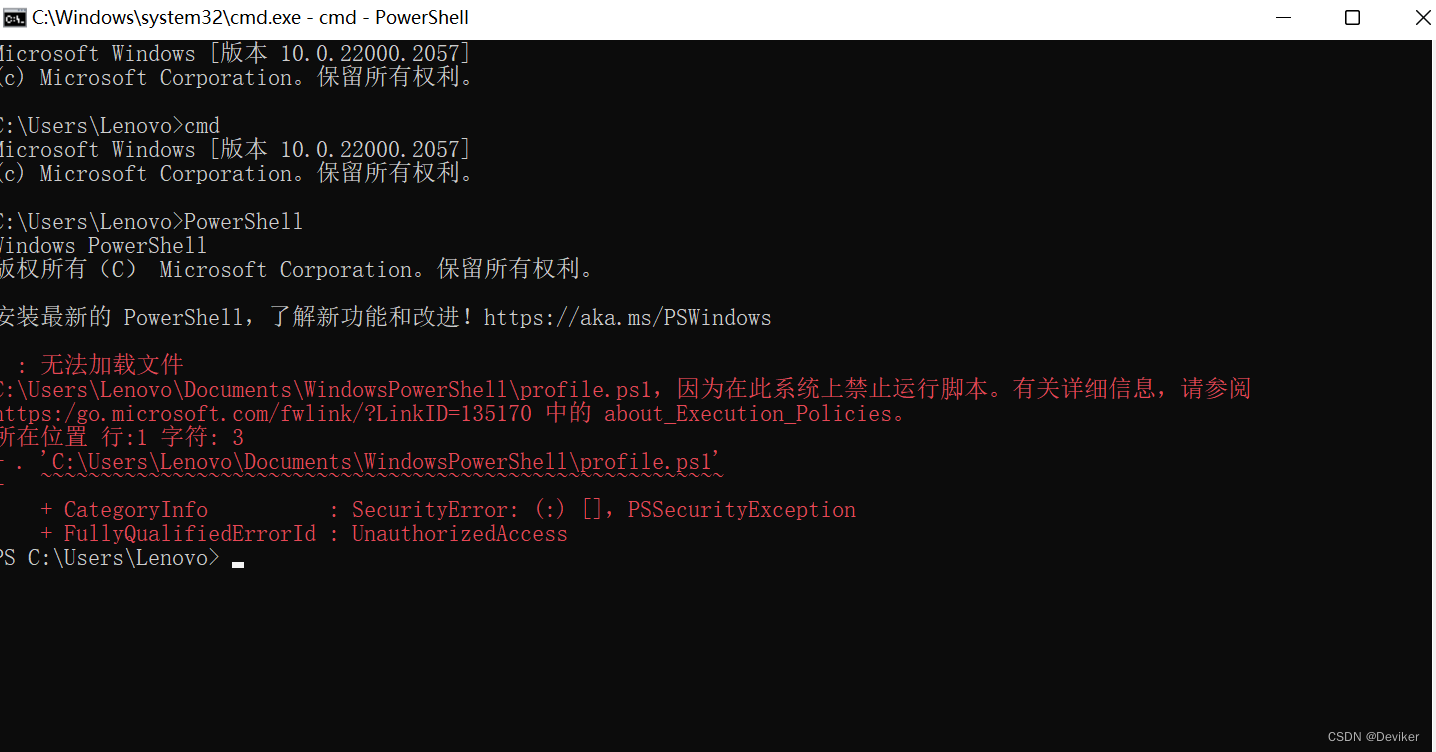
二:输入一行命令,回车即可
(Get-ChildItem -Path 'D:\deepLearning\Market\pytorch\gallery' -Recurse | Where-Object { ! $_.PSIsContainer }).Count
!将路径 'D:\deepLearning\Market\pytorch\gallery' 换为你自己的路径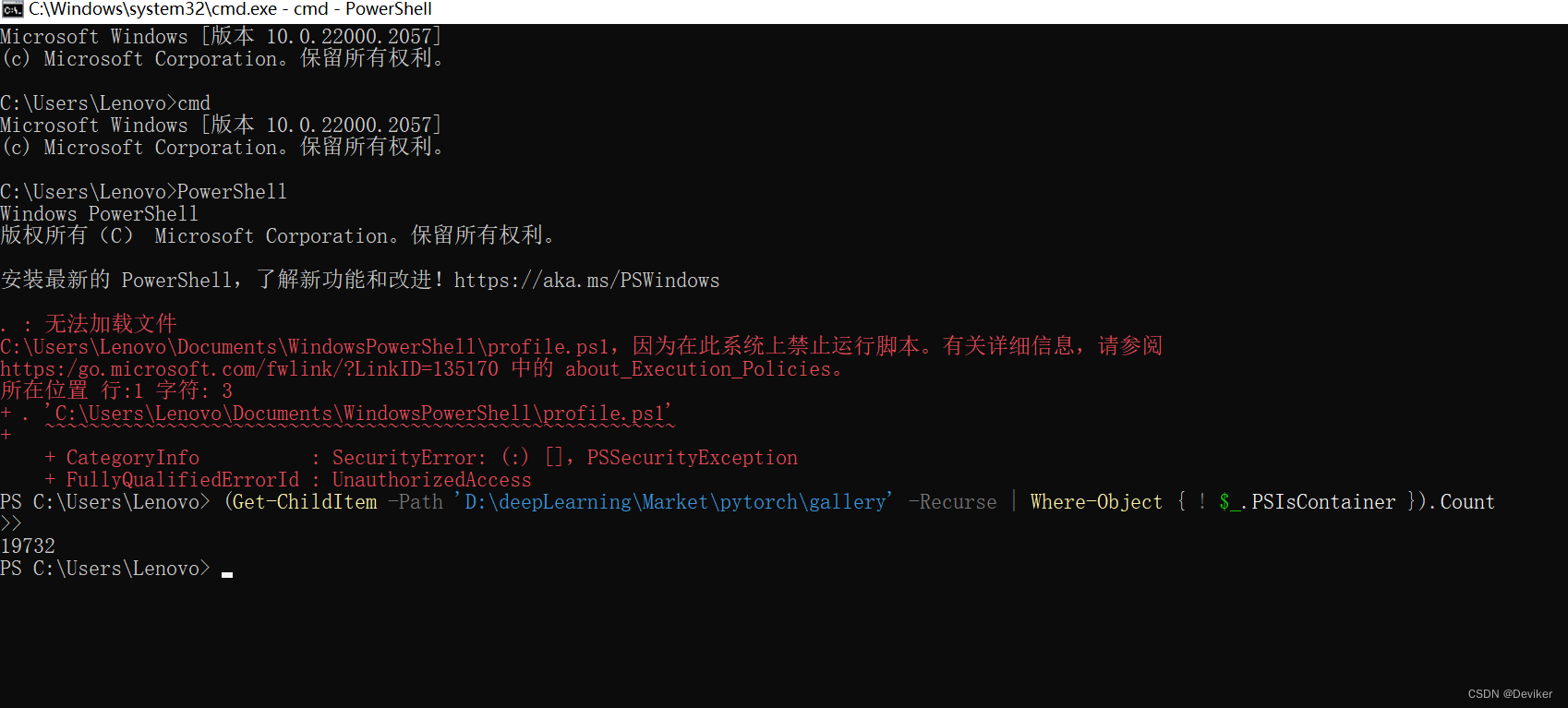
其中,Get-ChildItem -Path /path/to/directory -Recurse 可以遍历指定路径下的所有文件夹及文件,并返回所有文件的对象列表。Where-Object { ! $_.PSIsContainer } 过滤掉文件夹,只保留文件。.Count 统计对象列表中元素的数量,即文件的数量。






 扫一扫
扫一扫


 48
48

 被折叠的 条评论
为什么被折叠?
被折叠的 条评论
为什么被折叠?
 到【灌水乐园】发言





