


 本文介绍了一款高效的备份工具Restic,它支持AES-256加密和重复数据删除,适用于Linux、macOS和Windows等平台,并演示了如何安装、备份与恢复操作。
前言
备份软件已经是一个老生常谈的话题了,今天,猿妹要和大家分享一个备份工具——restic。
Restic是一种快速、高效、免费和开源的备份应用程序,它通过AES-256加密保护你的数据,Restic 还利用重复数据删除来帮助节省备份空间。此外,Restic 与大多数主要的云提供商兼容,支持三大操作系统(Linux、macOS、Windows)和一些较小的操作系统(FreeBSD、OpenBSD)。
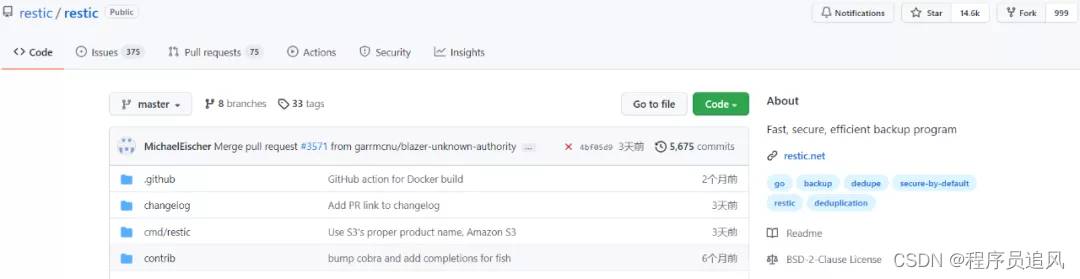
目前,Restic已经在Github上标星 14.6K,累计分支 999 个
Github地址:https://github.com/restic/restic
首先,你可以从源代码编译restic或从发布页面下载它。一旦安装好restic,就可以开始备份:
$ restic init --repo /tmp/backup
enter password for new backend:
enter password again:
created restic backend 085b3c76b9 at /tmp/backup
Please note that knowledge of your password is required to access the repository.
Losing your password means that your data is irrecoverably lost.
并添加一些数据:
$ restic --repo /tmp/backup backup ~/work
enter password for repository:
scan [/home/user/work]
scanned 764 directories, 1816 files in 0:00
[0:29] 100.00% 54.732 MiB/s  最低0.47元/天 解锁文章






 扫一扫
扫一扫


 7
7

 被折叠的 条评论
为什么被折叠?
被折叠的 条评论
为什么被折叠?
 到【灌水乐园】发言





