


 本文档详细介绍了Hue 4.2.0的安装过程,包括依赖处理、编译错误解决、配置步骤以及启动和元数据配置。在安装过程中遇到的Java版本问题、Python版本需求、网络错误以及cryptography模块的安装等都进行了说明,最终成功启动Hue并创建了管理员用户。
介绍

Hue是一个基于web的交互式查询编辑器,允许您与数据仓库进行交互
参考
https://github.com/cloudera/hue
https://docs.gethue.com/administrator/installation/
https://docs.cloudera.com/documentation/enterprise/latest/topics/hue.html
https://archive.cloudera.com/cdh6/6.3.2/docs/hue-4.2.0-cdh6.3.2/admin-manual/manual.html
下载
git clone https://github.com/cloudera/hue.git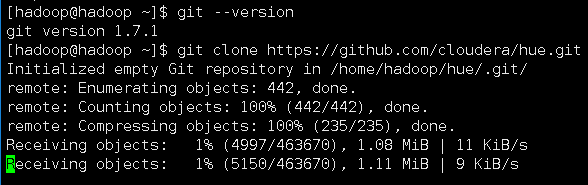
依赖
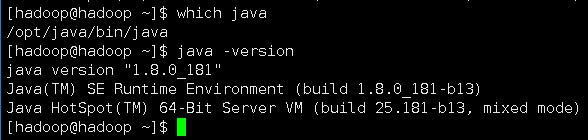
sudo yum -y install ant asciidoc cyrus-sasl-devel cyrus-sasl-gssapi cyrus-sasl-plain gcc gcc-c++ krb5-devel libffi-devel libxml2-devel libxslt-devel make mysql mysql-devel openldap-devel python-devel sqlite-devel gmp-devel当执行完依赖安装后发现原本安装好的Java1.8被强制切换成了OpenJDK1.7,环境变量都已经配置好了就是不生效,不明真相中!!!

Oracle JDK
使用which java查看发现java已经切换到了/usr/bin下跟我们安装目录不符合,所以先将这些链接删除同时还有alternative中的链接一并删除,然后重新登录
lrwxrwxrwx 1 root root 22 Dec 14 21:33 java -> /etc/alternatives/java
再次查看发现已经正常,恢复到了我们之前安装的版本,这个确实很坑!
mvn (from apache-maven package or maven3 tarball)

libtidy (for unit tests only)
略
openssl-devel (for version 7+)
sudo yum -y install openssl-devel
编译
进入到/home/hadoop/hue-release-4.6.0后执行
PREFIX=/home/hadoop make install报错,需要安装python2.7-devel,因为我使用的是Centos6.10自带python是2.6.6,但是这个版本的Hue需要python2.7,可以将python升级到2.7,或是将hue降级到4.2.0,那么我选择降级处理(4.3.0使用python2.7+,而4.2.0使用python2.6.5+)
[hadoop@hadoop hue-release-4.6.0]$ PREFIX=/home/hadoop/hue make install
"PYTHON_VER is python2.7"
/home/hadoop/hue-release-4.6.0/Makefile.vars:62: *** "Error: must have python development packages for python2.7. Could not find Python.h. Please install python2.7-devel". Stop.
进入到/home/hadoop/hue-release-4.2.0后执行
PREFIX=/home/hadoop make install报错看上去是网络问题,但是又尝试了一次还是报错,所以手动安装一下这个模块(sudo pip install cryptography)
creating dist
creating 'dist/configobj-4.7.2-py2.6.egg' and adding 'build/bdist.linux-x86_64/egg' to it
removing 'build/bdist.linux-x86_64/egg' (and everything under it)
--- Building egg for cryptography-1.3.1
Download error on https://pypi.python.org/simple/cffi/: [Errno 101] Network is unreachable -- Some packages may not be found!
Couldn't find index page for 'cffi' (maybe misspelled?)
再次make之前记得先要清理一下,然后编译安装成功,就会生成/home/hadoop/hue目录
配置
进入到/home/hadoop/hue/desktop/conf下修改文件pseudo-distributed.ini中的以下几个地方
[desktop]

  secret_key=jFE93j;2[290-eiw.KEiwN2s3['d;/.q[eIW^y#e=+Iei*@Mn<qW5o
  http_host=hadoop
  http_port=8888
  time_zone=Asia/Shanghai
启动
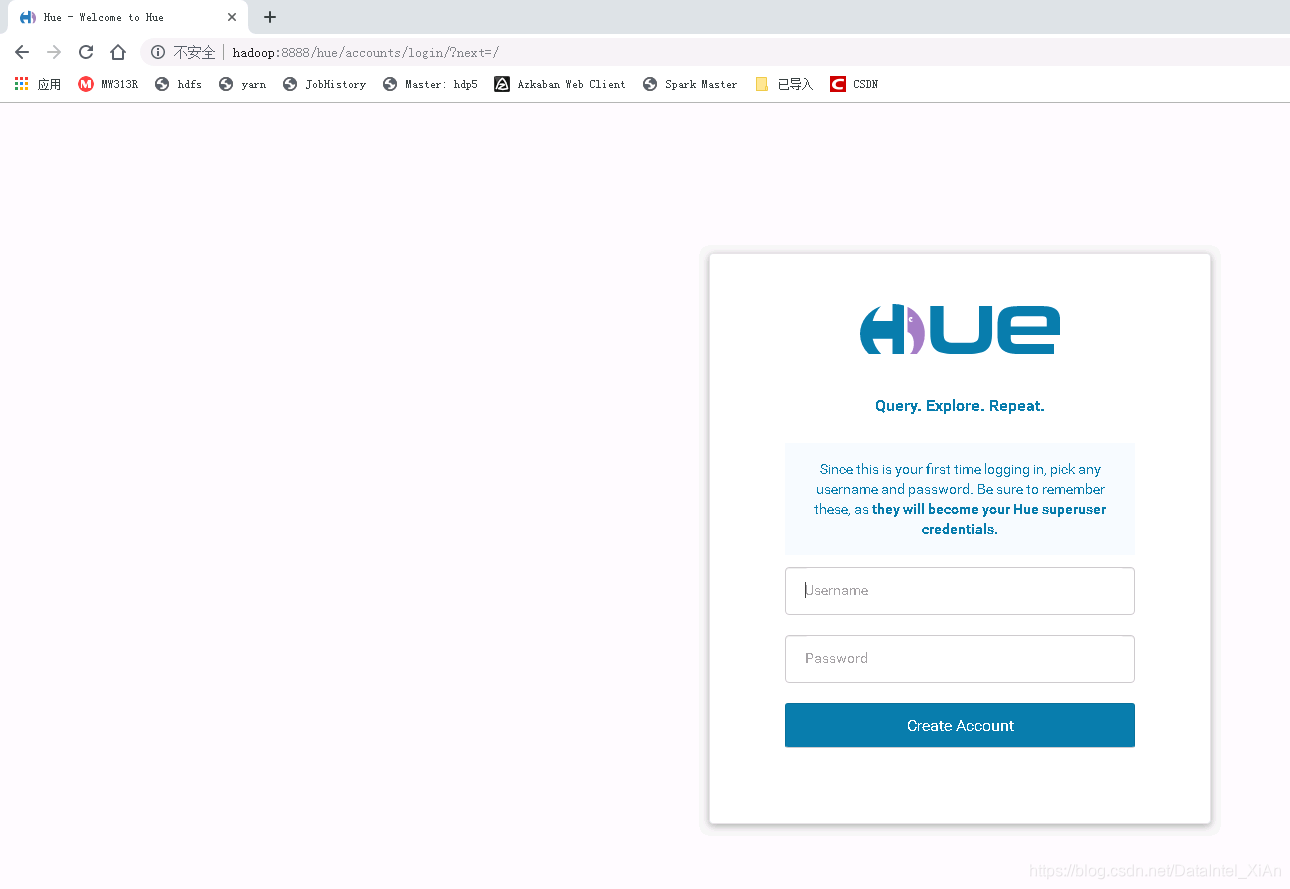
进入/home/hadoop/hue/build/env/bin中启动supervisor,然后登录http://hadoop:8888,如下则表明安装成功,提示需要创建一个用户,创建用户登录即可
元数据配置
修改配置pseudo-distributed.ini中的以下属性
  [[database]]
     engine=mysql
     host=mysql
     port=3308
     user=root
     password=root
     name=huemeta
初始化元数据库
bin/hue syncdb
bin/hue migrate
初始化的过程中可以选择创建一个hadoop管理员用户
You just installed Django's auth system, which means you don't have any superusers defined.
Would you like to create one now? (yes/no): yes
Username (leave blank to use 'hadoop'):
Email address:
Password:
Password (again):
Superuser created successfully.
Installing custom SQL ...
Installing indexes ...
Installed 0 object(s) from 0 fixture(s)
可以查看一下hue的元数据库
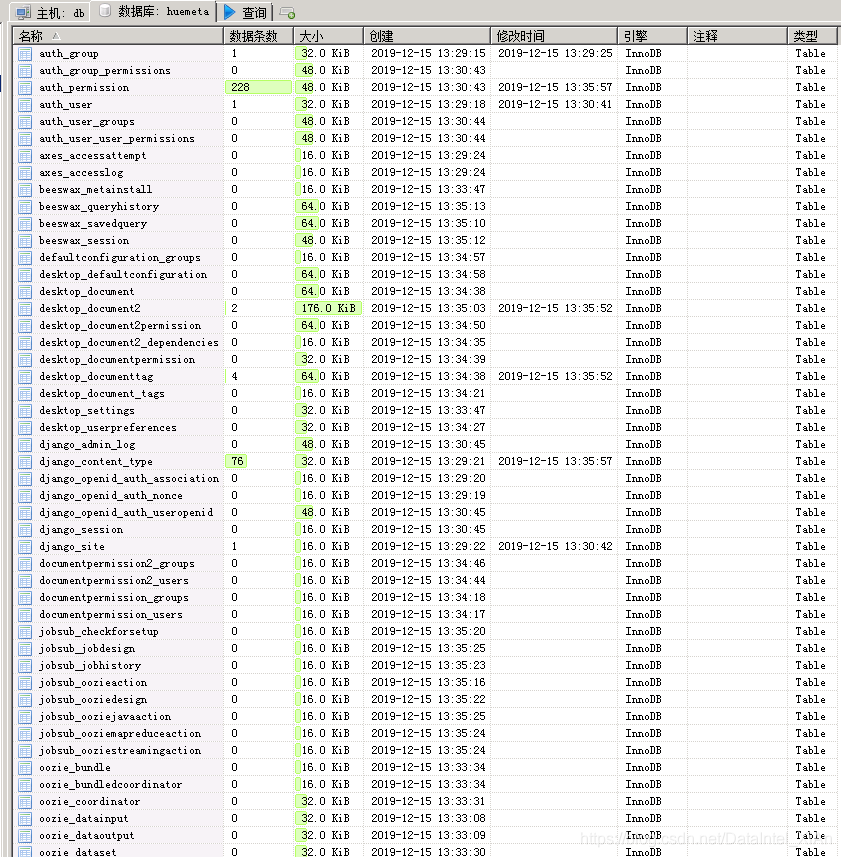
再次启动,不再需要新建用户了,直接使用我们刚才创建的hadoop用户登录即可

登录后界面
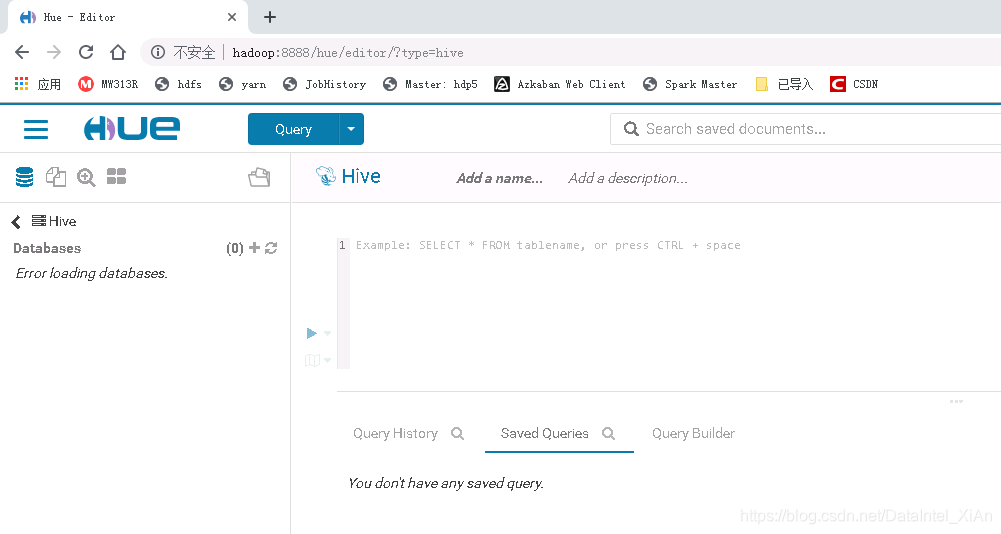
至此Hue的安装就成功!





 扫一扫
扫一扫


 777
777

 被折叠的 条评论
为什么被折叠?
被折叠的 条评论
为什么被折叠?
 到【灌水乐园】发言





