


 本文介绍了GitLab作为开源版本控制系统的特点,如源代码浏览、权限管理及内置聊天功能。并详细阐述了如何在CentOS Linux系统上部署GitLab。
GitLab部署
一、介绍
GitLab是利用Ruby on Rails一个开源的版本管理系统,实现一个自托管的Git项目仓库,可通过Web界面进行访问公开的或者私人项目。
GitLab能够浏览源代码,管理缺陷和注释。可以管理团队对仓库的访问,它非常易于浏览提交过的版本并提供一个文件历史库。团队成员可以利用内置的简单聊天程序(Wall)进行交流。
它还提供一个代码片段收集功能可以轻松实现代码复用,便于日后有需要的时候进行查找。
二、常用的版本控制工具
- gitlab
- subversion
三、部署
//配置yum源
[root@localhost ~]# curl -o /etc/yum.repos.d/CentOS-Base.repo https://mirrors.aliyun.com/repo/Centos-vault-8.5.2111.repo
  % Total    % Received % Xferd  Average Speed   Time    Time     Time  Current
                                 Dload  Upload   Total   Spent    Left  Speed
100  2495  100  2495    0     0   4586      0 --:--:-- --:--:-- --:--:--  4577
[root@localhost ~]# sed -i -e '/mirrors.cloud.aliyuncs.com/d' -e '/mirrors.aliyuncs.com/d' /etc/yum.repos.d/CentOS-Base.repo
[root@localhost ~]# ls /etc/yum.repos.d/
CentOS-Base.repo  ls.repo
[root@localhost ~]# yum -y install epel-release

//安装git
[root@localhost ~]# yum -y install epel-release git

//安装依赖包
[root@localhost ~]# dnf install -y wget
[root@localhost ~]# wget http://mirror.centos.org/centos/7/os/x86_64/Packages/policycoreutils-python-2.5-34.el7.x86_64.rpm
[root@localhost ~]# ls
anaconda-ks.cfg  policycoreutils-python-2.5-34.el7.x86_64.rpm
[root@localhost ~]# rpm -qa |grep policy
policycoreutils-2.9-18.el8.x86_64
selinux-policy-3.14.3-89.el8.noarch
selinux-policy-targeted-3.14.3-89.el8.noarch
[root@localhost ~]# rpm -e policycoreutils --nodeps
[root@localhost ~]# rpm -qa |grep policy
selinux-policy-3.14.3-89.el8.noarch
selinux-policy-targeted-3.14.3-89.el8.noarch
[root@localhost ~]# rpm -ivh --nodeps policycoreutils-python-2.5-34.el7.x86_64.rpm
warning: policycoreutils-python-2.5-34.el7.x86_64.rpm: Header V3 RSA/SHA256 Signature, key ID f4a80eb5: NOKEY
Verifying...                          ################################# [100%]
Preparing...                          ################################# [100%]
Updating / installing...
   1:policycoreutils-python-2.5-34.el7################################# [100%]
[root@localhost ~]# wget http://mirror.centos.org/centos/8-stream/BaseOS/x86_64/os/Packages/policycoreutils-2.9-18.el8.x86_64.rpm
[root@localhost ~]# yum -y install curl openssh-server openssh-clients postfix cronie perl policycoreutils-python policycoreutils glibc-common langpacks-zh_CN

//启动postfix服务并设置开机自启
[root@localhost ~]# systemctl restart postfix
[root@localhost ~]# systemctl enable postfix
Created symlink /etc/systemd/system/multi-user.target.wants/postfix.service → /usr/lib/systemd/system/postfix.service.

//下载gitlab的rpm包
[root@localhost ~]# wget https://mirrors.tuna.tsinghua.edu.cn/gitlab-ce/yum/el7/gitlab-ce-15.3.3-ce.0.el7.x86_64.rpm
[root@localhost ~]# ls
anaconda-ks.cfg
gitlab-ce-15.3.3-ce.0.el7.x86_64.rpm
policycoreutils-python-2.5-34.el7.x86_64.rpm

//安装gitlab
[root@localhost ~]# rpm -ivh gitlab-ce-15.3.3-ce.0.el7.x86_64.rpm
warning: gitlab-ce-15.3.3-ce.0.el7.x86_64.rpm: Header V4 RSA/SHA1 Signature, key ID f27eab47: NOKEY
Verifying...                          ################################# [100%]
Preparing...                          ################################# [100%]
Updating / installing...
   1:gitlab-ce-15.3.3-ce.0.el7        ################################# [100%]
It looks like GitLab has not been configured yet; skipping the upgrade script.

       *.                  *.
      ***                 ***
     *****               *****
    .******             *******
    ********            ********
   ,,,,,,,,,***********,,,,,,,,,
  ,,,,,,,,,,,*********,,,,,,,,,,,
  .,,,,,,,,,,,*******,,,,,,,,,,,,
      ,,,,,,,,,*****,,,,,,,,,.
         ,,,,,,,****,,,,,,
            .,,,***,,,,
                ,*,.


     _______ __  __          __
    / ____(_) /_/ /   ____ _/ /_
   / / __/ / __/ /   / __ `/ __ \
  / /_/ / / /_/ /___/ /_/ / /_/ /
  \____/_/\__/_____/\__,_/_.___/


Thank you for installing GitLab!
GitLab was unable to detect a valid hostname for your instance.
Please configure a URL for your GitLab instance by setting `external_url`
configuration in /etc/gitlab/gitlab.rb file.
Then, you can start your GitLab instance by running the following command:
  sudo gitlab-ctl reconfigure

For a comprehensive list of configuration options please see the Omnibus GitLab readme
https://gitlab.com/gitlab-org/omnibus-gitlab/blob/master/README.md

Help us improve the installation experience, let us know how we did with a 1 minute survey:
https://gitlab.fra1.qualtrics.com/jfe/form/SV_6kVqZANThUQ1bZb?installation=omnibus&release=15-3

[root@localhost ~]#

//修改配置文件
[root@localhost ~]# vi /etc/gitlab/gitlab.rb
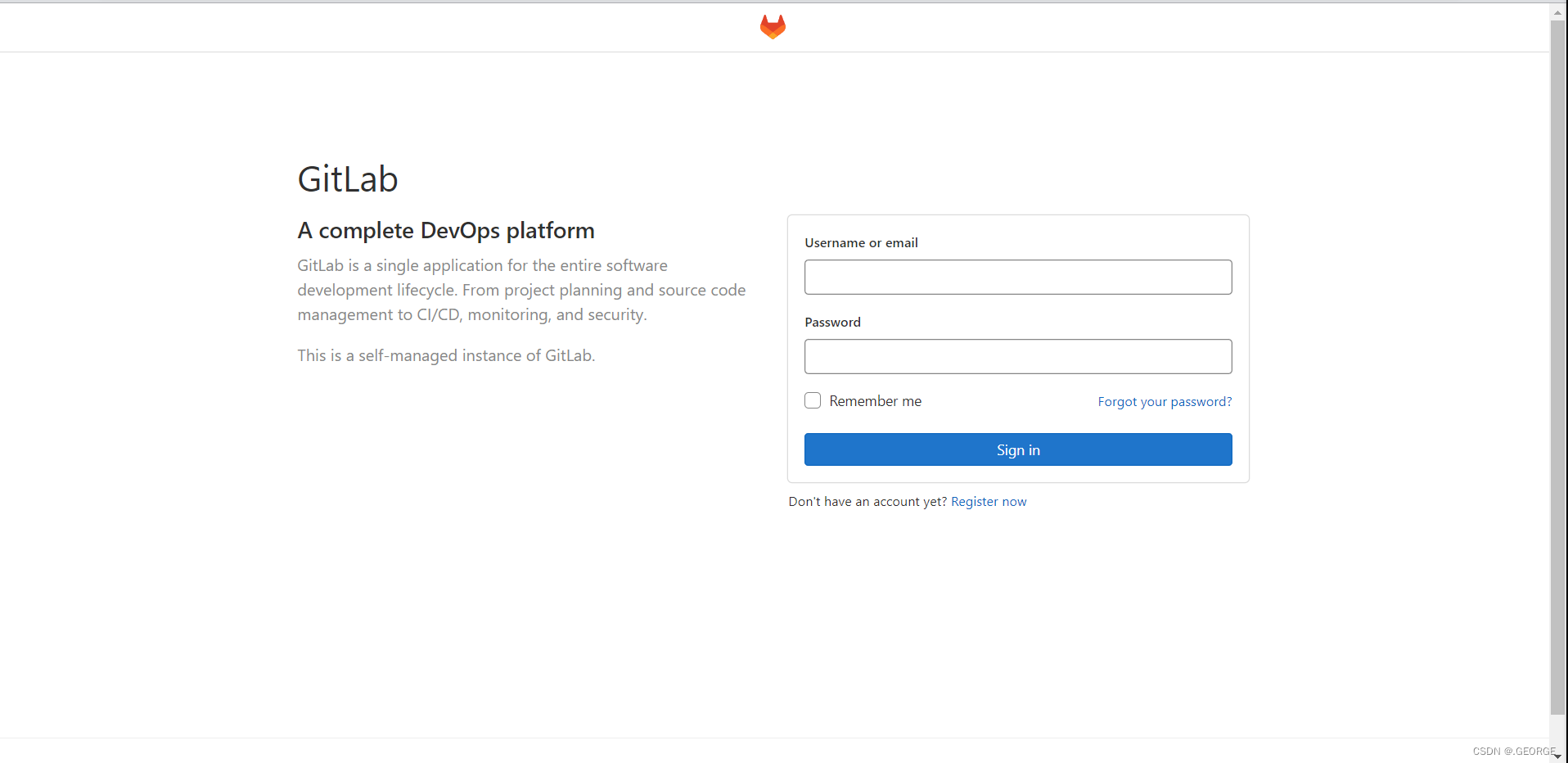
external_url 'http://192.168.183.138'	将此处设为gitlab的服务器ip地址亦或域名

//重载配置文件并重启gitlab
[root@localhost ~]# gitlab-ctl reconfigure
······
[root@localhost ~]# gitlab-ctl restart
······

//查看当前的gitlab版本
[root@localhost ~]# head -1 /opt/gitlab/version-manifest.txt
gitlab-ce 15.3.3

//破解管理员密码
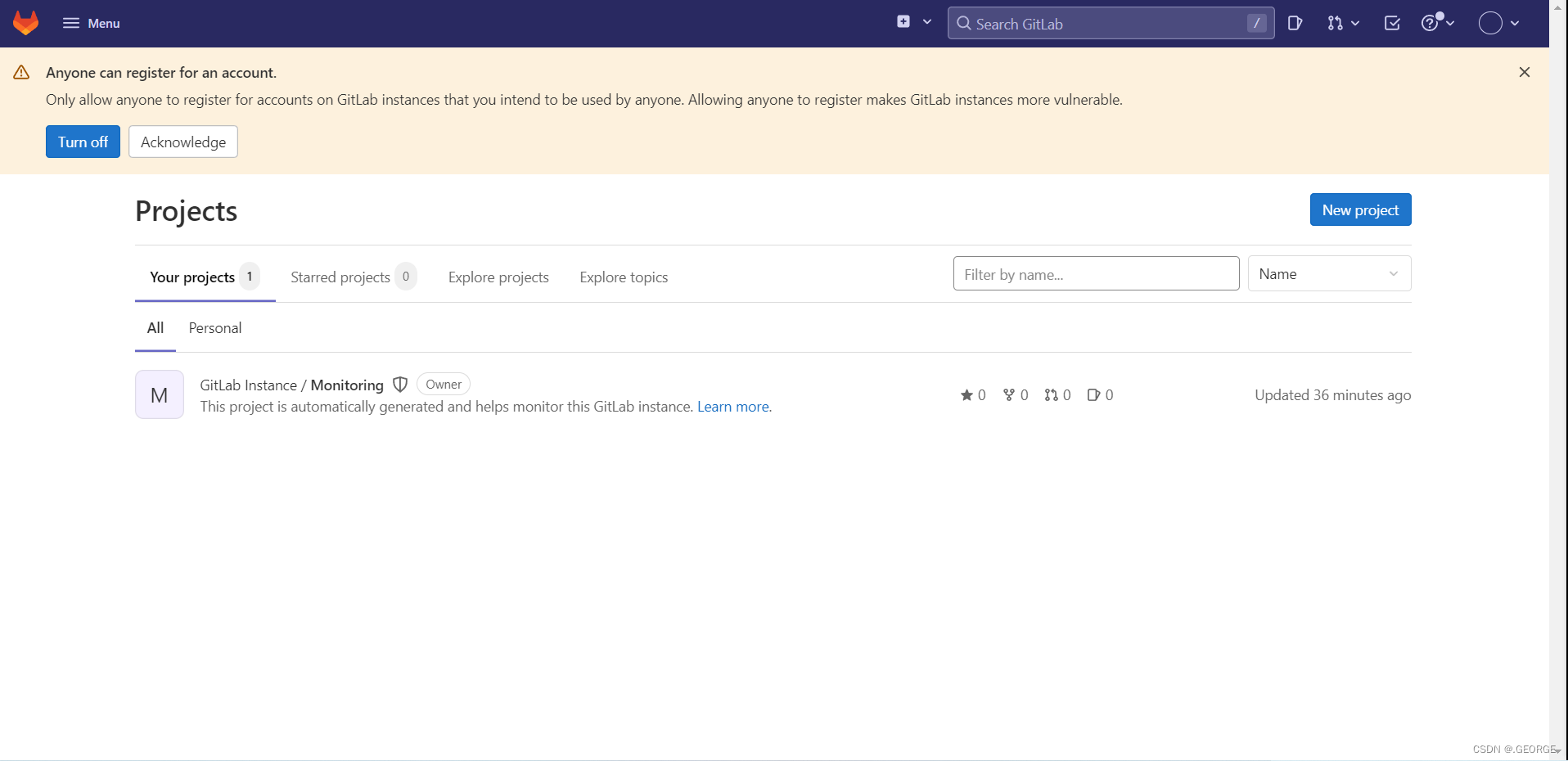
[root@localhost ~]# gitlab-rails console -e production
--------------------------------------------------------------------------------
 Ruby:         ruby 2.7.5p203 (2021-11-24 revision f69aeb8314) [x86_64-linux]
 GitLab:       15.3.3 (c629a47f87f) FOSS
 GitLab Shell: 14.10.0
 PostgreSQL:   13.6
------------------------------------------------------------[ booted in 20.14s ]
Loading production environment (Rails 6.1.6.1)
irb(main):001:0> u=User.find(1)
=> #<User id:1 @root>	//id为1的是超级管理员
irb(main):002:0> u.password='root123456'
=> "root123456"		密码必须至少8个字符
irb(main):003:0> u.password_confirmation = 'root123456'
=> "root123456"
irb(main):004:0> u.save!	//保存修改,若无问题将返回true
=> true
irb(main):005:0> exit	退出





 扫一扫
扫一扫


 311
311

 被折叠的 条评论
为什么被折叠?
被折叠的 条评论
为什么被折叠?
 到【灌水乐园】发言





