



 在MacOS Monterey 12.5系统中,用户发现中文模式下可以长按输入多个字符,但在英文模式下无法实现。通过在终端输入特定命令`defaults write NSGlobalDomain ApplePressAndHoldEnabled -boolean false`或`defaults write -g ApplePressAndHoldEnabled -bool false`,然后重启设备,可以禁用英文模式下的长按连续输入功能。当需要重新启用此功能时,只需将`false`改为`true`。参考链接提供了解决方案的详细步骤。
mac版本:macOS Monterey 12.5
如题,在中文模式下可以长按连续输入,英文模式下不行
解决方案:
- 终端输入如下代码
defaults write NSGlobalDomain ApplePressAndHoldEnabled -boolean false
或
defaults write -g ApplePressAndHoldEnabled -bool false
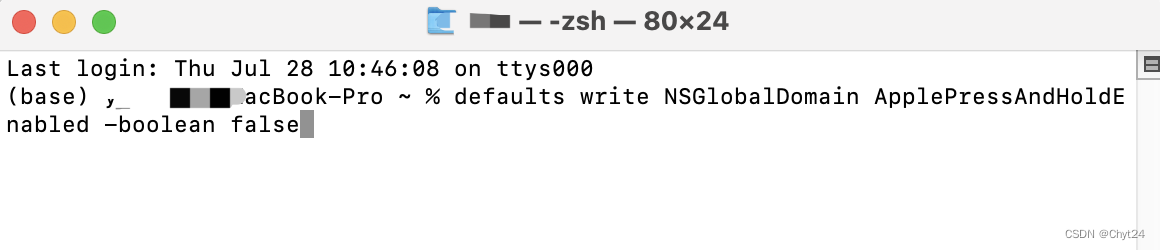
- 重启mac设备
注:需要关闭的时候false改为true即可
参考文章:
https://wenku.baidu.com/view/769dae105b0216fc700abb68a98271fe910eaf16.html





 扫一扫
扫一扫


 5310
5310

 被折叠的 条评论
为什么被折叠?
被折叠的 条评论
为什么被折叠?
 到【灌水乐园】发言





