


本次是对HuggingFace平台的操作熟悉,分为模型下载、模型上传以及;
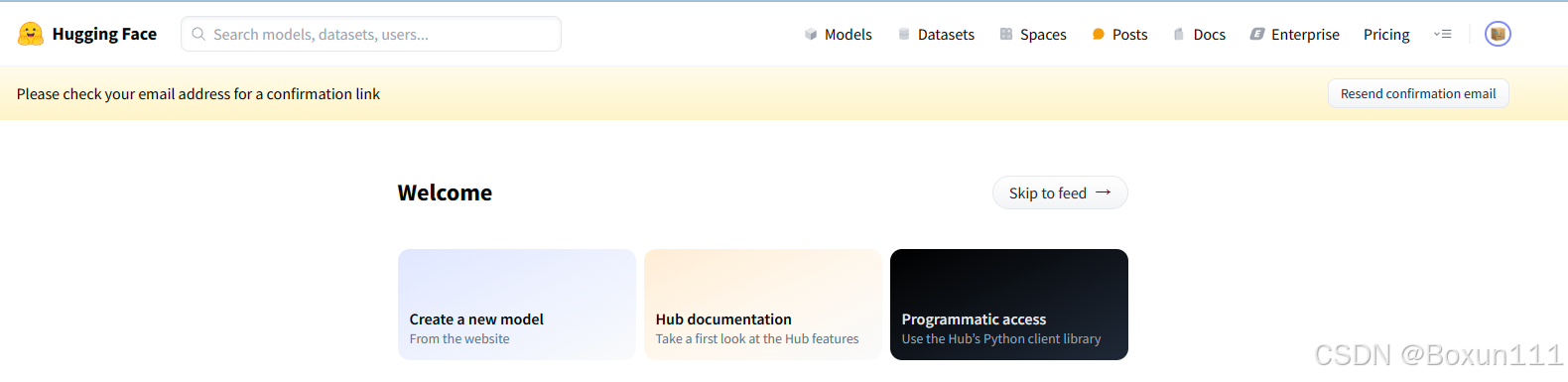
Task 1:模型下载,首先注册一个HuggingFace账号,关联自己的Github用户名,进入Github的codespaces,选择jupyter notebook(因为网络和磁盘有限的原因,强烈不建议在 InternStudio 运行,因此这里使用CodeSpace)

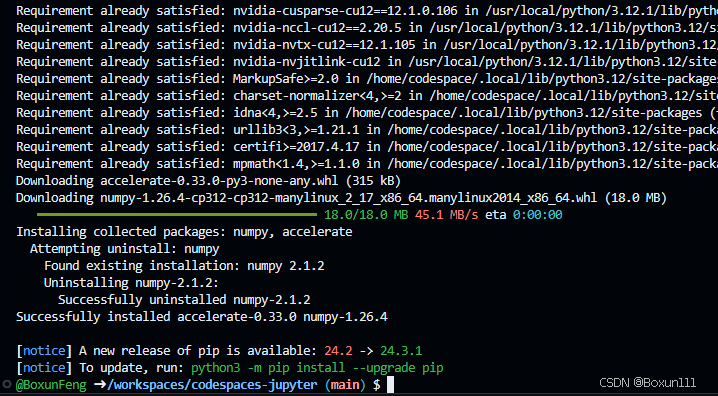
在终端中安装模型要运行的依赖包
# 安装transformers
pip install transformers==4.38
pip install sentencepiece==0.1.99
pip install einops==0.8.0
pip install protobuf==5.27.2
pip install accelerate==0.33.0
安装完成
新建hf_download_josn.py文件,写入下载模型命令
touch hf_download_josn.py
import os
from huggingface_hub import hf_hub_download

# 指定模型标识符
repo_id = "internlm/internlm2_5-7b"

# 指定要下载的文件列表
files_to_download = [
    {"filename": "config.json"},
    {"filename": "model.safetensors.index.json"}
]

# 创建一个目录来存放下载的文件
local_dir = f"{repo_id.split('/')[1]}"
os.makedirs(local_dir, exist_ok=True)

# 遍历文件列表并下载每个文件
for file_info in files_to_download:
    file_path = hf_hub_download(
        repo_id=repo_id,
        filename=file_info["filename"],
        local_dir=local_dir
    )
    print(f"{file_info['filename']} file downloaded to: {file_path}")
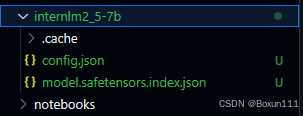
python hf_download_josn.py
可以看到下载完成
Task 2 (可选): 模型上传,涉及到json的上传(Hugging Face同样是跟Git相关联,通常大模型的模型文件都比较大,因此我们需要安装git lfs,对大文件系统支持),代码如下:
curl -s https://packagecloud.io/install/repositories/github/git-lfs/script.deb.sh | sudo bash
# sudo apt-get install git-lfs # CodeSpace里面可能会有aptkey冲突且没有足够权限
git lfs install # 直接在git环境下配置git LFS
pip install huggingface_hub
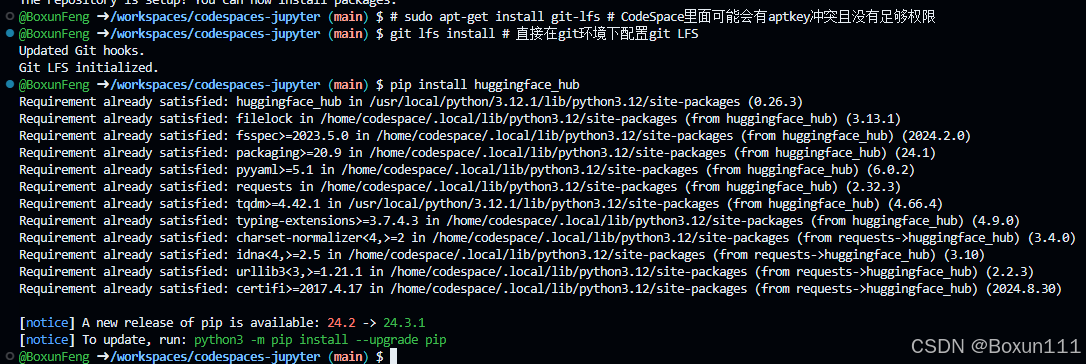
安装完毕,在HuggingFace上选择Access Tokens, Create new token,类型选择Write
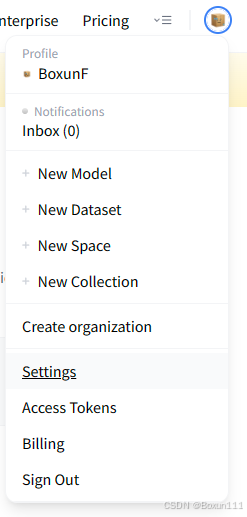
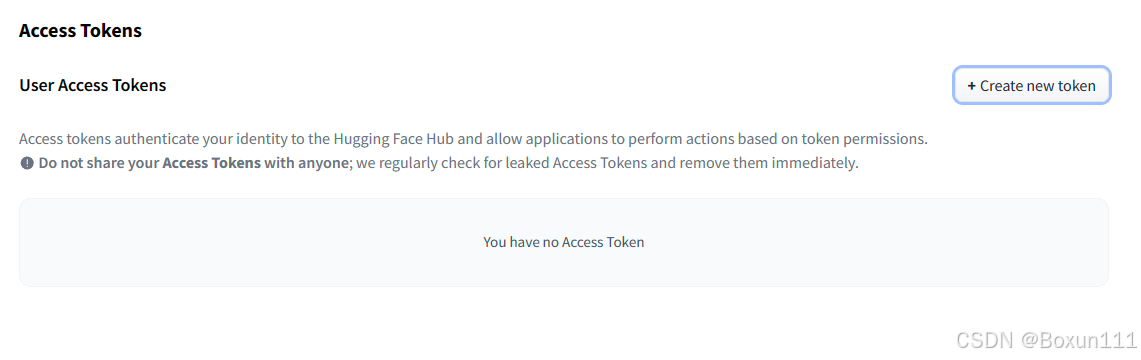
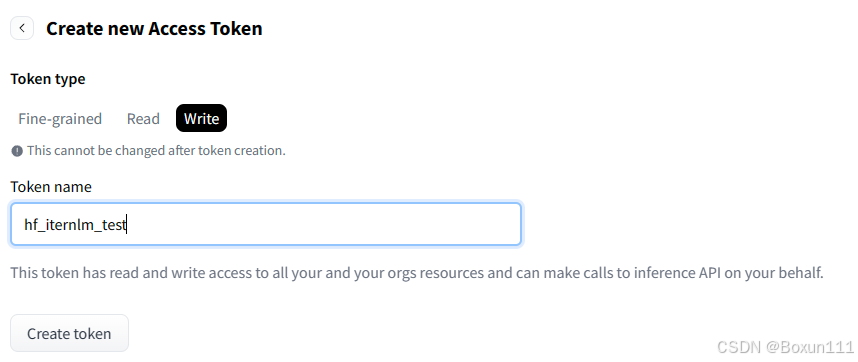
复制token码
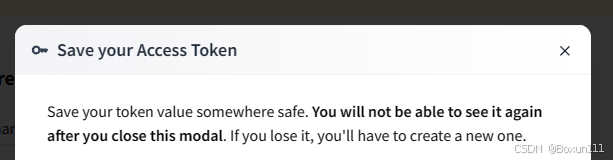
回到Codespace界面,终端输入如下代码登录HuggingFace CLI
git config --global credential.helper store
huggingface-cli login
输入复制的Token码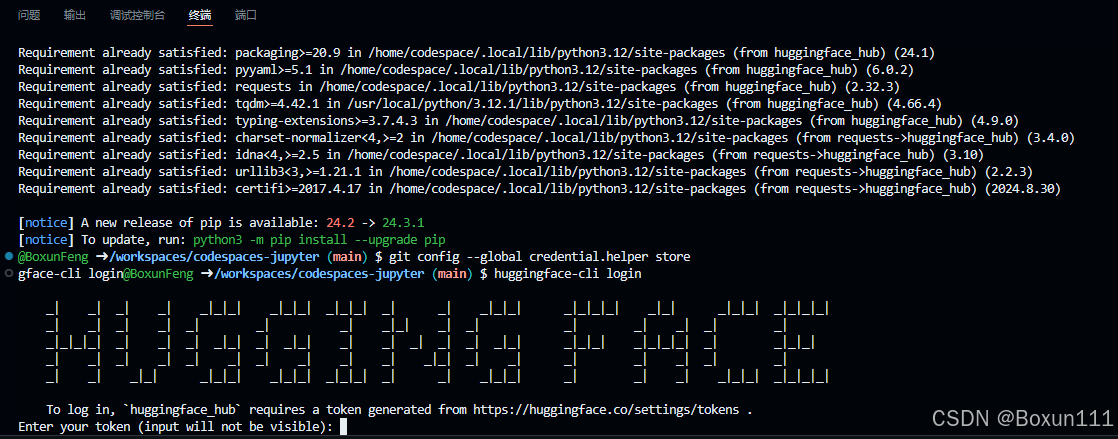
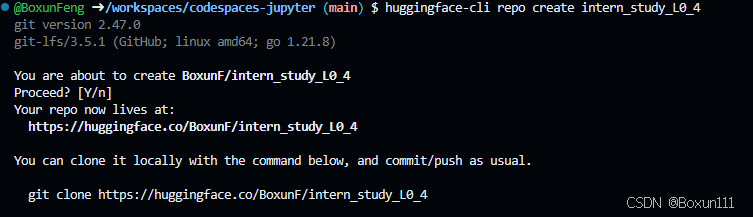
创建项目,代码如下
cd /workspaces/codespaces-jupyter

#intern_study_L0_4就是model_name
huggingface-cli repo create intern_study_L0_4

# 克隆到本地 your_huggingface_name 注意替换成你自己的
git clone https://huggingface.co/{your_huggingface_name}/intern_study_L0_4
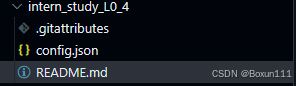
复制json文件以及写README.md
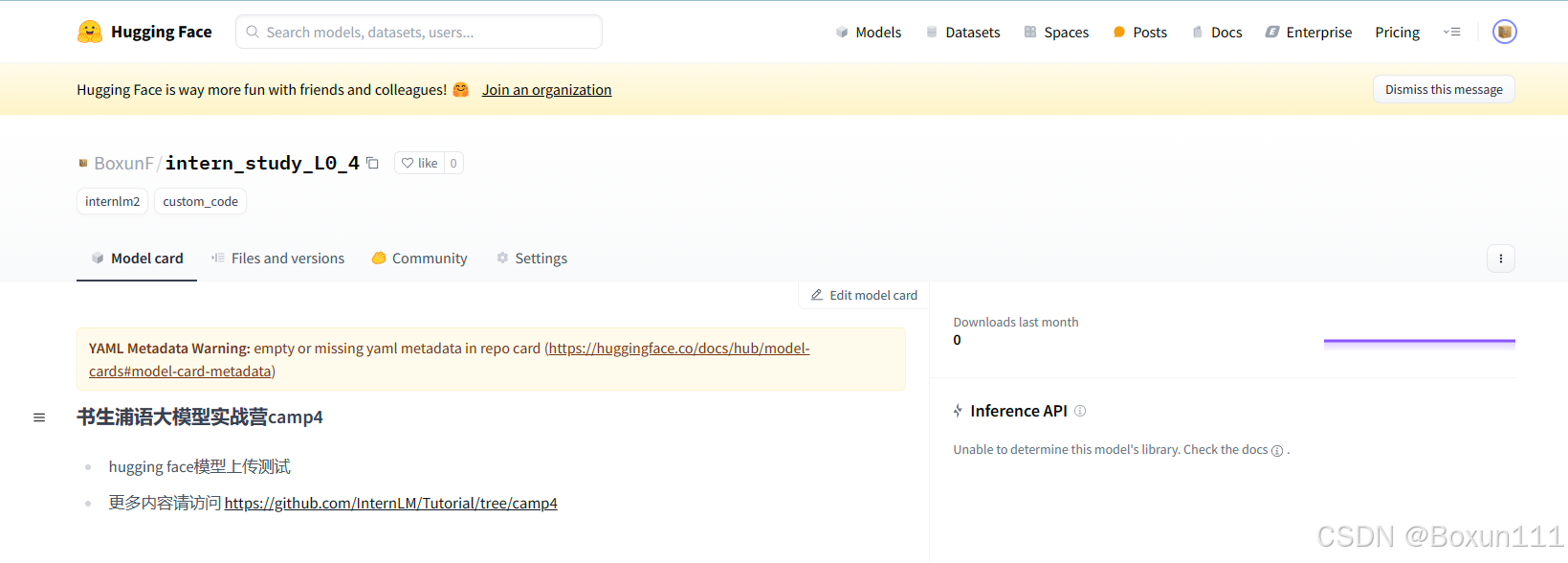
# 书生浦语大模型实战营camp4
- hugging face模型上传测试
- 更多内容请访问 https://github.com/InternLM/Tutorial/tree/camp4
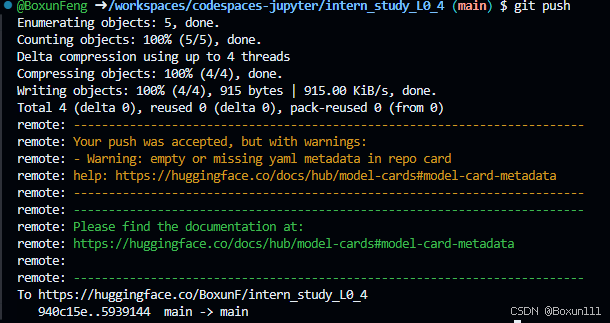
#上传
git add .
git commit -m "update: colearn page"

git remote set-url origin https://blank:hf_xxxxxxxxxxx@huggingface.co/blank/intern_study_L0_4
# 这里blank和hf_xxxxxxxxxxxx只是示例 请替换为你的username和之前申请的access token

git push
上传成功,效果如图
Task 3 (可选):在HF平台上使用Spaces并把intern_cobuild部署;
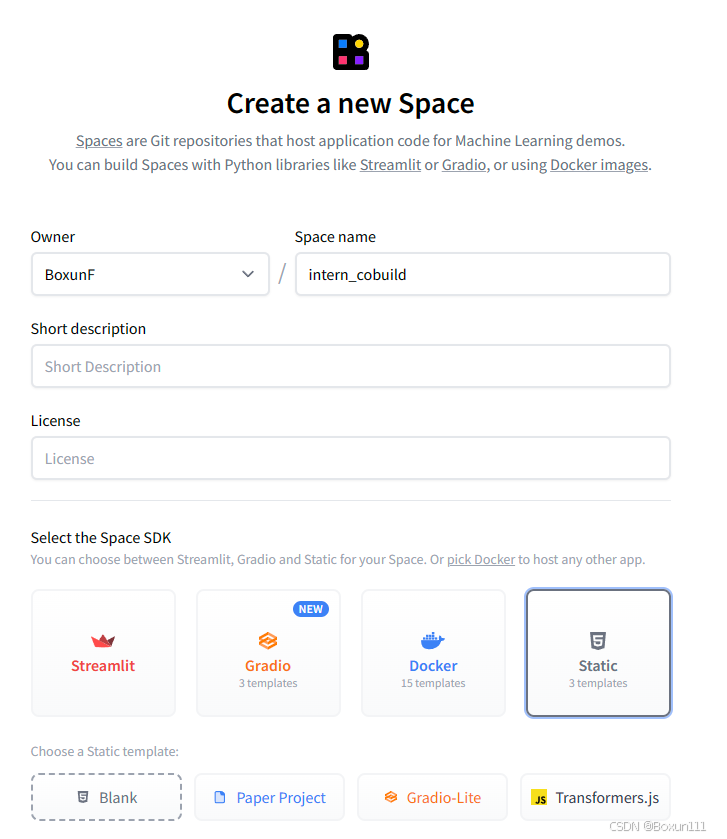
进入HF Spaces,创建名为intern_cobuild 的Static类型的Space
回到CodeSpace,输入如下代码,克隆项目,进入目录:
cd /workspaces/codespaces-jupyter
# 请将<your_username>替换你自己的username
git clone https://huggingface.co/spaces/<your_username>/intern_cobuild
cd /workspaces/codespaces-jupyter/intern_cobuild
修改其中的html代码如下并保存:
<!doctype html>
<html>
<head>
  <meta charset="utf-8" />
  <meta name="viewport" content="width=device-width" />
  <title>My static Space</title>
  <style>
    html, body {
      margin: 0;
      padding: 0;
      height: 100%;
    }
    body {
      display: flex;
      justify-content: center;
      align-items: center;
    }
    iframe {
      width: 430px;
      height: 932px;
      border: none;
    }
  </style>
</head>
<body>
  <iframe src="https://colearn.intern-ai.org.cn/cobuild" title="description"></iframe>
</body>
</html>
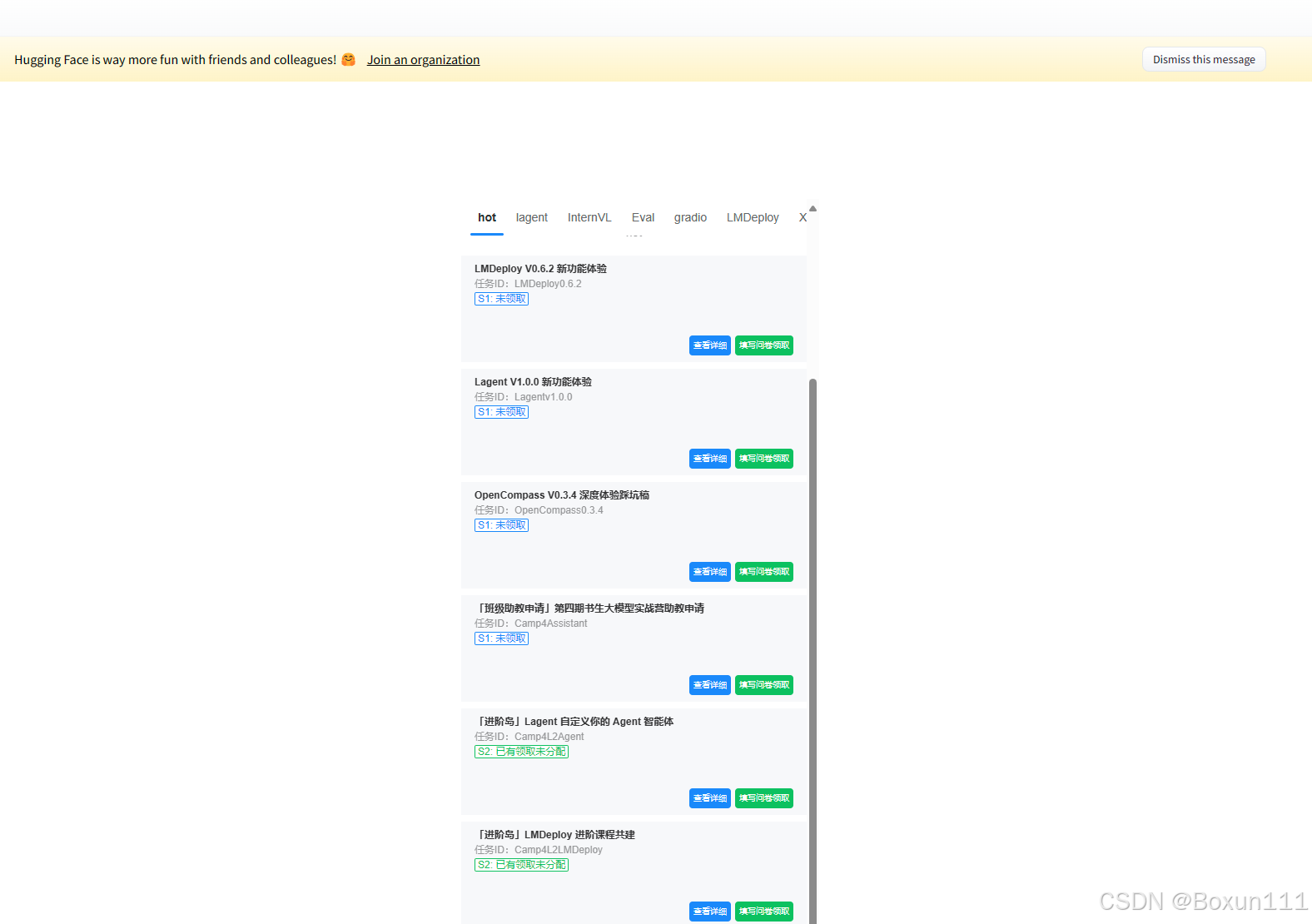
保存后就可以push到远程仓库上了,它会自动更新页面;
git add .
git commit -m "update: colearn page"
git remote set-url origin https://<user_name>:<token>@huggingface.co/<repo_path>
#例如:
#git remote set-url origin https://jack:hf_xxxxx@huggingface.co/spaces/jack/intern_cobuild/
git push





 扫一扫
扫一扫


 被折叠的 条评论
为什么被折叠?
被折叠的 条评论
为什么被折叠?
 到【灌水乐园】发言





