


背景
在进行一些Python相关的应用考试的时候,需要用到Jupyter环境和Jupyter的代码补全插件来运行代码,但按照原本提供的环境配置手册进行环境配置,总是遇到组件版本冲突问题,最终通过部署稳定版本解决。
Anaconda配置Python3.9及Jupyter代码补全环境
当然,找稳定版主要是AI工具的功劳,以下作为一个稳定环境配置记录:
# 退出当前环境(如果已经在当前环境中)
conda deactivate

# 表示当前在Anaconda的默认环境base:
(base) C:\Users\xxx>

# 清除历史环境(如果之前的环境问题较多)
conda remove -n python3.9 --all -y

# 创建python3.9虚拟环境
conda create -n python3.9 python=3.9 -y

# 安装jupyter
conda install -c conda-forge notebook=6.5.4 -y

# 安装jupyter插件以及插件的可视化配置界面(不用conda用pip,是因为conda安装不到)
pip install jupyter_contrib_nbextensions==0.5.1
pip install jupyter_nbextensions_configurator==0.4.1

# 配置扩展到Jupyter
jupyter contrib nbextension install --user

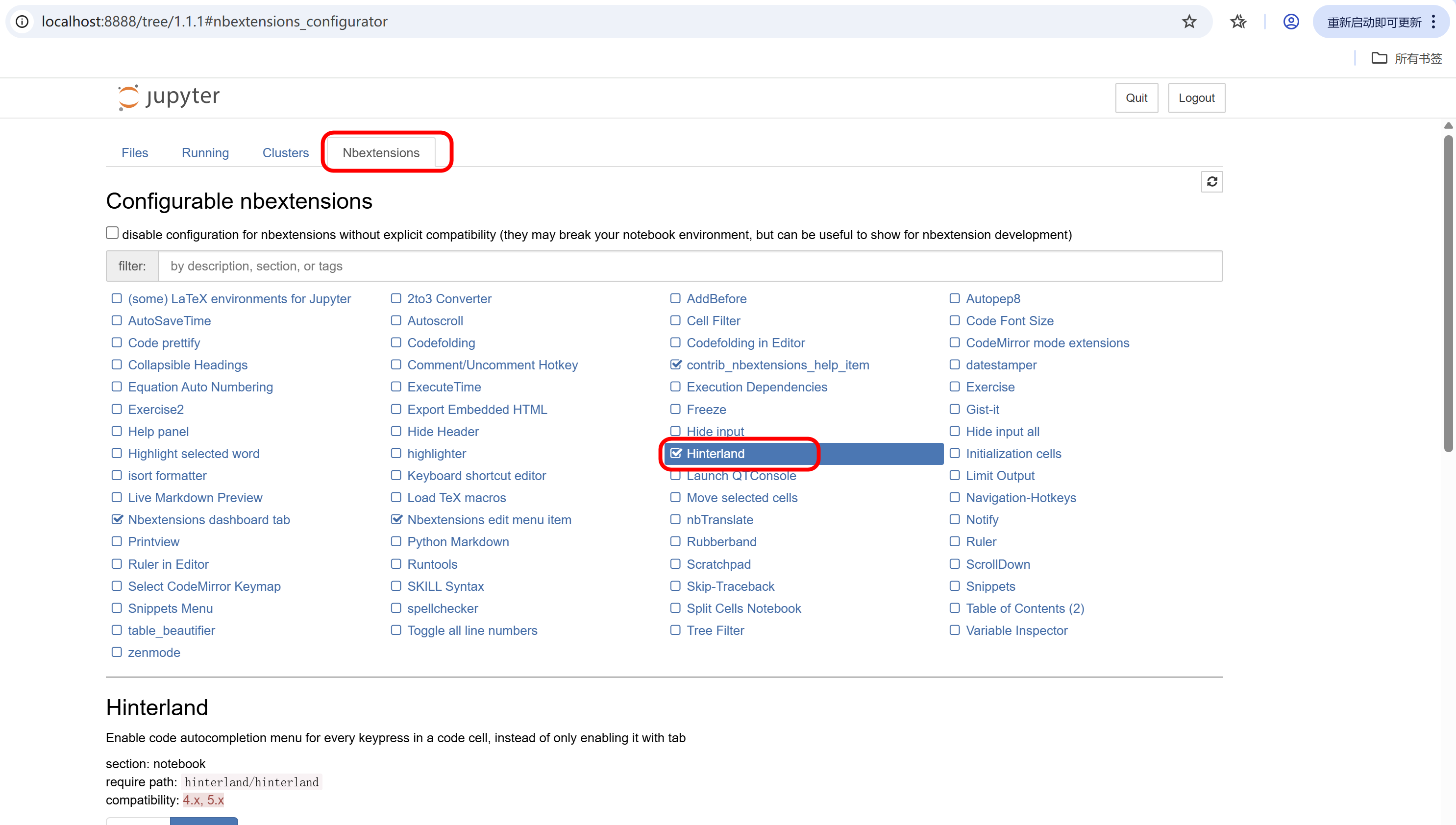
# 启动配置界面
jupyter nbextensions_configurator enable --user

# 启动jupyter notebook(在命令行直接输入)
jupyter notebook
成功
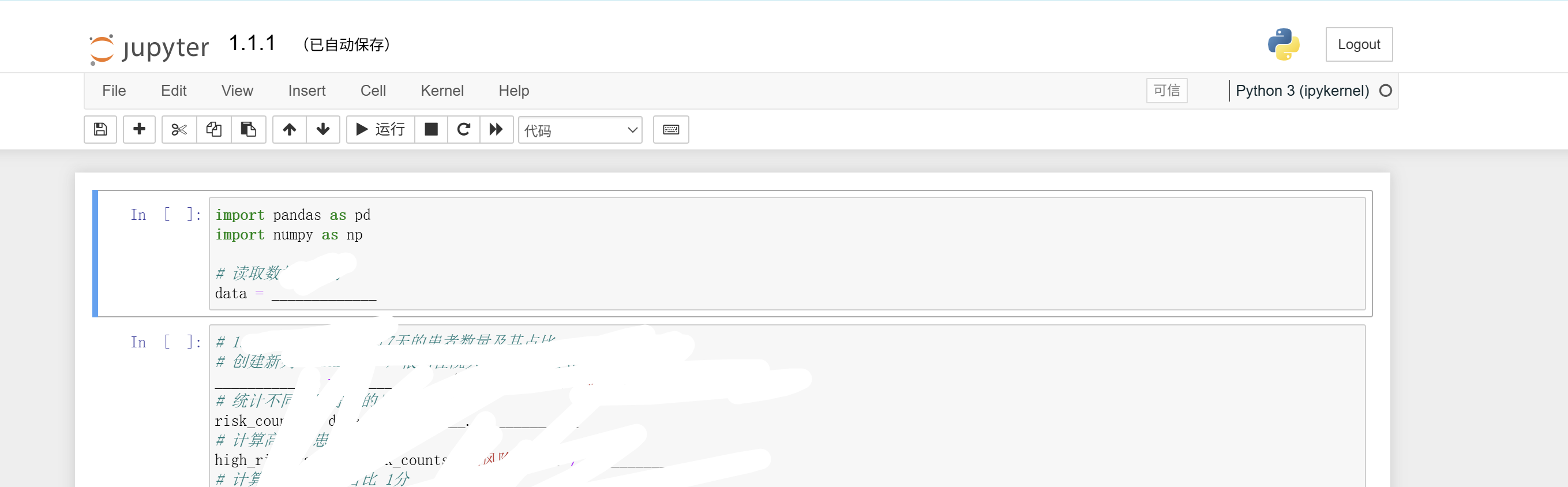
访问ipynb文件
成功






 扫一扫
扫一扫


 5639
5639

 被折叠的 条评论
为什么被折叠?
被折叠的 条评论
为什么被折叠?
 到【灌水乐园】发言





