



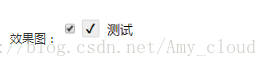
 本文介绍了一种使用CSS实现的自定义复选框样式的方法,包括如何改变未选中和选中状态的外观,并通过伪元素展示选中状态。
.myCheck + label{
  display: inline-block;
  background-color: white;
  border-radius: 2px;
  border:1px solid #d3d3d3;
  width:20px;
  height:20px;
  line-height: 20px;
  margin-right: 10px;
  text-align: center;
  vertical-align: bottom;
}
.myCheck:checked + label{
  background-color: #eee;
}
.myCheck:checked + label:after{
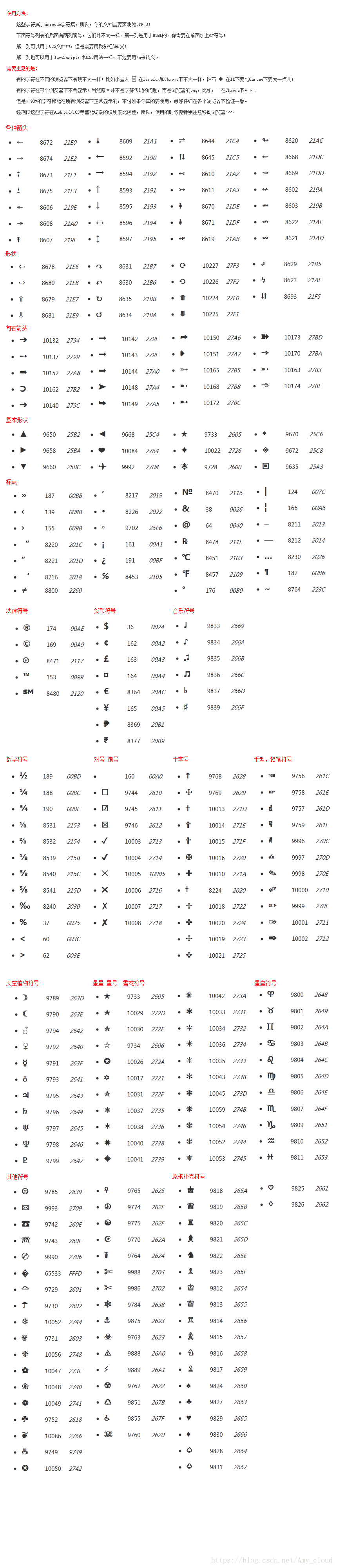
  content:"\2714";
}

<label>
  <input type="checkbox" value="1" class="myCheck">
  <label></label>测试
</label>





 扫一扫
扫一扫


 1554
1554

 被折叠的 条评论
为什么被折叠?
被折叠的 条评论
为什么被折叠?
 到【灌水乐园】发言





