






📝 面试求职: 「面试试题小程序」 ,内容涵盖 测试基础、Linux操作系统、MySQL数据库、Web功能测试、接口测试、APPium移动端测试、Python知识、Selenium自动化测试相关、性能测试、性能测试、计算机网络知识、Jmeter、HR面试,命中率杠杠的。(大家刷起来…)
📝 职场经验干货:
前言:测试自动化的关键转型
在软件项目的快速迭代中,自动化测试已成为保障产品质量的核心手段。对于接口测试而言,HAR(HTTP Archive)文件作为记录真实用户交互的宝贵数据源,其转换价值常被严重低估。
本文将从实战角度深入解析如何将HAR文件转化为可执行的pytest测试用例,并探讨其中涉及的关键技术与最佳实践。
HAR文件深度解析
2.1 HAR文件结构解剖
HAR文件采用JSON格式存储,其核心结构包含:
{
  "log": {
    "version": "1.2",
    "creator": {},
    "entries": [
      {
        "request": {
          "method": "GET",
          "url": "https://api.example.com/v1/users",
          "headers": [],
          "queryString": [],
          "postData": {}
        },
        "response": {
          "status": 200,
          "headers": [],
          "content": {}
        },
        "timings": {}
      }
    ]
  }
}
2.2 关键字段解读
-
request.url: 完整请求地址(含参数)
-
request.method: HTTP方法类型
-
request.headers: 认证头、内容类型等重要信息
-
request.postData.text: POST请求体内容
-
response.status: HTTP状态码
-
response.content.text: 响应正文
基础转换实战
3.1 环境搭建
安装必要依赖:
pip install pytest haralyzer requests3.2 HAR解析器实现
创建 har_parser.py:
from haralyzer import HarParser

classHARConverter:
    def__init__(self, har_path):
        with open(har_path, 'r', encoding='utf-8') as f:
            self.har_parser = HarParser(json.load(f))

    defextract_requests(self):
        return [
            {
                "method": entry['request']['method'],
                "url": entry['request']['url'],
                "headers": {h['name']: h['value'] for h in entry['request']['headers']},
                "body": entry['request'].get('postData', {}).get('text')
            }
            for entry in self.har_parser.har_data['entries']
            if entry['request']['url'].startswith('https://api.')
        ]
3.3 测试用例生成
创建 test_api.py:
import pytest
import requests
from har_parser import HARConverter

@pytest.fixture(scope="module")
def api_requests():
    converter = HARConverter("user_session.har")
    return converter.extract_requests()

def test_user_flow(api_requests):
    session = requests.Session()

    for req in api_requests:
        response = session.request(
            method=req['method'],
            url=req['url'],
            headers=req['headers'],
            data=req['body']
        )

        # 基础断言
        assert response.status_code == 200
        assert response.headers['Content-Type'] == 'application/json'

        # 业务逻辑断言示例
        if'users/me' in req['url']:
            user_data = response.json()
            assert user_data['email_verified'] is True
动态数据处理策略
4.1 动态参数识别与替换
创建 dynamic_handler.py:
import re
from datetime import datetime

classDynamicParameterHandler:
    TOKEN_PATTERN = r"Bearer\s+(\w{32})"
    TIMESTAMP_PATTERN = r"\d{13}"

    @classmethod
    defreplace_tokens(cls, text):
        return re.sub(cls.TOKEN_PATTERN, "Bearer ${TOKEN}", text)

    @classmethod
    defhandle_timestamps(cls, text):
        return re.sub(cls.TIMESTAMP_PATTERN, "${TIMESTAMP}", text)

    @classmethod
    defprocess_request(cls, request):
        request['url'] = cls.handle_timestamps(request['url'])
        if request['body']:
            request['body'] = cls.replace_tokens(
                cls.handle_timestamps(request['body'])
            )
        return request
4.2 参数化测试用例改造
@pytest.mark.parametrize("request_data", api_requests)
deftest_parametrized_requests(request_data):
    processed = DynamicParameterHandler.process_request(request_data)

    # 使用环境变量替换动态值
    headers = {
        **processed['headers'],
        "Authorization": os.getenv("API_TOKEN")
    }

    response = requests.request(
        method=processed['method'],
        url=processed['url'].replace("${TIMESTAMP}", str(int(time.time()*1000))),
        headers=headers,
        data=processed['body']
    )

    validate_response_schema(response)
高级转换技巧
5.1 请求依赖管理
实现请求链处理:
defbuild_dependency_graph(requests):
    graph = {}
    for idx, req in enumerate(requests):
        if idx == 0:
            graph[idx] = []
            continue

        # 检测响应中的后续请求参数
        prev_res = requests[idx-1]['response']['content']['text']
        if'session_id'in prev_res:
            graph[idx] = [idx-1]
        else:
            graph[idx] = []
    return graph
5.2 智能断言引擎
创建响应验证器:
from jsonschema import validate

SCHEMA_REGISTRY = {
    "/users": {
        "type": "object",
        "properties": {
            "data": {
                "type": "array",
                "items": {
                    "id": {"type": "number"},
                    "name": {"type": "string"}
                }
            }
        }
    }
}

defvalidate_response_schema(response):
    path = urlparse(response.url).path
    if path in SCHEMA_REGISTRY:
        validate(
            instance=response.json(),
            schema=SCHEMA_REGISTRY[path]
        )
持续集成集成方案
6.1 Jenkins Pipeline配置
pipeline {
    agent any
    environment {
        API_TOKEN = credentials('api-token')
    }
    stages {
        stage('ConvertHAR') {
            steps {
                sh 'python har_converter.py session.har'
            }
        }
        stage('RunTests') {
            steps {
                sh 'pytest tests/ --junitxml=report.xml'
            }
        }
        stage('Report'){
            steps {
                junit 'report.xml'
                emailext body: '${JELLY_SCRIPT,template="html"}',
                      subject: 'API Test Results',
                      to: 'team@example.com'
            }
        }
    }
}
性能优化策略
7.1 并行执行配置
# pytest.ini
[pytest]
addopts = -n auto
7.2 请求缓存实现
import diskcache

cache = diskcache.Cache('tmp/request_cache')

@pytest.fixture
def cached_session():
    session = requests.Session()
    session = CacheControl(session, cache=cache)
    returnsession
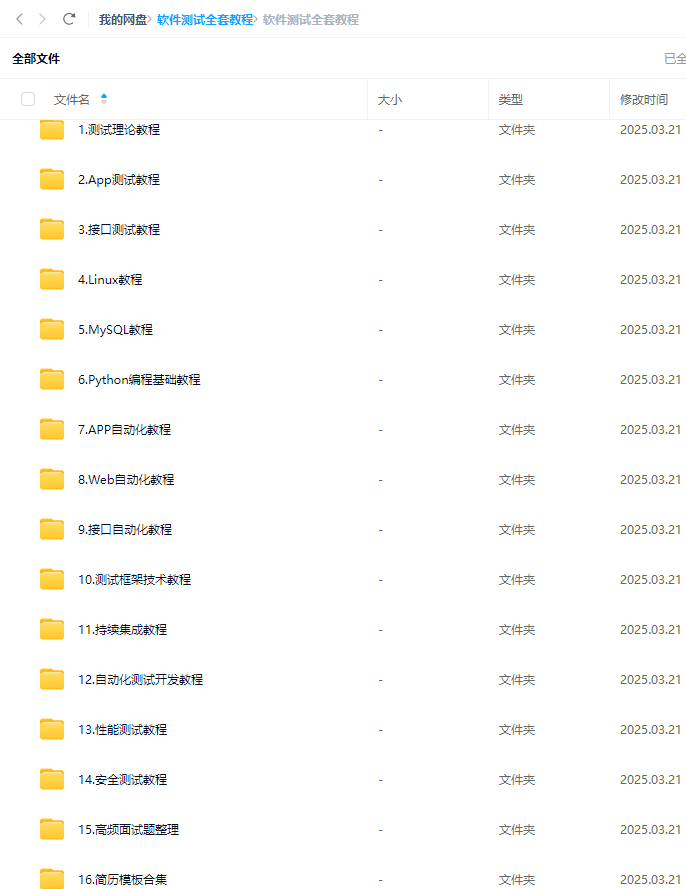
最后: 下方这份完整的软件测试视频教程已经整理上传完成,需要的朋友们可以自行领取【保证100%免费】






 扫一扫
扫一扫


 892
892

 被折叠的 条评论
为什么被折叠?
被折叠的 条评论
为什么被折叠?
 到【灌水乐园】发言





