


 该文详细描述了如何在CentOSStreamRelease8的虚拟机中安装WordPress6.2,包括安装依赖组件如PHP7.4和MariaDB,创建数据库,以及启动HTTPD和PHP-FPM服务。
目标
在一台 CentOS Stream release 8 虚拟机上,安装一台WordPress 6.2
安装过程
安装依赖组件
依赖组件可以参考官方文档:https://developer.wordpress.org/advanced-administration/before-install/
主要有3个组件:
- PHP 7.4 or greater
- MySQL 5.7 or MariaDB 10.3 or greater
安装MariaDB
直接使用 AppStream 中的包进行安装即可,
安装数据库
[root@mroot ~]# dnf update -y
[root@mroot ~]# yum install -y mariadb-server
[root@mroot ~]# systemctl start mariadb
创建数据库
[root@mroot ~]# mysql
Welcome to the MariaDB monitor.  Commands end with ; or \g.
Your MariaDB connection id is 8
Server version: 10.3.28-MariaDB MariaDB Server

Copyright (c) 2000, 2018, Oracle, MariaDB Corporation Ab and others.

Type 'help;' or '\h' for help. Type '\c' to clear the current input statement.

MariaDB [(none)]> CREATE DATABASE wordpress;
Query OK, 1 row affected (0.000 sec)

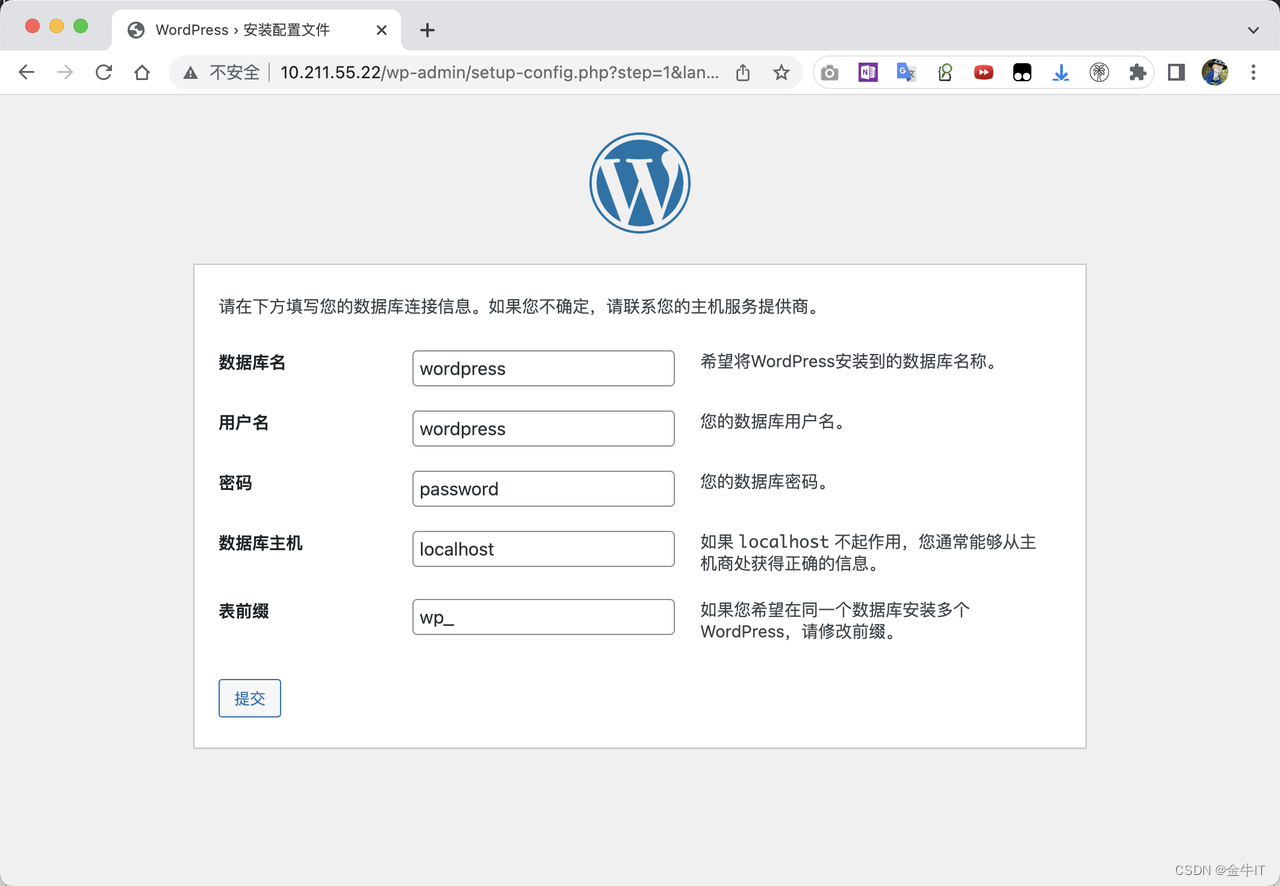
MariaDB [(none)]> GRANT ALL PRIVILEGES ON wordpress.* TO "wordpress"@"localhost" IDENTIFIED BY "password";
Query OK, 0 rows affected (0.000 sec)

MariaDB [(none)]> FLUSH PRIVILEGES;
Query OK, 0 rows affected (0.000 sec)

MariaDB [(none)]> quit
Bye
安装PHP 7.4
AppStream 中默认启用的PHP版本为7.2,需要手动启用7.4的版本
默认 APPstream 只中启用了PHP 7.2,需要手动启用7.4
[root@mroot ~]# dnf list php
上次元数据过期检查:1 day, 16:14:38 前,执行于 2023年04月17日 星期一 15时02分07秒。
可安装的软件包
php.x86_64                          7.2.24-1.module_el8.2.0+313+b04d0a66                          AppStream

[root@mroot ~]# dnf module list php
上次元数据过期检查:0:09:38 前,执行于 2023年04月18日 星期二 18时37分12秒。
CentOS-8.5.2111 - AppStream - mirrors.aliyun.com
Name                  Stream                   Profiles                                    Summary
php                   7.2 [d]                  common [d], devel, minimal                  PHP scripting language
php                   7.3                      common [d], devel, minimal                  PHP scripting language
php                   7.4                      common [d], devel, minimal                  PHP scripting language

提示:[d]默认,[e]已启用,[x]已禁用,[i]已安装
[root@mroot ~]# dnf module enable php:7.4
上次元数据过期检查:1 day, 16:16:26 前,执行于 2023年04月17日 星期一 15时02分07秒。
依赖关系解决。
===========================================================================================================
 软件包                   架构                    版本                      仓库                      大小
===========================================================================================================
启用模块流:
 httpd                                            2.4
 nginx                                            1.14
 php                                              7.4

事务概要
===========================================================================================================

确定吗?[y/N]: y
完毕!
[root@mroot ~]# dnf install php php-cli php-common php-mysqli
安装设置WordPress
下载WordPress安装包并解压到对应目录:
# 下载安装包并解压到Web服务目录下
[root@mroot ~]# wget https://wordpress.org/latest.zip
[root@mroot ~]# unzip latest.zip
[root@mroot ~]# ls wordpress/
index.php        wp-admin              wp-content         wp-load.php      wp-signup.php
license.txt      wp-blog-header.php    wp-cron.php        wp-login.php     wp-trackback.php
readme.html      wp-comments-post.php  wp-includes        wp-mail.php      xmlrpc.php
wp-activate.php  wp-config-sample.php  wp-links-opml.php  wp-settings.php
[root@mroot ~]# mv wordpress/* /var/www/html/
[root@mroot ~]# chown -R apache:apache /var/www/html
[root@mroot ~]# systemctl start httpd.service php-fpm.service
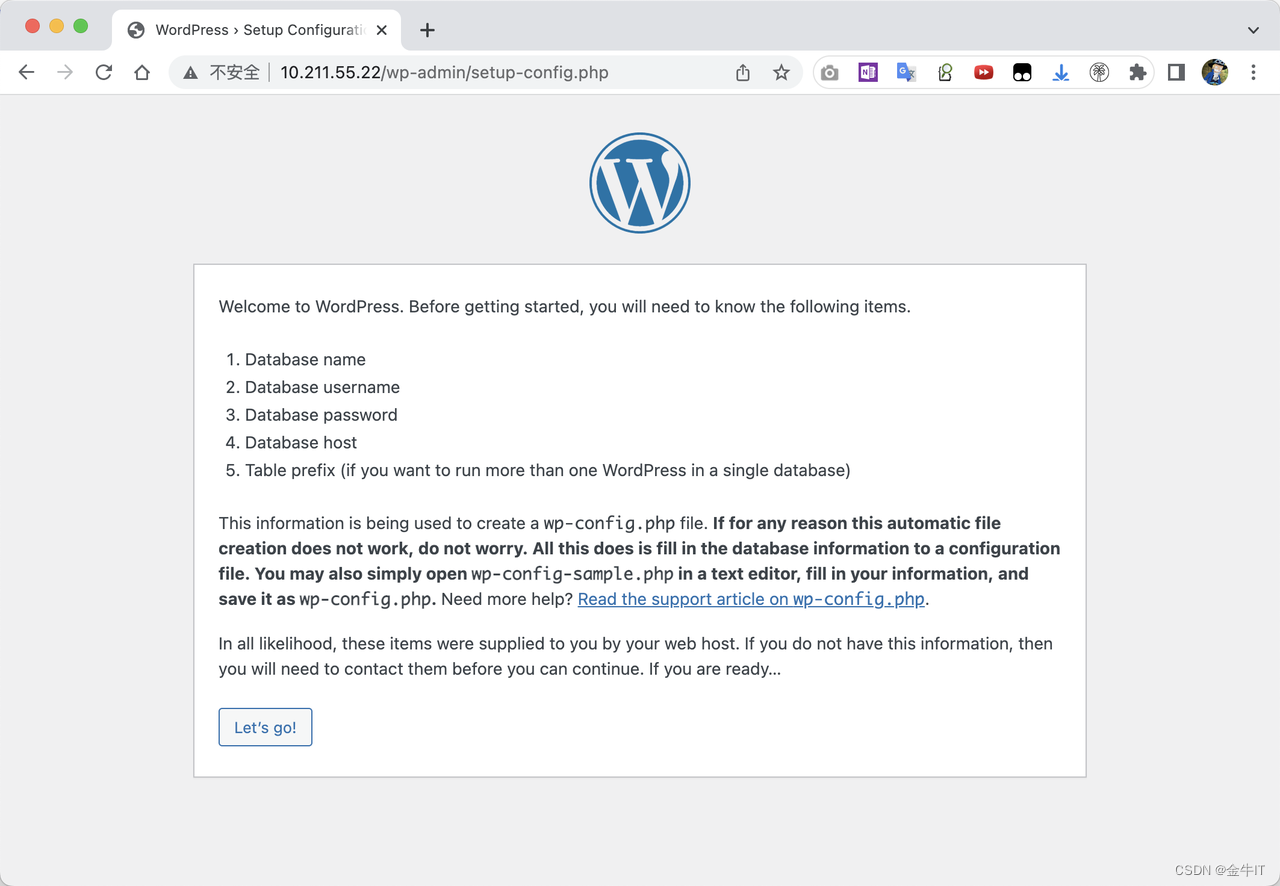
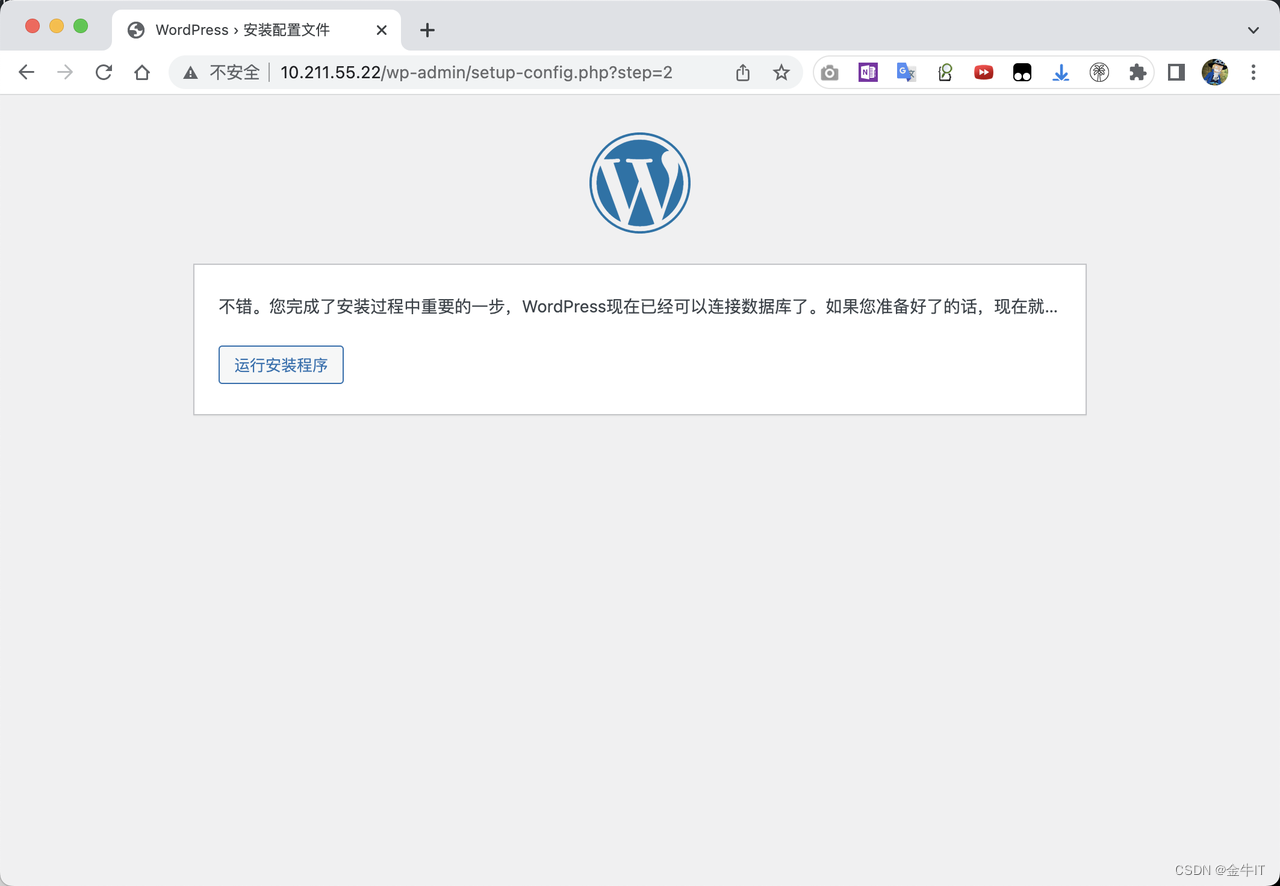
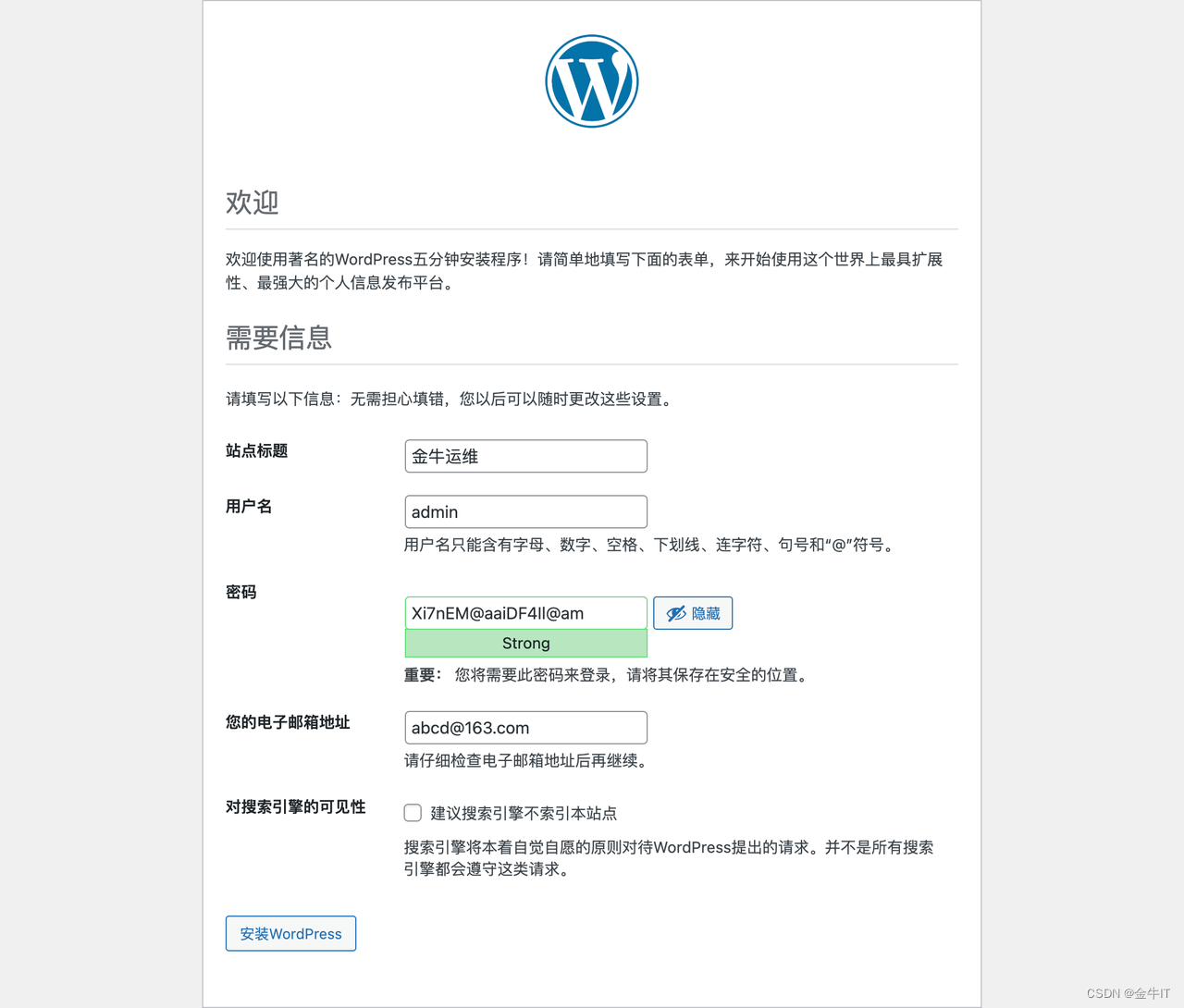
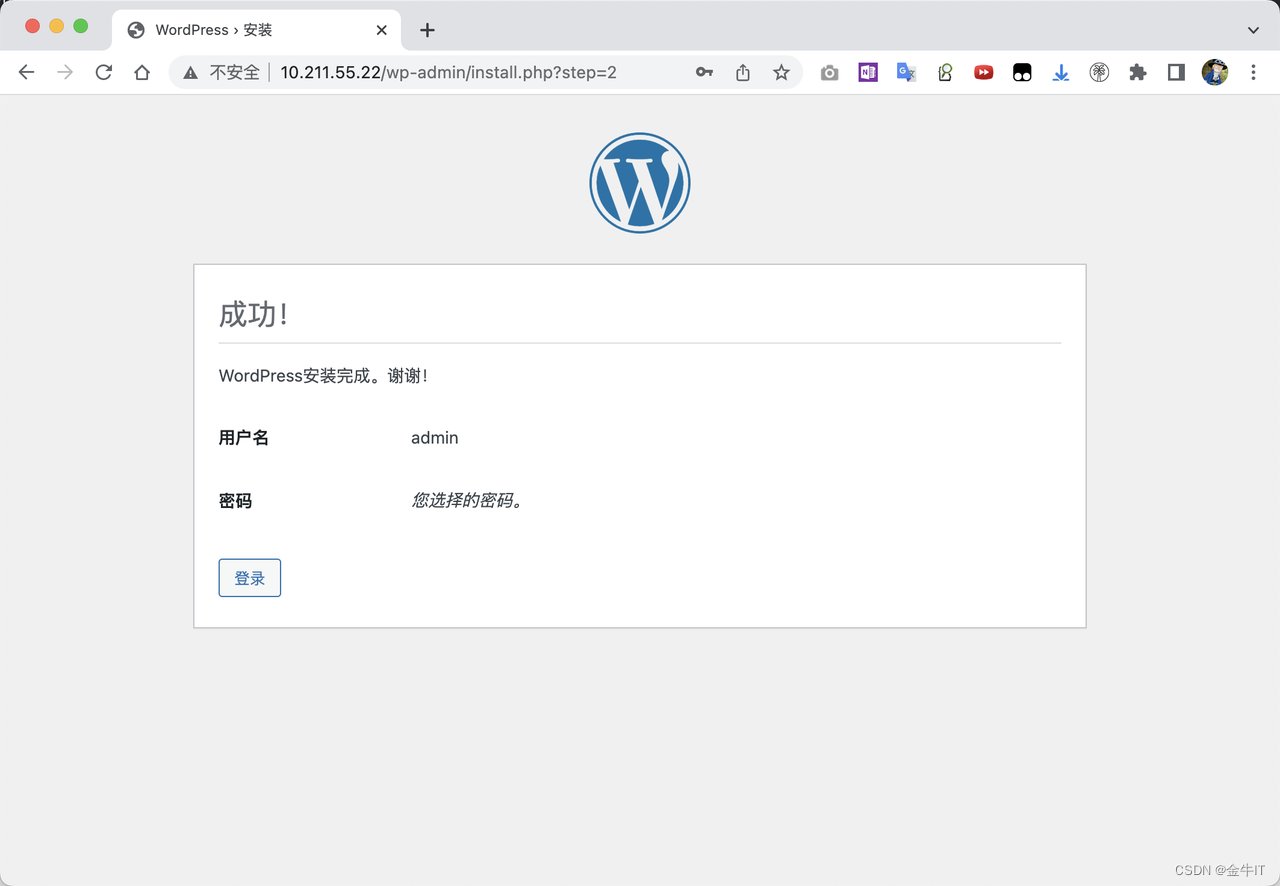
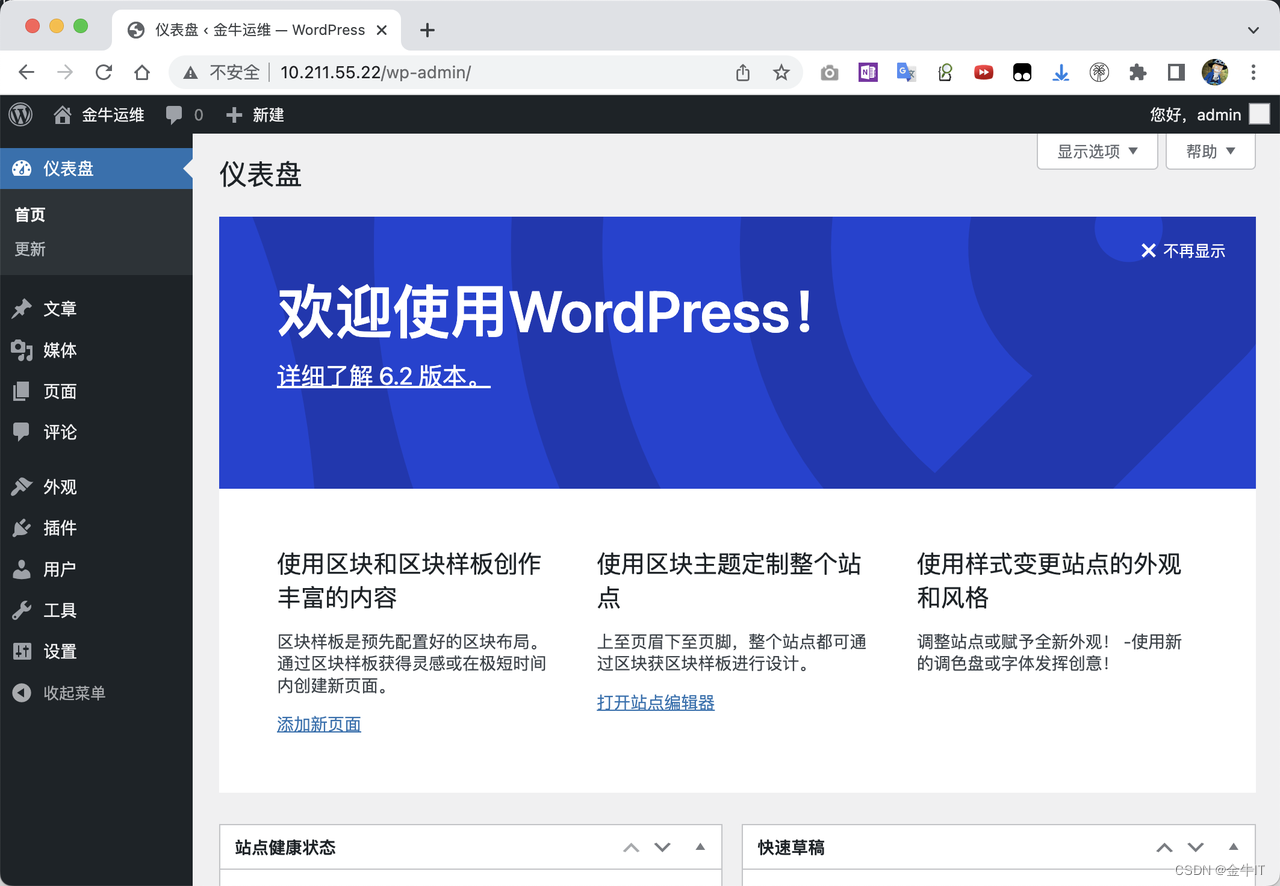
通过浏览器进行访问设置:





 扫一扫
扫一扫


 330
330

 被折叠的 条评论
为什么被折叠?
被折叠的 条评论
为什么被折叠?
 到【灌水乐园】发言





