


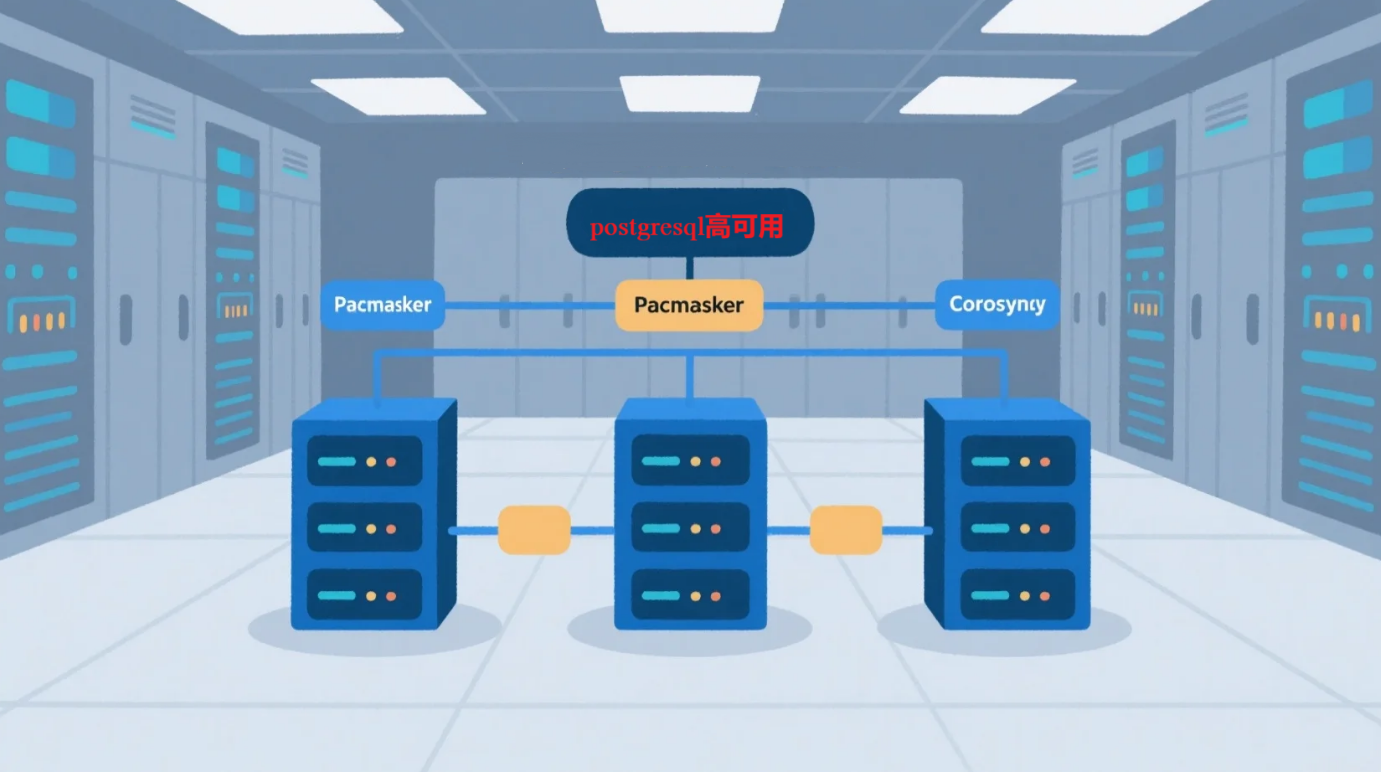
核心架构原理
集群组成(典型三节点结构):
[Node1] PostgreSQL + Pacemaker + Corosync + pcsd
[Node2] PostgreSQL + Pacemaker + Corosync + pcsd
[Node3] PostgreSQL + Pacemaker + Corosync + pcsd
↕ ↕ ↕
← Corosync 多播/单播心跳通信 →
↕ ↕ ↕
Pacemaker 资源调度器决定主从角色、服务状态、VIP绑定位置
组件介绍
| 组件 |
作用 |
| PostgreSQL 14 |
数据库核心,负责数据存储与复制。 |
| Pacemaker |
集群资源管理器,负责数据库服务、VIP 等资源的启停与主备切换。 |
| Corosync |
集群通信组件,提供节点间心跳和消息广播机制。 |
| pcsd |
Web UI + CLI 集群管理组件,简化 pcs 工具使用,提供节点认证与配置同步。 |
系统资源及组件规划
| 节点名称 |
CPU/内存 |
网卡 |
硬盘 |
IP地址 |
OS |
节点角色 |
| pgtest1 |
2c/2g |
ens33 |
60G |
192.168.24.11 |
Centos7.9 |
PostgreSQL、Pacemaker、Corosync |
| pgtest2 |
2c/2g |
ens33 |
60G |
192.168.24.12 |
Centos7.9 |
|
| pgtest3 |
2c/2g |
ens33 |
60G |
192.168.24.13 |
Centos7.9 |
|
| vip-master |
192.168.24.14 |
|||||
| vip-slave |
192.168.24.15 |
|||||
数据库版本:
Postgresql14.6
PCS集群版本:
#rpm -qa|grep pacemaker
pacemaker-libs-1.1.23-1.el7_9.1.x86_64
pacemaker-cluster-libs-1.1.23-1.el7_9.1.x86_64
pacemaker-1.1.23-1.el7_9.1.x86_64
pacemaker-cli-1.1.23-1.el7_9.1.x86_64
#rpm -qa|grep pcs
pcsc-lite-libs-1.8.8-8.el7.x86_64
pcs-0.9.169-3.el7.centos.3.x86_64
# rpm -qa|grep corosync
corosync-2.4.5-7.el7_9.2.x86_64
corosynclib-2.4.5-7.el7_9.2.x86_64
一、安装基础软件
1.1 配置hosts文件[all servers]
[root@pgtest1 ~]# cat >> /etc/hosts <<EOF
192.168.24.11 pgtest1
192.168.24.12 pgtest2
192.168.24.13 pgtest3
192.168.24.14 vip-master
192.168.24.15 vip-slave
EOF
1.2 关闭防火墙及selinux [all servers]
# systemctl disable firewalld
# systemctl stop firewalld
#vi /etc/selinux/config
selinux=disabled
# sestatus
SELinux status: disabled
1.3 安装PCS [all servers]
yum -y install libsmb*
yum install -y pacemaker pcs
yum install -y autoconf automake libtool
yum install -y docbook-style-xsl
yum install -y gcc-c++ glib2-devel
1.4 pacemaker resource-agents 更新 [all servers]
注:centos7.9 yum安装集群软件只支持pg9、pg10以下,需要安装新版本resource-agents,如下:
resource-agents-4.12.0下载地址: Release v4.12.0 · ClusterLabs/resource-agents · GitHub
# tar zxvf resource-agents-4.12.0.tar.gz
# cd resource-agents-4.12.0
# ./autogen.sh
# ./configure
# make && make install
确认支持PG12以上版本
[root@pgtest1 ~]# cat /usr/lib/ocf/resource.d/heartbeat/pgsql | grep ocf_version_cmp
ocf_version_cmp "$version" "9.3"
ocf_version_cmp "$version" "12"
ocf_version_cmp "$version" "10"
ocf_version_cmp "$version" "9.4"
ocf_version_cmp "$OCF_RESKEY_crm_feature_set" "3.1.0"
ocf_version_cmp "$OCF_RESKEY_crm_feature_set" "3.2.0"
1.5 pcsd[all servers]
# echo "hacluster"| passwd --stdin hacluster #设置hacluster用户密码
1.6 安装postgresql数据库软件 [all servers]
#使用脚本一键安装,可忽略以下步骤。
--安装依赖包:
yum install -y perl-ExtUtils-Embed readline zlib-devel pam-devel libxml2-devel libxslt-devel openldap-devel python-devel gcc-c++ openssl-devel cmake gcc* readline-devel zlib bison flex bison-devel flex-devel openssl openssl-devel
--创建用户、组
groupadd -g 666 postgres
useradd -g postgres -u 666 postgres
echo "postgres"| passwd --stdin postgres
--创建目录
mkdir -p /postgresql/{pg14,pgdata,arch,soft}
chown -R postgres. /postgresql
chmod -R 700 /postgresql
--上传解压安装包
tar zxvf postgresql-14.6.tar.gz
--编译安装
[root@pgtest1 soft]# su - postgres
Last login: Fri May 5 16:39:55 CST 2023 on pts/2
[postgres@pgtest1 ~]$ cd /postgresql/soft/
[postgres@pgtest1 soft]$ cd postgresql-14.6/
[postgres@pgtest1 postgresql-14.6]$ ls
aclocal.m4 config config.log config.status configure configure.ac contrib COPYRIGHT doc GNUmakefile GNUmakefile.in HISTORY INSTALL Makefile README src
[postgres@pgtest1 postgresql-14.6]$ ./configure --prefix=/postgresql/pg14 --with-pgport=5432
[postgres@pgtest1 postgresql-14.6]$ make world &&make install-world
1.7 service setup [all servers]
systemctl disable corosync
systemctl disable pacemaker
systemctl enable pcsd.service
systemctl start pcsd.service
--查看服务启动状态
systemctl status corosync pacemaker pcsd.service
1.8 cluster auth[any one host]
#pcs cluster auth pgtest1 pgtest2 pgtest3 -u hacluster -p "hacluster"
pgtest2: Authorized
pgtest3: Authorized
pgtest1: Authorized
#在任意节点上启用集群认证
1.9 设置数据库集群[any one host]
#### 配置集群节点 ####
(选择master执行)
#pcs cluster setup --name pgcluster pgtest1 pgtest2 pgtest3
Destroying cluster on nodes: pgtest1, pgtest2, pgtest3...
pgtest1: Stopping Cluster (pacemaker)...
pgtest2: Stopping Cluster (pacemaker)...
pgtest3: Stopping Cluster (pacemaker)...
pgtest3: Successfully destroyed cluster
pgtest1: Successfully destroyed cluster
pgtest2: Successfully destroyed cluster
Sending 'pacemaker_remote authkey' to 'pgtest1', 'pgtest2', 'pgtest3'
pgtest1: successful distribution of the file 'pacemaker_remote authkey'
pgtest2: successful distribution of the file 'pacemaker_remote authkey'
pgtest3: successful distribution of the file 'pacemaker_remote authkey'
Sending cluster config files to the nodes...
pgtest1: Succeeded
pgtest2: Succeeded
pgtest3: Succeeded
Synchronizing pcsd certificates on nodes pgtest1, pgtest2, pgtest3...
pgtest2: Success
pgtest3: Success
pgtest1: Success
Restarting pcsd on the nodes in order to reload the certificates...
pgtest2: Success
pgtest3: Success
pgtest1: Success
#### 启动所有集群节点 ####
(选择master执行)
# pcs cluster start --all
pgtest1: Starting Cluster (corosync)...
pgtest2: Starting Cluster (corosync)...
pgtest3: Starting Cluster (corosync)...
pgtest3: Starting Cluster (pacemaker)...
pgtest1: Starting Cluster (pacemaker)...
pgtest2: Starting Cluster (pacemaker)...
#### 检查集群状态 ####
# pcs status --full
Cluster name: pgcluster
WARNINGS:
No stonith devices and stonith-enabled is not false
Stack: corosync
Current DC: pgtest3 (3) (version 1.1.23-1.el7_9.1-9acf116022) - partition with quorum
Last updated: Mon Oct 9 09:58:45 2023
Last change: Mon Oct 9 09:55:47 2023 by hacluster via crmd on pgtest3
3 nodes configured
0 resource instances configured
Online: [ pgtest1 (1) pgtest2 (2) pgtest3 (3) ]
No resources
Node Attributes:
* Node pgtest1 (1):
* Node pgtest2 (2):
* Node pgtest3 (3):
Migration Summary:
* Node pgtest3 (3):
* Node pgtest1 (1):
* Node pgtest2 (2):
Fencing History:
PCSD Status:
pgtest1: Online
pgtest2: Online
pgtest3: Online
Daemon Status:
corosync: active/disabled
pacemaker: active/disabled
pcsd: active/enabled
 最低0.47元/天 解锁文章






 扫一扫
扫一扫


 3533
3533

 被折叠的 条评论
为什么被折叠?
被折叠的 条评论
为什么被折叠?
 到【灌水乐园】发言





