



 本文介绍如何配置并运行Oozie的Pig示例任务,包括修改job.properties文件中的配置项,并通过命令行提交任务。文章还讨论了在Hue/oozie Web UI中任务状态显示为已终止或失败的问题。
#cd /path/to/oozie-4.0.1
#tar -xzf oozie-examples.tar.gz
modify all job.properties in the examples dirnameNode=hdfs://192.168.122.1:2014
jobTracker=192.168.122.1:2015
queueName=default
examplesRoot=oozie/examples
#hdfs dfs -put -R examples oozie/
Run pig example
#oozie job --oozie http://localhost:11000/oozie --config examples/apps/pig/job.properties -run
#oozie job -oozie http://localhost:11000/oozie -info 0000000-140403135241755-oozie-zhj-W
Note : The job.properties file needs to be a local file during submissions, and not a HDFS path.
jobtracker in job.properties is yarn.resourcemanager.address in yarn-site.xml for hadoop2
When I run pig example. The status of this workflow job is sccuessed in JobBrowsers panel of Hue or Hadoop Job History, but killed or failed in Dashborad of hue/oozie web ui. I can't fix this problem.
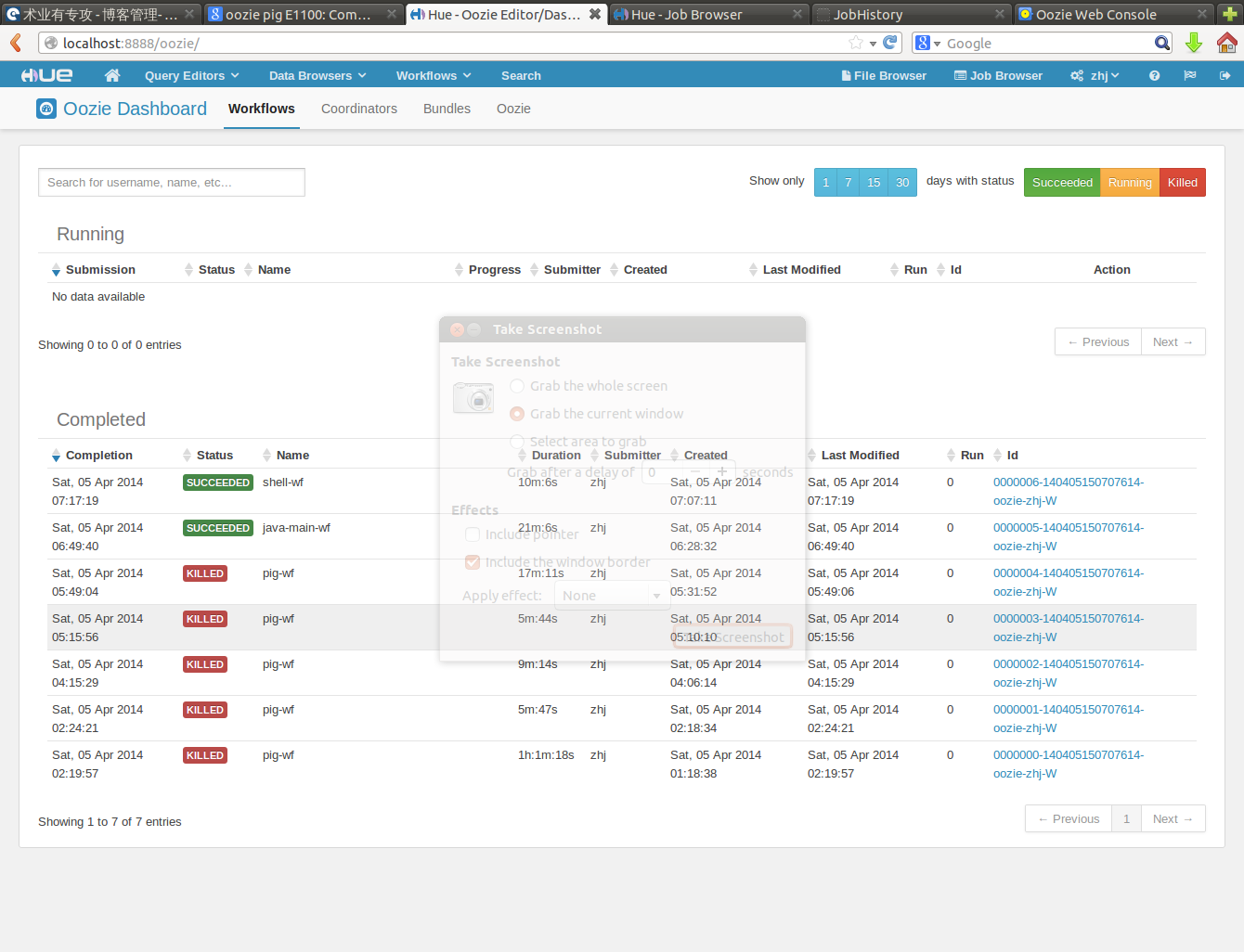
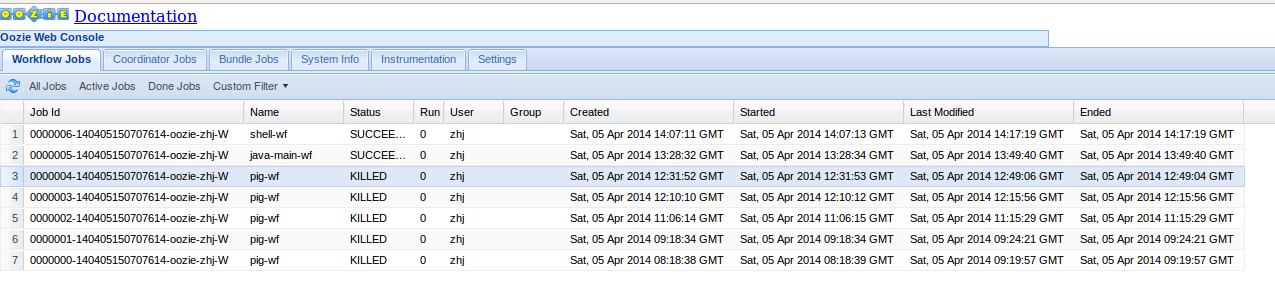
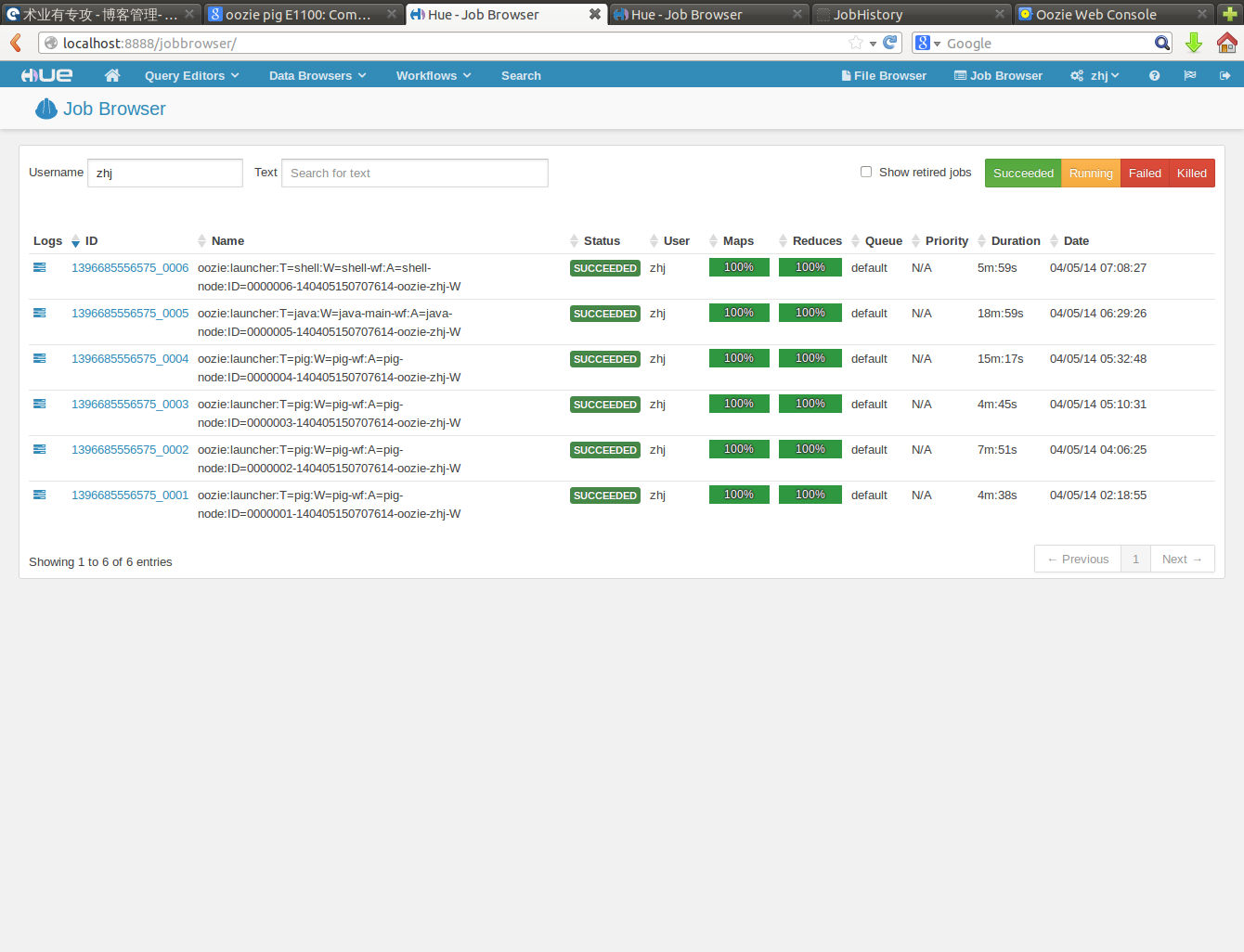
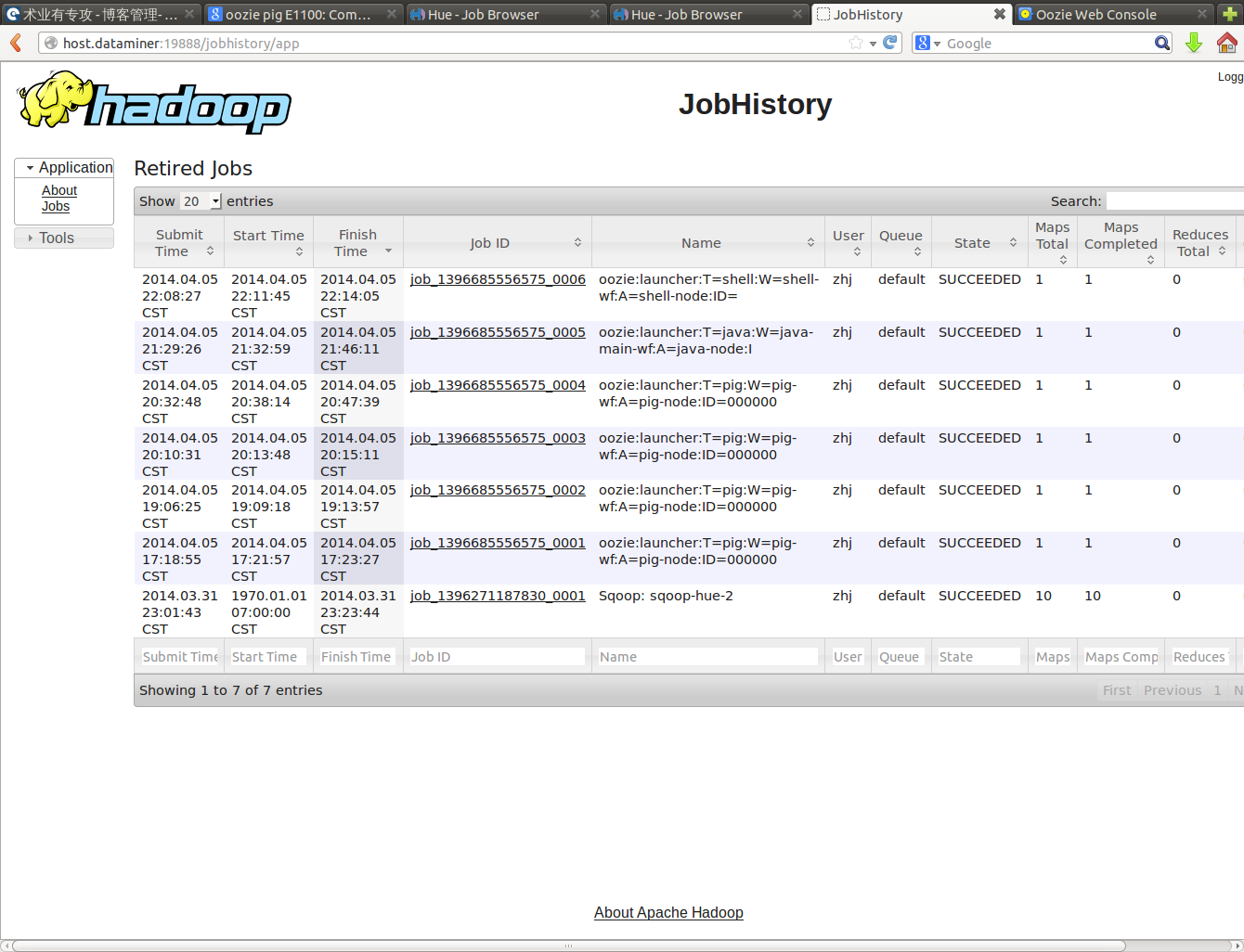
please refer to http://ylzhj02.iteye.com/admin/blogs/2040787
See:http://hortonworks.com/community/forums/topic/oozie-unknown-hadoop-job/
http://qnalist.com/questions/4726691/oozie-reports-unkown-hadoop-job-failure-but-no-error-indication-in-yarn
http://blog.cloudera.com/blog/2012/12/how-to-use-the-sharelib-in-apache-oozie/





 扫一扫
扫一扫


 946
946

 被折叠的 条评论
为什么被折叠?
被折叠的 条评论
为什么被折叠?
 到【灌水乐园】发言





