



 本文详细介绍如何在Java项目中引入并使用java-ipfs-api库,包括配置Maven仓库、添加依赖、源码打包及基本操作示例。通过具体代码演示了如何添加文件到IPFS网络并检索其内容。
引入java-ipfs-api.jar
从仓库引入
在pom.xml中添加仓库
	<repositories>
		<!-- 阿里云镜像,不需要的可以忽略 -->
        <repository>
            <id>public</id>
            <name>aliyun nexus</name>
            <url>http://maven.aliyun.com/nexus/content/groups/public/</url>
            <releases>
                <enabled>true</enabled>
            </releases>
        </repository>
        <!-- jitpack.io仓库 -->
        <repository>
            <id>jitpack.io</id>
            <url>https://jitpack.io</url>
        </repository>
    </repositories>
		<dependency>
            <groupId>com.github.ipfs</groupId>
            <artifactId>java-ipfs-api</artifactId>
            <version>v1.2.2</version>
        </dependency>
源码打包(推荐)
git clone https://github.com/ipfs/java-ipfs-api.git
mvn clean install -Dmaven.test.skip=true
启动IPFS
还没写,后补
食用方法(v1.2.2)
IPFSUtil.java
import io.ipfs.api.IPFS;
import io.ipfs.api.MerkleNode;
import io.ipfs.api.NamedStreamable;
import io.ipfs.multihash.Multihash;

import java.io.File;
import java.io.IOException;

public class IPFSUtil {
   private static IPFS ipfs = new IPFS("/ip4/127.0.0.1/tcp/5001");

   public static String add() throws IOException {
       NamedStreamable.FileWrapper file = new NamedStreamable.FileWrapper(new File("C:\\Users\\Administrator\\Desktop", "test.png"));
       MerkleNode addResult = ipfs.add(file).get(0);
       return addResult.hash.toString();
   }

   public static String cat(String hash) throws IOException {
        byte[] data = ipfs.cat(Multihash.fromBase58(hash));
        return new String(data);
   }
}
IPFSUtilTest.java
import org.junit.Test;
import java.io.IOException;

public class IPFSUtilTest {

    @Test
    public void testAdd() {
        try {
            String hash = IPFSUtil.add();
            System.out.println(hash);
            // QmfGp2pRCs3VidFKEVh6NFdrJ3usfrRDr2KXW9k4t3EfUK
        } catch (IOException e) {
            e.printStackTrace();
        }

    }

    @Test
    public void testCat() {
        try {
            String data = IPFSUtil.cat("QmfGp2pRCs3VidFKEVh6NFdrJ3usfrRDr2KXW9k4t3EfUK");
            System.out.println(data);
        } catch (IOException e) {
            e.printStackTrace();
        }
    }
}
只写了两个简单的测试,其他api后补。add的对象是一个图片,所以cat没什么卵用,上效果图
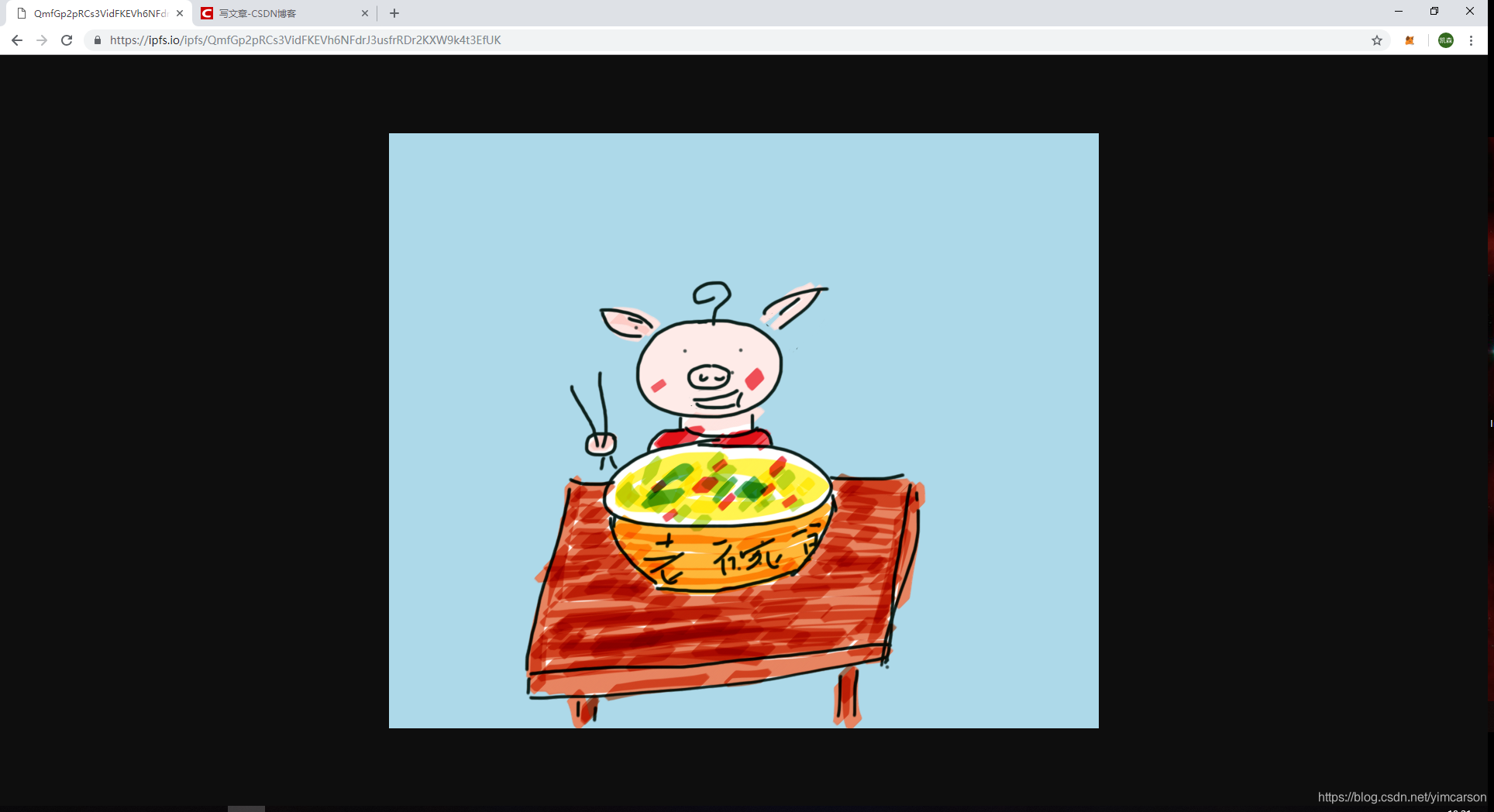
ipfs hash为https://ipfs.io/ipfs/QmfGp2pRCs3VidFKEVh6NFdrJ3usfrRDr2KXW9k4t3EfUK





 扫一扫
扫一扫


 被折叠的 条评论
为什么被折叠?
被折叠的 条评论
为什么被折叠?
 到【灌水乐园】发言





