






最新款自研Electron38+Vite7+ElementPlus桌面端仿微信聊天软件。
基于最新跨平台框架技术
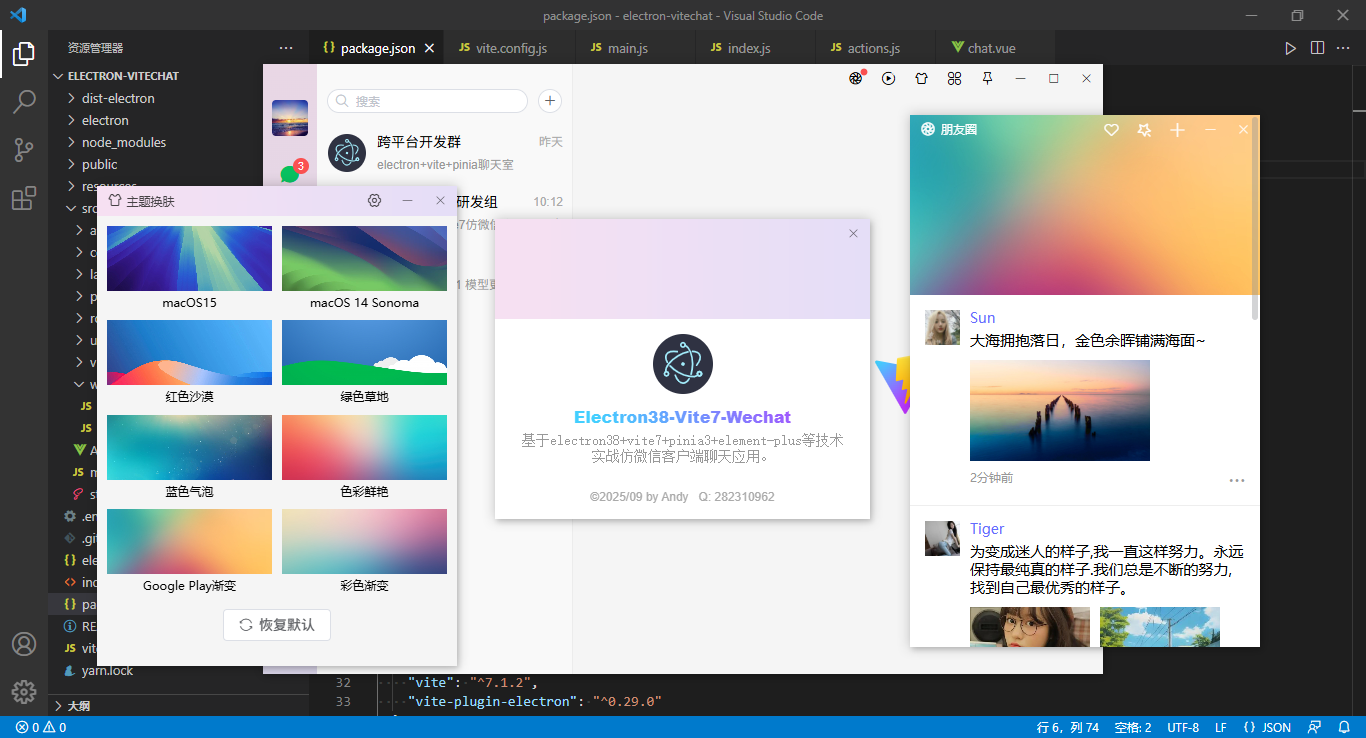
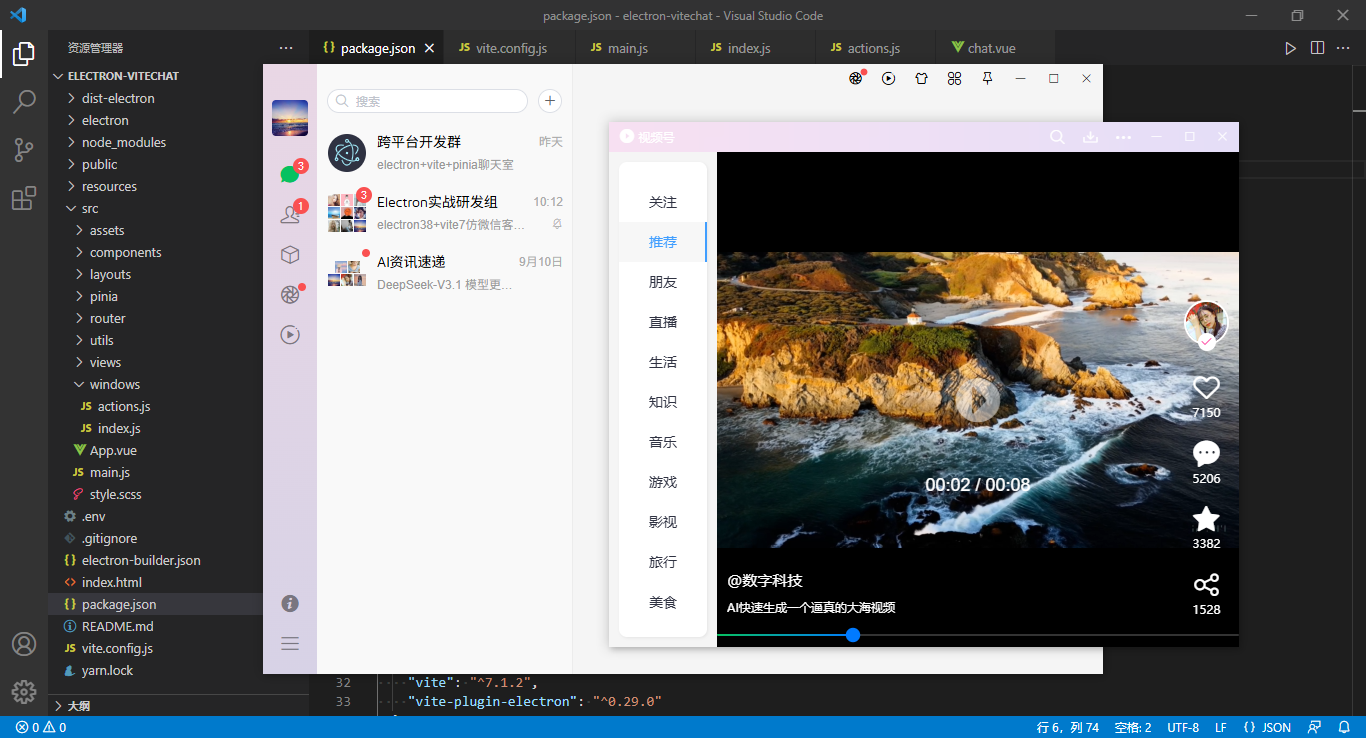
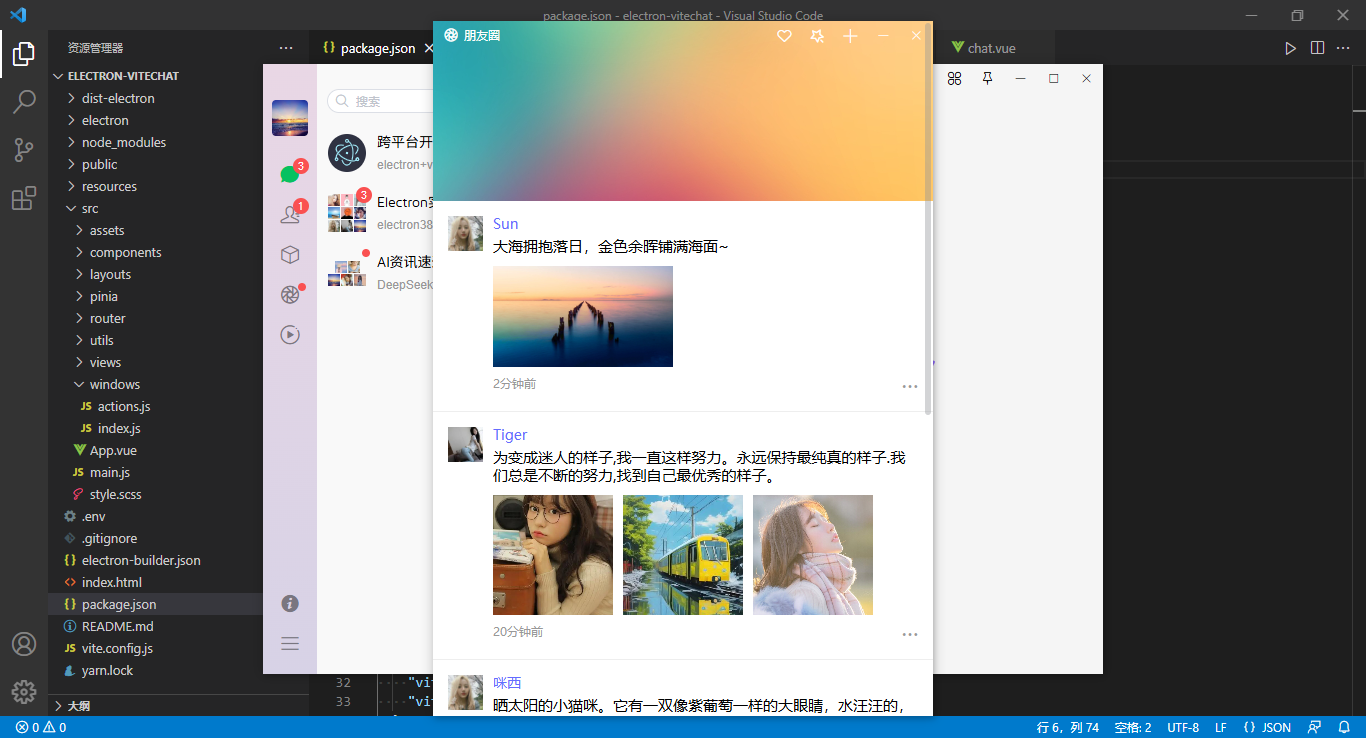
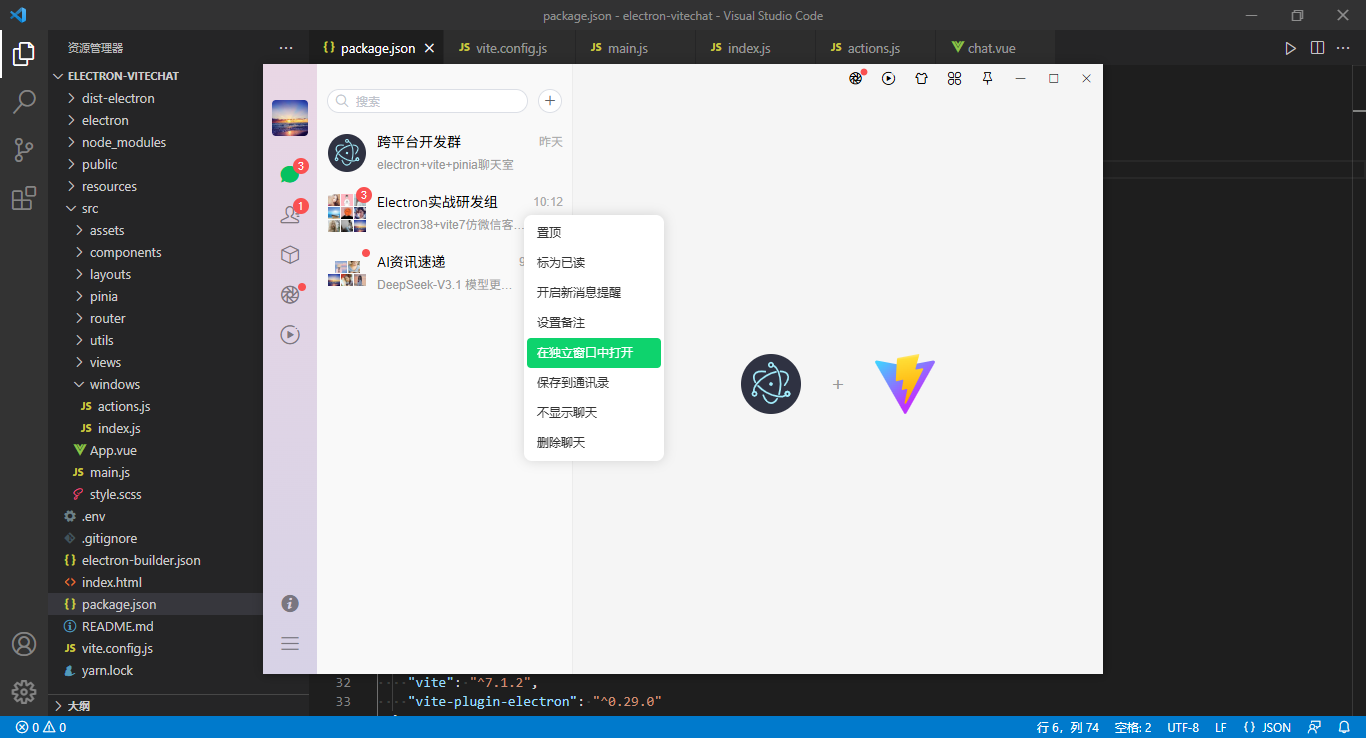
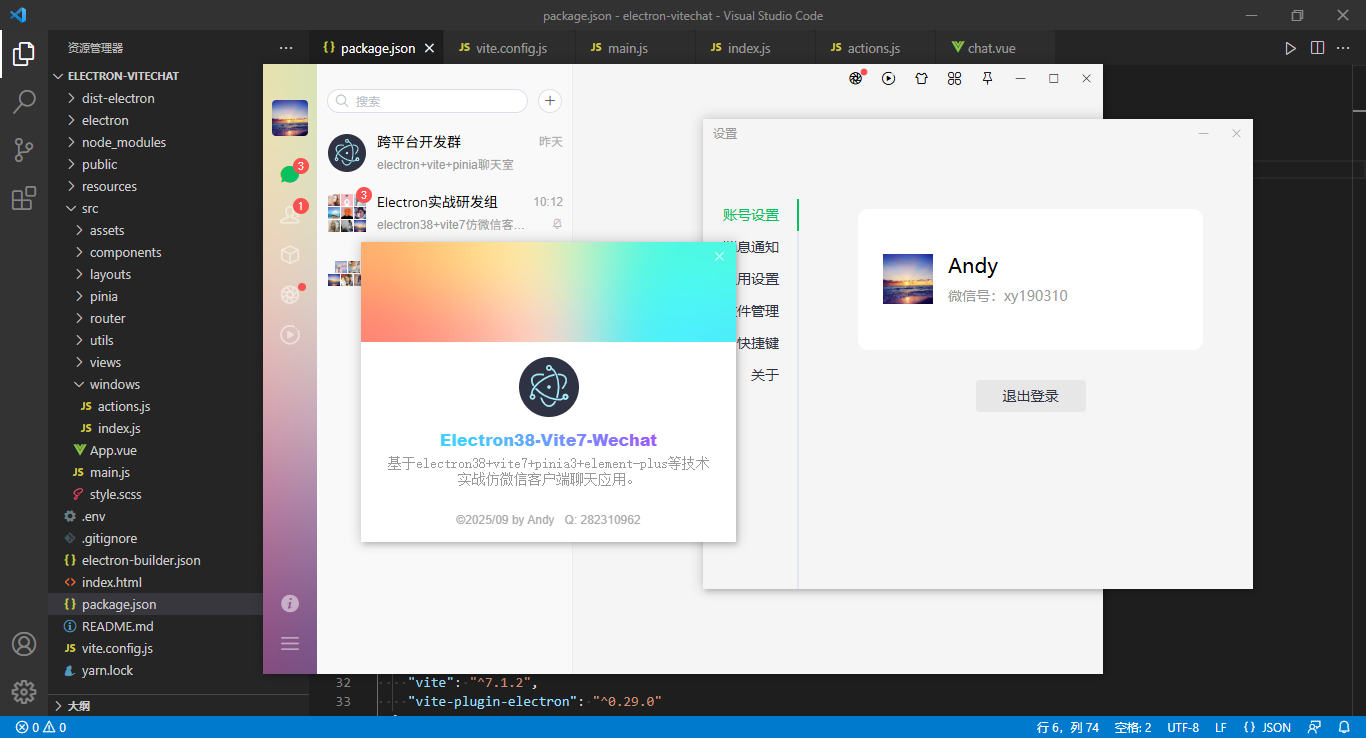
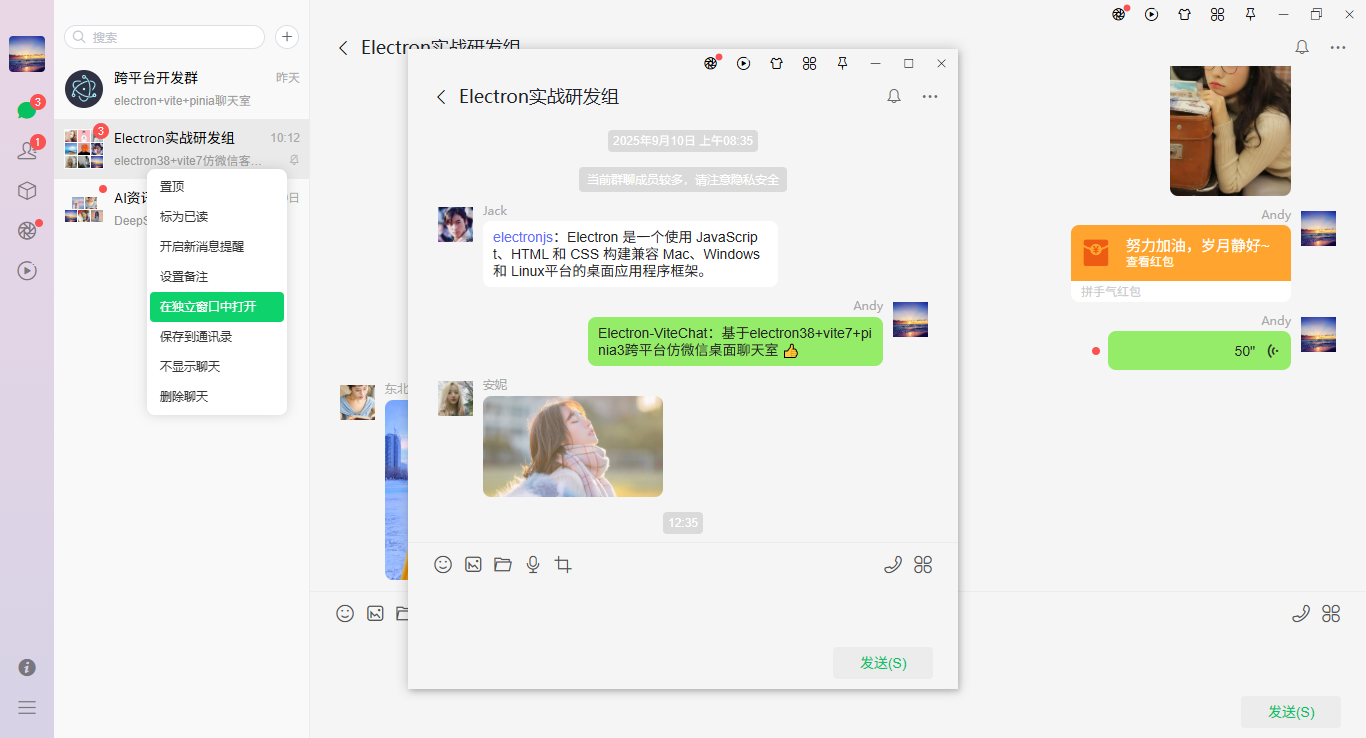
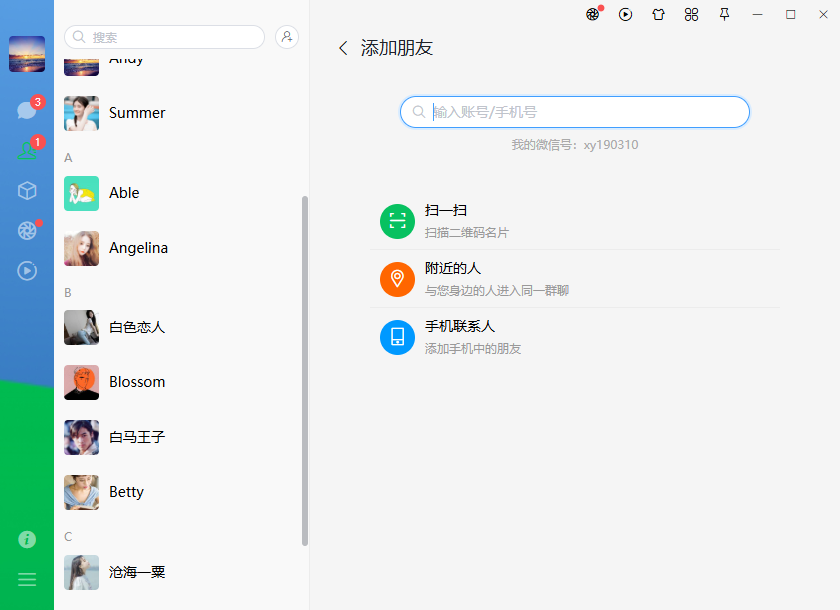
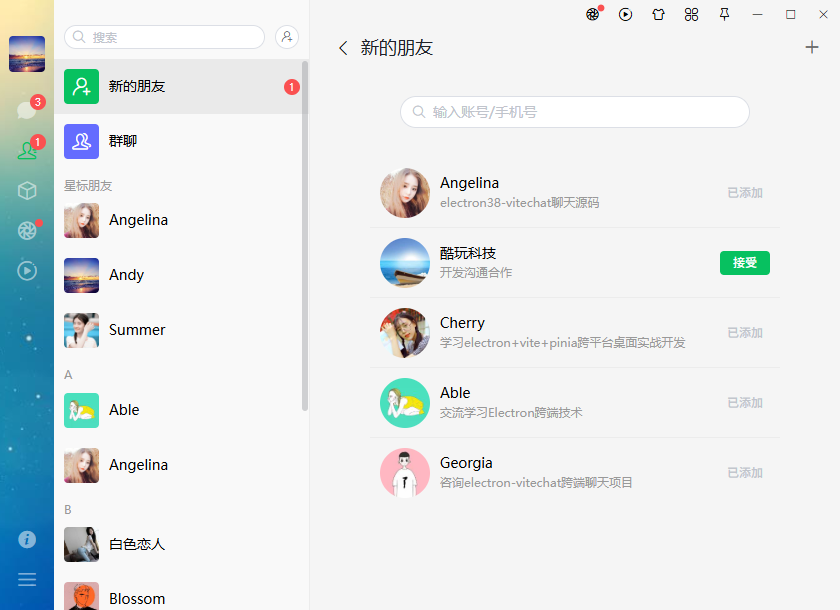
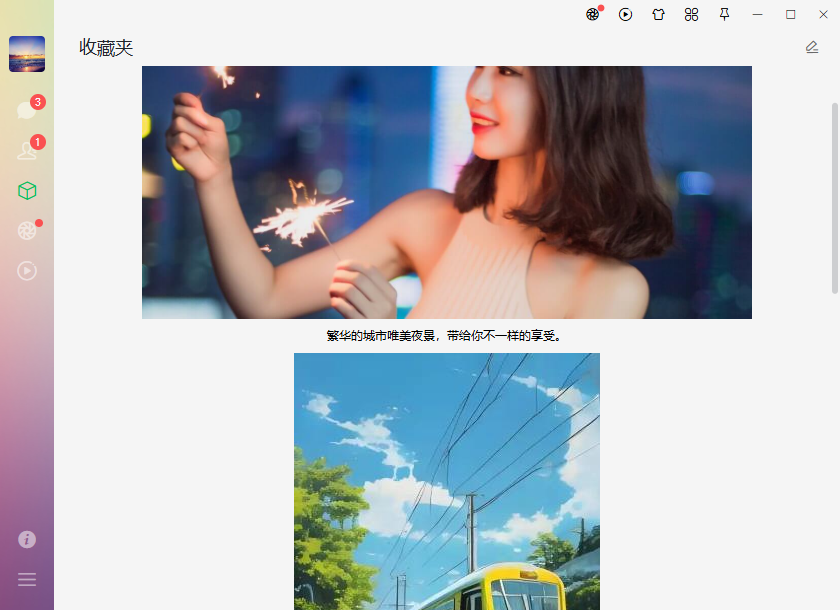
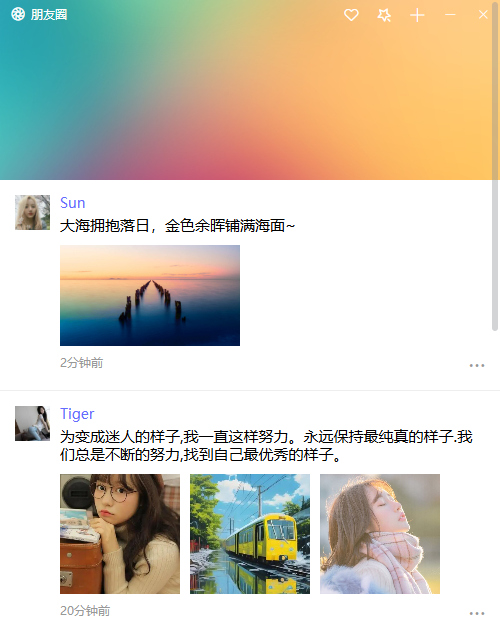
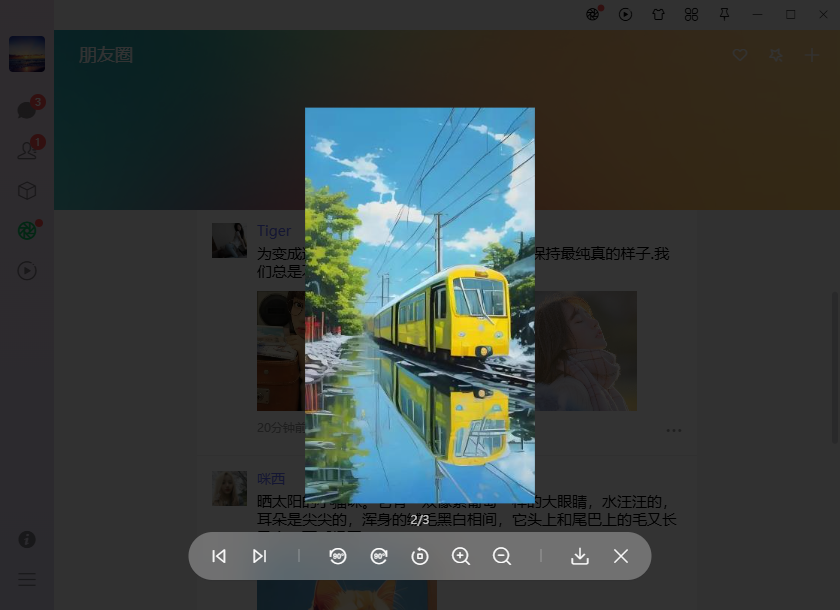
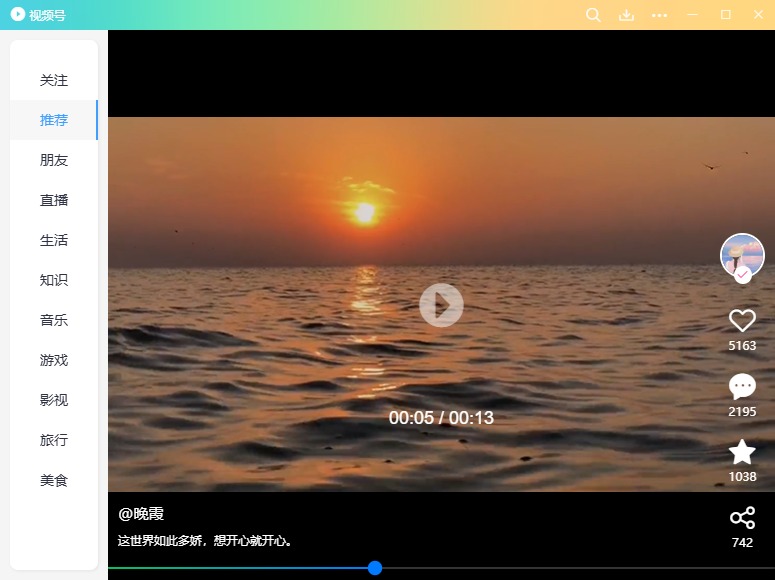
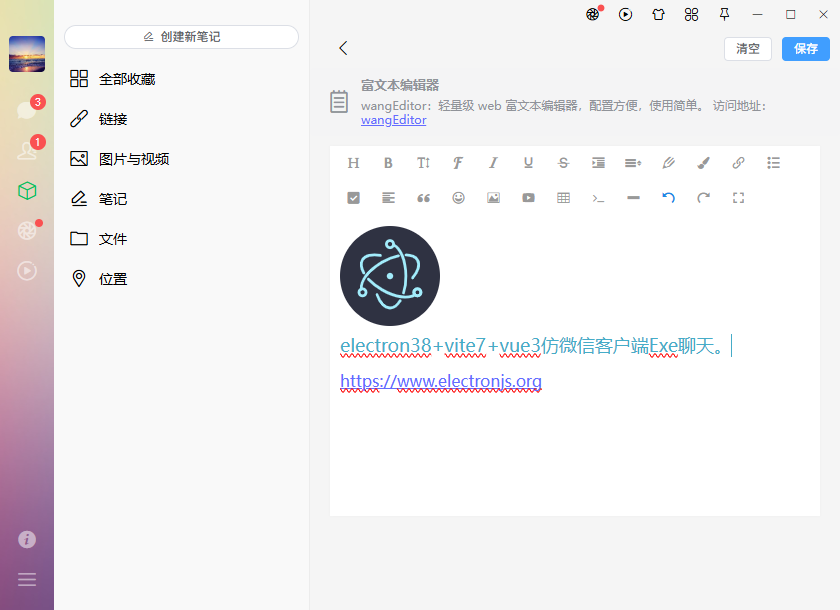
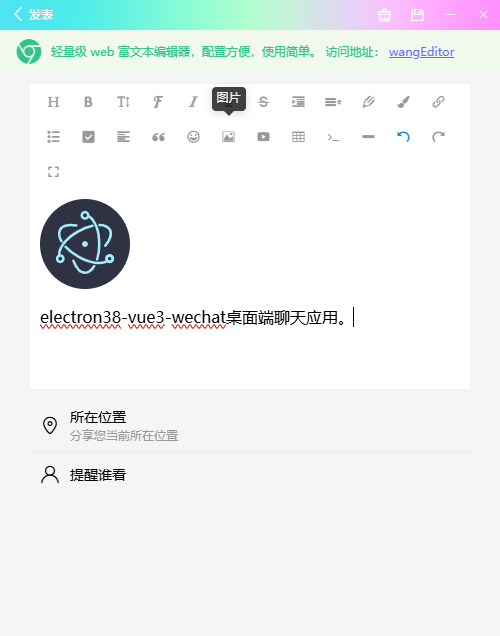
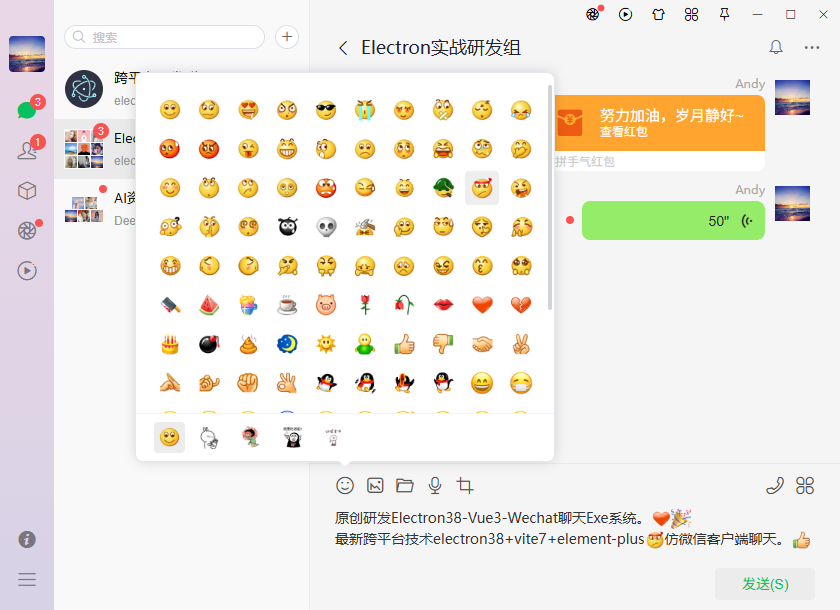
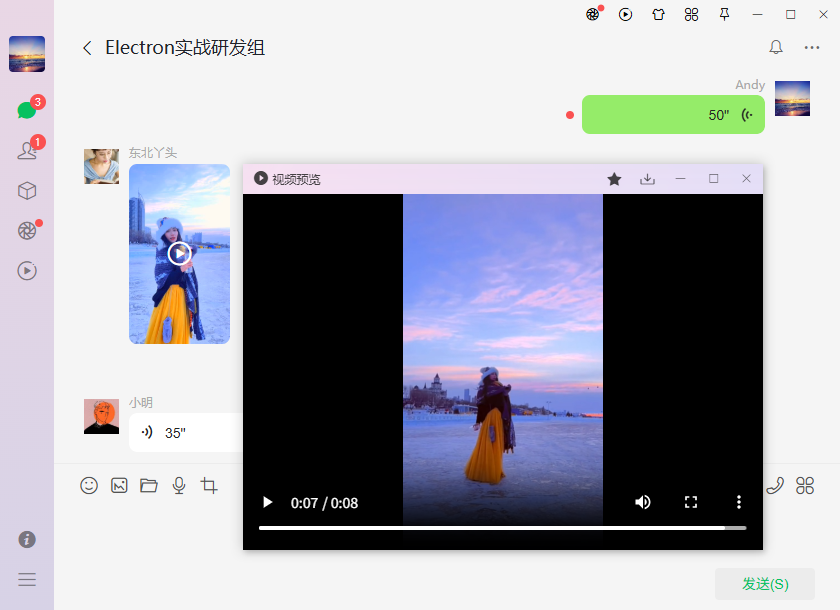
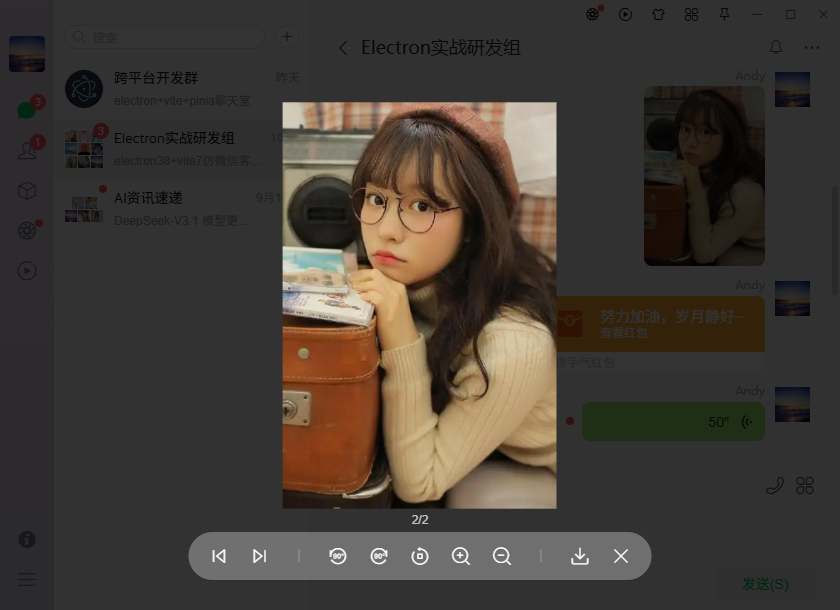
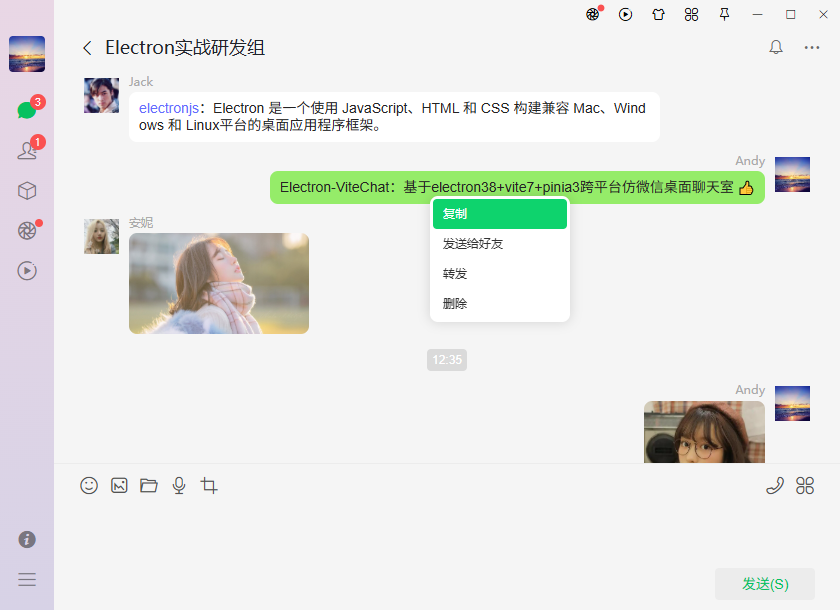
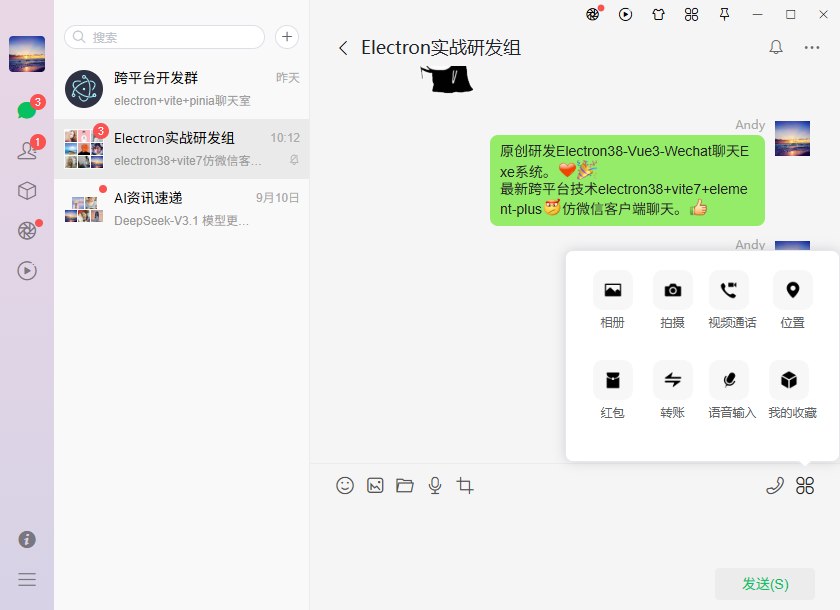
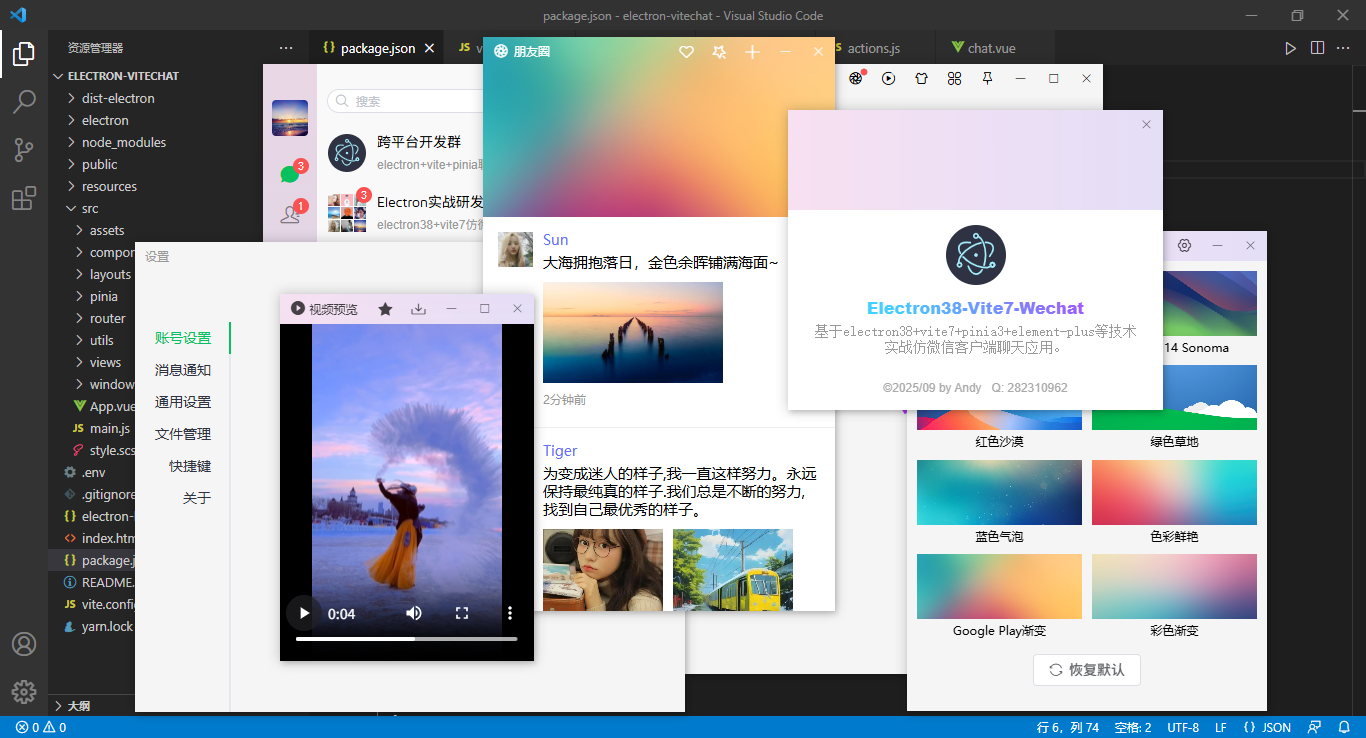
electron38+vite7+vue3 setup+pinia3+element-plus构建电脑端聊天EXE应用。electron封装新开无边框多窗口管理,包含了聊天、通讯录、收藏、朋友圈/短视频、我的等模块。
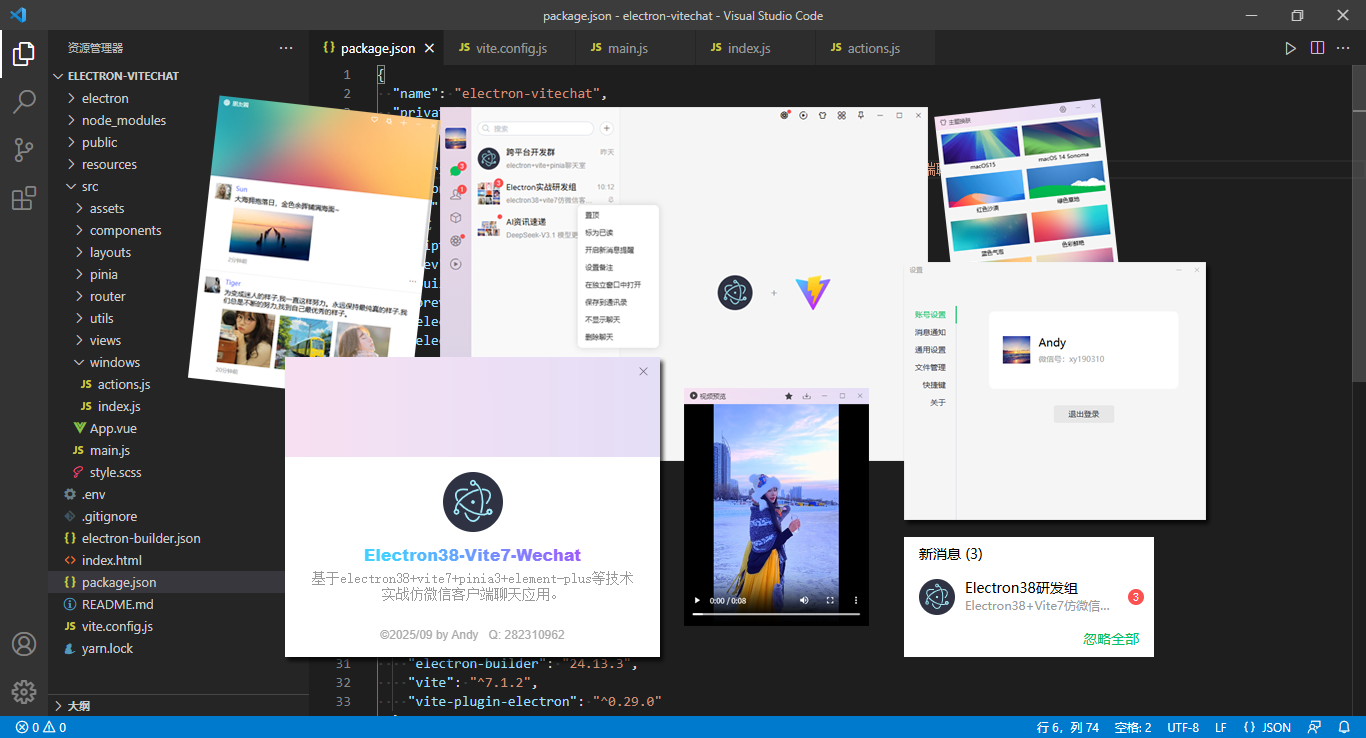
使用技术
- 开发工具:vscode
- 跨平台框架:electron38.0.0
- 前端框架:vite7.1.2+vue3.5.18+vue-router4.5.1
- 组件库:element-plus^2.11.2
- 状态管理:pinia^3.0.3
- 存储服务:pinia-plugin-persistedstate^4.5.0
- 打包构建:electron-builder^24.13.3
- electron结合vite插件:vite-plugin-electron^0.29.0
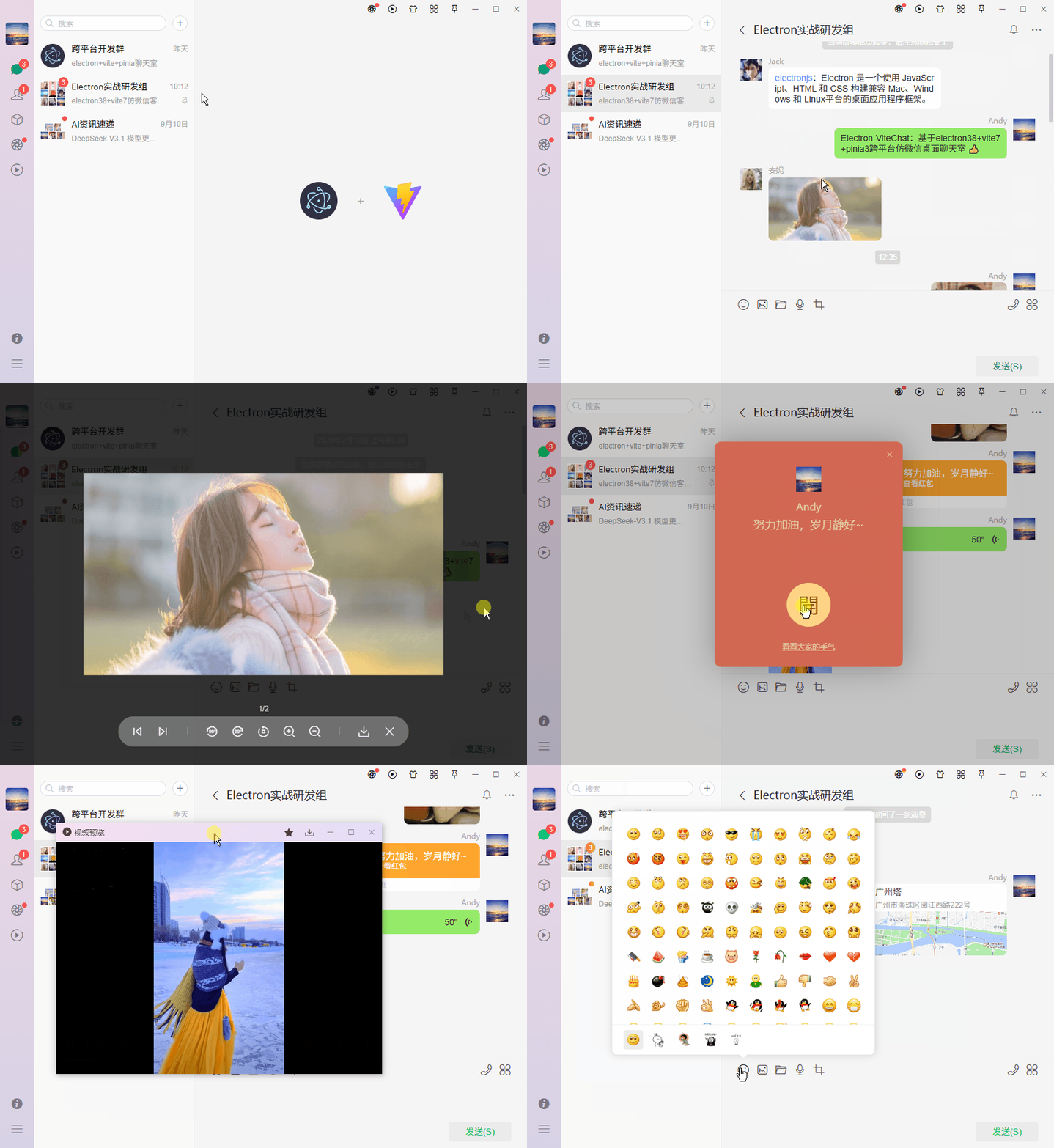
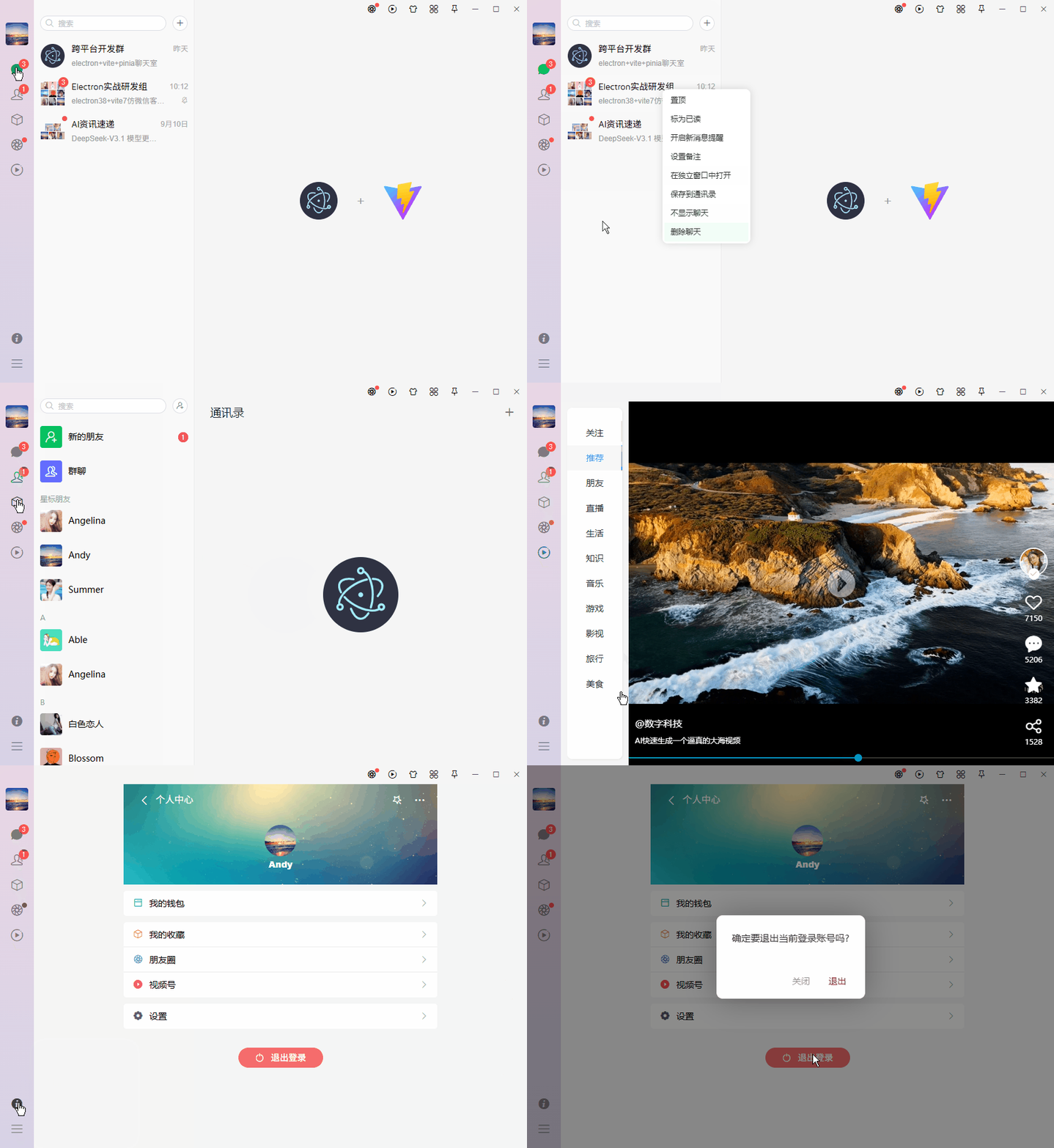
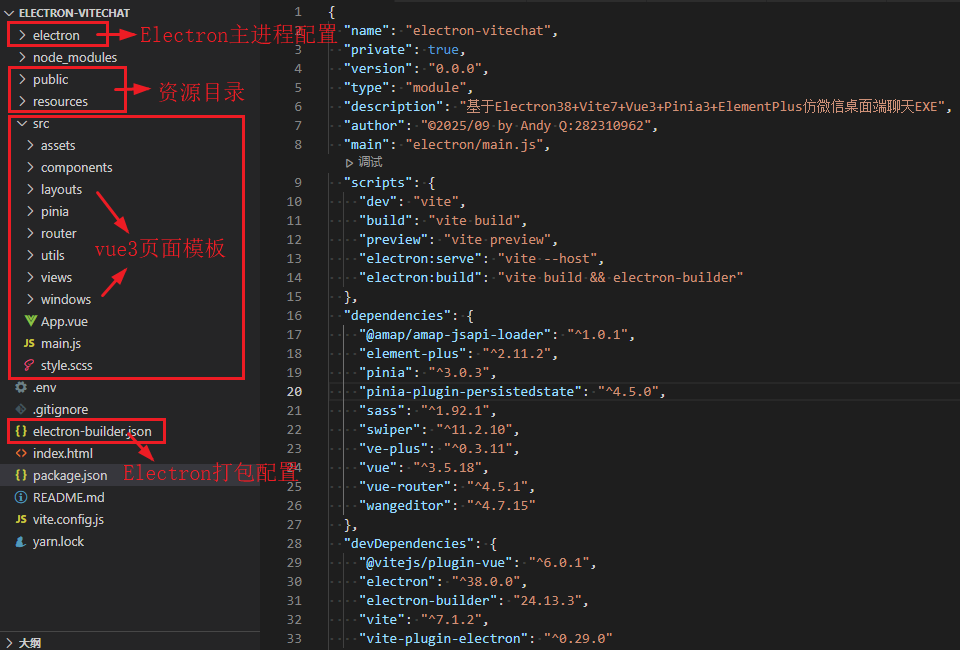
项目结构目录
项目整体采用vue3 setup语法编码,基于electron38+vite7构建模板。
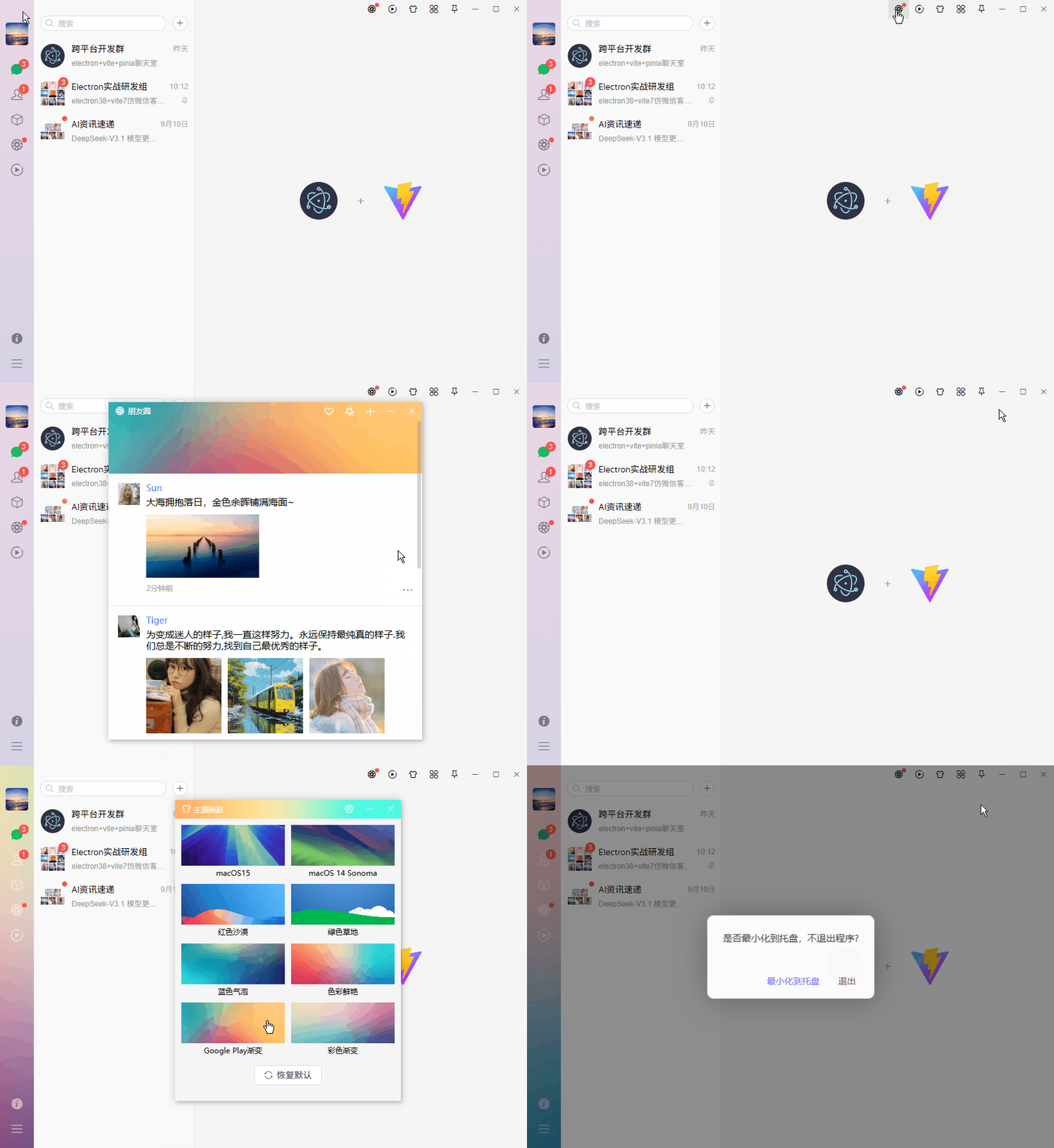
electron38-vue3chat聊天项目已经更新到我的原创作品铺,感谢支持。
最新版Electron38+Vue3+ElementPlus仿微信客户端聊天系统
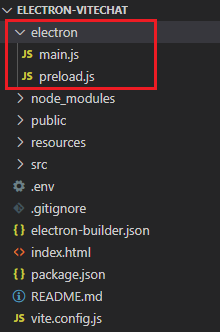
electron主进程入口/预加载配置
/**
 * electron主进程配置
 * @author andy
 */

import { app, BrowserWindow } from 'electron'

import { WindowManager } from '../src/windows/index.js'

// 忽略安全警告提示 Electron Security Warning (Insecure Content-Security-Policy)
process.env['ELECTRON_DISABLE_SECURITY_WARNINGS'] = true

const createWindow = () => {
  let win = new WindowManager()
  win.create({isMajor: true})
  // 系统托盘管理
  win.trayManager()
  // 监听ipcMain事件
  win.ipcManager()
}

app.whenReady().then(() => {
  createWindow()

  app.on('activate', () => {
    if(BrowserWindow.getAllWindows().length === 0) createWindow()
  })
})

app.on('window-all-closed', () => {
  if(process.platform !== 'darwin') app.quit()
})
预加载preload.js
/**
 * electron预加载文件配置
 * @author andy
 */

import { contextBridge, ipcRenderer } from 'electron'

contextBridge.exposeInMainWorld(
  'electron',
  {
    // 通过 channel 向主进程发送异步消息。主进程使用 ipcMain.on() 监听 channel
    send: (channel, args) => {
      ipcRenderer.send(channel, args)
    },

    // 通过 channel 向主进程发送消息,并异步等待结果。主进程应该使用 ipcMain.handle() 监听 channel
    invoke: (channel, args) => {
      return new Promise(resolve => ipcRenderer.invoke(channel, args).then(data => resolve(data)).catch(e => console.log(e)))
    },

    // 监听 channel 事件
    on: (channel, func) => {
      console.log('receive event')
      ipcRenderer.on(channel, (event, ...args) => func(event, ...args))
    },

    // 一次性监听事件
    once: (channel, func) => {
      ipcRenderer.once(channel, (event, ...args) => func(event, ...args))
    },

    setTitle: (title) => ipcRenderer.send('win-setTitle', title)
  }
)
项目通用模板
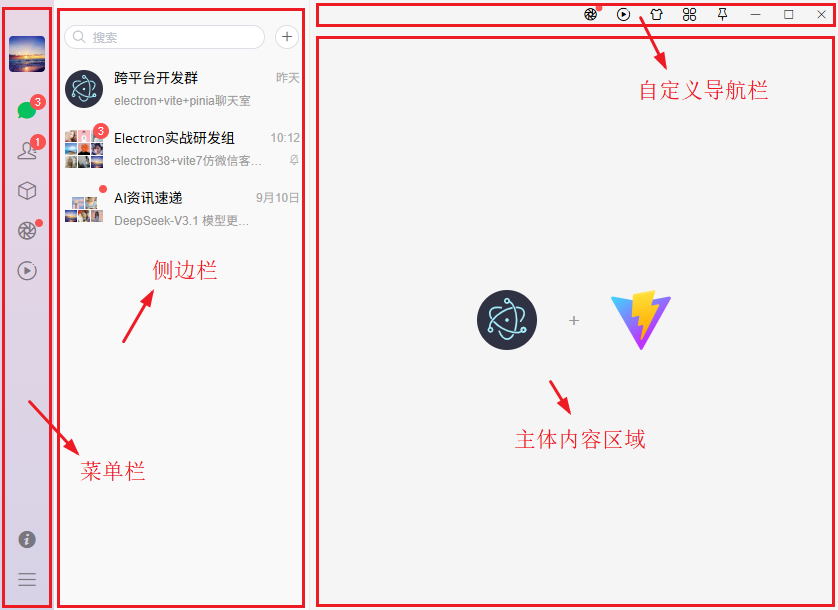
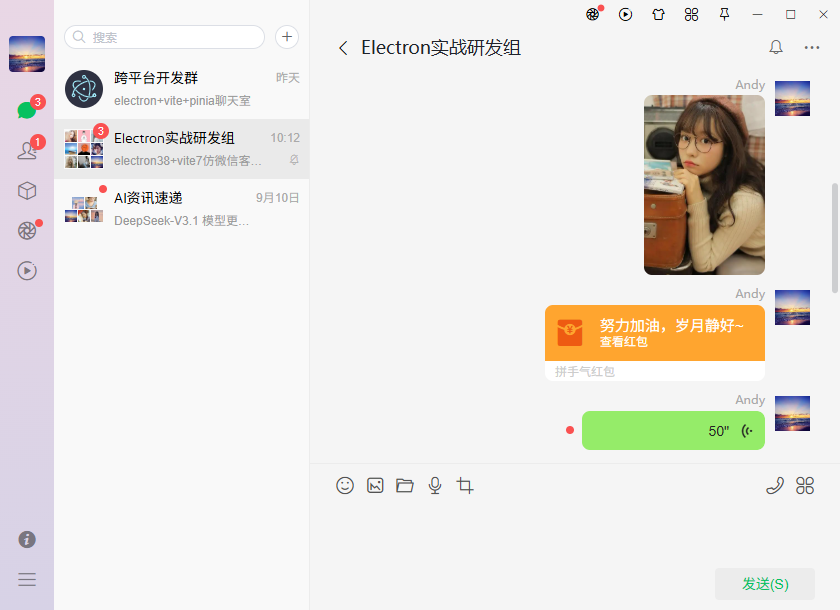
项目整体布局结构分为如上图几个部分。
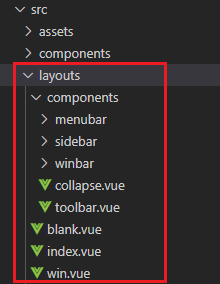
<template>
  <template v-if="!route?.meta?.isNewWin">
    <div
      class="vu__container flexbox flex-alignc flex-justifyc"
      :style="{'--themeSkin': appstate.config.skin}"
    >
      <div class="vu__layout flexbox flex-col">
        <div class="vu__layout-body flex1 flexbox" @contextmenu.prevent>
          <!-- 菜单栏 -->
          <slot v-if="!route?.meta?.hideMenuBar" name="menubar">
            <MenuBar />
          </slot>

          <!-- 侧边栏 -->
          <div v-if="route?.meta?.showSideBar" class="vu__layout-sidebar flexbox">
            <aside class="vu__layout-sidebar__body flexbox flex-col">
              <slot name="sidebar">
                <SideBar />
              </slot>
            </aside>
          </div>

          <!-- 主内容区 -->
          <div class="vu__layout-main flex1 flexbox flex-col">
            <ToolBar v-if="!route?.meta?.hideToolBar" />
            <router-view v-slot="{ Component, route }">
              <keep-alive>
                <component :is="Component" :key="route.path" />
              </keep-alive>
            </router-view>
          </div>
        </div>
      </div>
    </div>
  </template>
  <template v-else>
    <WinLayout />
  </template>
</template>
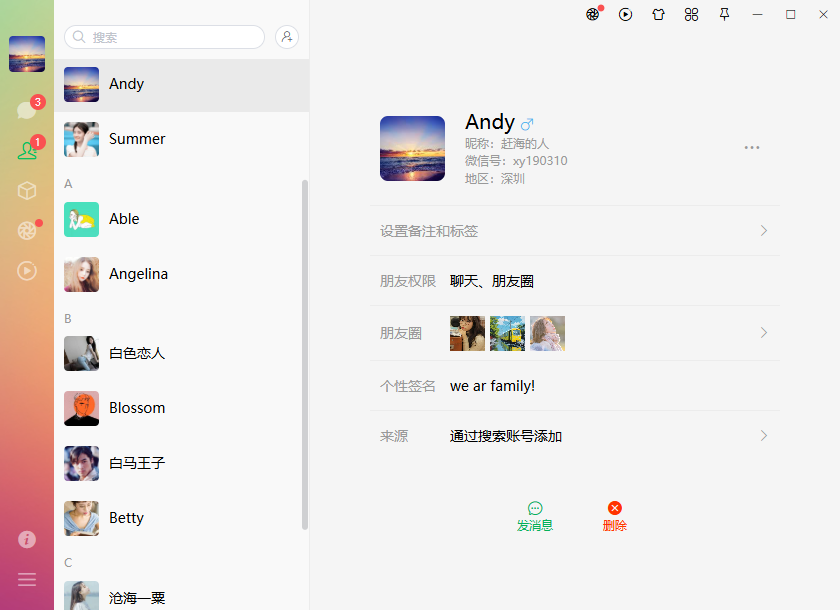
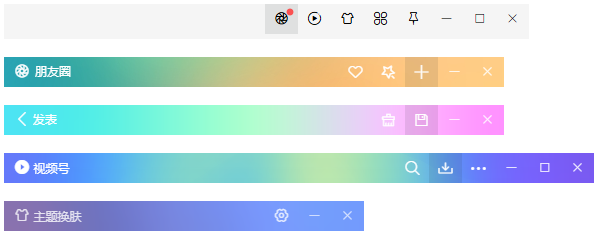
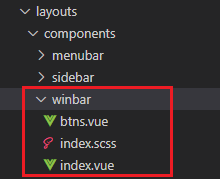
electron38自定义无边框窗口导航栏
<script setup>
  import { ref } from 'vue'
  import { isTrue } from '@/utils'

  import { winSet } from '@/windows/actions'

  import Winbtns from './btns.vue'

  const props = defineProps({
    // 标题
    title: {type: String, default: ''},
    // 标题颜色
    color: String,
    // 背景色
    background: String,
    // 标题是否居中
    center: {type: [Boolean, String], default: false},
    // 是否固定
    fixed: {type: [Boolean, String], default: false},
    // 背景是否镂空
    transparent: {type: [Boolean, String], default: false},
    // 层级
    zIndex: {type: [Number, String], default: 2024},

    /* 控制Winbtn参数 */
    // 窗口是否可最小化
    minimizable: {type: [Boolean, String], default: true},
    // 窗口是否可最大化
    maximizable: {type: [Boolean, String], default: true},
    // 窗口是否可关闭
    closable: {type: [Boolean, String], default: true},
  })
</script>

<template>
  <div class="ev__winbar" :class="{'fixed': fixed || transparent, 'transparent': transparent}">
    <div class="ev__winbar-wrap flexbox flex-alignc vu__drag">
      <div class="ev__winbar-body flex1 flexbox flex-alignc">
        <!-- 左侧区域 -->
        <div class="ev__winbar-left"><slot name="left" /></div>
        <!-- 标题 -->
        <div class="ev__winbar-title" :class="{'center': center}">
          <slot name="title">{{title}}</slot>
        </div>
        <!-- 右侧附加区域 -->
        <div class="ev__winbar-extra vu__undrag"><slot name="extra" /></div>
      </div>
      <Winbtns :color="color" :minimizable="minimizable" :maximizable="maximizable" :closable="closable" :zIndex="zIndex" />
    </div>
  </div>
</template>
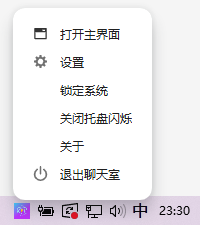
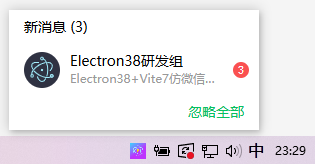
electron38自定义托盘消息提醒
/**
 * 系统托盘图标管理
 */
trayManager() {
  if(this.tray) return
  const trayMenu = Menu.buildFromTemplate([
    {
      label: '打开主界面',
      icon: join(__root, 'resources/tray-win.png'),
      click: () => {
        this.winMain.restore()
        this.winMain.show()
      }
    },
    {
      label: '设置',
      icon: join(__root, 'resources/tray-setting.png'),
      click: () => this.sendByMainWin('win-ipcdata', {type: 'WINIPC_SETTINGWIN', value: null})
    },
    {
      label: '锁定系统',
      click: () => null,
    },
    {
      label: '关闭托盘闪烁',
      click: () => this.trayFlash(false)
    },
    {
      label: '关于',
      click: () => this.sendByMainWin('win-ipcdata', {type: 'WINIPC_ABOUTWIN', value: null})
    },
    {
      label: '退出聊天室',
      icon: join(__root, 'resources/tray-exit.png'),
      click: () => {
        dialog.showMessageBox(this.winMain, {
          title: '提示',
          message: '确定要退出聊天程序吗?',
          buttons: ['取消', '最小化托盘', '确认退出'],
          type: 'error',
          noLink: false,
          cancelId: 0,
        }).then(res => {
          // console.log(res)
          const index = res.response
          if(index == 0) {
            console.log('用户取消操作')
          }else if(index == 1) {
            console.log('最小化到托盘')
            this.winMain.hide()
          }else if(index == 2) {
            console.log('退出程序')
            this.sendByMainWin('win-ipcdata', {type: 'WINIPC_LOGOUT', value: null})
            app.quit()
          }
        })
      }
    }
  ])
  this.tray = new Tray(this.trayIcon)
  this.tray.setContextMenu(trayMenu)
  this.tray.setToolTip(app.name)
  this.tray.on('double-click', () => {
    console.log('tray double clicked!')
    this.winMain.restore()
    this.winMain.show()
  })
  this.tray.on('mouse-enter', (event, position) => {
    // console.log('鼠标划入', position)
    if(!this.hasFlash) return
    this.sendByMainWin('win-ipcdata', {type: 'WINIPC_MESSAGEWIN', value: position})
    // 简略消息通知
    /* this.tray.displayBalloon({
      iconType: 'none',
      title: 'Electron38研发组',
      content: 'Electron38+Vite7仿微信客户端聊天。'
    }) */
  })
  this.tray.on('mouse-leave', (event, position) => {
    // console.log('鼠标离开')
  })
}
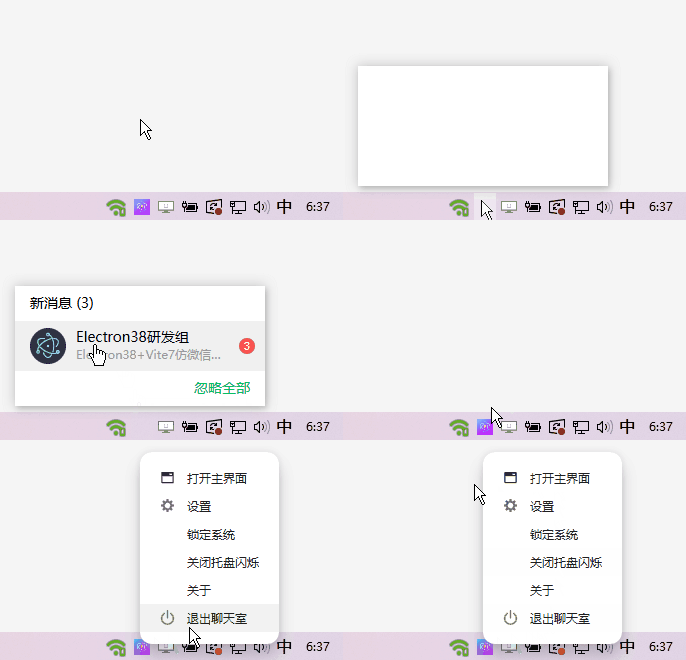
this.tray.on('mouse-enter', (event, position) => {
  // console.log('鼠标划入', position)
  if(!this.hasFlash) return
  this.sendByMainWin('win-ipcdata', {type: 'WINIPC_MESSAGEWIN', value: position})
  // 简略消息通知
  /* this.tray.displayBalloon({
    iconType: 'none',
    title: 'Electron38研发组',
    content: 'Electron38+Vite7仿微信客户端聊天。'
  }) */
})
托盘新消息提醒窗口
export function messageWindow(position) {
  winCreate({
    url: '/win/msgbox',
    title: '设置',
    width: 250,
    height: 120,
    resizable: false,
    movable: false,
    fullscreenable: false,
    alwaysOnTop: true,
    skipTaskbar: true,
    x: position?.x - 125,
    y: position?.y - 120 - 10,
    show: true,
  })
}
基于uniapp+vue3跨端手机admin管理系统uniapp-vue3os
2025跨端uniapp+vue3+uv-ui实战仿微信app聊天模板
基于flutter3.32+window_manager+get仿macOS/wins桌面os系统
最新flutter3.27+get+bitsdojo_window电脑版仿微信聊天EXE
基于uni-app+vue3+pinia2+uv-ui仿抖音app短视频+聊天+直播商城系统
基于uni-app+vue3+deepseek+uv-ui仿DeepSeek流式AI聊天模板
基于electron35+vue3.5+deepseek+arco实战桌面端AI流式聊天
基于Vite6+Deepseek+ArcoDesign+Markdown构建网页版AI流式
flutter3.27实战抖音app商城|flutter3.x+getX仿抖音短视频+直播+聊天app
自研tauri2.0-vue3-os桌面端仿macos系统|Vite6+Tauri2.x+Arco客户端os
tauri2-vue3-admin客户端后台Exe系统|vite5+tauri2+pinia2桌面后台
vue3.5+pinia3+element-plus仿微信网页web版聊天室
Electron32-Vue3OS桌面管理os模板|vite5+electron32+arco后台系统





 扫一扫
扫一扫


 787
787


 到【灌水乐园】发言



