


 本文介绍了如何通过安装AutoHotkey并编写脚本来实现Shift+鼠标滚轮在OneNote等软件中的左右滚动快捷操作,简化了用户界面操作,提高工作效率。
前言
在使用OneNote以及一些软件的过程中,发现,想要左右移动,必须拖动下面的滑块,很是麻烦,所以网络查找了一下解决方法
只需要按住shift+鼠标滚轮即可以左右移动
方法步骤
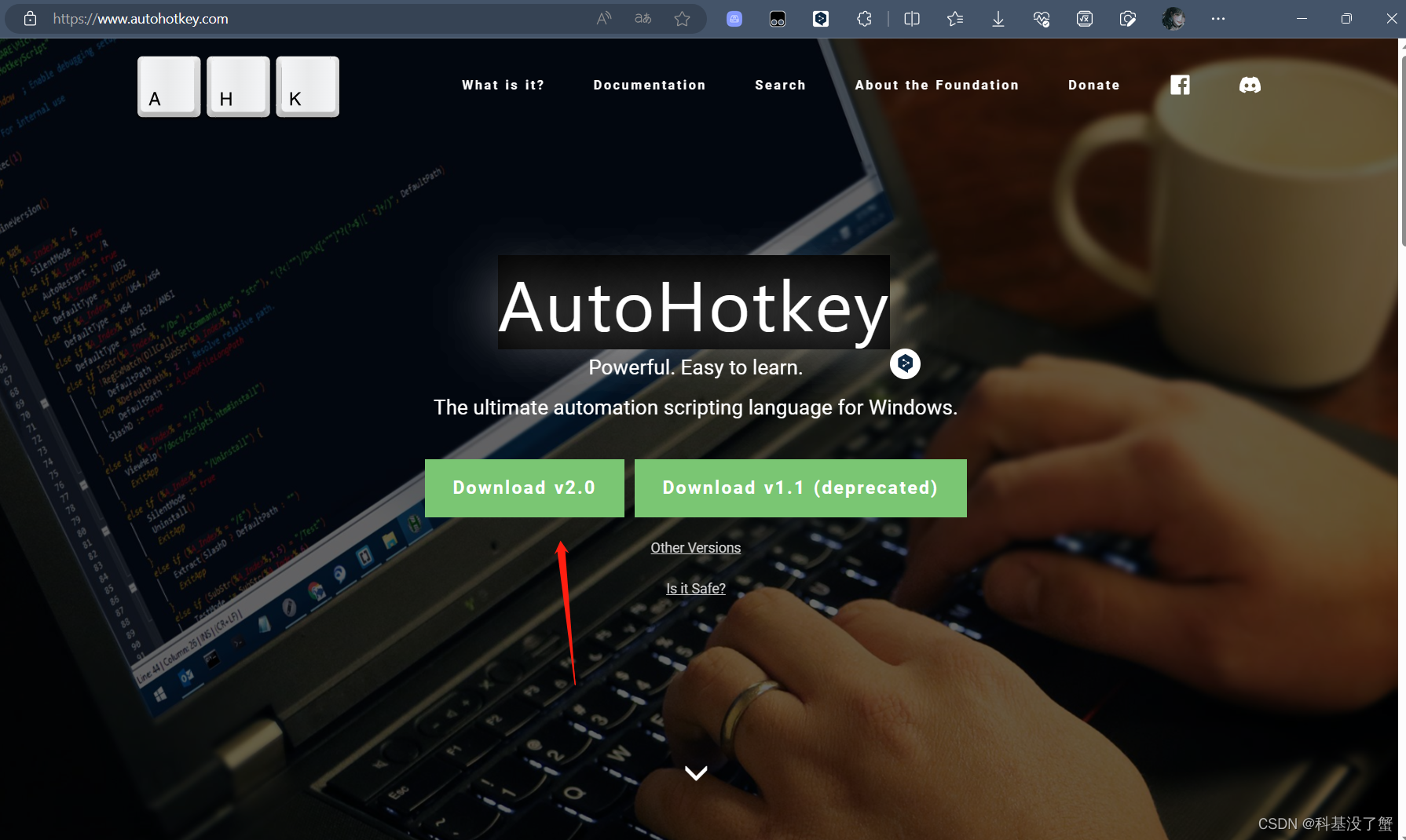
安装AutoHotkey
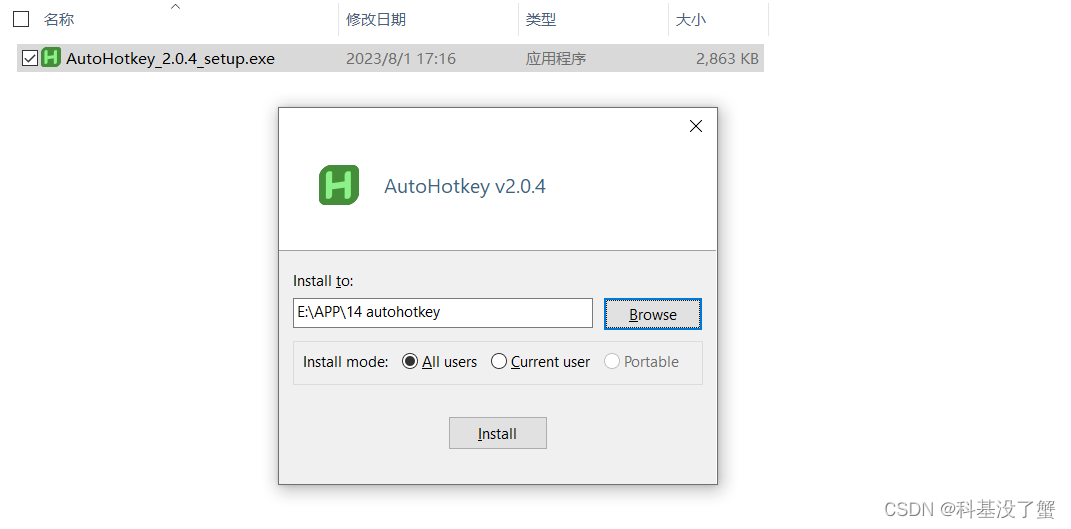
安装成功,跳出这个画面

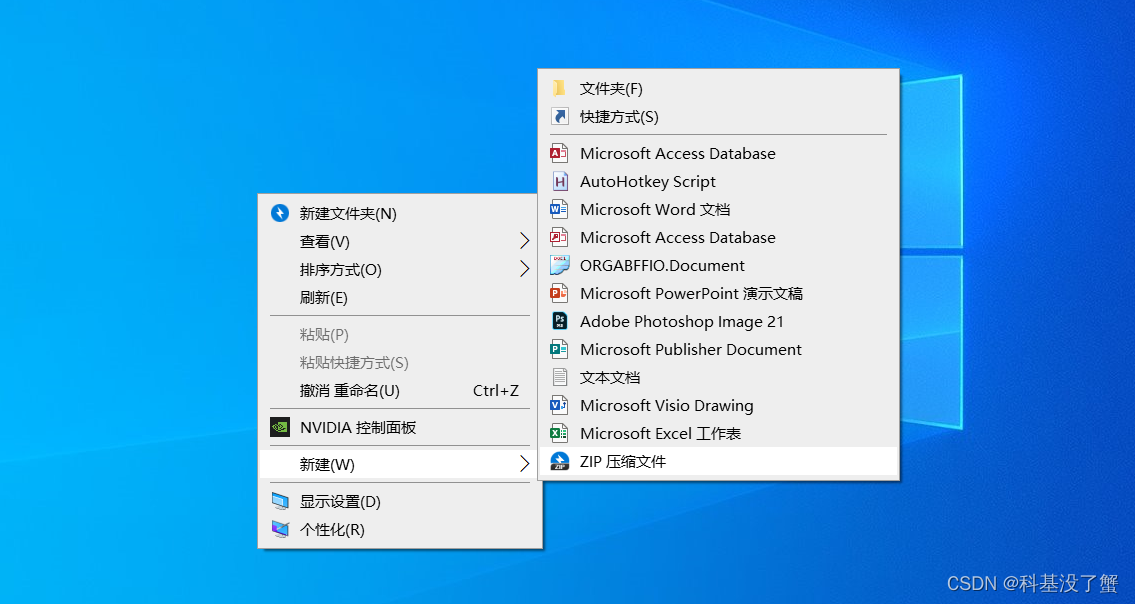
点击最小化,然后在桌面,新建AutoHotkey Script文件
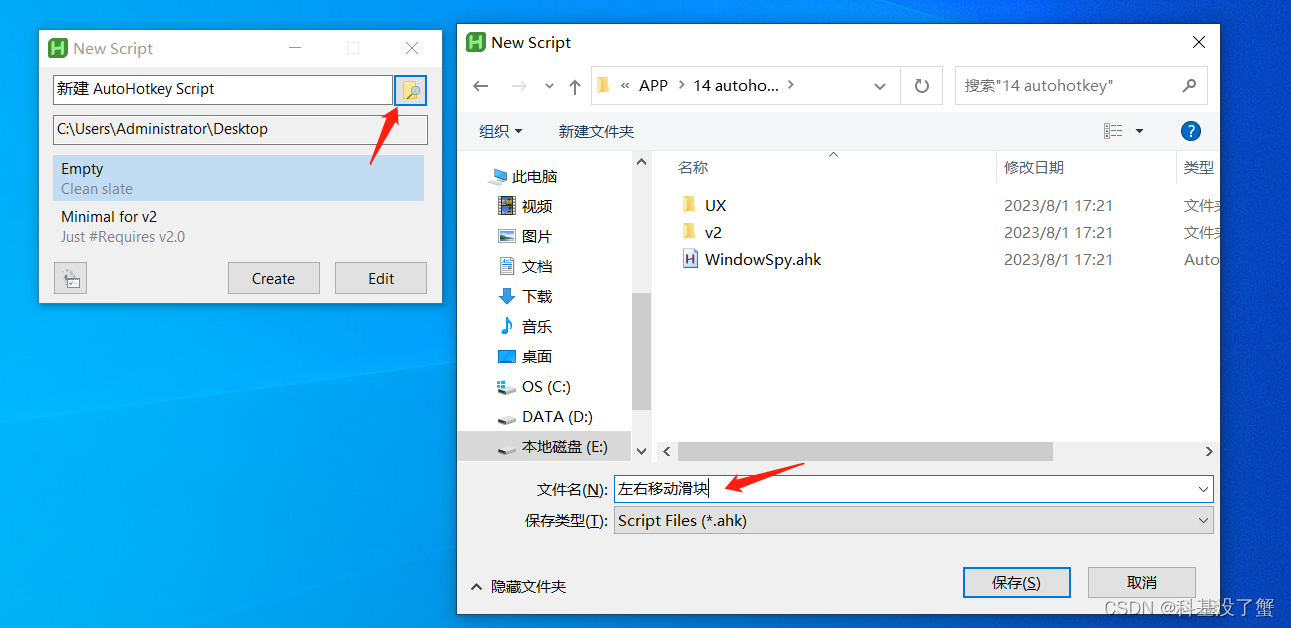
选择合适的位置进行保存
右键点击新建的ahk文件,用记事本打开,粘贴下面的代码
#NoEnv  ; Recommended for performance and compatibility with future AutoHotkey releases.
; #Warn  ; Enable warnings to assist with detecting common errors.
SendMode Input  ; Recommended for new scripts due to its superior speed and reliability.
SetWorkingDir %A_ScriptDir%  ; Ensures a consistent starting directory.

;################################################################
; Shift + Wheel for horizontal scrolling
;################################################################
+WheelDown::
Send, {WheelRight}
Return

+WheelUp::
Send, {WheelLeft}
Return
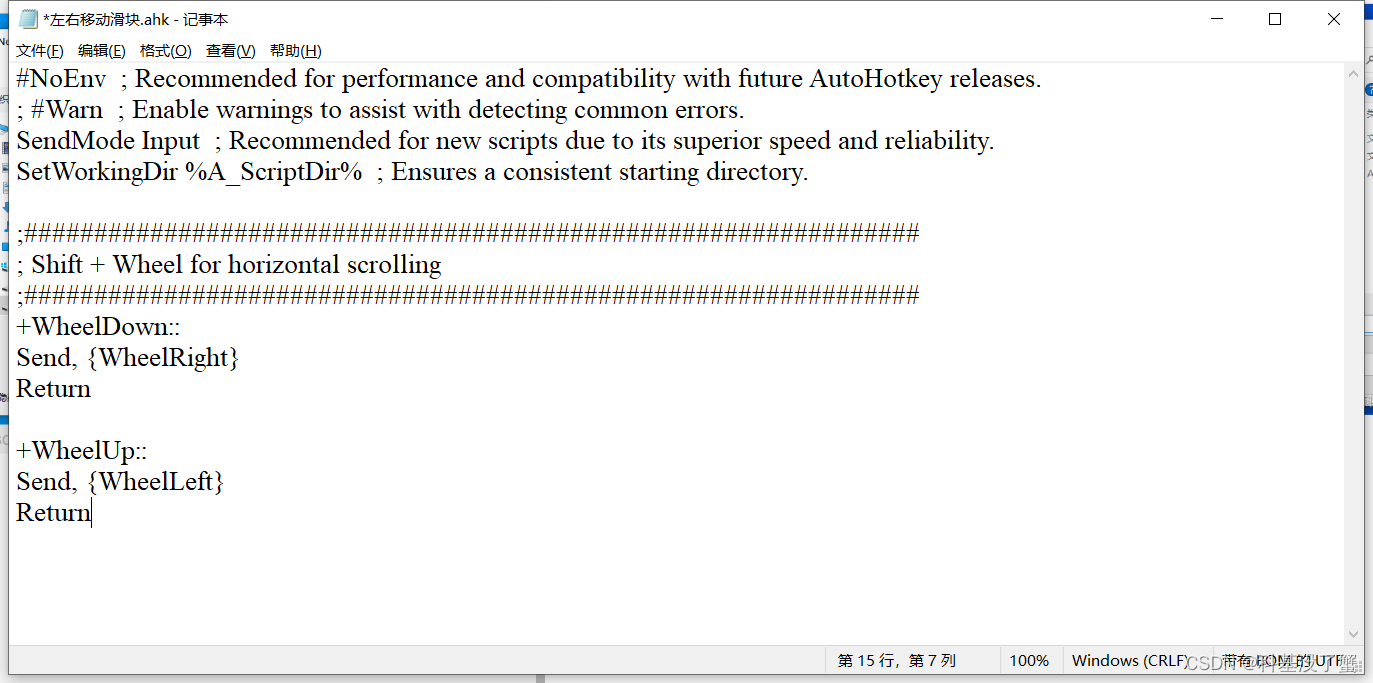
保存,然后关闭
然后双击它,点击“是”
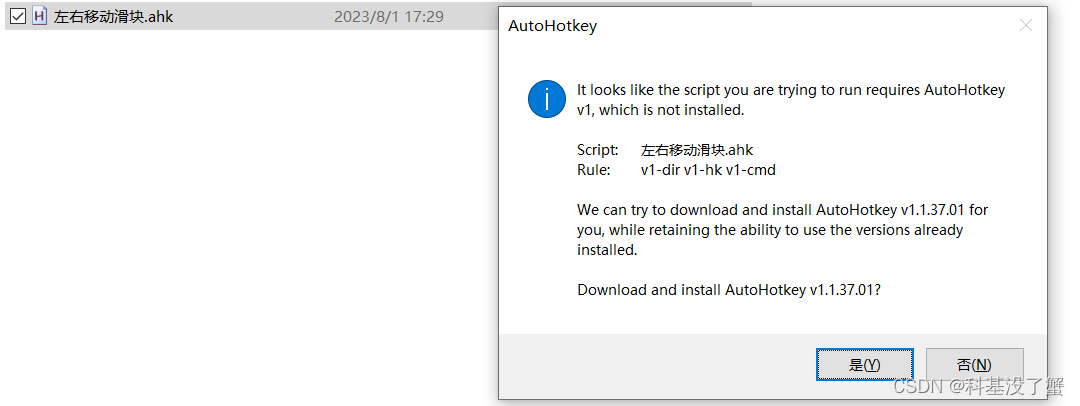
如果不可以移动,重新选中点击右键 run script
或者关闭OneNote重试





 扫一扫
扫一扫


 404
404

 被折叠的 条评论
为什么被折叠?
被折叠的 条评论
为什么被折叠?
 到【灌水乐园】发言





