小案例带你揭秘JS事件
### 什么是事件?
- 在js中一个事件的组成由那些呢?
- 谁触发事件:事件源
- 触发什么事件: 事件的类型
- 触发事件干什么事:事件处理函数
事件传播的过程
- 捕获阶段
- 就是从window事件处理函数开始,依次向内,只要事件目标的事件处理函数都会执行
- 执行顺序是从上到下的函数执行顺序
- 目标阶段
- 冒泡阶段
- 从事件目标的时间处理函数开始,依次向外,知道window的事件处理函数触发
- 执行顺序是从内到外的
事件委托
- 就是我们把要做的事情委托给别人做
- 因为存在冒泡机制,点击子元素的时候,实际上也会同步触发父元素的相同事件
- 所以我们可以把子元素的时间委托给父元素来监听
常见事件
- 我们在写页面的时候经常用到的一些事件
- 大致分为几类,浏览器事件 / 鼠标事件 / 键盘事件 / 表单事件 / 触摸事件
- 不需要都记住,但是大概要知道
浏览器事件
load : 页面全部资源加载完毕scroll : 浏览器滚动的时候触发- …
鼠标事件
click :点击事件dblclick :双击事件contextmenu : 右键单击事件mousedown :鼠标左键按下事件mouseup :鼠标左键抬起事件mousemove :鼠标移动mouseover :鼠标移入事件mouseout :鼠标移出事件mouseenter :鼠标移入事件mouseleave :鼠标移出事件- …
键盘事件
keyup : 键盘抬起事件keydown : 键盘按下事件keypress : 键盘按下再抬起事件- …
表单事件
change : 表单内容改变事件input : 表单内容输入事件submit : 表单提交事件- …
触摸事件
touchstart : 触摸开始事件touchend : 触摸结束事件touchmove : 触摸移动事件- …
事件案例
<!DOCTYPE html>
<html lang="en">
<head>
<meta charset="UTF-8">
<meta name="viewport" content="width=device-width, initial-scale=1.0">
<meta http-equiv="X-UA-Compatible" content="ie=edge">
<title>Document</title>
<style>
body {
margin: 0;
padding: 0;
}
div {
width: 100px;
height: 30px;
position: absolute;
bottom: 0;
left: 0;
border: 1px solid #eeeeee;
background-color: aqua;
box-sizing: border-box;
line-height: 30px;
text-align: center;
}
</style>
</head>
<body>
<div></div>
<script>
var div_ele = document.querySelector("div");
document.onmousemove = function( evt ){
var e = evt || event
var client_x = e.clientX;
var client_y = e.clientY;
div_ele.innerHTML = "x:" + client_x + " y:" + client_y;
}
</script>
</body>
</html>
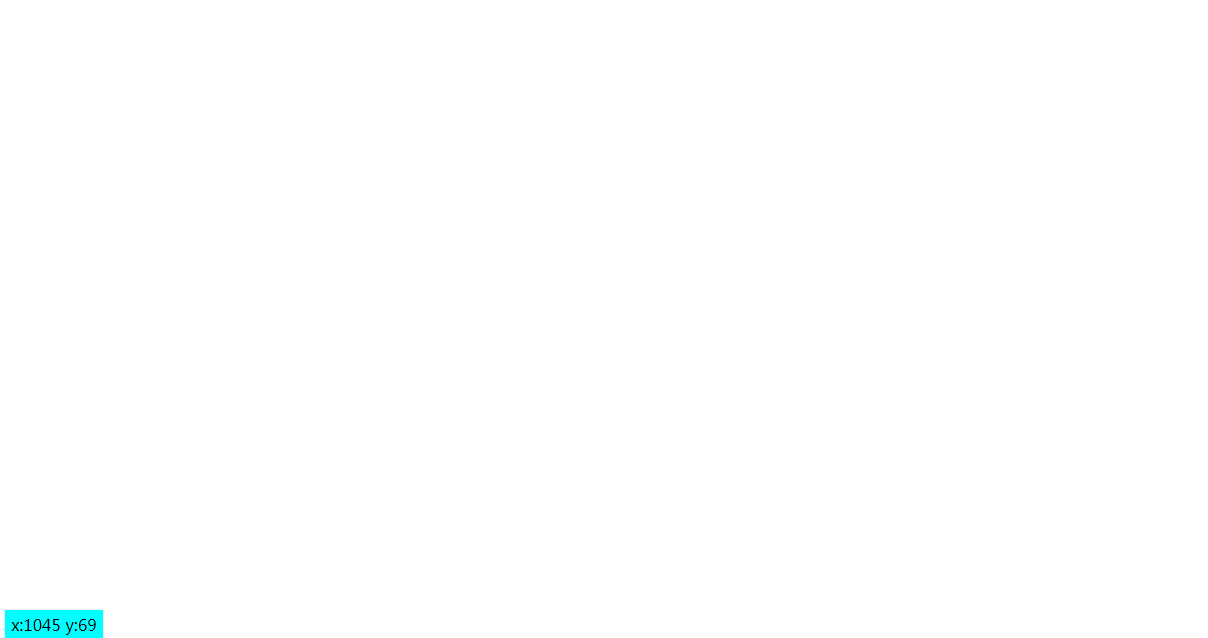
<!DOCTYPE html>
<html lang="en">
<head>
<meta charset="UTF-8">
<meta name="viewport" content="width=device-width, initial-scale=1.0">
<meta http-equiv="X-UA-Compatible" content="ie=edge">
<title>Document</title>
<style>
body,
ul,
li {
margin: 0;
padding: 0;
}
li {
list-style: none;
}
.container {
width: 150px;
height: 30px;
margin: 30px auto;
}
span {
display: block;
width: 150px;
height: 30px;
border: 1px solid black;
line-height: 30px;
}
.list {
width: 150px;
height: 30px;
display: none;
}
.list li {
width: 150px;
height: 30px;
border: 1px solid black;
border-top: none;
cursor: pointer;
}
.list .active {
background: skyblue;
}
</style>
</head>
<body>
<div class="container">
<span>请选择</span>
<ul class="list">
<li>HTML</li>
<li>CSS</li>
<li>JavaScript</li>
<li>Java</li>
<li>Python</li>
</ul>
</div>
<script>
var container = document.querySelector(".container");
var list_ele = document.querySelector(".list");
var li_eles = list_ele.querySelectorAll(".list li");
container.addEventListener("click", function (evt) {
var e = evt || event;
var target = e.target || e.srcElement;
if (target.nodeName === "SPAN") {
list_ele.style.display = "block";
li_eles = list_ele.children;
for (var i = 0; i < li_eles.length; i++) {
li_eles[i].addEventListener("mouseover", function () {
removeClassName(li_eles, "active");
this.className += "active";
});
li_eles[i].addEventListener("click", function () {
target.innerHTML = this.innerHTML;
removeClassName(li_eles, "active");
list_ele.style.display = "none";
})
}
}
});
document.addEventListener("click", function () {
list_ele.style.display = "none";
removeClassName(li_eles, "active");
}, true);
function removeClassName(eles, className) {
for (var i = 0; i < eles.length; i++) {
var class_name = eles[i].className.split(" ");
var active_index = class_name.indexOf(className);
if (active_index !== -1) {
class_name.splice(active_index, 1);
eles[i].className = class_name.join(" ");
}
}
}
</script>
</body>
</html>
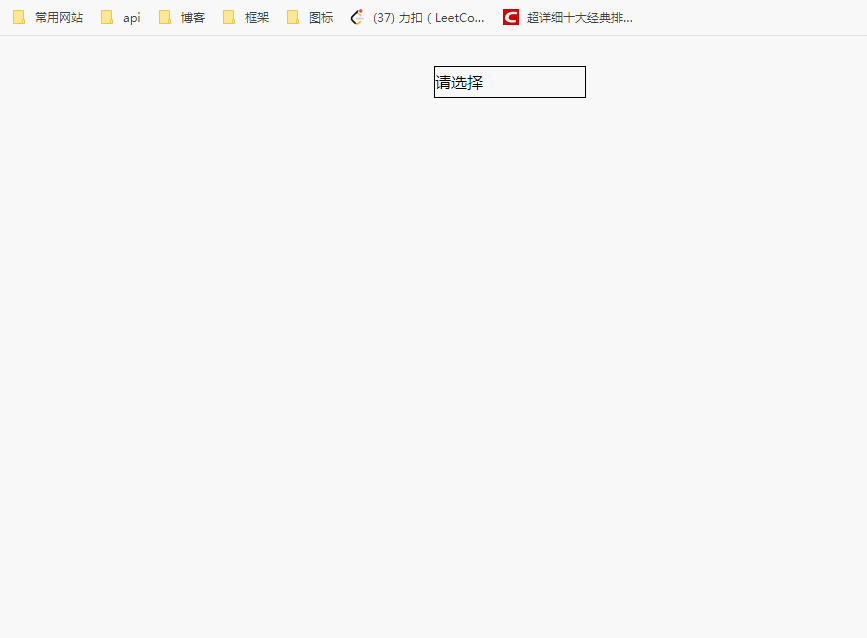
<!DOCTYPE html>
<html lang="en">
<head>
<meta charset="UTF-8">
<title>Title</title>
<style>
body {
margin: 0;
padding: 0;
}
#box {
width: 100px;
height: 100px;
background: teal;
position: absolute;
top: 0;
left: 0;
}
#replay {
position: absolute;
right: 0;
top: 0;
}
</style>
</head>
<body>
<div id="box"></div>
<button id="replay">回放</button>
<script>
(function () {
var box = document.getElementById("box");
var replay_btn = document.getElementById("replay");
var drag_start = false;
var offset_x = null;
var offset_y = null;
var c_w_max = (document.body.clientWidth || document.documentElement.clientWidth) - box.offsetWidth;
var c_h_max = (document.body.clientHeight || document.documentElement.clientHeight) - box.offsetHeight;
var replay_x_y_arr = [];
box.onmousedown = function (evt) {
var e = evt || event;
drag_start = true;
offset_x = e.offsetX;
offset_y = e.offsetY;
var replay_x = this.offsetLeft;
var replay_y = this.offsetTop;
replay_x_y_arr.push({ x: replay_x, y: replay_y });
}
document.onmousemove = function (evt) {
var e = evt || event;
if (drag_start === false) {
return false;
}
var left_x = e.clientX - offset_x;
var top_y = e.clientY - offset_y;
left_x = left_x <= 0 ? 0 : left_x;
left_x = left_x >= c_w_max ? c_w_max : left_x;
top_y = top_y <= 0 ? 0 : top_y;
top_y = top_y >= c_h_max ? c_h_max : top_y;
if (Math.abs(left_x - replay_x_y_arr[replay_x_y_arr.length - 1].x) >= 5 || Math.abs(top_y - replay_x_y_arr[replay_x_y_arr.length - 1].y) >= 5) {
replay_x_y_arr.push({ x: left_x, y: top_y });
}
box.style.left = left_x + "px";
box.style.top = top_y + "px";
}
box.onmouseup = function () {
drag_start = false;
}
var timer = null;
replay_btn.addEventListener("click", function () {
clearInterval(timer);
timer = setInterval(function () {
var item_val = replay_x_y_arr.pop();
box.style.left = item_val.x + "px";
box.style.top = item_val.y + "px";
if (replay_x_y_arr.length === 0) {
clearInterval(timer);
}
}, 50)
});
})();
</script>
</body>
</html>
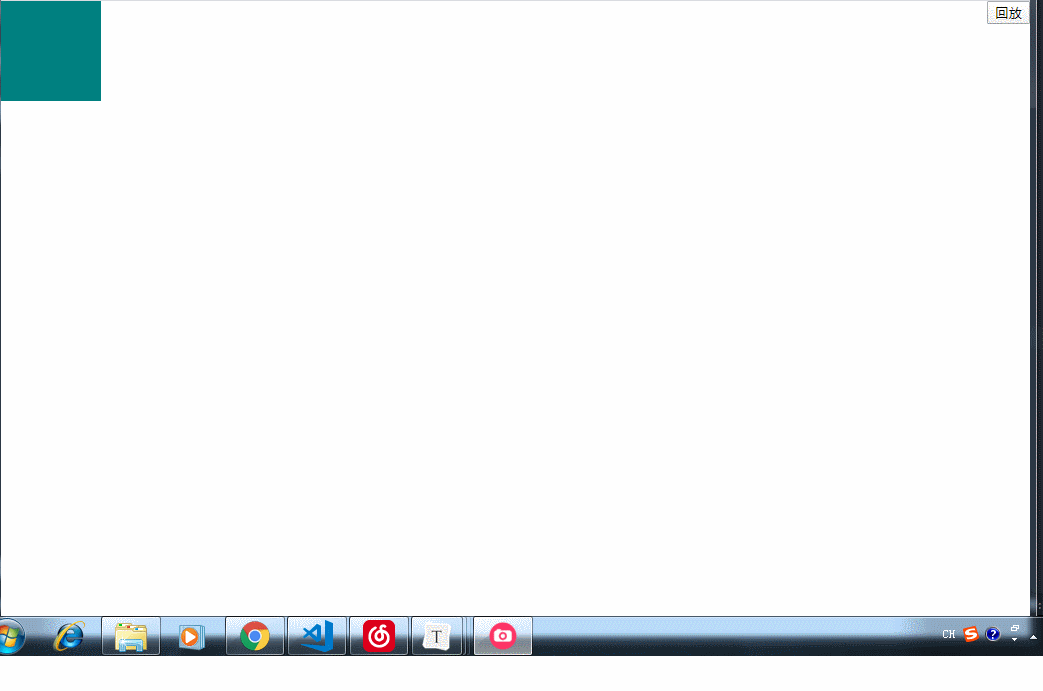
- 顺表提起一下一些常见的默认事件
a标签的点击会默认跳转地址事件submit点击后表单会直接提交事件contentmenu浏览器奶鼠标右键弹出浏览器菜单事件
- 如何禁止这些默认事件
- 非IE浏览器使用
event.preventDefault(); - IE浏览器使用
event.returnValue = false;
- 阻止默认事件的兼容写法
<a href="https://www.baidu.com">点击我试试</a>
<script>
	var oA = document.querySelector('a')

  a.addEventListener('click', function (e) {
    e = e || window.event

    console.log(this.href)

    e.preventDefault ? e.preventDefault() : e.returnValue = false
  })
</script>
- 顺表提起一下一些常见的默认事件
a标签的点击会默认跳转地址事件submit点击后表单会直接提交事件contentmenu浏览器奶鼠标右键弹出浏览器菜单事件
- 如何禁止这些默认事件
- 非IE浏览器使用
event.preventDefault(); - IE浏览器使用
event.returnValue = false;
- 阻止默认事件的兼容写法
<a href="https://www.baidu.com">点击我试试</a>
<script>
	var oA = document.querySelector('a')

  a.addEventListener('click', function (e) {
    e = e || window.event

    console.log(this.href)

    e.preventDefault ? e.preventDefault() : e.returnValue = false
  })
</script>



 本文深入解析JavaScript事件机制,涵盖事件源、事件类型、事件处理函数及事件传播过程。通过实例展示事件委托、常见事件应用及事件处理技巧,如鼠标坐标定位、下拉菜单模拟与图片拖拽。





 扫一扫
扫一扫


 344
344

 被折叠的 条评论
为什么被折叠?
被折叠的 条评论
为什么被折叠?
 到【灌水乐园】发言





