


 文章讲述了在Vue.js应用中如何动态设置<div>元素的高度。通过数据绑定和计算属性,结合CSS的calc函数,调整元素高度以适应页面布局,同时考虑了logo区域的高度。此方法用于实现响应式和自适应的界面设计。
动态设置高度
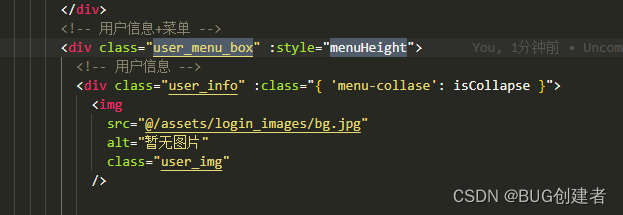
  <div class="user_menu_box" :style="menuHeight">
          <!-- 用户信息 -->
          <div class="user_info" :class="{ 'menu-collase': isCollapse }">
            <img
              src="@/assets/login_images/bg.jpg"
              alt="暂无图片"
              class="user_img"
            />
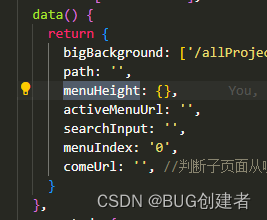
 data() {
    return {
      bigBackground: ['/allProject', '/approvalList', '/agentProjectList','/workBench'],
      path: '',
      menuHeight: {},
      activeMenuUrl: '',
      searchInput: '',
      menuIndex: '0',
      comeUrl: '', //判断子页面从哪个列表来
    }
  },

 // 设置卡片列表高度
    setMenuHeight() {
      this.$nextTick(() => {
        const layoutHeight = this.$refs.layoutHeight.offsetHeight
        const logoHeight = this.$refs.logoHeight.offsetHeight
        let logoHeights=logoHeight+'px'
        this.menuHeight = {height: 'calc(100vh - '+logoHeights+')'}

      })
    },





 扫一扫
扫一扫


 530
530


 被折叠的 条评论
为什么被折叠?
被折叠的 条评论
为什么被折叠?
 到【灌水乐园】发言




