



 本文介绍如何在云端目录中创建Node.js云函数,并通过微信小程序调用这些云函数实现简单的功能测试。涵盖从本地环境搭建到云函数部署及前端调用的全过程。
I’ll never finish falling in love with you.
自己编写云服务(后台)
- 在目录
cloudfunctions上右键,新建node.js云函数
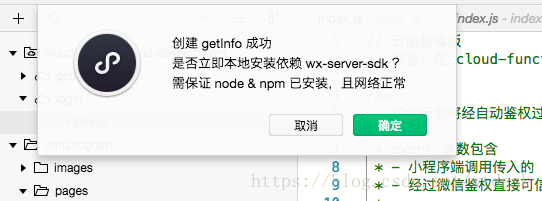
开发者工具会自动打开终端
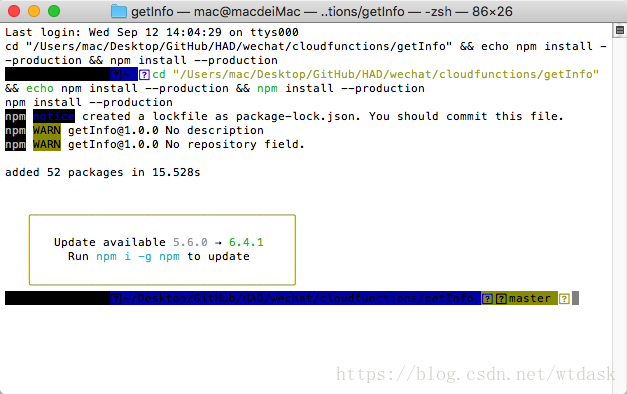
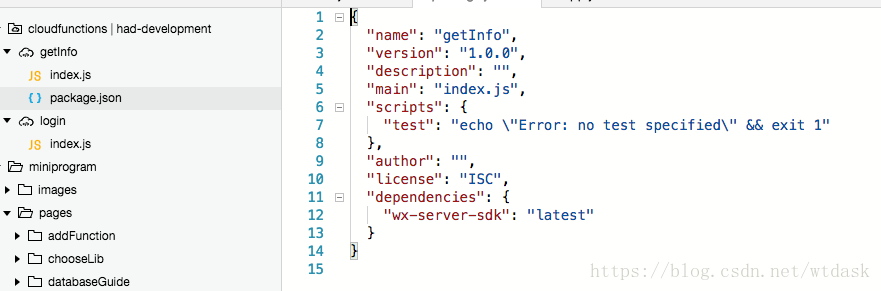
package.json是npm的配置文件,npm是nodejs的包管理工具
注意:云函数的运行环境是 Node.js,因此在本地安装依赖时务必保证已安装 Node.js,同时 node 和 npm 都在环境变量中。
- 查看并编辑
index.js文件
// 云函数入口文件
const cloud = require('wx-server-sdk')

//初始化
cloud.init()

// 云函数入口函数
exports.main = async (event, context) => {
  return event
}右键上传并部署
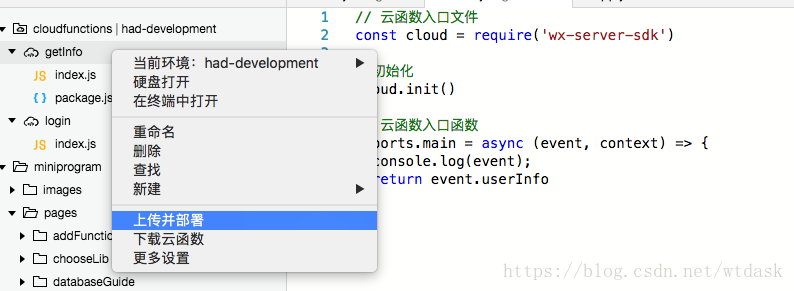
在miniprogram/pages/index/index.wxml添加前端代码进行测试
<!-- 测试getInfo云函数 -->
   <view class="getInfo">
    <button class="userinfo-nickname" bindtap="getInfoClick">测试getInfo云函数</button>
  </view>
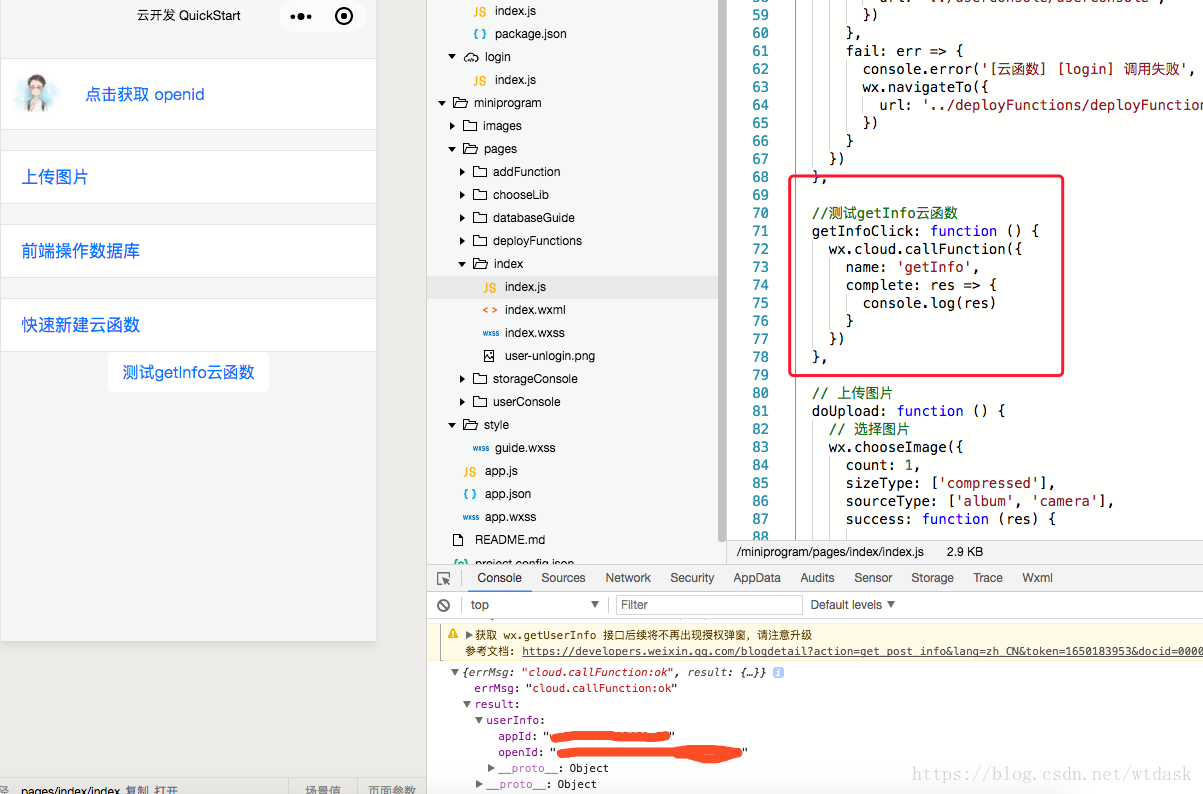
index.js文件
 //测试getInfo云函数
  getInfoClick: function () {
    wx.cloud.callFunction({
      name: 'getInfo',
      complete: res => {
        console.log(res)
      }
    })
  },





 扫一扫
扫一扫


 4267
4267

 被折叠的 条评论
为什么被折叠?
被折叠的 条评论
为什么被折叠?
 到【灌水乐园】发言





