


 文章讨论了两个技术问题:Issue1中关于前端开发中不允许添加额外属性的提示,以及如何在Issue2中通过终端手动解决Docker拉取dockerfile时的错误。展示了在前端添加任务后,访问localhost:3000并观察任务仍然可见的情况。
Issue 1:“Additional property develop is not allowed”
answer:'develop' replace by 'x-develop'
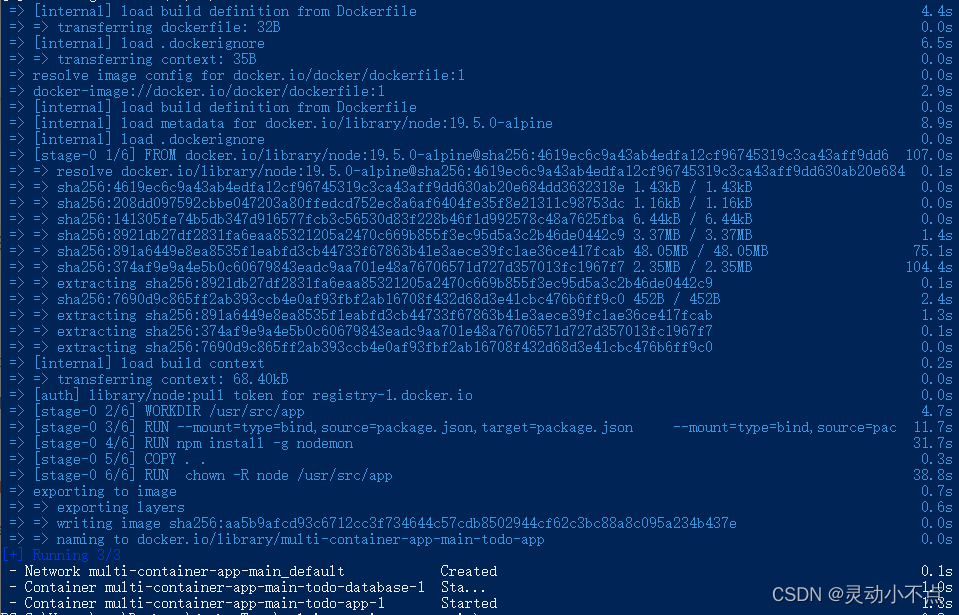
Issue 2:“=> ERROR resolve image config for docker.io/docker/dockerfile:1”
answer:'docker pull docker/dockerfile:1' by yourself in terminal
Successful picture as following:

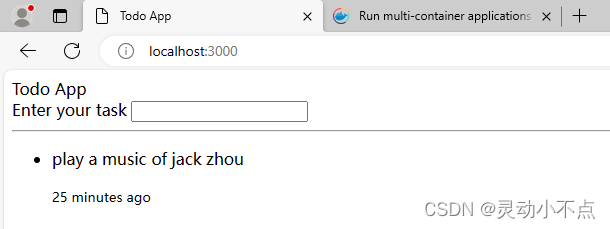
Add some todo tasks in the frontend, and then open http://localhost:3000 in a new browser tab. Notice that the tasks are still visible:





 扫一扫
扫一扫


 751
751


 到【灌水乐园】发言




