





 本文介绍了一个使用Delphi中TMSFNCRichEditor组件将多张图片添加到PDF文档的过程。通过放置TMSFNCRichEditor和popmenu组件,并编写特定的代码,可以实现将本地图片资源加载并排列于PDF文件中,最终保存为指定路径的PDF文档。
如题。
步骤。
1、放置tmsfncricheditor,popmenu组件。
2、编写代码。
procedure TForm1.pdf1Click(Sender: TObject);
begin
  Self.TMSFNCRichEditor1.Clear;
  Self.TMSFNCRichEditor1.AddImage('C:\Users\zhang\Pictures\2019-12-02\001.jpg', 525, 743);
  Self.TMSFNCRichEditor1.AddLineBreak;
  Self.TMSFNCRichEditor1.AddImage('C:\Users\zhang\Pictures\2019-12-02\002.jpg', 525, 743);
  Self.TMSFNCRichEditor1.AddLineBreak;
  Self.TMSFNCRichEditor1.AddImage('C:\Users\zhang\Pictures\2019-12-02\003.jpg', 525, 743);
  Self.TMSFNCRichEditor1.AddLineBreak;
  self.TMSFNCRichEditorPDFIO1.Save('d:\1.pdf');
end;
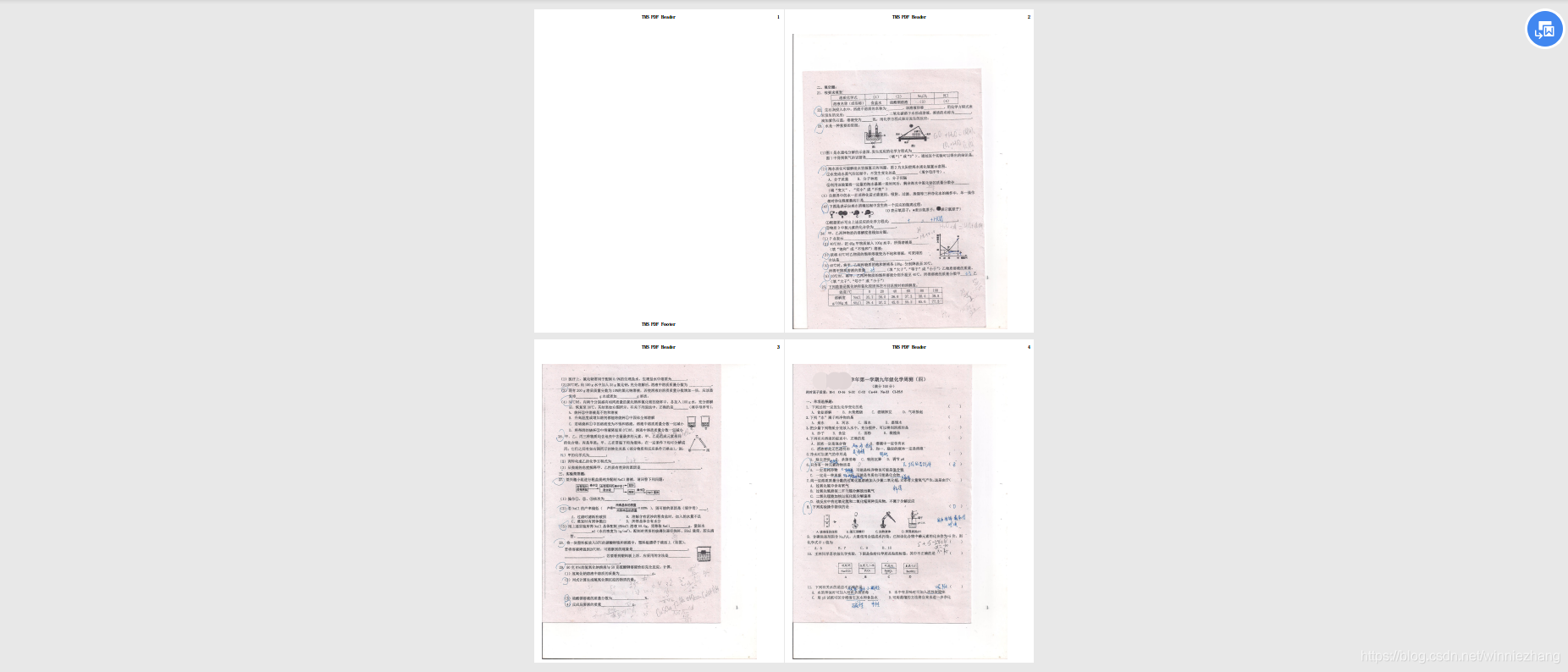
3、结果。





 扫一扫
扫一扫


 被折叠的 条评论
为什么被折叠?
被折叠的 条评论
为什么被折叠?
 到【灌水乐园】发言





